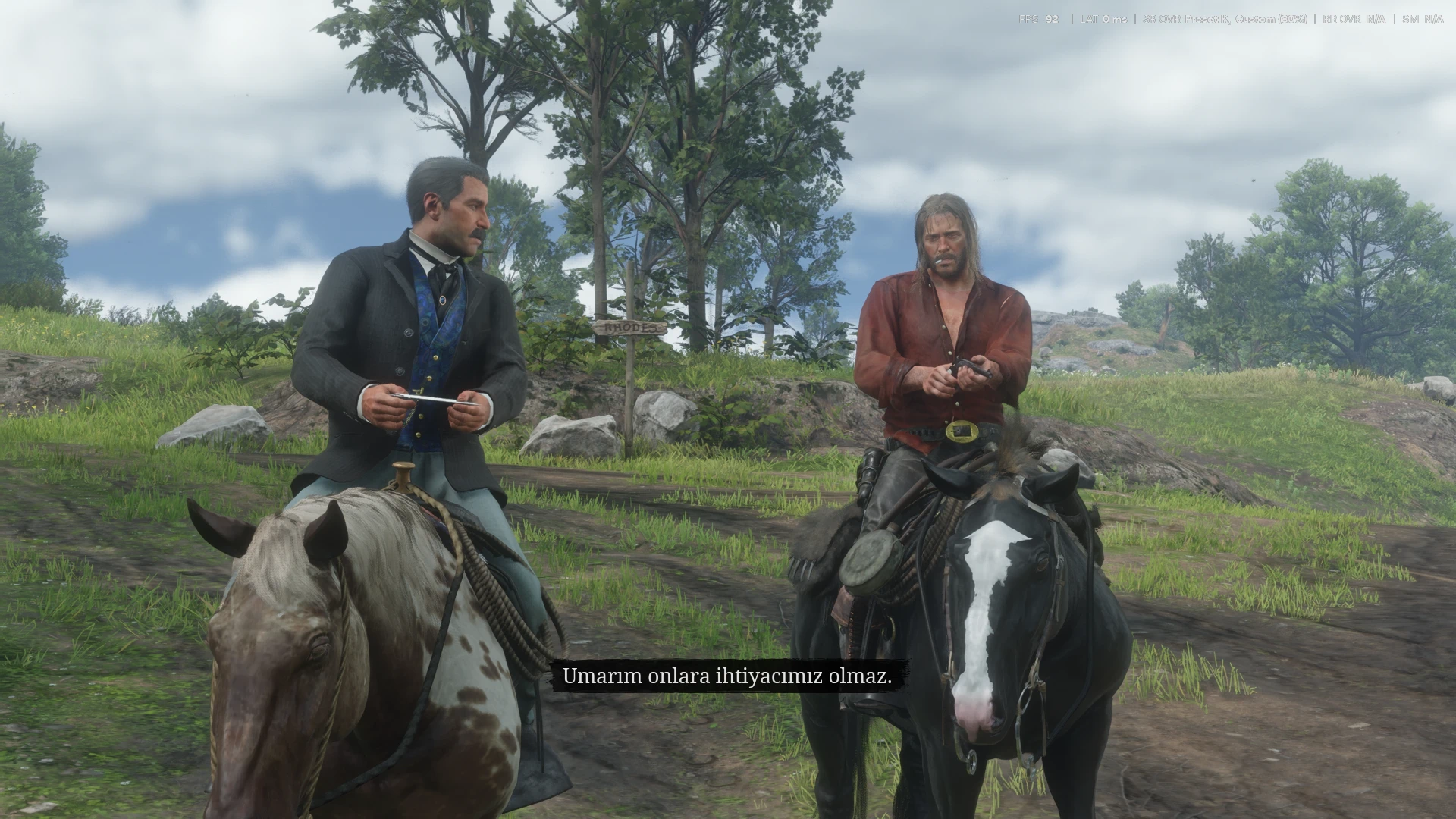
Removes the black cinematic bars (letterbox) from cutscenes, scripted scenes and the cinematic camera, without breaking missions.
Why another black bars mod?
The popular “No Black Bars” mod calls a native every frame that zeroes the game’s letterbox ratio. Mission scripts read that value, and some of them wait for the bars to appear, so those missions can get stuck.
No Black Bars Lite works differently. It only changes how the bars are drawn:
The letterbox system keeps running exactly as in the vanilla game. Scripts still see the bars, so missions behave normally.
The bars are drawn fully transparent. The game only skips rendering the area behind the bars when they are opaque, so the whole frame is rendered: no black strips, no empty areas.
Works in cutscenes, mission intros, scripted camera scenes and the cinematic camera.
Features
Safe fail: the mod looks for the exact game code. If it isn’t found (for example on another game version), it changes nothing.
Writes a small NoBlackBarsLite.log next to the asi saying whether it worked (“black bars hidden”).
NEW! On by default. Press Delete to toggle the bars back on / off (e.g. for a cinematic shot). The key can be changed in NoBlackBarsLite.ini (ToggleKey = key name like F9 / INSERT, a letter, a key code like 0x2E, or NONE).
Requirements
ScriptHookRDR2 (V2 works)
An ASI loader (e.g. Ultimate ASI Loader / dinput8.dll)
Installation
Copy NoBlackBarsLite.asi into the game folder (next to RDR2.exe).
If you used “No Black Bars”, remove NoBlackBars.asi first. Using both makes no sense.
Uninstall
Delete NoBlackBarsLite.asi (and NoBlackBarsLite.log).
Notes
Subtitles and HUD behave as in vanilla.
Credits:
mor3a
Downloads
| Name | Format | Size |
|---|---|---|
| NoBlackBarsLite-1.1.zip | ZIP | 4.04 KB |
To start download click the filename. To open archive files use one of these programs: WinRAR, 7-Zip, WinZip. Some mod archives may need to be extracted before the mods will work.