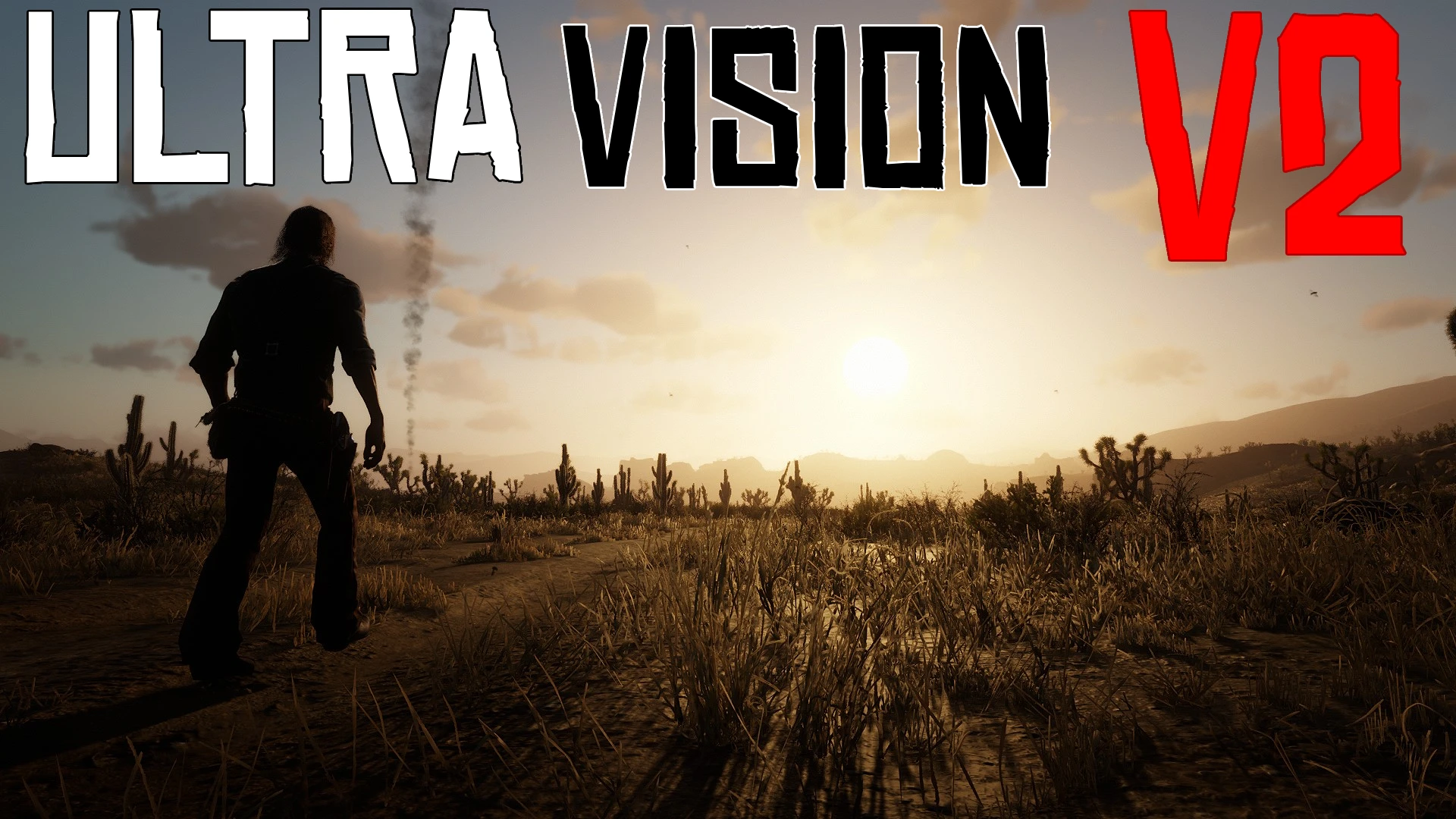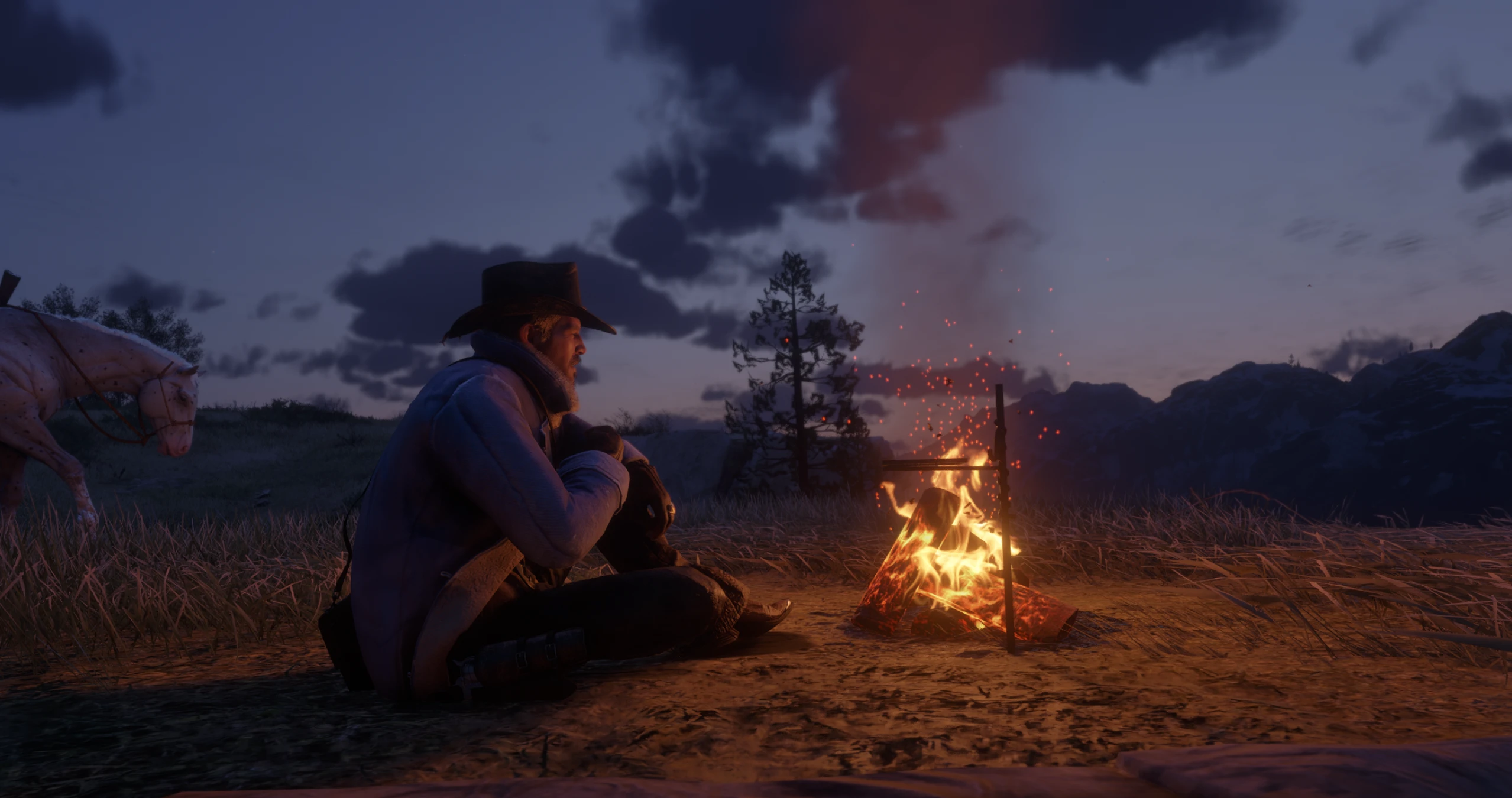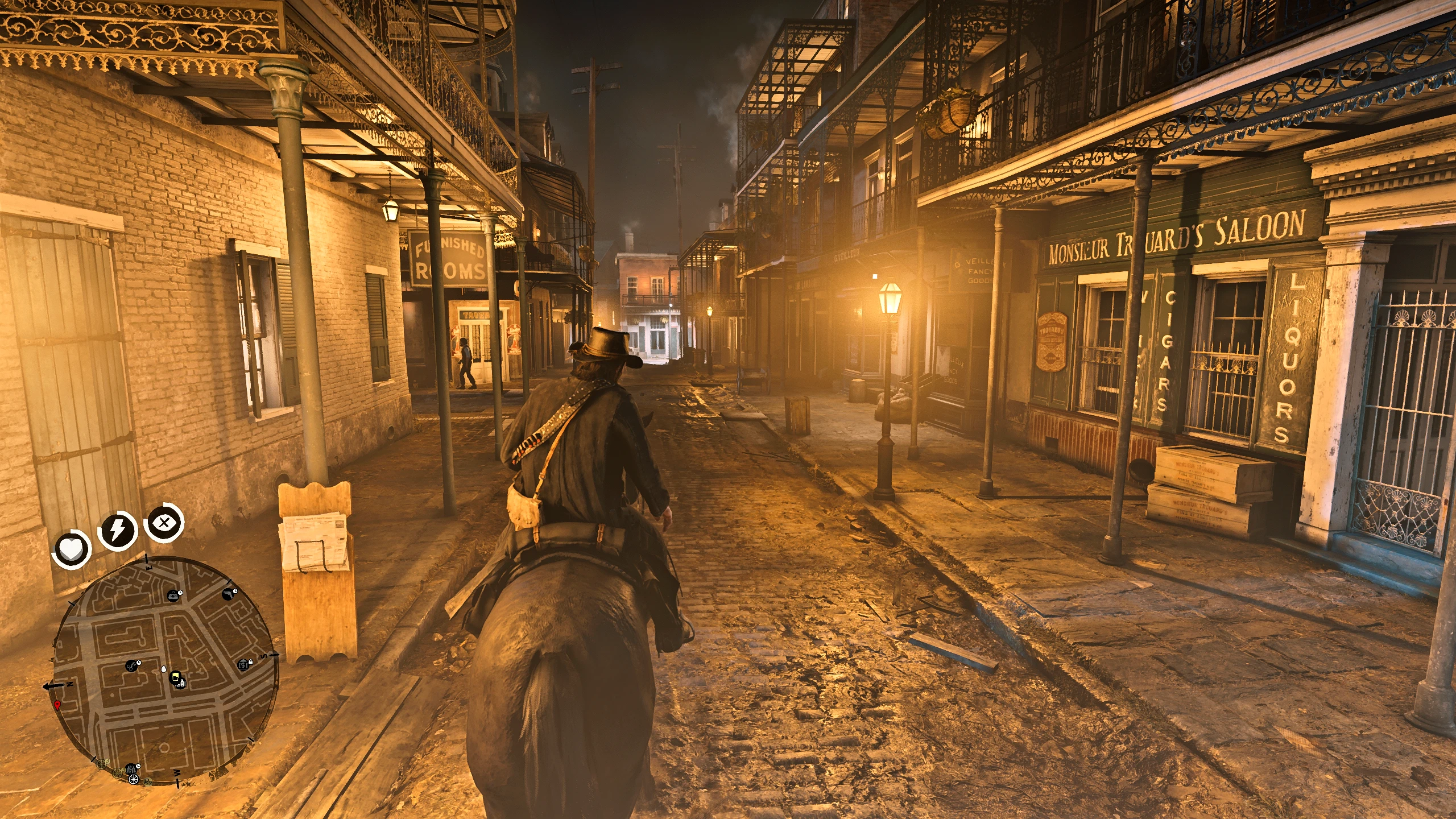
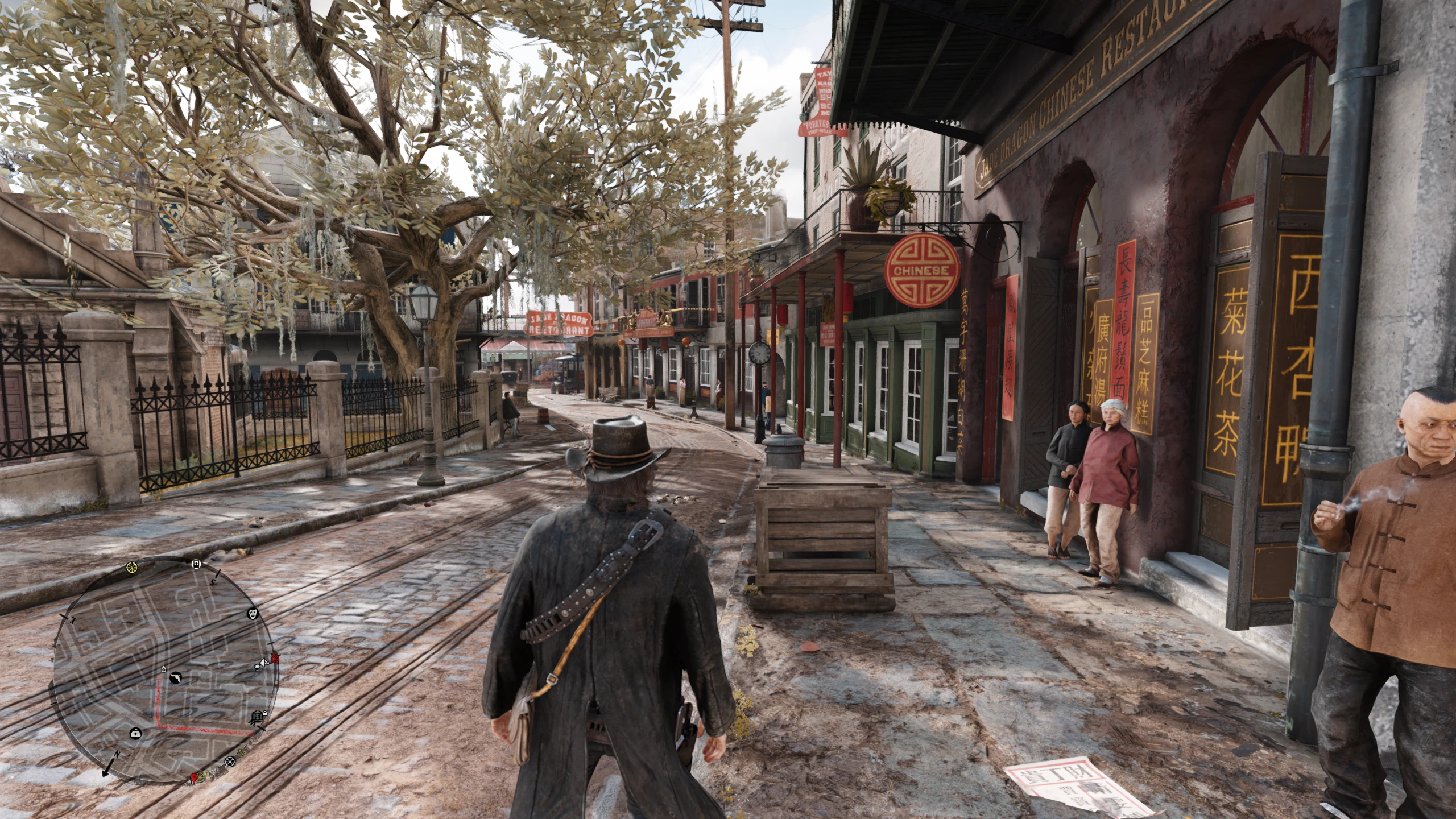
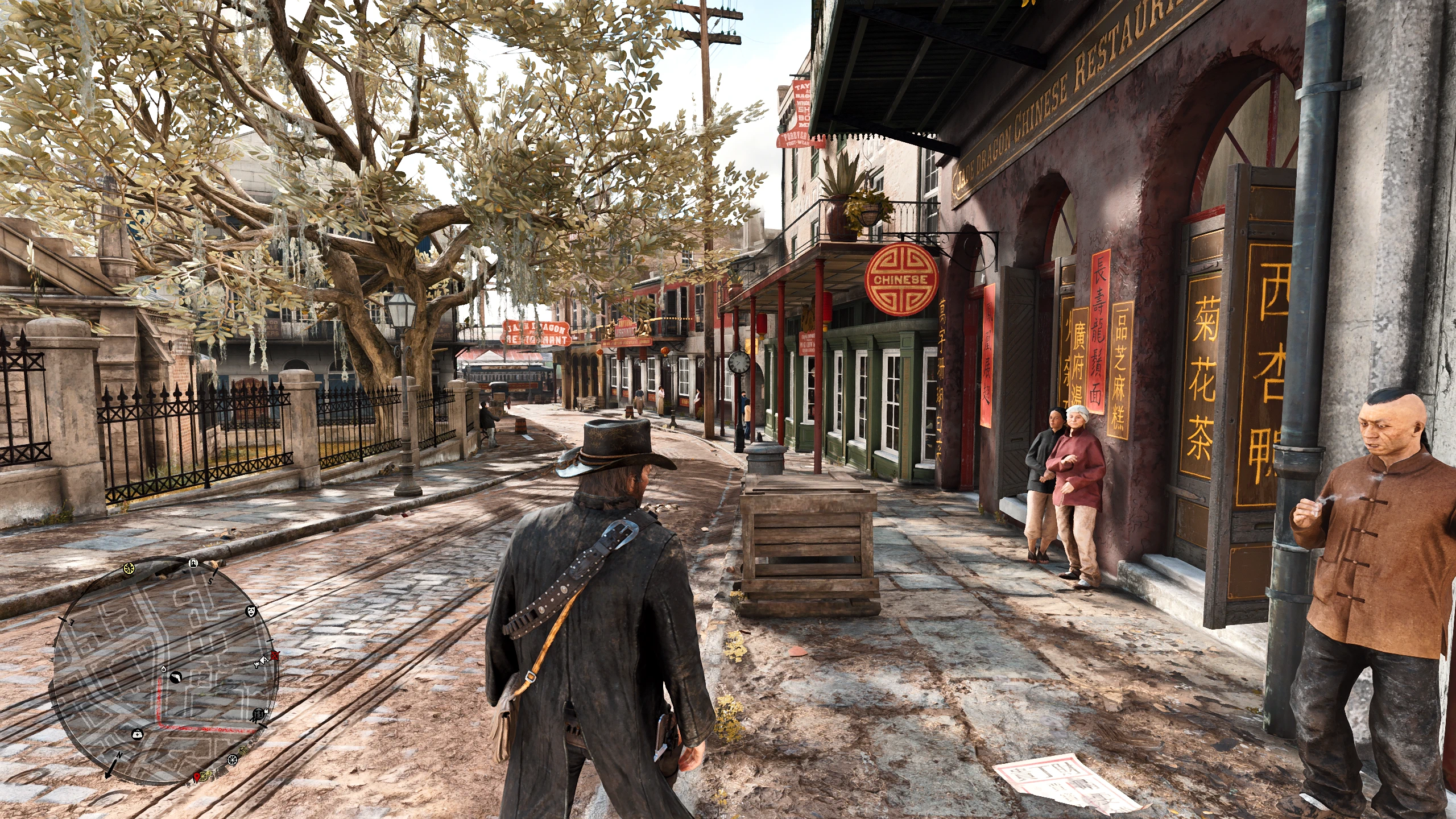
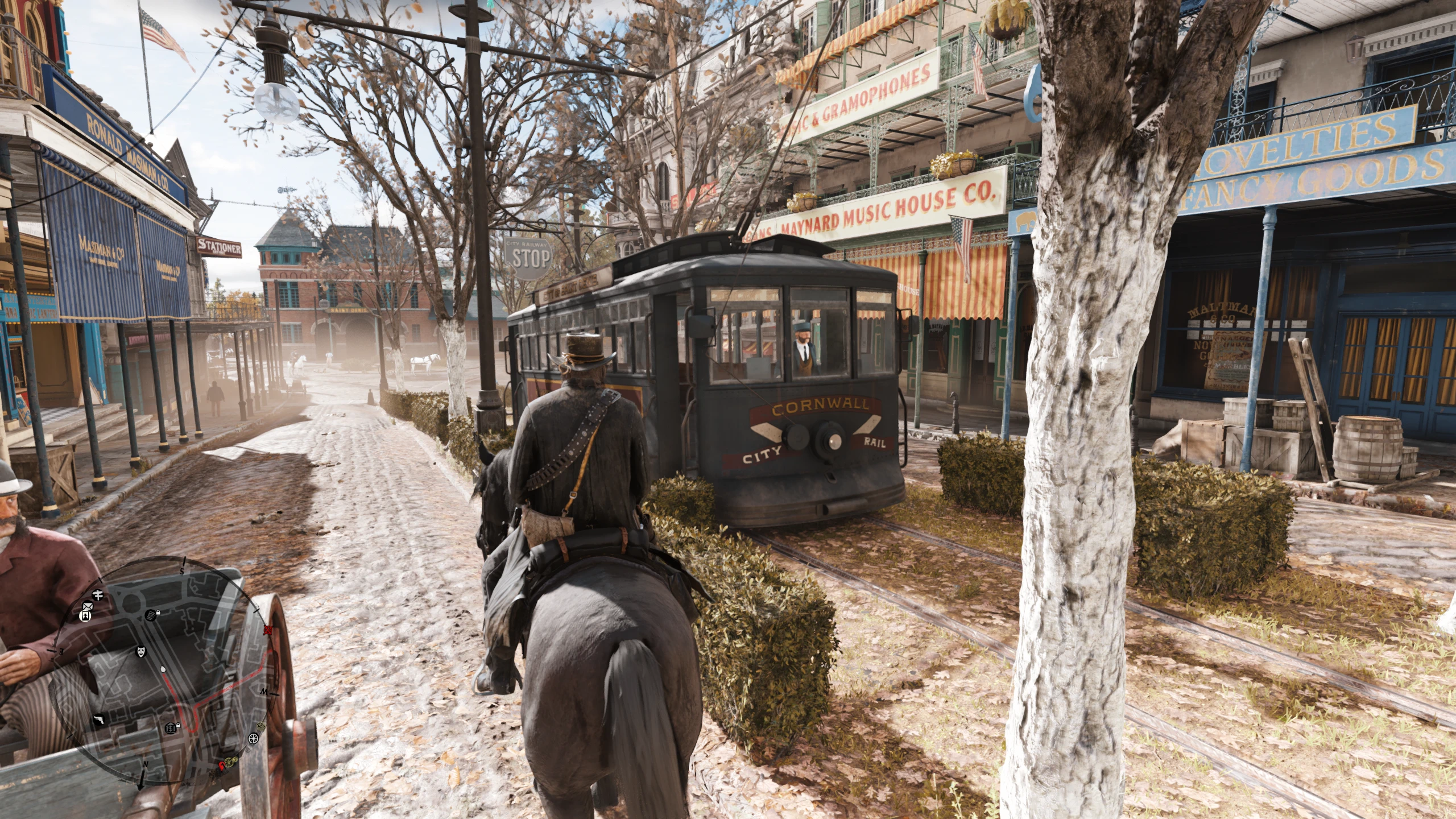
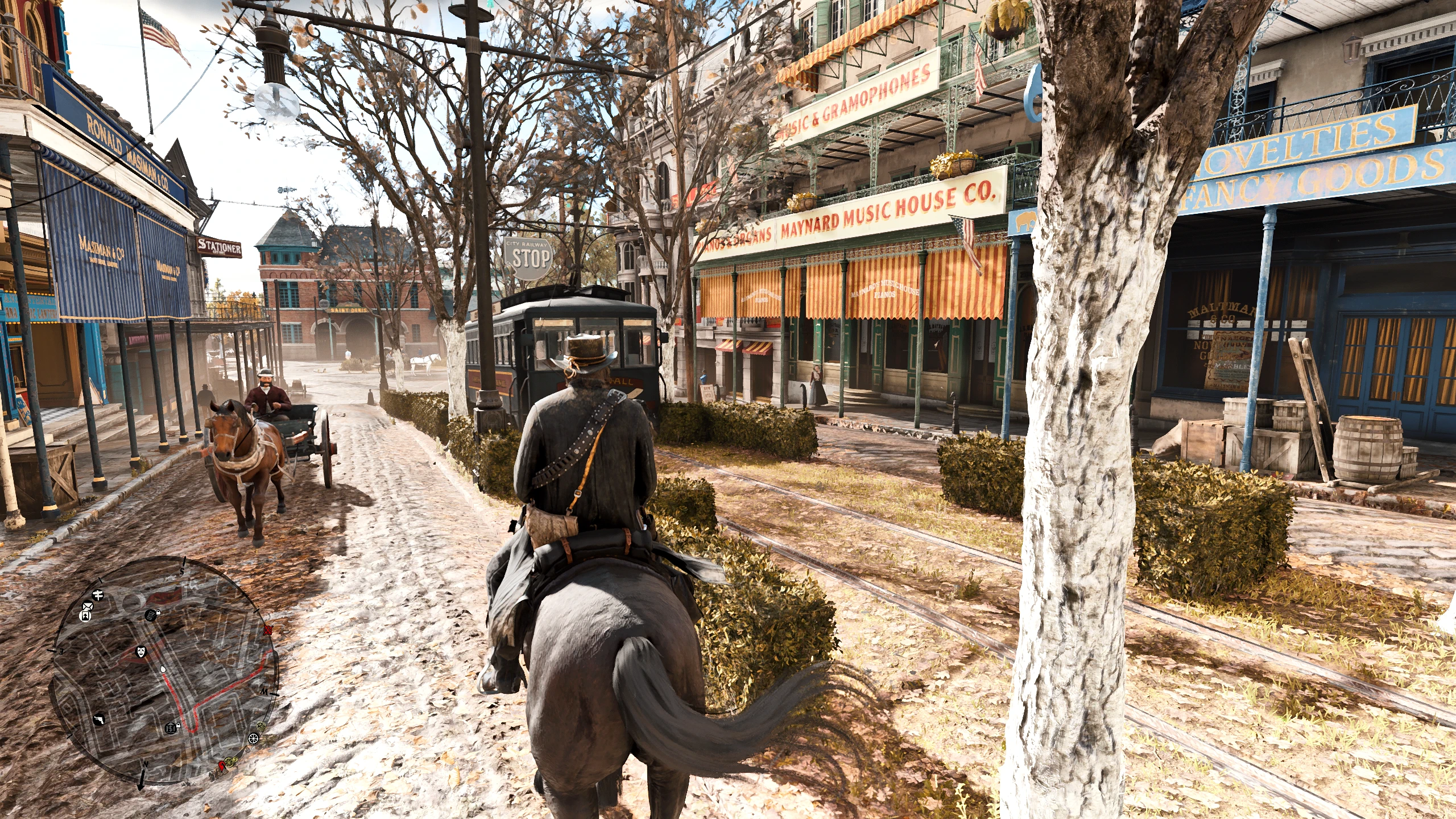
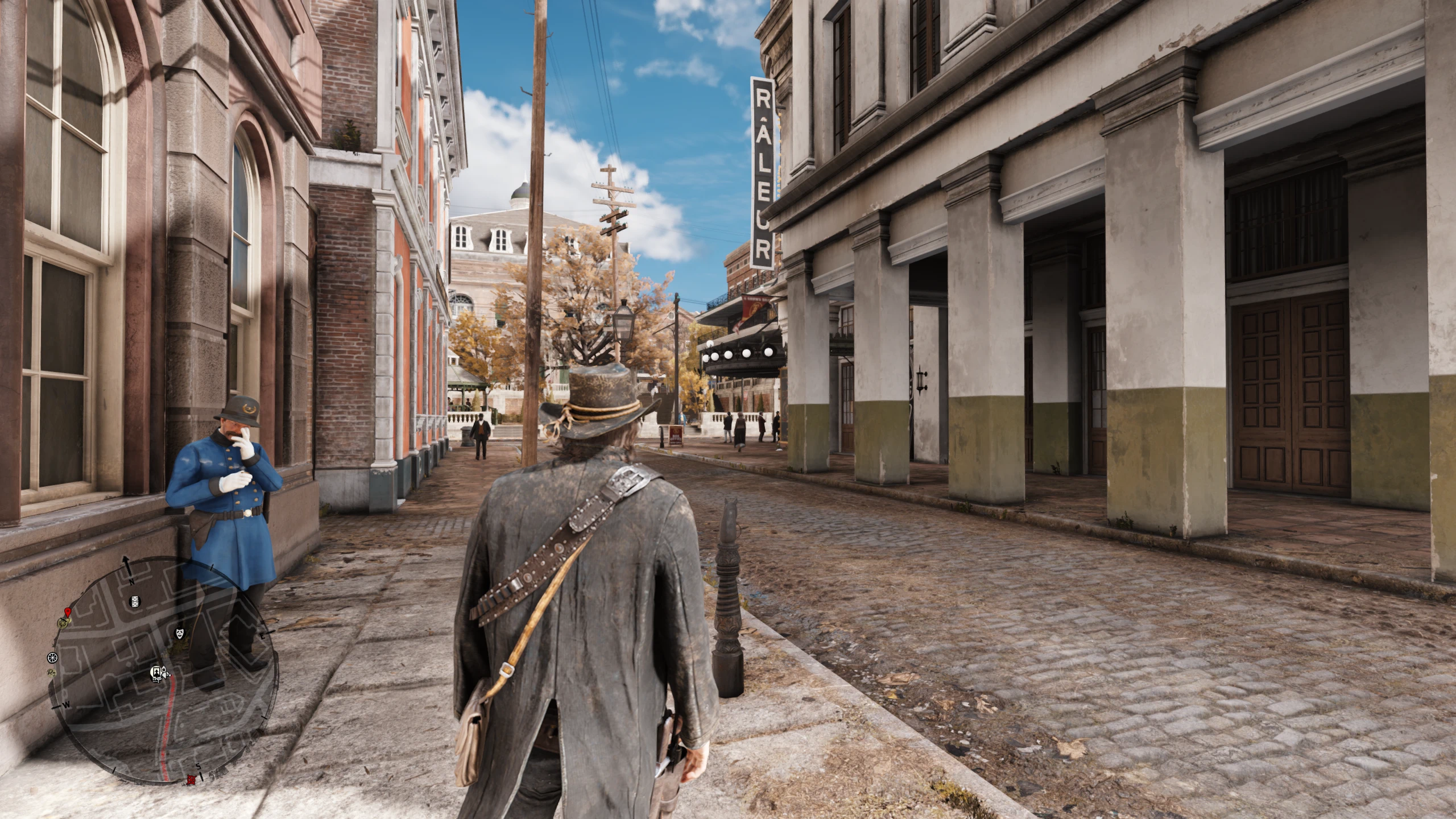
UlvoRixShade is a custom graphics preset I made for Red Dead Redemption 2 because I was honestly tired of how blurry the base game looks. Rockstar made a beautiful world, but the default graphics settings make everything look like it has a weird fog over it.
My main goal with this was to make the game look as realistic as possible without ruining the original vibe. I spent a ton of hours tweaking the settings so that everything looks crisp, clear, and true-to-life.
What this actually changes:
Completely Removes the Blur: It fixes the soft look of the game so that tree bark, grass, clothes, and distant mountains actually look sharp and detailed instead of smeared.
Realistic Lighting: I adjusted how the game handles shadows and highlights. The dark areas look deeper and more dramatic, but you can still see fine details instead of them just turning pitch black.
Natural Colors: The colors are slightly enhanced to look richer, but I didn’t go crazy with the saturation. It just looks like a clear, beautiful day outside.
Smooth Skies: It fixes those weird, ugly color lines you sometimes see in the sky during sunrises and sunsets, making the atmosphere blend perfectly.
Info & Performance
Performance Impact: Very minimal. You might lose 1–3 FPS depending on your graphics card, but it runs extremely smoothly. (i have a 7900XT)
Game Settings: Built and tested using the default in-game brightness. If it looks a little too dark or bright on your monitor, just adjust your in-game display settings slightly!
How to Install
If you’ve never used ReShade before, don’t worry, it’s super easy to set up. Just follow these steps:
Download and install the latest version of the official ReShade program from their website.
Run the ReShade installer, select Red Dead Redemption 2 from the list (or browse to your game folder and select
RDR2.exe
and select the
Vulkan or DirectX 10/11/12 option depending on what you are using. (recommended is Vulkan)
When it asks you to select effect packages to install, just check all the boxes to make sure you have the standard shader packs downloaded.
Download my ReShade
Extract the folder and drop it directly into your main RDR2 game directory (where your game exe is located).
Launch the game, press the Home key on your keyboard to open the ReShade menu, follow the quick tutorial, and select UlvoRixShade from the dropdown menu at the top.
Enjoy the game! If you like how it looks, please consider dropping an endorsement. Let me know what you think or if you have any questions in the posts section!
USED VISUAL MODS:
FLARE (Highly recommended)
Dynamic Seasons
TTO (Highly recommended)
Rain Particle Fix
BTaVE
A lot of upscaling mods for textures
Credits:
Ulvorix
Downloads
| Name | Format | Size |
|---|---|---|
| UlvoRixShade-Main.zip | ZIP | 12.87 KB |
To start download click the filename. To open archive files use one of these programs: WinRAR, 7-Zip, WinZip. Some mod archives may need to be extracted before the mods will work.