TM REAL WALK v1.0.0-beta4 – CHANGELOG
ENGLISH
NEW
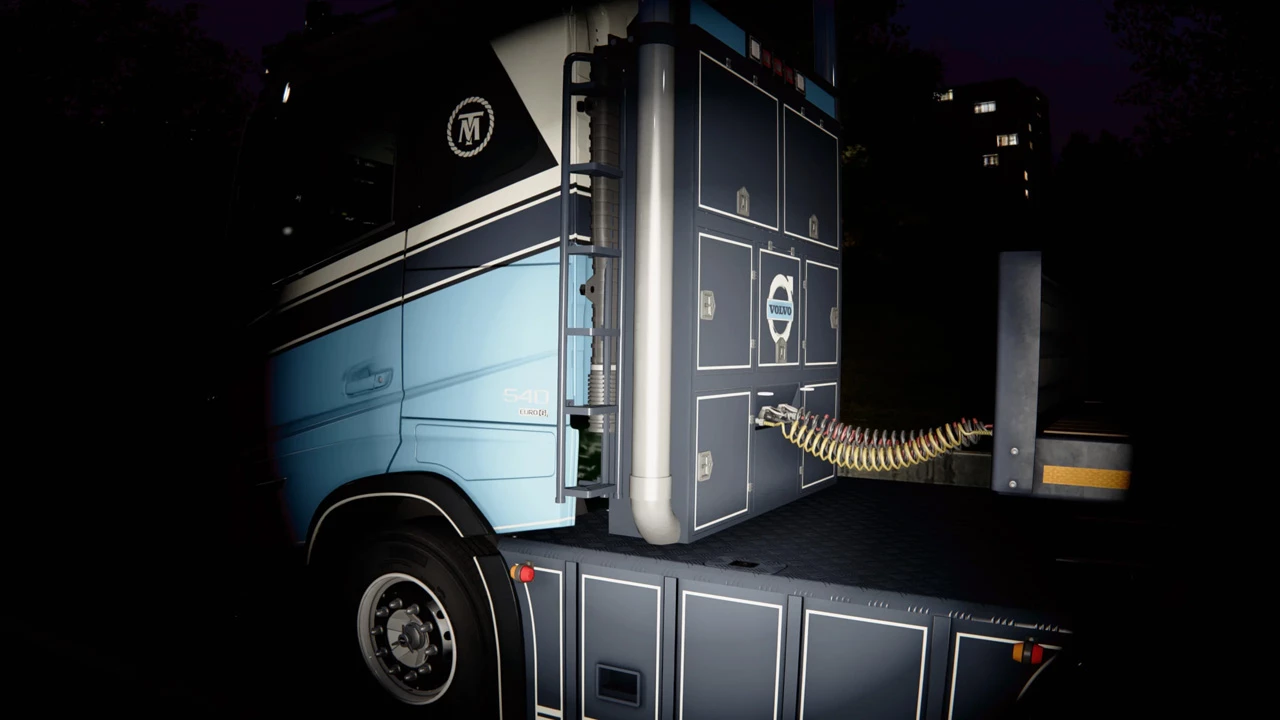
– Trailer on foot: uncouple step by step (lower the landing gear, detach the air hoses and cable, pull the fifth wheel pin)
and couple step by step (the fifth wheel locks as you back under, tug test, connect the hoses, raise the landing gear),
with a hand for each step and the game’s own air and landing gear sounds. New TRAILER tab in the menu.
– Hit by a vehicle: a moving vehicle that runs into you knocks you over. Impact flash, thrown and tumbling, a hard landing,
lying on the ground with a pounding heart and ringing ears; a hard hit (50 km/h+) makes you pass out for a moment.
You get up by yourself and stay dizzy for a few seconds (blurred, double vision, unsteady, no running).
A fall from more than 4 m knocks you down too. All adjustable in the SOUND/HIT tab.
– Flashlight hand: a hand holds the torch (right hand, or the left one while the right is busy), moving with the beam.
FIXED / IMPROVED
– Settings menu opens centred on the game’s picture (was cut off on some multi-monitor setups).
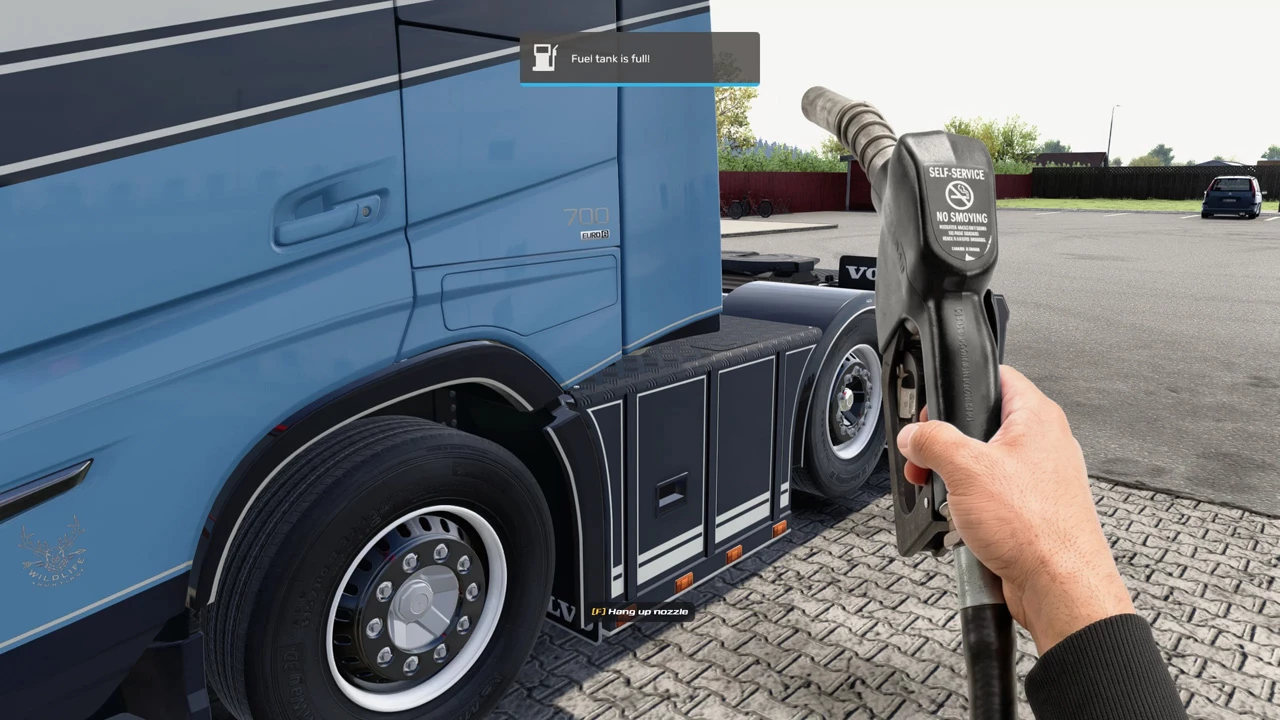
– Fuel: the [F] Fuel zone learns where your truck’s fuel cap is, per side; smaller default zone; refill after a partial fill.
– Hands are hidden while a game menu is open.
– (update) Fixed: after some minutes of walking near traffic the collision could switch off for the rest of the session
(you walked through everything until the game was restarted).
– (update 2) The plugin’s messages now appear in the game’s own notification box (top middle, the game’s look) while you
are in the cabin; on foot they show just under it.
– (update 2) New option MOVEMENT > ‘Show the on-screen [F] prompts’: switch it off for realistic footage (the F key still
works). INI: [walker] show_prompts = 0.
– (update 2) Fixed: slider values in the settings menu were drawn outside the window (not visible).
– (update 2) The [F] prompts are hidden while a game menu is open.
– (update 2) Tug test easier: pulling against the trailer in a forward gear for about 1.5 s passes it (the truck barely
moves with the trailer’s brakes locked, as in real life).
– (update 2) Fixed: ‘Only after looking at the door’ (head tracker / mouse look) never showed [F] Exit – it works now.
– (update 2) When the plugin tells you to get out (tug test, trailer steps), F works at once – no need to look at the door first.
– (update 2) Less bouncy walking: smaller head bob and sway by default, walking and running (people found it too bouncy); the ‘Light’ preset is now lighter than the default.
– (update 2) Getting out next to a pump island or a post: the free space beside the door is measured along the truck (not only straight out of the door), and pressing F / F10 again within 3 s gets you out anyway. Plugin messages at the fuel marker now show under the game’s fuel panel.
– (update 2) The flashlight now works by day too (it brings its own light when no street lamp is on). FLASHLIGHT > ‘Daytime flashlight’ (0 = street lamps only, 1 = own light by day, 2 = always own light).
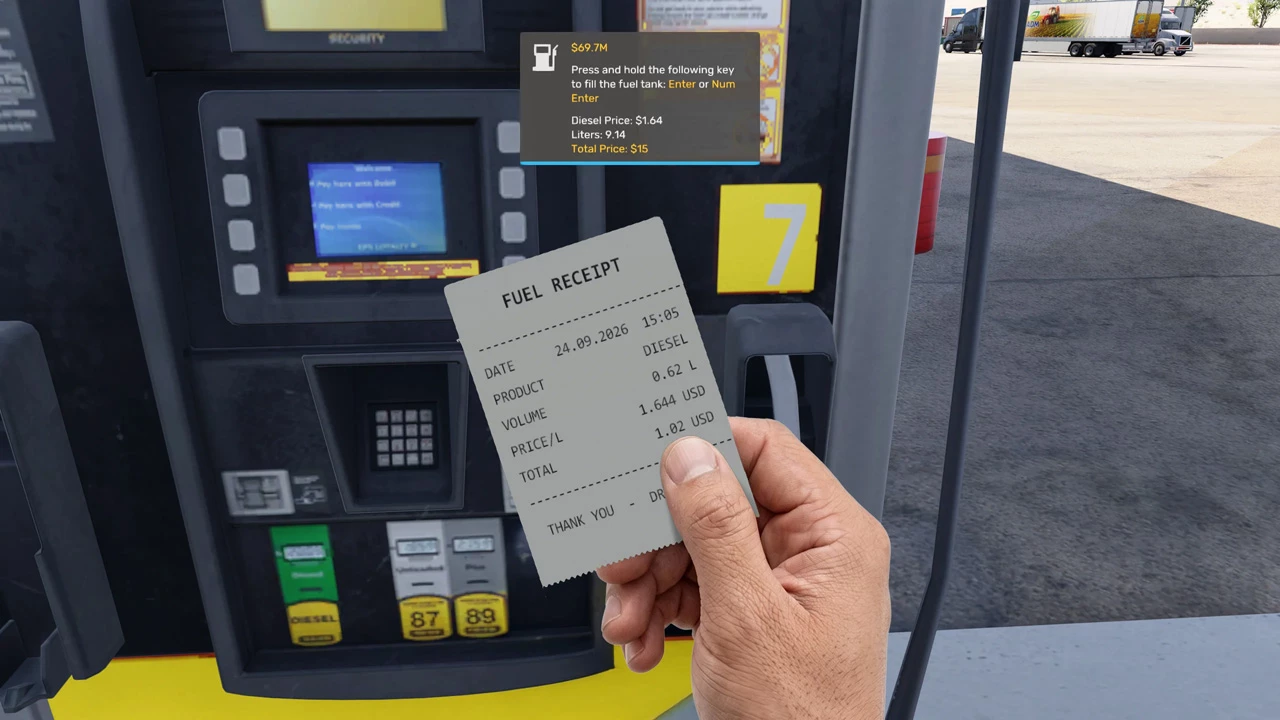
– (update 2) Fuel: a printed receipt can be taken with F right away (no need to turn and face the pump).
– (update 2) Fuel: the learned fuel cap position moves only a little with each fill (and stays within 0.6 m of the default), so one fill standing a bit off no longer shifts the [F] Fuel spot.
– (update 2) Fuel: the game’s fuel panel no longer says “press and hold Enter to fill the fuel tank”: it shows the next step on foot instead (pay at the pump, take the nozzle, fill up at the fuel cap, take the receipt).
– (update 2) Trailer steps without floating hands: at each step your body does the work – you bend down to the landing gear crank in a steady rhythm, lean in to the air hoses (a tug to take them off, a push to connect them), give the fifth wheel pin one hard pull, and squat to set a wheel chock, with your view turning toward the spot and back. The hand pictures are off by default (TRAILER tab: Hand animation; Body motion).
– (update 3) NEW: AdBlue (DEF in ATS). After you hang up the diesel nozzle the pump’s screen asks: F = take the blue AdBlue / DEF nozzle, hold F = the receipt straight away. The blue nozzle puts in the AdBlue the game added with the diesel (from about 20 L of diesel; INI [fuel] adblue_min), with its own hand picture and a soft flowing sound. The receipt shows diesel and AdBlue separately (litres and euro in ETS2, gallons and dollars in ATS), and still adds up to what the game charged.
– (update 3) The plugin’s sounds play on the device chosen in the game’s options (headset or speakers), and follow it when it is changed.
– (update 3) Fixed: the pump terminal screen cut its last line off.
– (update 3) The licence tab shows the author and links to his Facebook and Gumroad pages.
– (update 3) NEW: door animation when getting out and back in (menu WALK STYLE, ‘Door animation’; the camera never goes through the closed door – the game’s truck doors have no opening animation). Getting out: your head turns to the door as you push it open, a short blink, you stand on the top step and climb down 3 steps looking along the truck, and at the bottom you swing round to the door as you slam it shut. Getting in: the door opens, a blink, and you see the real cabin from beside the door as you climb in and sit down; the door slams and the cab rocks on its suspension. Off = the old fade. INI [walker] door_animation, door_step_time.
– (update 3) NEW: head tracker (TrackIR / opentrack) while walking: it turns your view outside too, and during the door animation it is held still and comes back smoothly (WALK STYLE tab; INI [walker] head_tracker, head_tracker_amount, invert options).
– (update 3) NEW: traffic horns and rush-past sounds: a fast vehicle heading at you sounds its horn, one passing close by rushes past (SOUND/HIT tab; INI [knock] traffic_warning).
– (update 3) NEW: smooth mouse look while walking (CAMERA tab: look smoothing and speed; INI [walker] look_smoothing, look_sensitivity; 0 = the game’s own look).
– (update 4) Coupling: while you back under the trailer and until the hoses are connected, the game’s “press T to attach / finish the coupling” hint shows the next step of the routine instead, and the keyboard T key is held back so the coupling cannot be finished by accident.
– (update 4) The plugin’s messages in the game’s notification box are laid out like the game’s own (no longer centred).
– (update 4) Menu in 16 languages (English, Bahasa Melayu, Deutsch, Francais, Espanol, Portugues, Polski, Russian, Italiano, Nederlands, Turkce, Chinese, Japanese, Korean, Thai, Indonesia); by default it follows your Windows language.
– (update 4) New menu look (green and black) with the TM logo.
– (update 4) Photo mode: the plugin stands aside while the game’s photo mode is open (its keys no longer clash).
– (update 4) Shadow: default length 1 (a more natural shape under a low sun).
– (update 4) The DLL now carries its name, maker and version (Windows file details), which helps against false antivirus alarms.
– (update 4) Getting out and back in follows the height of your vehicle: 3 steps from a truck cab, 1 step from a 4×4, none from a car (you stand up beside the door and duck into the seat, head under the roof). Ready for cars and car mods.
– (update 5) Fixed: with the game’s time scale changed (console “warp”, e.g. warp 0.8 or 1.5) you walked at normal speed and jittered against the world. Walking now follows the game’s own pace at any warp. (Below warp 1 the game itself stutters a little: it stretches every 4th-5th frame to slow the world down.)
– (update 5) One free trial per computer: a second trial key on the same computer is refused. Paid licences are not affected.
– (update 5) Smoother getting out and back in: the door steps, the turn to the door and the climb into the seat were timed by a coarse Windows clock (15.6 ms) and stepped unevenly a few times a second; they now move evenly every frame.
– (update 6) Safer with head trackers (TrackIR, opentrack, TrackHat): the plugin now lets go of the game’s head tracking first when the game closes and stays loaded until the game has fully exited. New INI option [walker] game_tracker_hold = 0 leaves the game’s head tracker completely alone (the door animation then does not ease the head tracking off).
– (update 6) Clicks and the mouse wheel in another plugin’s window (for example a settings menu of another mod) no longer switch the flashlight or zoom.


Has anyone got the new beta yet?
NEW VERSION! – TM REAL WALK v1.0.0 Beta 4.5