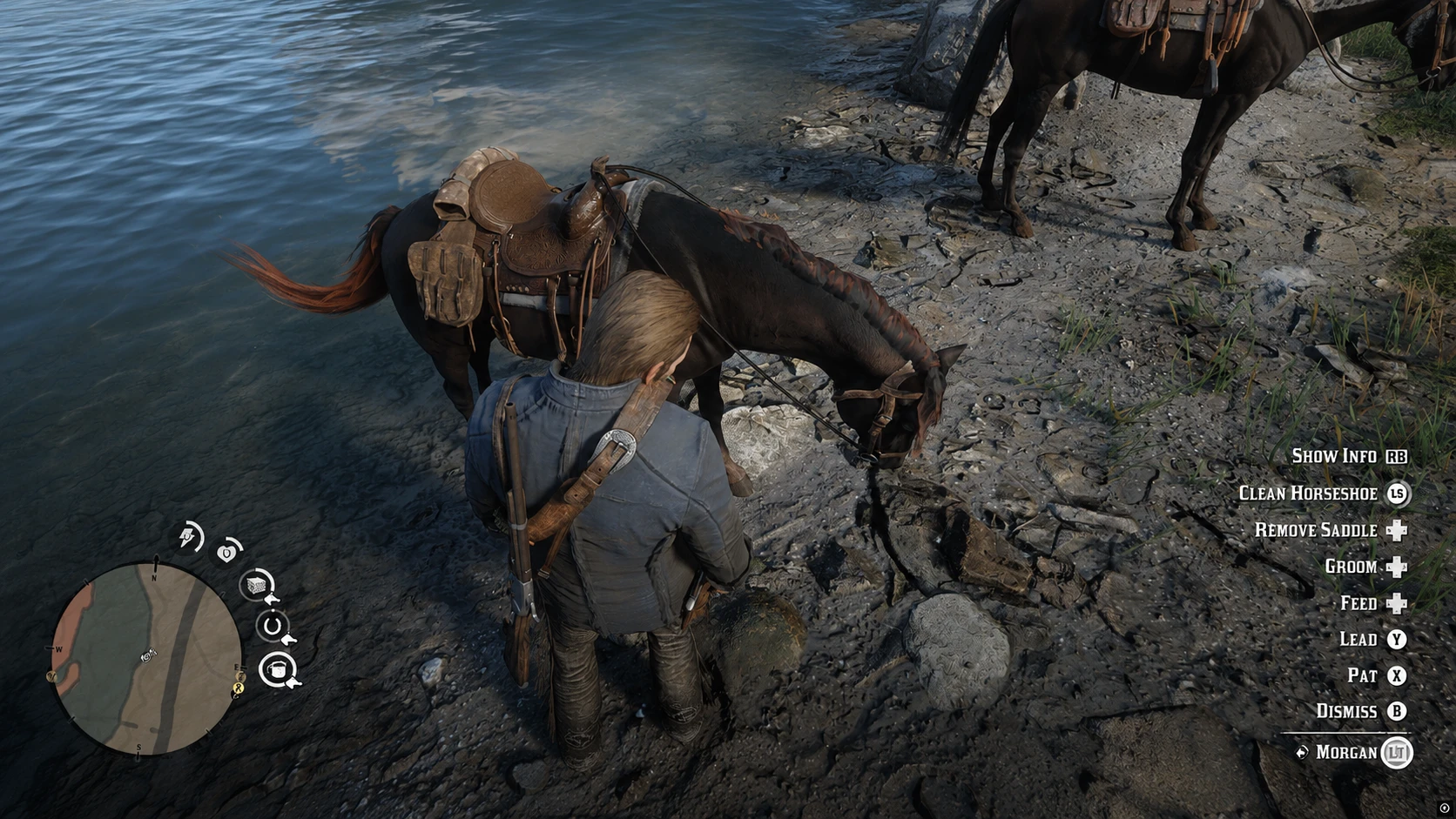
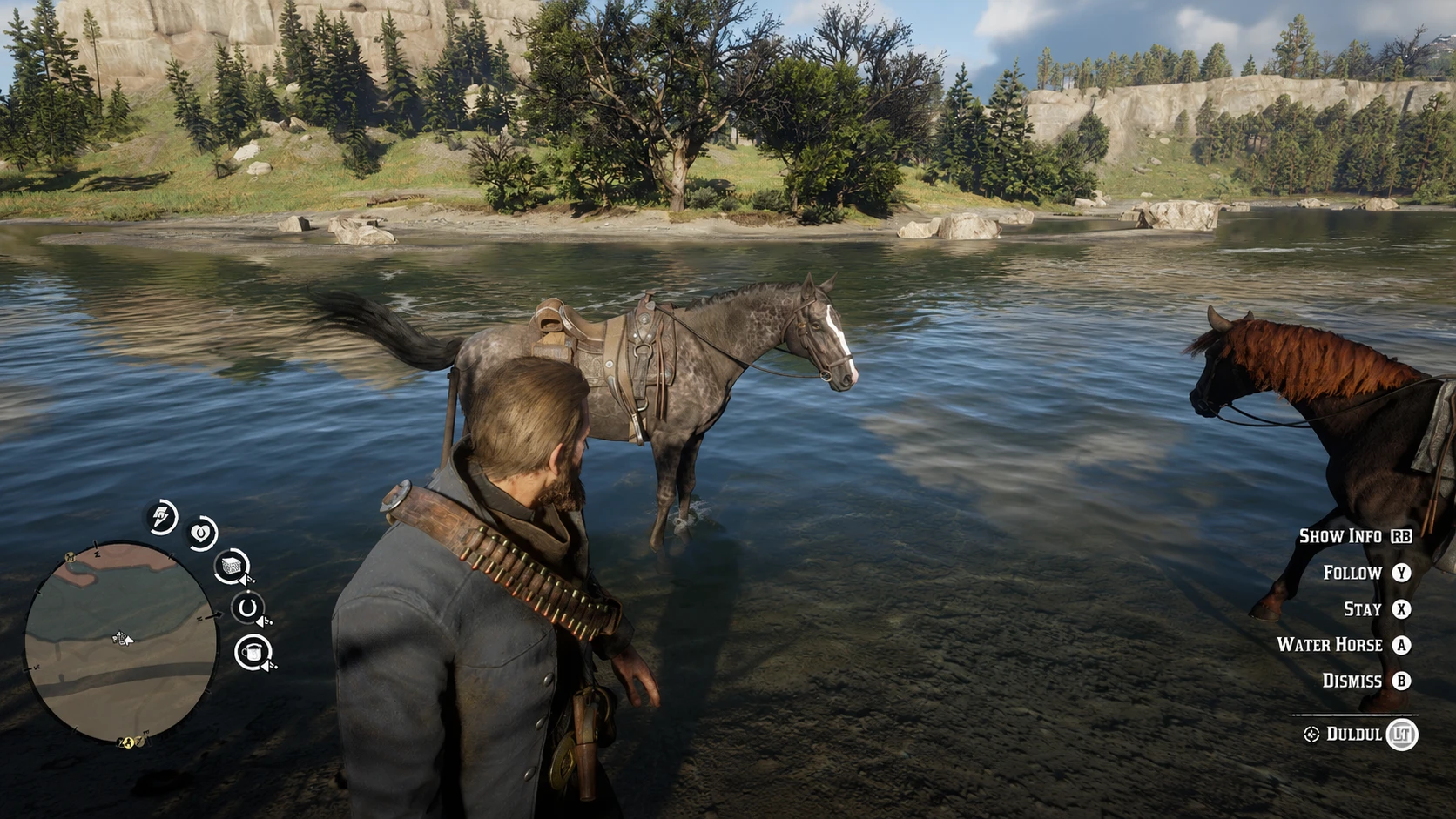
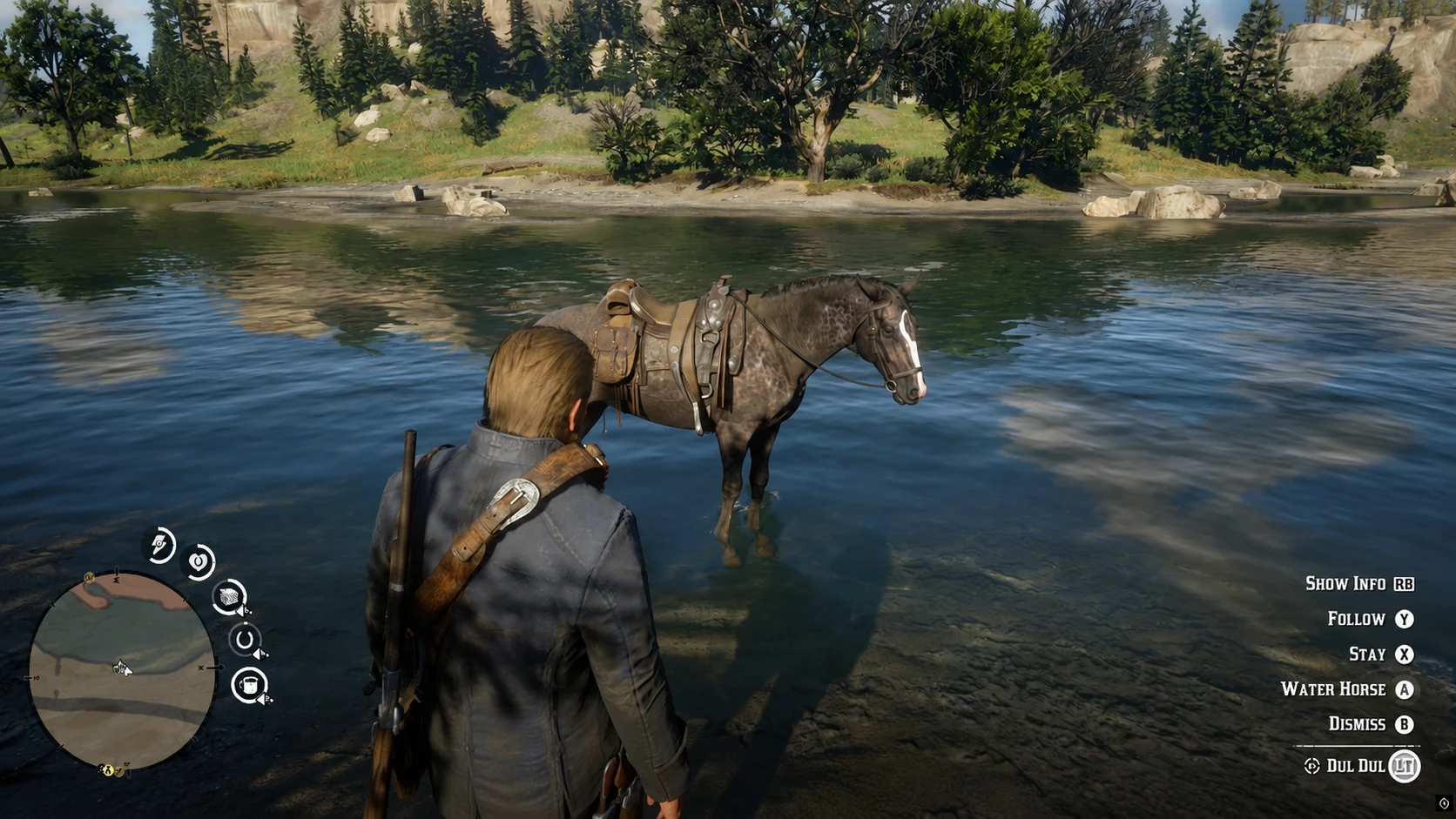
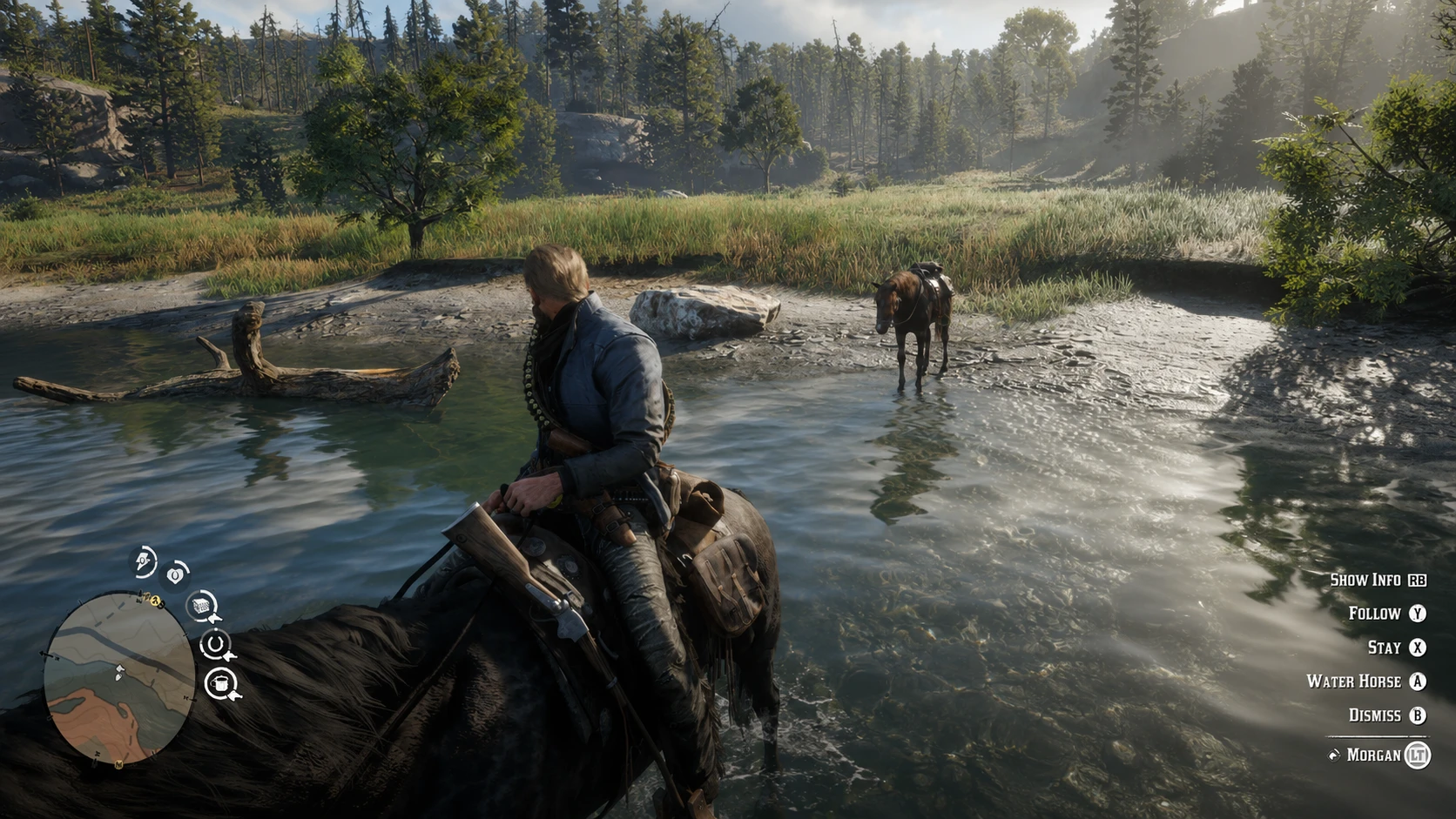
- Custom horse thirst / drink core.
- Custom horseshoe / hoof condition core.
- Food core shown as a vanilla hunger visual wrapper.
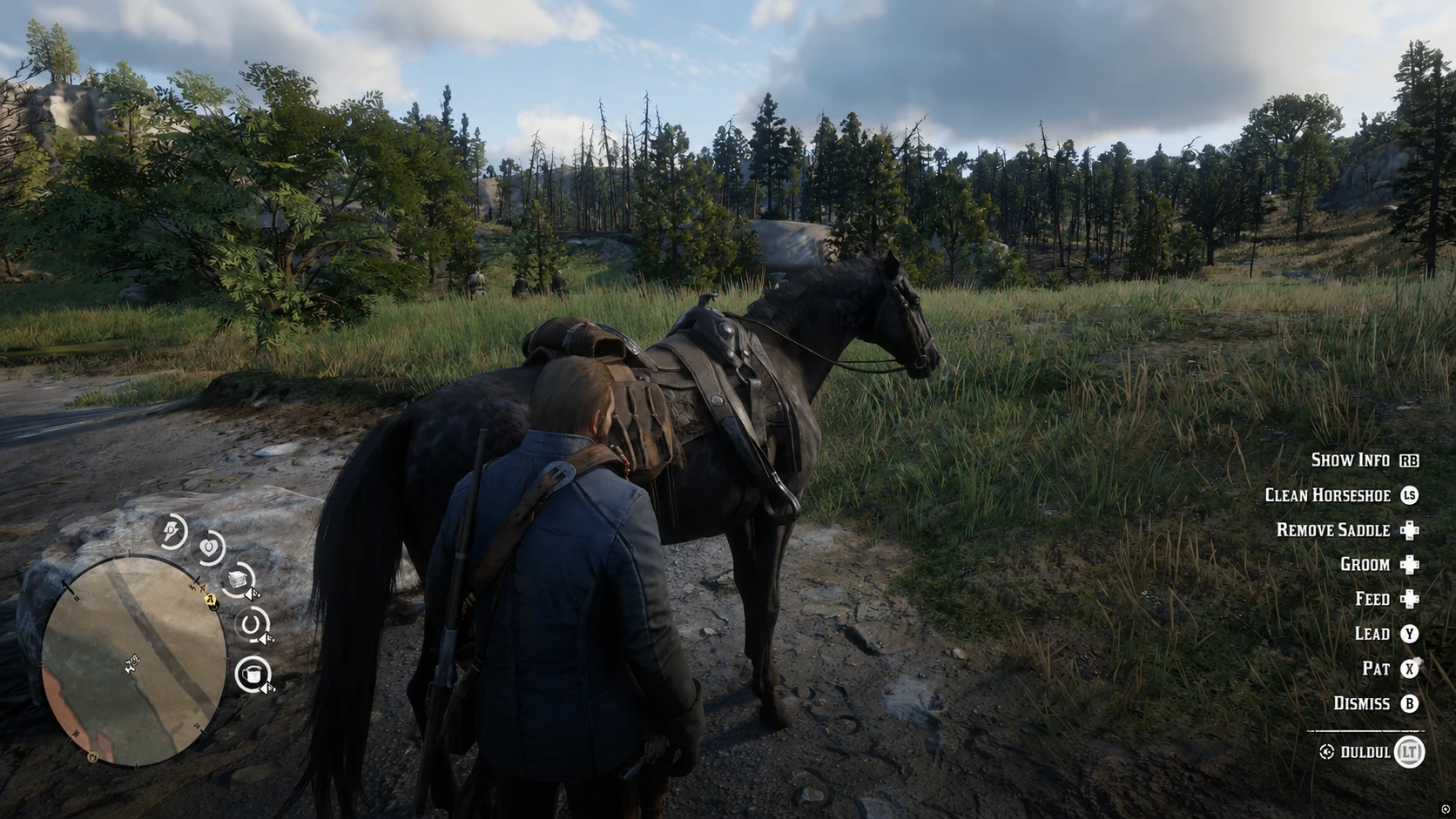
- Vanilla-style HUD cores for Food, Drink, and Horseshoes.
- Drink Water action near suitable shallow water.
- Clean Horseshoes interaction from the horse interaction prompt.
- Main horse and temporary horse support.
- Movement-based drain system.
- Small passive water effects.
- Subtle stamina pressure when horse care gets very poor.
- Save / branch aware horse state handling.
- Localization support.
- Optional RDR2 Care Assistant notification bridge.
- Configurable HUD layout for different resolutions and ultrawide setups.
The main idea is simple: horse care should matter more, but it should not constantly punish the player.The mod does not lock your controls, does not instantly kill your horse, and does not force heavy survival mechanics on you.Drink and horseshoe condition slowly decrease over time and movement. If they get too low, the horse can start getting light stamina pressure. It is meant to be a soft consequence, not a hard fail state.
Food is handled differently. This mod does not replace the vanilla horse hunger system. The Food core is only a visual wrapper around the game’s own horse hunger value.
DrinkDrink is a custom hydration core.Your horse slowly loses drink core over in-game time. Movement affects the drain rate. Standing still drains less, while running and sprinting drain more.
When the horse is near suitable shallow water, the Drink Water action can become available. The action uses a horse drinking scenario and restores the custom drink core over time.
Horseshoes / Hoof Condition
The Horseshoe core represents hoof / horseshoe condition, dirt, wear, and care.
Movement affects the drain rate. Heavier movement wears it down faster. Water can help a little, but the main restore comes from the Clean Horseshoes action.
Clean Horseshoes does not restore everything instantly with one click. It restores in steps, so you can move around the horse and roleplay cleaning each hoof if you want.
Food
Food is not a custom system in this mod.
The Food core shown on the HUD reads the vanilla horse hunger value. I did not add custom food drain, custom food restore, or custom food penalties. Vanilla feeding behavior stays vanilla.
RDR2 Care Overhaul can manage more than only your main horse.
Your main horse is normally the default horse for the HUD and care systems.
Temporary horses can also be managed when the game exposes them as temporary player horses. If you are using or targeting a temporary horse, the mod can show relevant care prompts and HUD state for that horse too.
This should make the system work better for hunting, travel, roleplay, or players who like using more than one horse.
The mod draws three custom vanilla-style cores:
- Food
- Drink
- Horseshoes
These use RDR2-style RPG meter textures, not rectangular survival bars.
Important: HUD placement can look different depending on your resolution, aspect ratio, safezone, or ultrawide setup.
You can adjust the core positions from the INI file.
The most important values are:
HUD_FOOD_CORE_X
HUD_FOOD_CORE_Y

HUD_SHOE_CORE_X
HUD_SHOE_CORE_Y

HUD_DRINK_CORE_X
HUD_DRINK_CORE_Y
How it works:
- Higher X moves the core right.
- Lower X moves the core left.
- Higher Y moves the core down.
- Lower Y moves the core up.
Example:
HUD_DRINK_CORE_X = 0.168
HUD_DRINK_CORE_Y = 0.833
Use small changes. Something like `0.168` to `0.170` can already move the HUD enough.
You can also tune icon offsets and sizes if the icons do not sit perfectly inside the cores.
The mod includes optional HUD preset files for common screen layouts.You can find them here:
RDR2CareOverhaulFiles\HUD_PresetsIncluded presets:
HUD_16_9.ini
HUD_21_9_Ultrawide.ini
README_HUD_PRESETS.txt
These preset files are made for users who do not want to manually move every core one by one.
Important: These are not full replacement config files. They are prepared HUD layout sections.
To use a preset:
- Open the preset file that matches your screen.
- Copy the full [HUD] section from the preset.
- Open your main RDR2CareOverhaul.ini.
- Replace the existing [HUD] section with the preset one.
- Save the INI.
- Return to the game and wait a few seconds.
The config reloads while the game is running, so you usually do not need to restart the game just to adjust HUD placement.
The presets are starting points. Your safezone, resolution, UI scale, and monitor setup can still affect placement. If the preset is close but not perfect, fine tune the X/Y values manually.
Most config changes can be made while the game is still running.
Edit the INI, save the file, return to the game, and wait a few seconds. The mod should reload the changed values automatically.
This is very useful for HUD tuning. You do not need to restart the game every time you move the cores.
Recommended HUD tuning flow:
- Open the INI file.
- Change one or two HUD position values.
- Save the INI.
- Return to the game.
- Wait a few seconds.
- Check the new position.
- Repeat until it fits your screen.
- Make sure you have a working ASI loader / ScriptHook setup for RDR2.
- Extract the archive.
- Copy the included files and folders into your Red Dead Redemption 2 game folder.
- Keep the folder structure intact.
- Start the game.
Example game folder:
C:\Program Files\Epic Games\RedDeadRedemption2or your Steam / Rockstar installation folder.
Do not move config or language files away from their included folders unless you know exactly what you are changing.
- Red Dead Redemption 2 – Story Mode.
- A working ASI loader / ScriptHook setup.
- RDR2 Care Assistant is optional, not required.
- Lenny’s Mod Loader RDR
RDR2 Care Assistant is only needed if you want the optional notification bridge. RDR2 Care Overhaul itself works without it.
RDR2 Care Overhaul can send typed care events to RDR2 Care Assistant if it is installed.Care Overhaul handles the gameplay systems: cores, prompts, actions, drain, restore, HUD, save state, and penalties.Care Assistant handles the notification side.
If Care Assistant is not installed, the mod still works normally. You just will not get the optional assistant notifications.
Credits:
RcnYn
Downloads
| Name | Format | Size |
|---|---|---|
| RDR2-Care-Overhaul-v0.1.0.7.0-beta.zip | ZIP | 559.67 KB |
| RDR2-Care-Overhaul-v0.0.3.2-beta.zip | ZIP | 162.53 KB |
To start download click the filename. To open archive files use one of these programs: WinRAR, 7-Zip, WinZip. Some mod archives may need to be extracted before the mods will work.