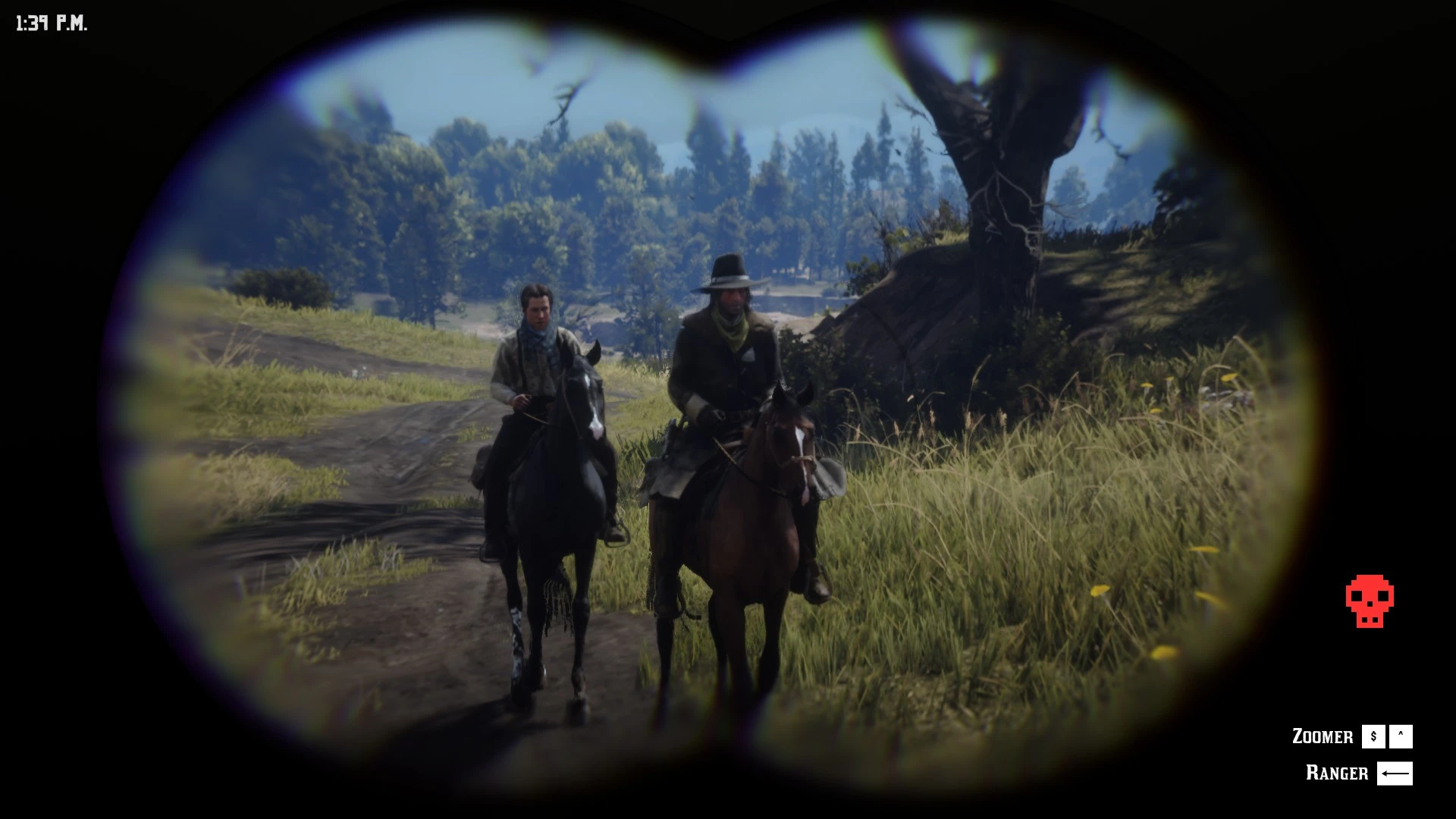
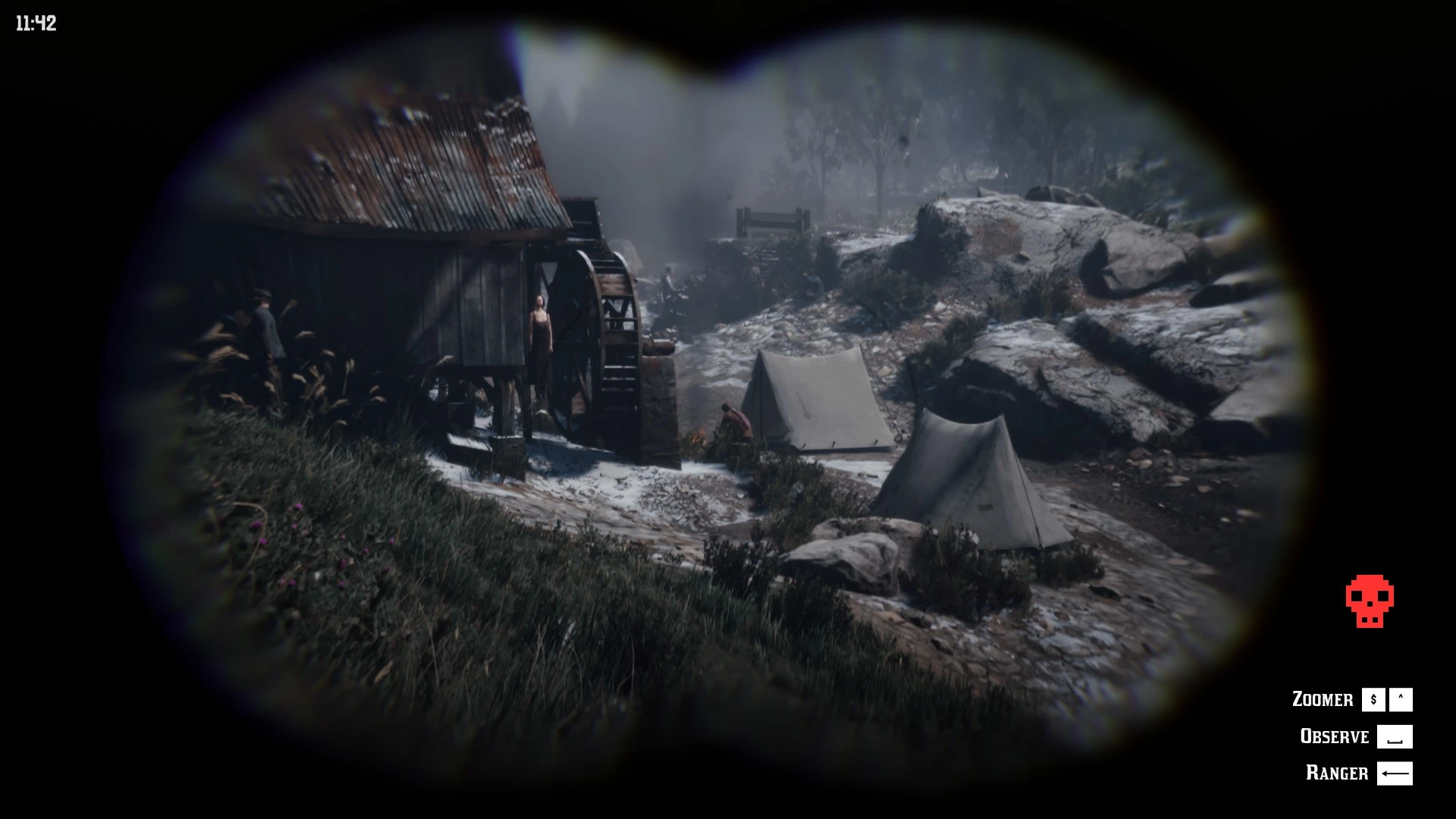
Enemy Identification – Binoculars adds an immersive scouting feature to your game.
When scanning NPCs through your binoculars, a small skull icon will appear at the bottom of your screen if the target belongs to a rival gang.
I use the excellent Bandit Hideouts mod, but I got tired of not being able to tell regular NPCs apart from actual bandits..
(Yet another AI-made mod solving a problem that literally nobody had..)
If you want to add other bandit gangs that are not included, you can switch to debug mode in the .ini file and fill in ‘EnemyGroups=D4A00191,88F8884E,…’
Debug:
If you look at an enemy with the binoculars, in the top left of the screen appears:

Requirements & Installation:
This mod requires ScriptHookRDR2 V2 and ScriptHookRDR2DotNet-V2 fix
Extract the file and place
EnnemyIdentificationBinoculars.dll
EnnemyIdentificationBinoculars.ini
in
Red Dead Redemption 2\scripts
Credits:
Vazagal
Downloads
| Name | Format | Size |
|---|---|---|
| Ennemy-Identification-Binoculars.rar | RAR | 10.91 KB |
To start download click the filename. To open archive files use one of these programs: WinRAR, 7-Zip, WinZip. Some mod archives may need to be extracted before the mods will work.