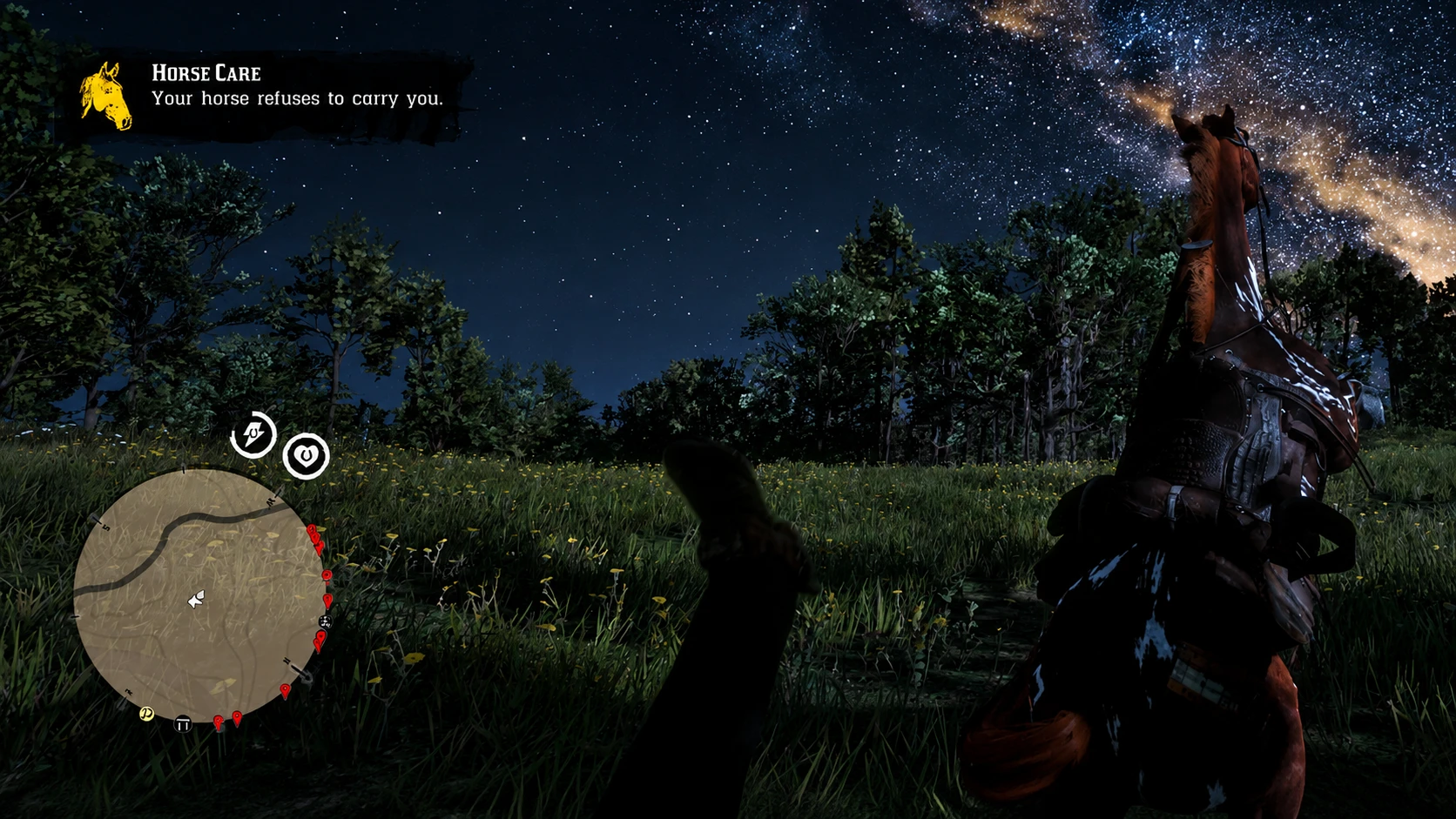
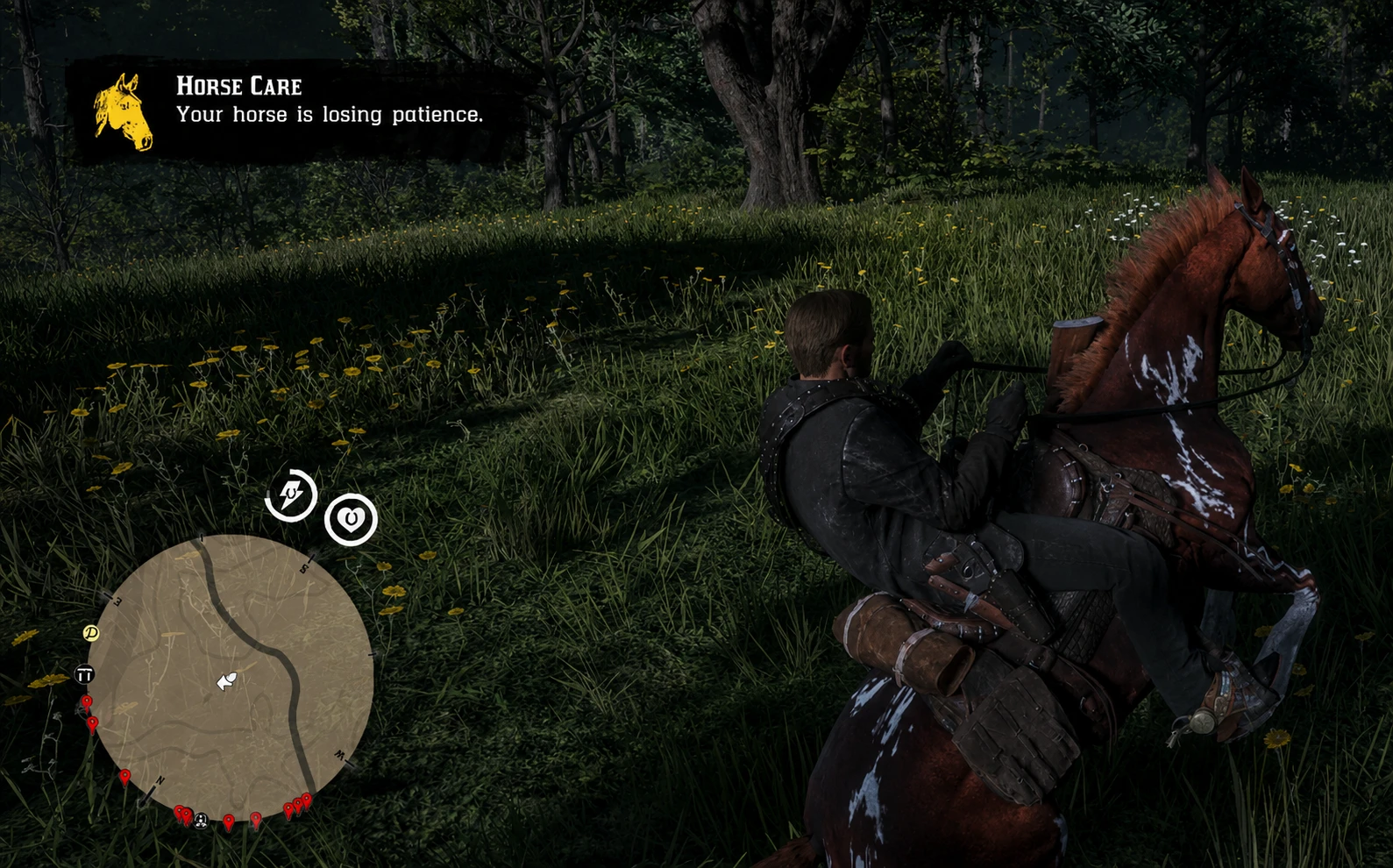
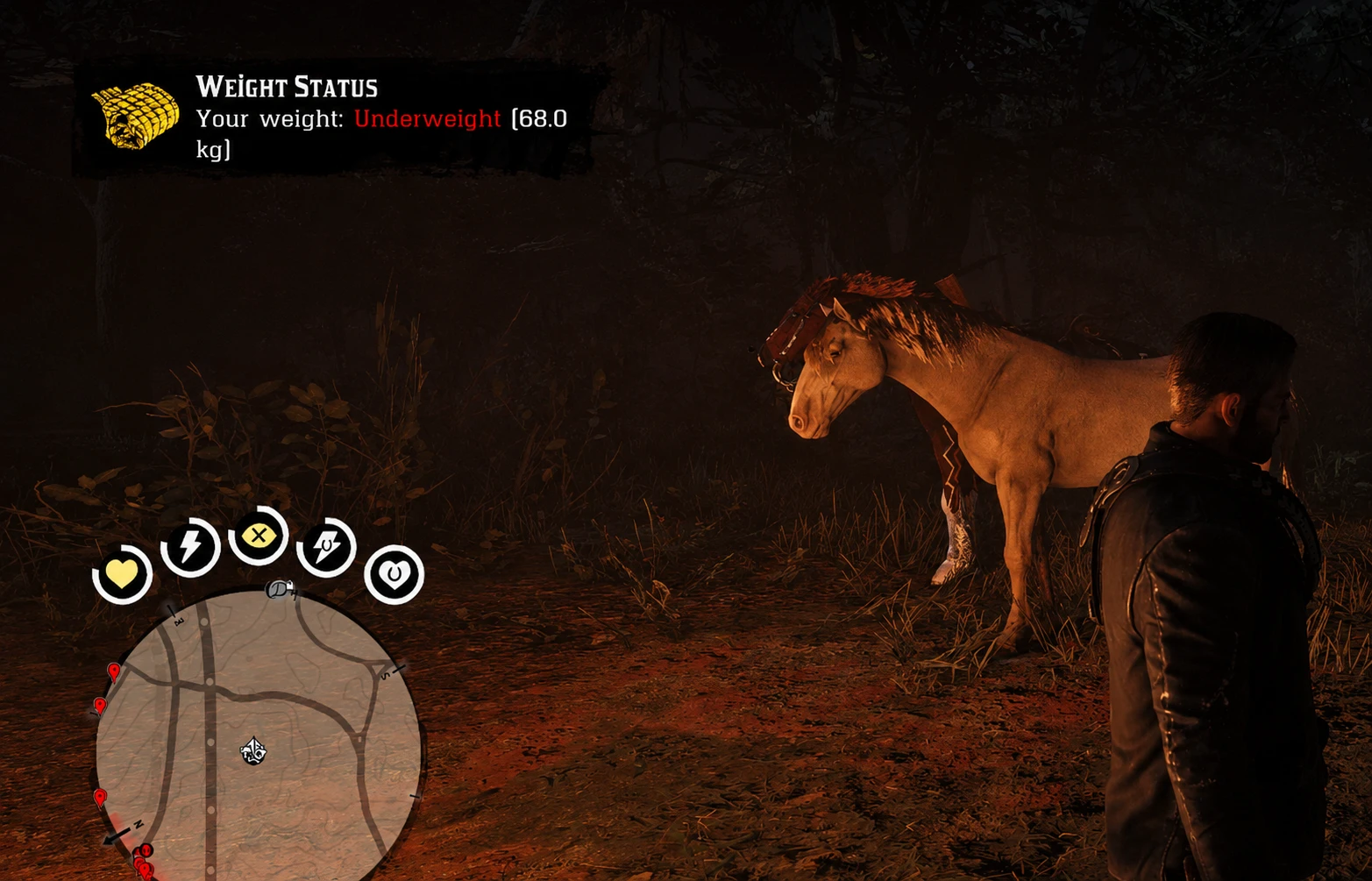
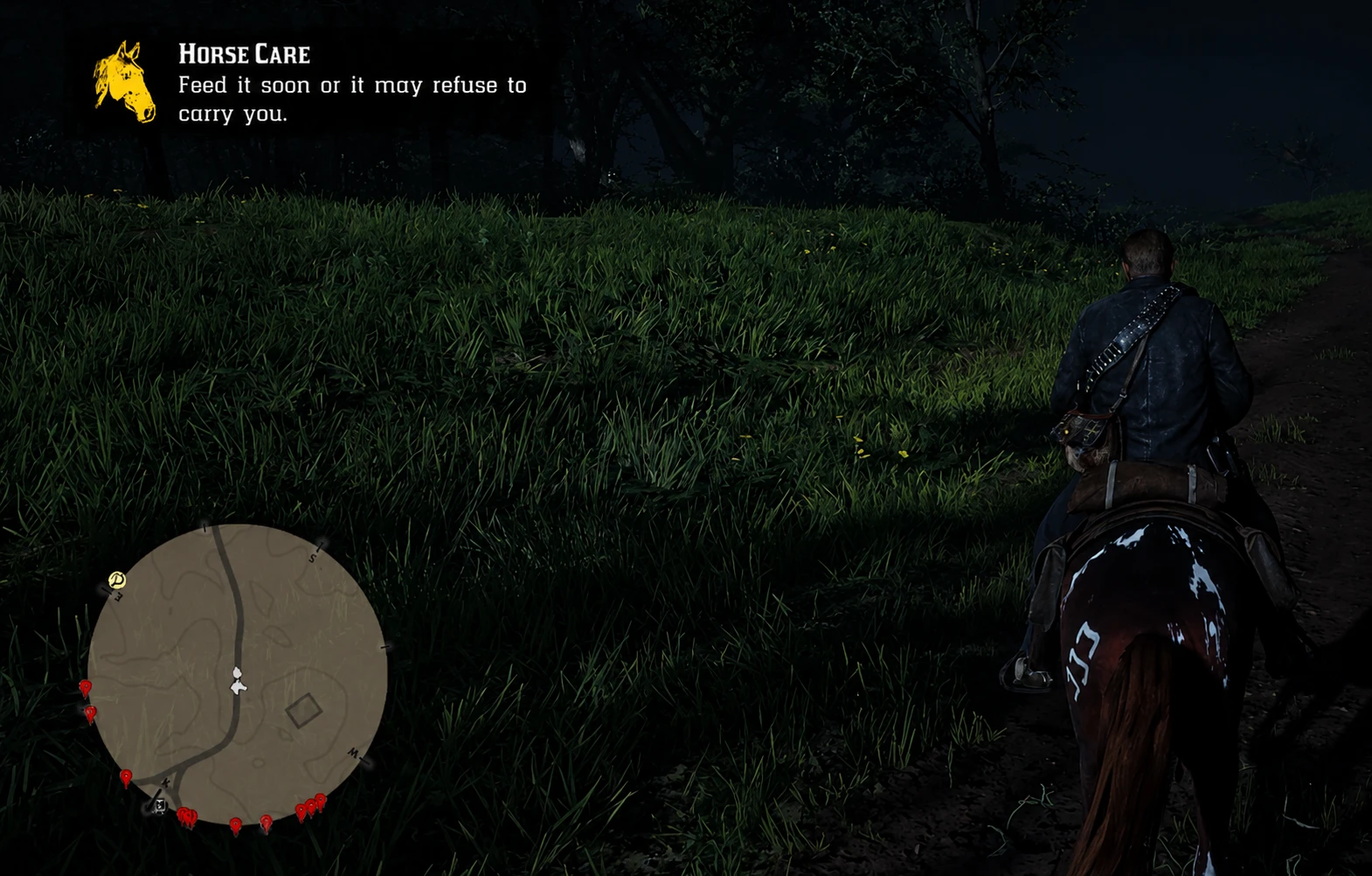
RDR2 Care Assistant does not add a new survival system and does not rebalance the game. It simply makes the existing care mechanics easier to notice with small, vanilla-style notifications that appear only when they matter.
RDR2 CARE ASSISTANT
Red Dead Redemption 2 already has detailed systems for Arthur’s weight, horse condition, hunger and feeding. The problem is that most of these changes are easy to miss unless you constantly check menus.
RDR2 Care Assistant does not add a new survival system and does not rebalance the game. It simply makes the existing care mechanics easier to notice with small, vanilla-style notifications that appear only when they matter.
The purpose is simple: let the game quietly remind you when Arthur or your main horse needs attention, without interrupting exploration, missions or the atmosphere of the world.
FEATURES
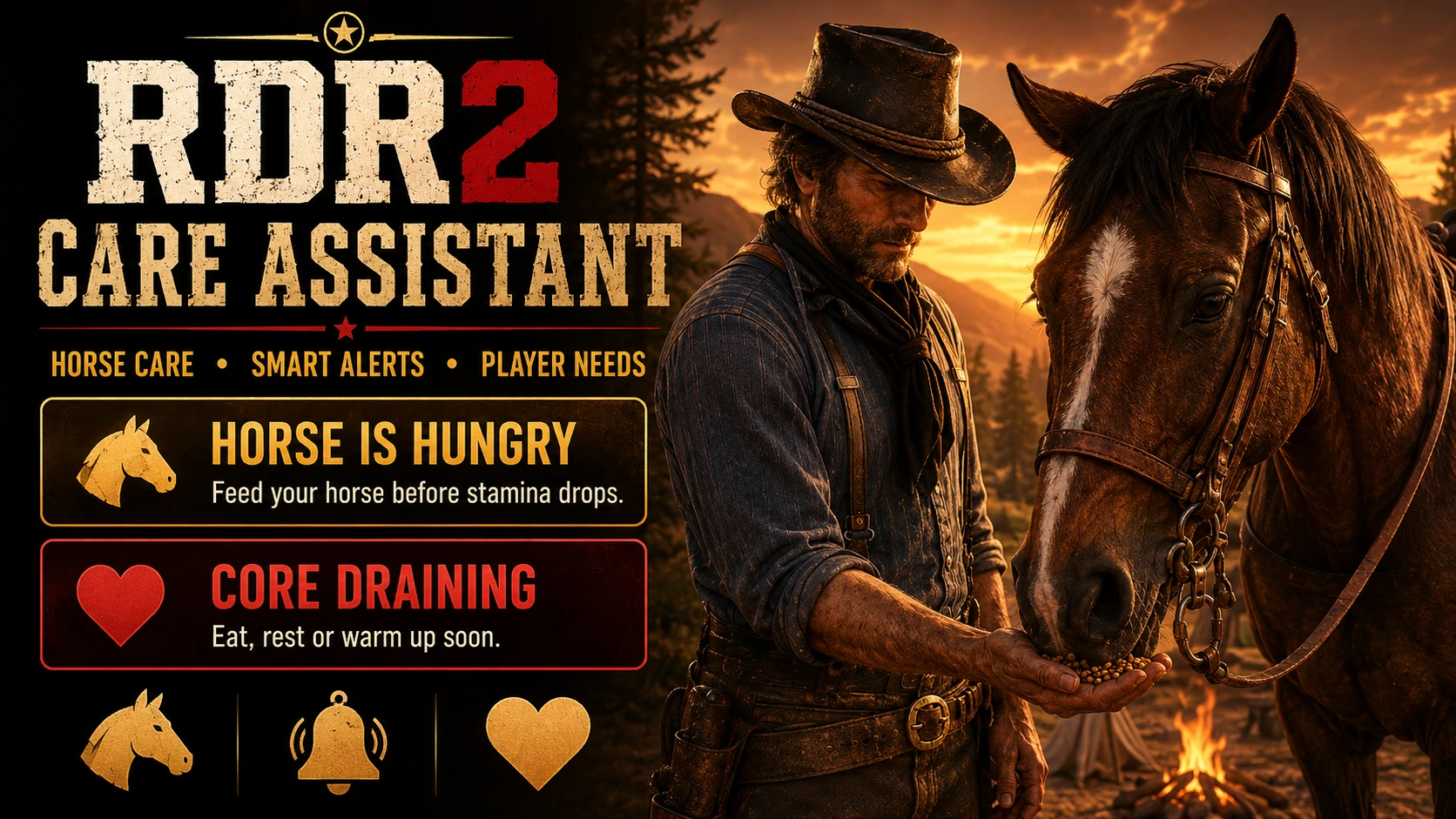
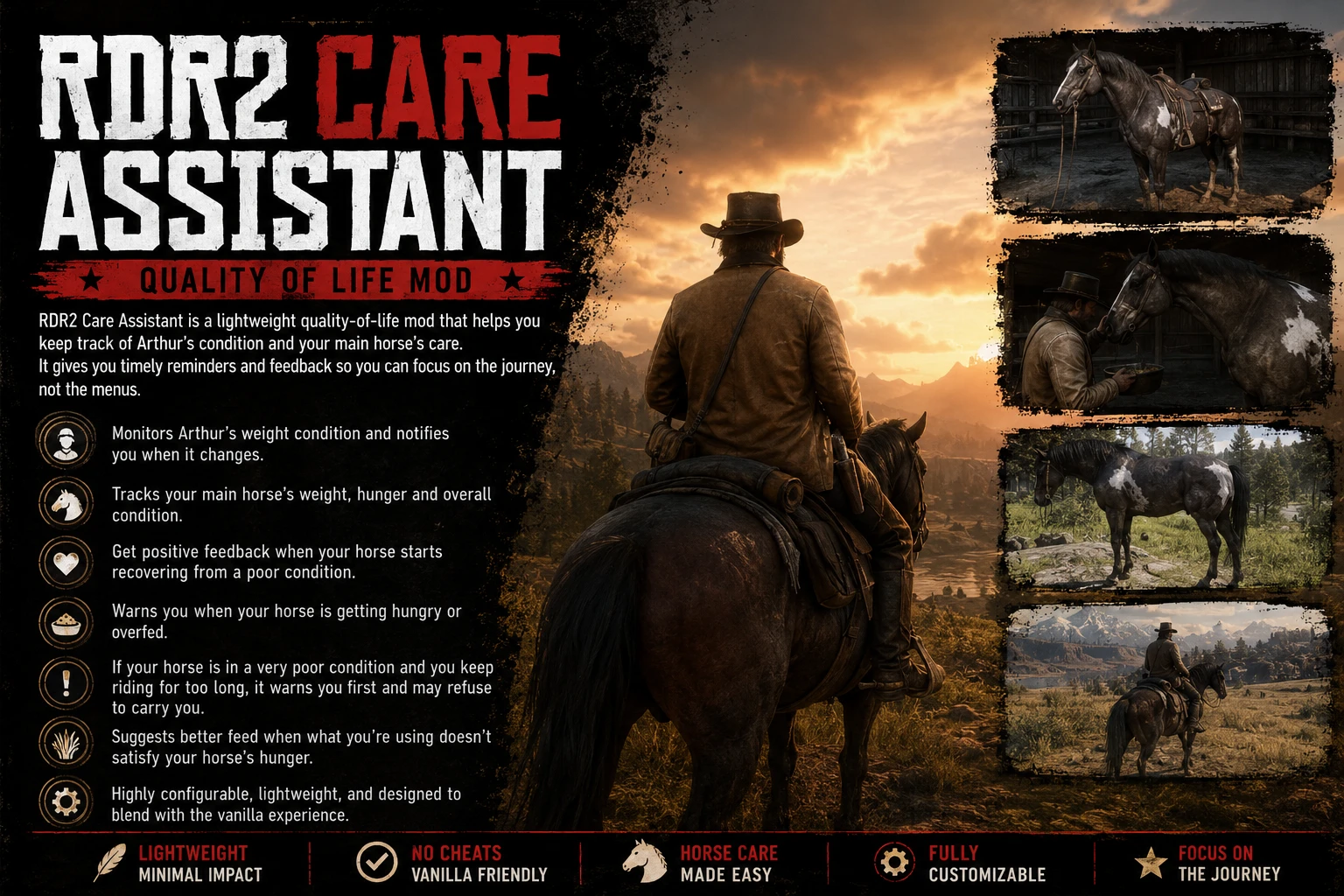
– Notifies you when Arthur’s weight condition changes meaningfully.
– Notifies you when your main horse’s weight condition changes.
– Warns you when your horse becomes hungry enough that its condition may begin to drop.
– Shows feedback when your horse has been overfed.
– Gives a positive notification when a horse in very poor condition begins to recover.
– Warns you if you continue riding a horse that is in extremely poor condition for too long.
– Under suitable conditions, a badly neglected horse may eventually refuse the rider.
– The horse may show mild restless behaviour during the warning stages.
– If you feed the horse but its hunger does not improve, the mod can suggest using more suitable feed.
– Notifications are delayed or skipped during missions, combat, cinematic camera and other intrusive moments.
DESIGNED TO FEEL VANILLA
This mod is not meant to punish the player or turn RDR2 into a management game.
It does not create new hunger or weight systems. It watches the condition systems that already exist in the game and reports meaningful changes in a way that feels close to the original notification style.
You can continue playing normally. The mod only steps in when Arthur’s condition changes, your main horse requires attention, or ignoring a severely neglected horse starts to have consequences.
HORSE CARE AND REFUSAL
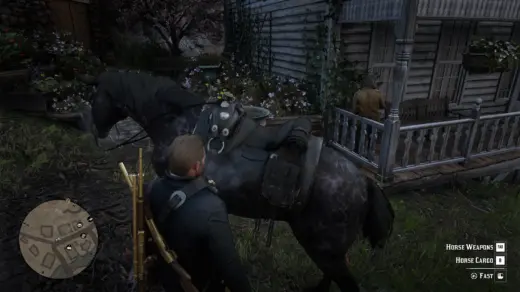
The mod focuses on your main horse. Temporary horses are not treated as your bonded companion for the care notifications.
If your main horse reaches a very poor condition and you remain mounted for too long, the mod can begin a warning flow. Feeding the horse with food that actually improves its hunger will cancel this flow when its condition improves.
Not every horse care interaction affects hunger in the same way. Brushing or using items that do not satisfy hunger will not necessarily prevent a starving horse from remaining in poor condition.
A successful refusal will not repeat again on the same in-game day.
INSTALLATION
Place RDR2CareQoLMod.asi in your Red Dead Redemption 2 game folder.
Place RDR2CareAssistant.ini in the same folder.
Place the RDR2CareQoLModFiles folder in the same folder.
Start the game.
Example game folder:
C:\Program Files\Epic Games\RedDeadRedemption2
You need a working ASI loader / ScriptHook setup capable of loading ASI mods.
USAGE
The mod starts automatically when the game loads. There is no menu to open.
Notifications appear on the right side of the screen in a style close to the game’s own notification system.
Press the game’s Reveal HUD (D-PAD Down or Alt) control to show the current weight condition for your player character and main horse again.
The main options can be changed in:
RDR2CareAssistant.ini
Common settings:
EnableMod
Turns the mod on or off.
EnableToastMessage
Turns notification messages on or off.
EnableRefusalWarning
Allows warnings and the refusal behaviour for a severely neglected horse.
EnableRecoveryFeedback
Shows a positive message when the horse begins recovering from very poor condition.
EnableHungerWarning
Warns when the horse is becoming hungry enough for its condition to be affected.
EnableOverfedFeedback
Shows feedback when the horse has been overfed.
LanguageFile
Selects the language file used by the mod.
For English:
LanguageFile = english.ini
For Turkish:
LanguageFile = turkish.ini
Most settings can be changed while the game is running.
NOTES
– Some notifications are intentionally skipped during missions, combat, cinematic scenes or restricted-control moments.
– The mod tries to avoid showing messages when they would feel intrusive.
– When switching saves, the mod attempts to adjust itself to the current game state.
– This is intended as a small quality-of-life addition, not a gameplay overhaul.
UNINSTALLATION
Delete the following files and folder from your game directory:
RDR2CareQoLMod.asi
RDR2CareAssistant.ini
RDR2CareQoLModFiles
Credits:
RcnYn
Downloads
| Name | Format | Size |
|---|---|---|
| RDR2-Care-Asistant-v1.0.4.zip | ZIP | 80.74 KB |
To start download click the filename. To open archive files use one of these programs: WinRAR, 7-Zip, WinZip. Some mod archives may need to be extracted before the mods will work.