Ambient Train Tracking for Red Dead Redemption 2
Find, follow, intercept, and observe active trains across the world.
Description
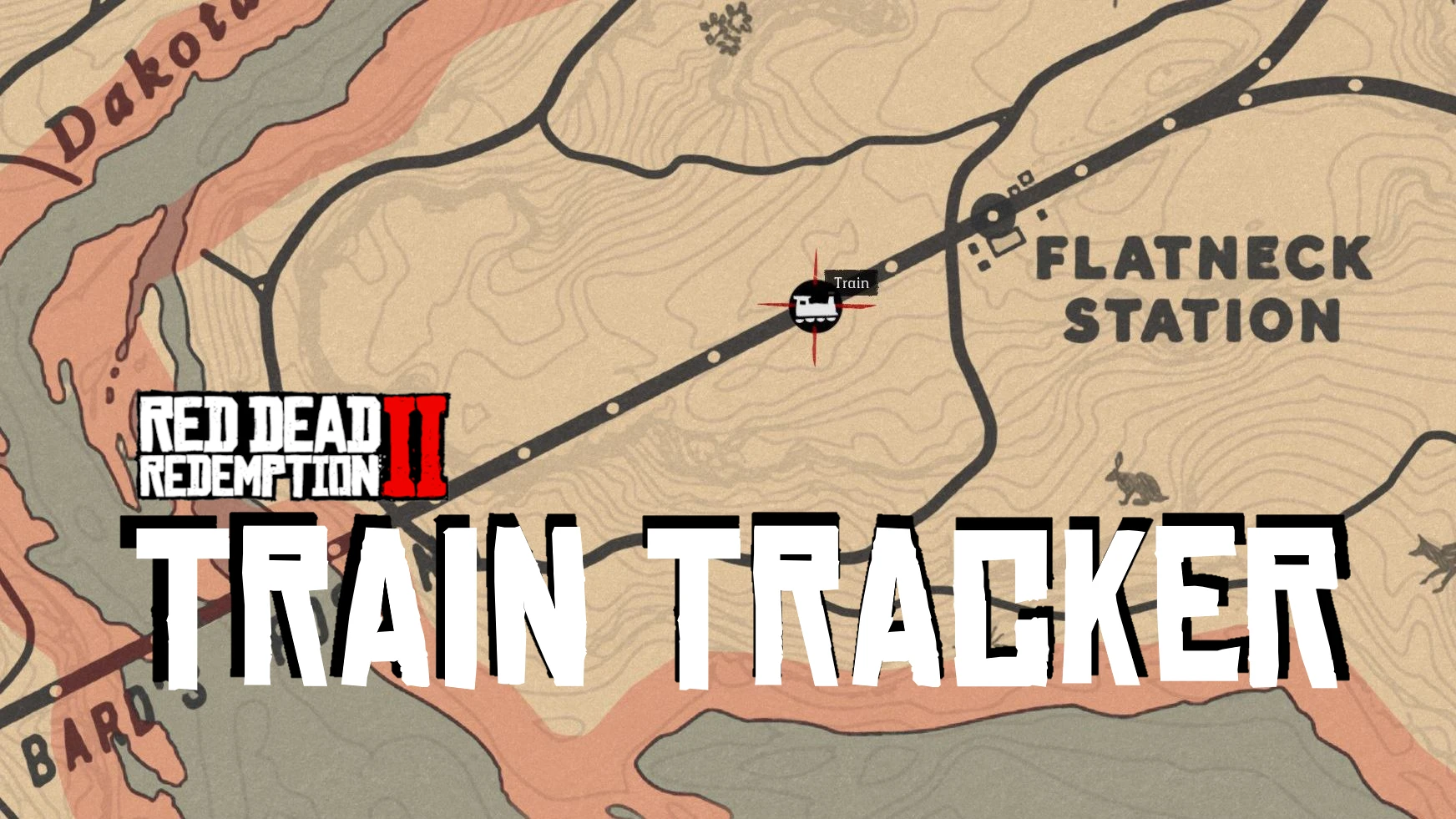
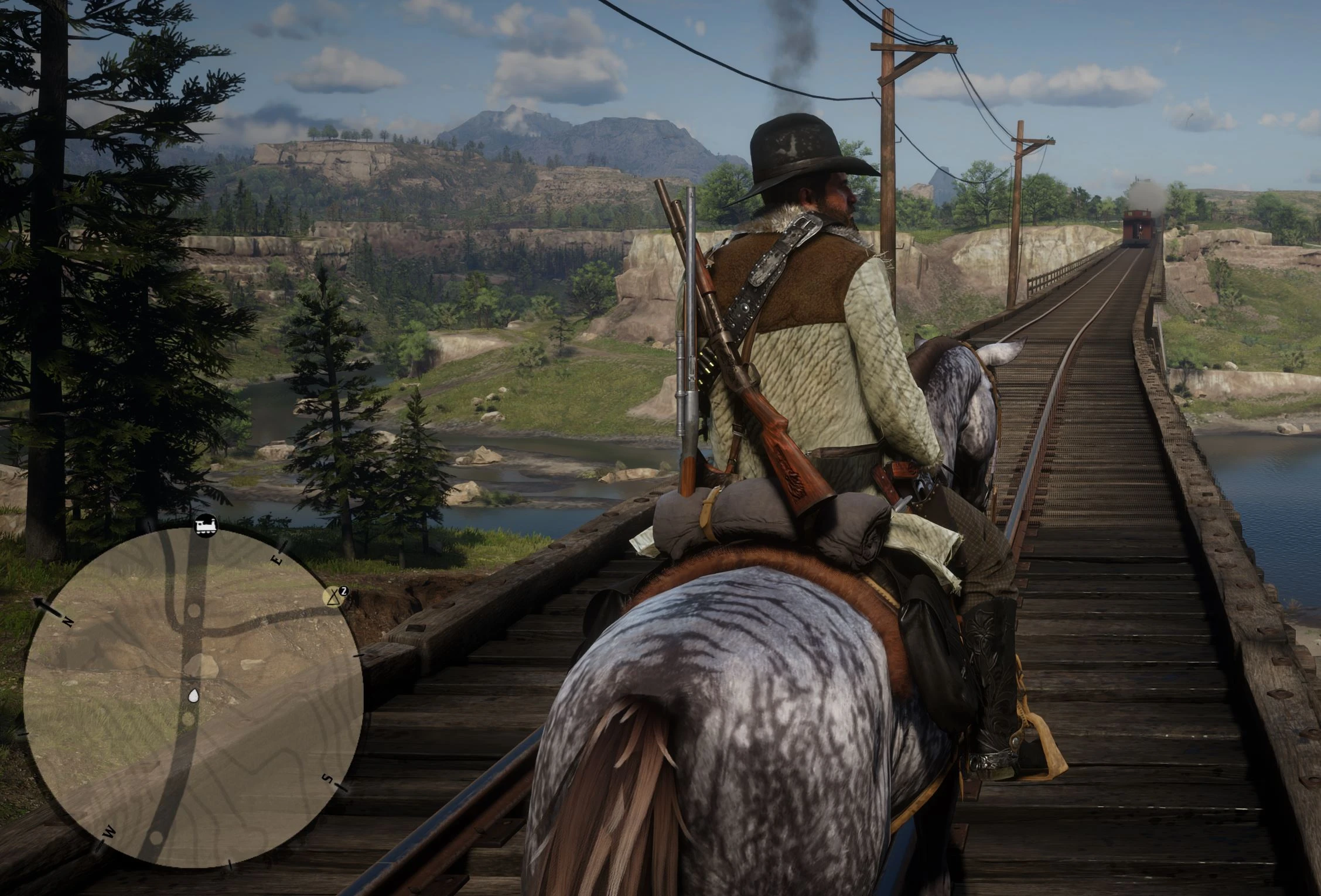
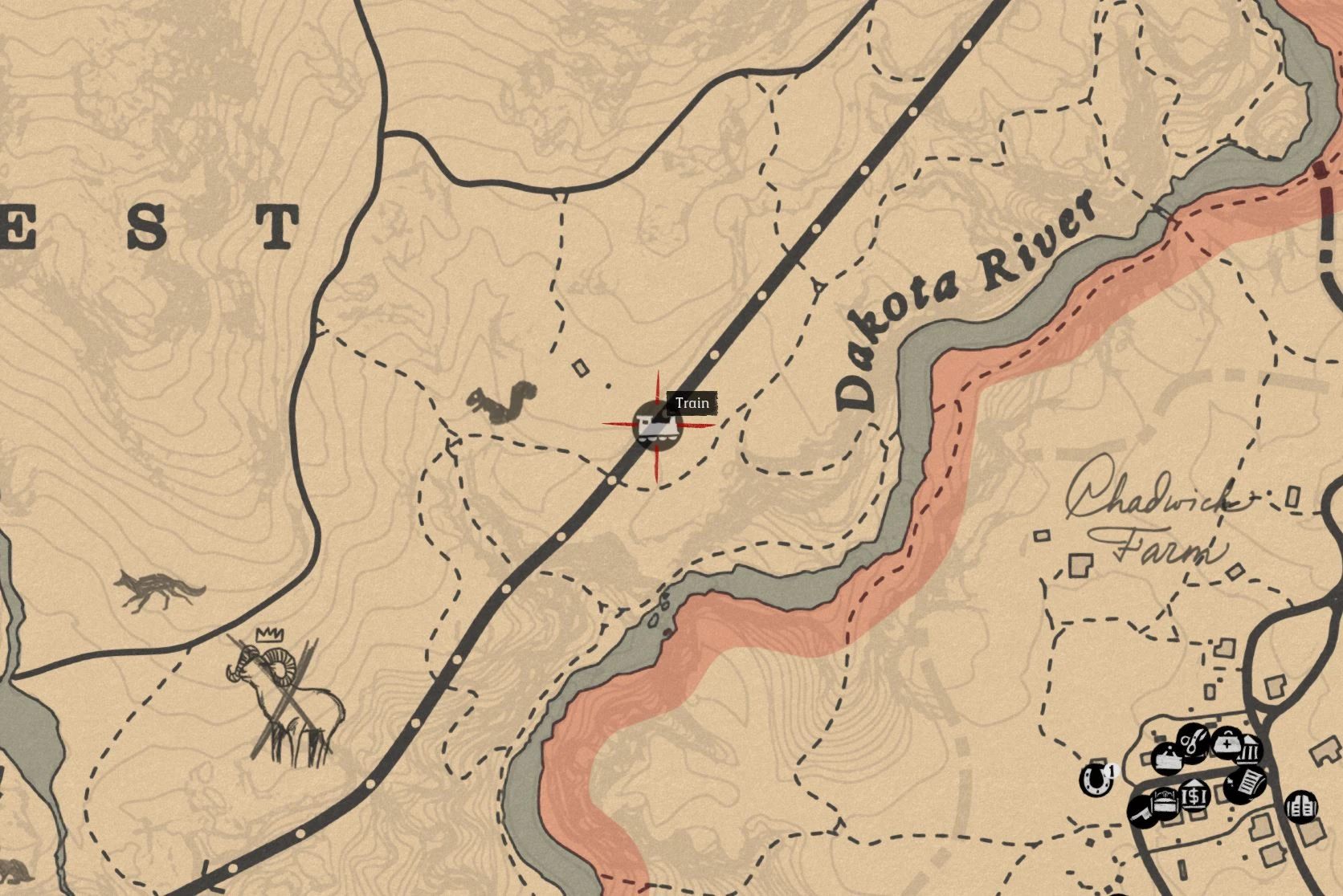
Train Tracker adds map blips for ambient trains in Red Dead Redemption 2.
The mod reads the game’s internal train system and displays active train positions on the map. It can show both fully loaded train entities and train positions that the game reports before the physical train is currently streamed in.
This makes it easier to find trains, follow their movement, plan interceptions, or simply observe train traffic across the world.
The mod does not spawn trains, delete trains, edit routes, change schedules, or alter the train population system. It only displays train positions that the game already reports as existing.
Main Features
Ambient train blips
Shows active train positions on the map.
Unstreamed train tracking
Can show train positions before the actual train vehicle is fully streamed in by the game.
Radar visibility options
Confirmed streamed trains can use a persistent blip style so they are easier to follow on the map and radar.
Station waiting marker
Trains waiting at stations receive a small clock marker next to the blip.
Fast coordinate updates
Blip positions update frequently so moving trains are easier to follow.
Saint Denis trolley filter
Known trolley blips are hidden by default to avoid cluttering the map.
Language support
Blip names can be translated or customized through TrainTracker.ini.
Optional logging
Creates TrainTracker.log for debugging train tracks, entity loading, carriage data, passenger detection, and configuration issues.
Installation Instructions
Install ScriptHookRDR2.
Make sure your RDR2 folder has a working ASI loader.
Place TrainTracker.asi into your main Red Dead Redemption 2 game directory.
Launch the game.
On first launch, the mod will automatically create:
TrainTracker.ini
TrainTracker.log
Edit TrainTracker.ini to change language, blip behavior, trolley filtering, logging, and other options.
Your main game folder is the same folder that contains RDR2.exe.
Requirements
Red Dead Redemption 2 PC version
ScriptHookRDR2
ASI Loader
Configuration
The mod creates TrainTracker.ini automatically on first launch.
You can configure things like:
Language
Blip name
Whether unstreamed train positions should be shown
Whether unstreamed train blips should fade
Whether distant train blips should appear on the radar
Trolley blip filtering
Logging
Blip update behavior
Language support
Set LangCode in TrainTracker.ini.
Supported codes:
EN, ZH, ZH_TW, RU, PT_BR, PT_PT, ES_ES, ES_MX, FR, UK, IT, DE, JA, KO, PL, TR, TH, CS, HU, NL, VI, ID, SV, DA, FI, NO, RO
You can also set BlipName manually if you want a custom name instead of the automatic translated one.
Trolley filter
The trolley filter only hides trolley blips. It does not remove or alter trolley models, routes, traffic, or world behavior.
Notes
Some train blips may appear before the physical train entity is fully loaded.
This is intentional. The game can report an active train position before the actual vehicle exists nearby.
Unstreamed train blips represent the train manager’s reported position.
Confirmed streamed trains are easier to follow on the map and radar.
This mod does not force trains to spawn and does not alter train schedules.
Credits:
tripleXdemN
Downloads
| Name | Format | Size |
|---|---|---|
| TrainTracker-1.1.zip | ZIP | 20.28 KB |
To start download click the filename. To open archive files use one of these programs: WinRAR, 7-Zip, WinZip. Some mod archives may need to be extracted before the mods will work.