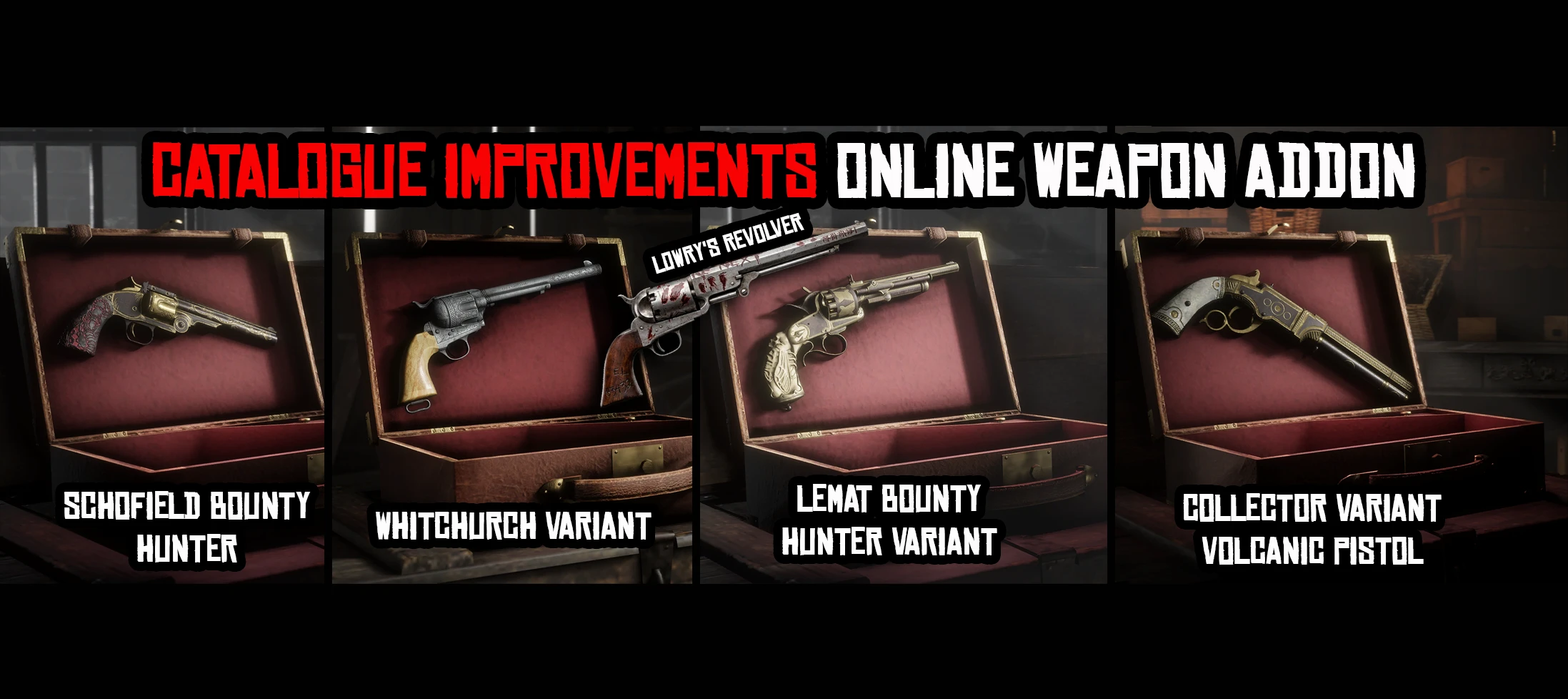
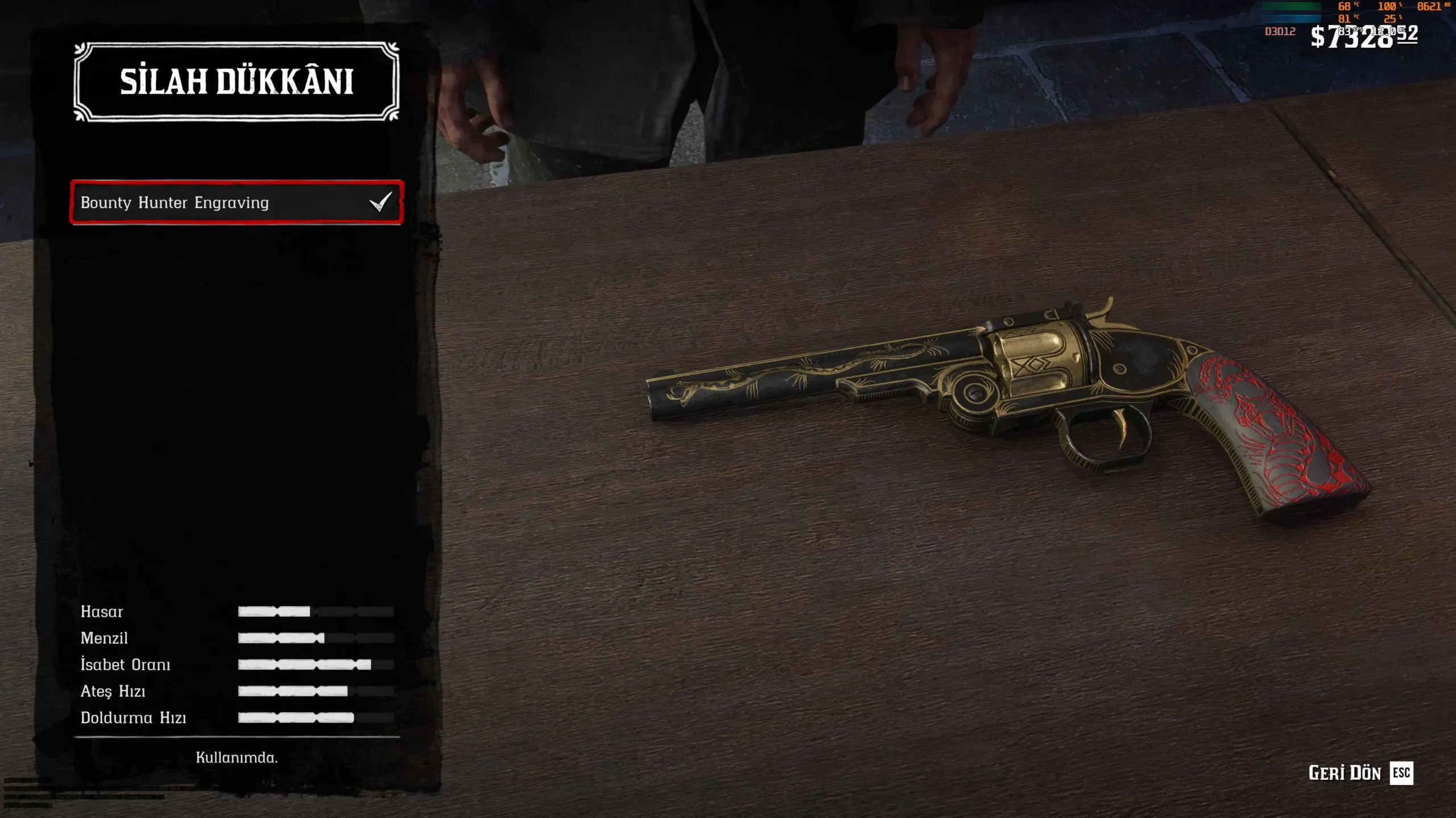
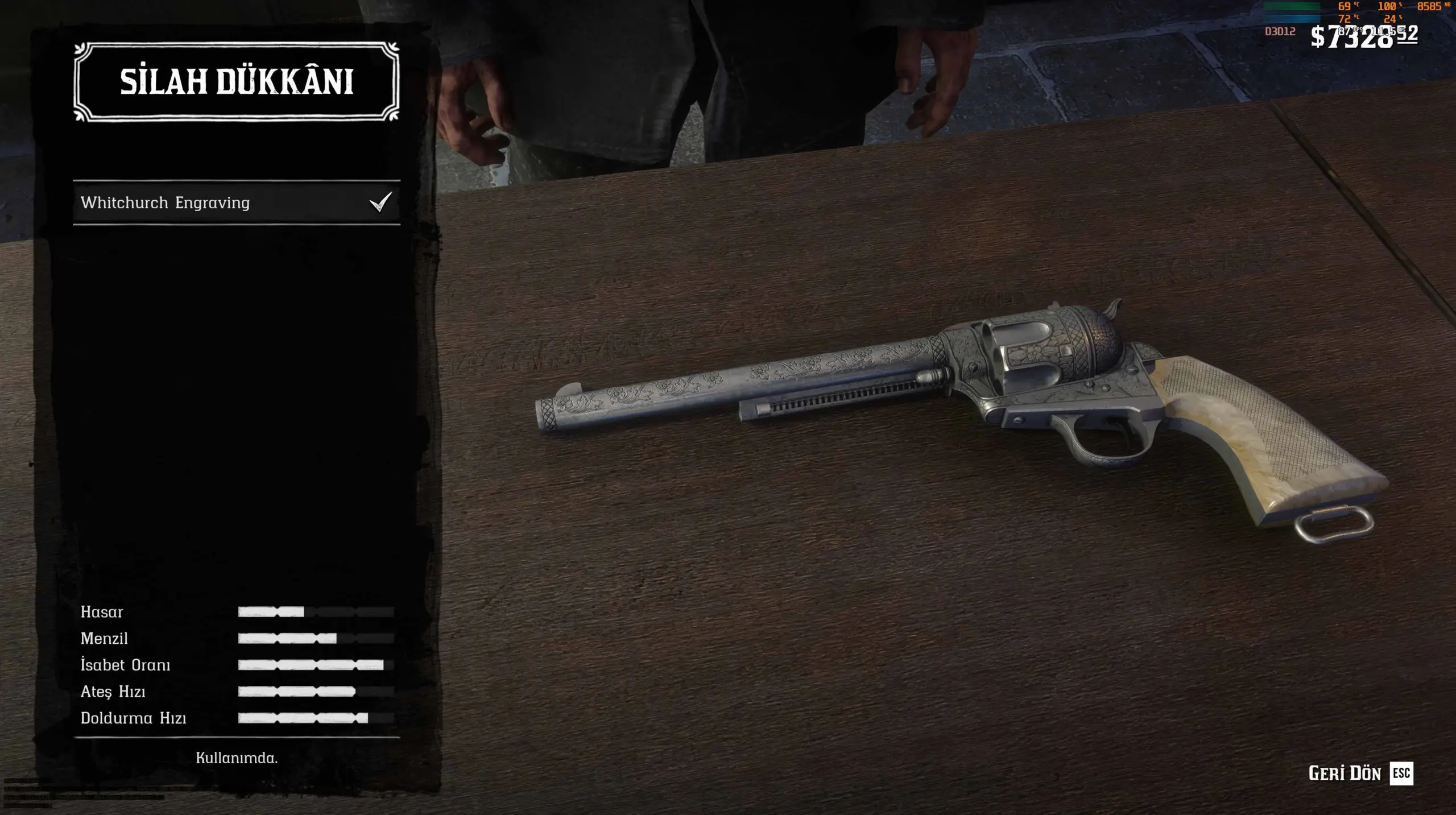
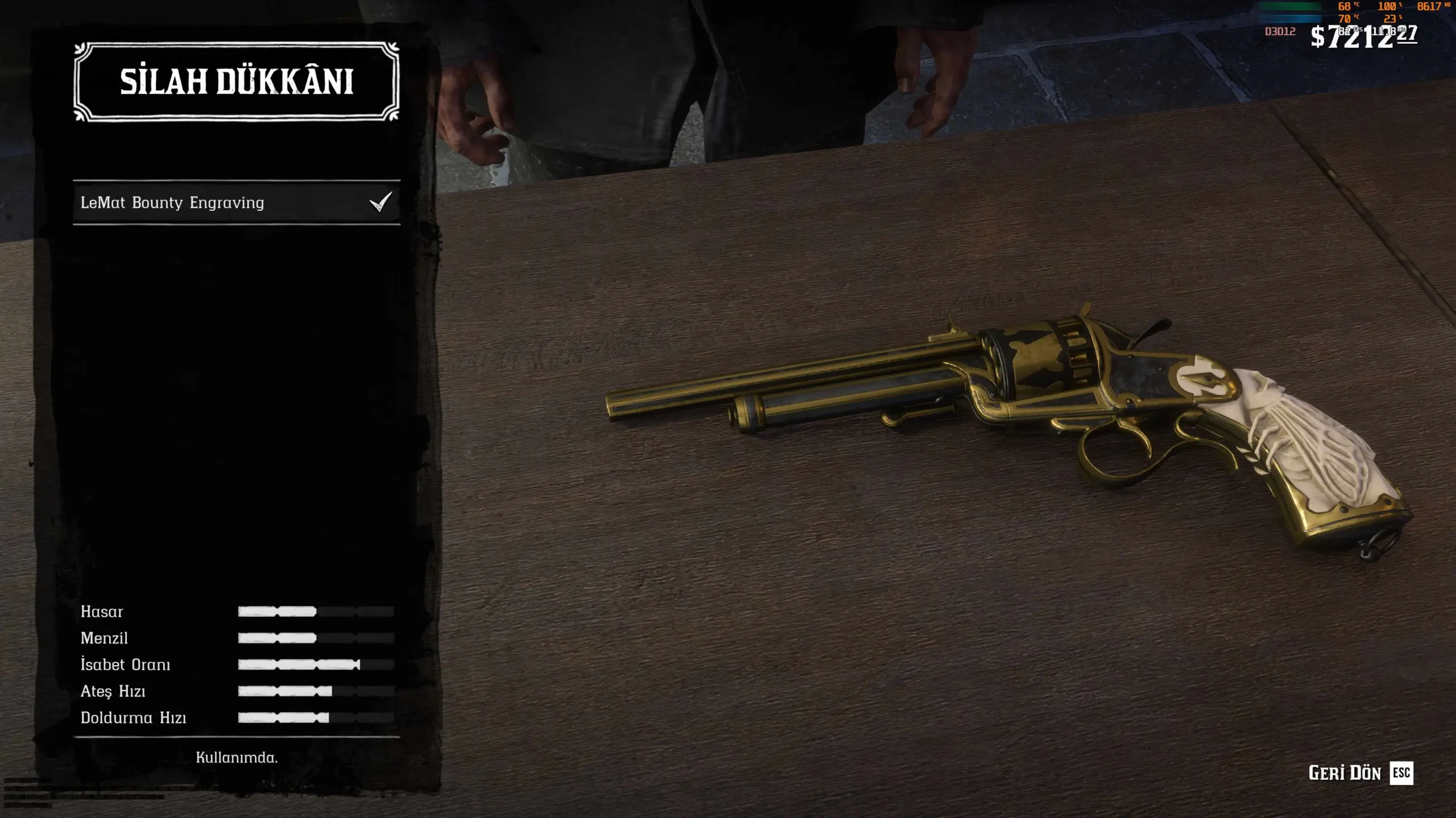
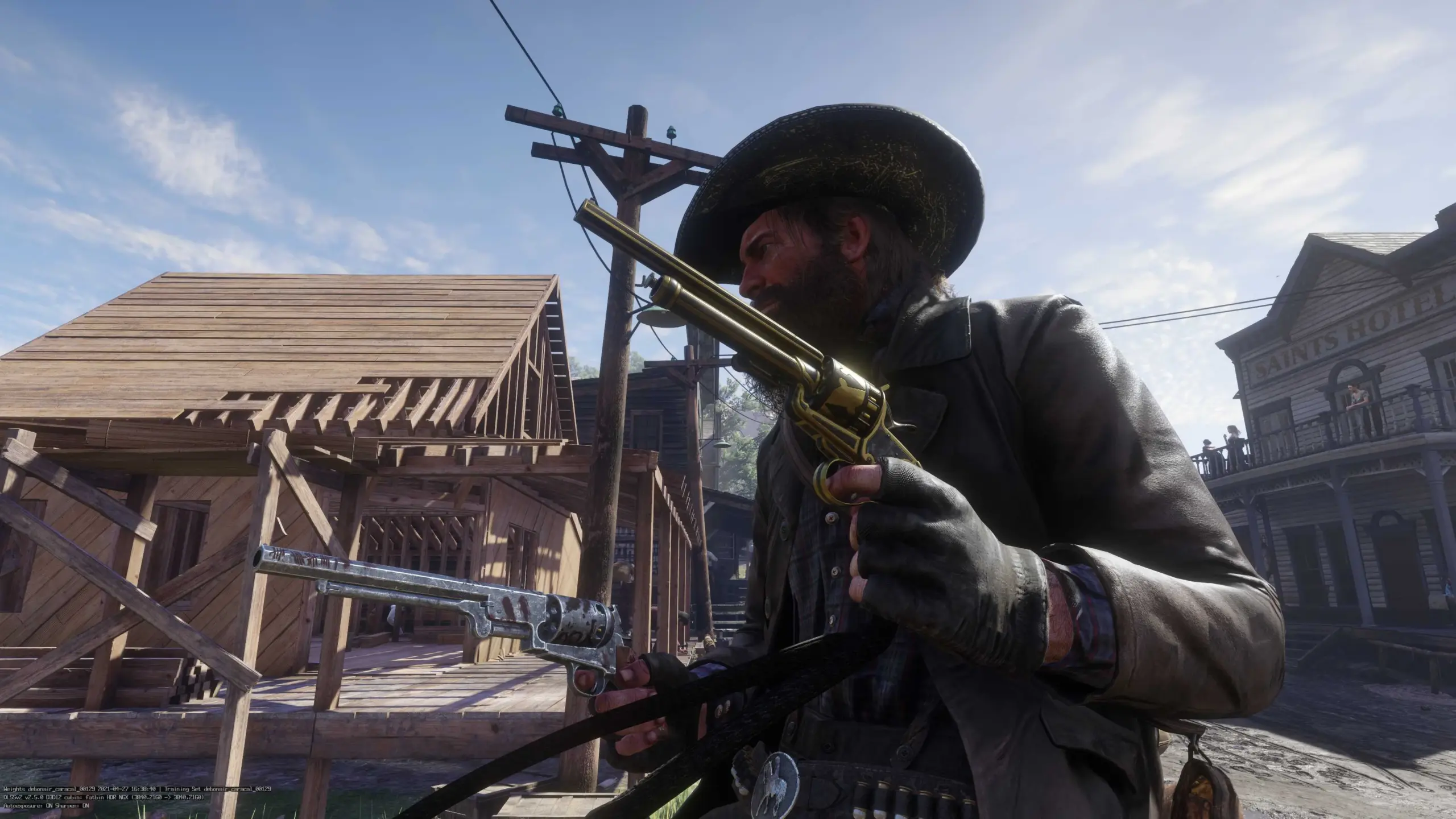
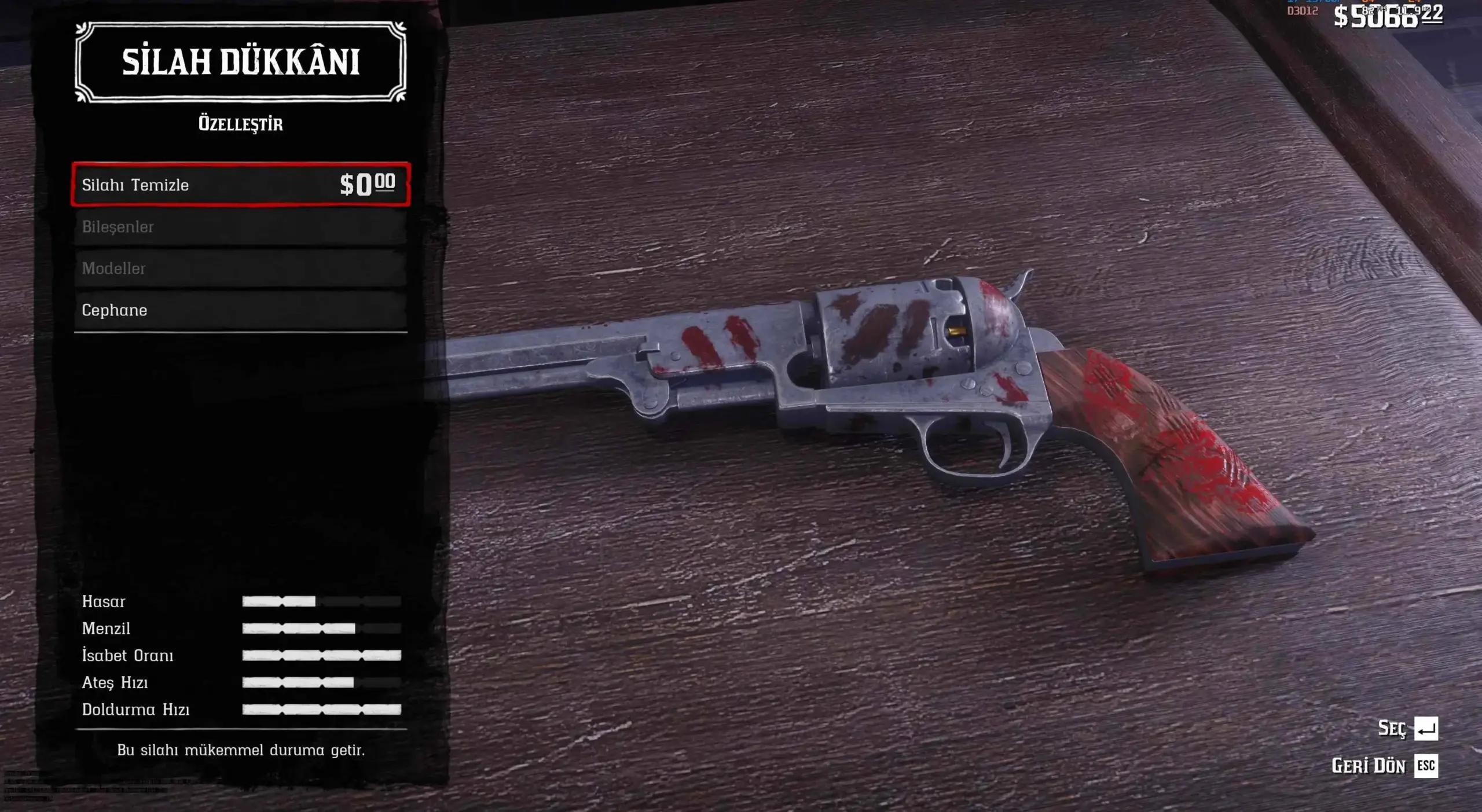
This pack includes three separate setups: Lowry’s Revolver Crossover, LeMat Revolver Bounty Hunter, Volcanic Pistol Collector and Schofield Bounty Hunter. You can use one, two, or all three at the same time depending on your preference.
Please follow the requirements and installation steps carefully to ensure the mod works flawlessly.
⚠️ Requirements
Make sure you have the following installed before using this mod:
Lenny’s Mod Loader (LML)
ScriptHookRDR2
Catalogue Improvements (CI)
OCU or LITE Multiplayer Asset Enabler (depending on what your CI installation requires)
📦 Main Files (Which Version to Choose?)
There are two different versions available. Please install only ONE package. Do not enable both at the same time.
Option 1: CI LeMat-Volcanic-Whitchurch-Schofield Excludes Lowry’s Revolver. Contains only the LeMat Bounty, Collector Volcanic, Whitchurch, and Schofield Bounty variants.
Option 2: CI Lowry-LeMat-Volcanic-Whitchurch-Schofield Includes Lowry’s Revolver in addition to the four variants mentioned above.
⚙️ Installation Steps
Extract the archive and drop your chosen package folder into the Red Dead Redemption 2\lml folder.
Open the LML Mod Manager. Place this package below Catalogue Improvements (CI) in your load order, enable it, and make sure it is set to overwrite the CI files.
Place the PlayerWeaponVariantGate.asi file directly into your main game directory (the folder containing RDR2.exe).
Warning: Do NOT place this .asi file into the lml folder.
Launch the game and visit a Gunsmith. Select a supported weapon, enter the “Customize” menu, open the Variants section, and choose the Online variant.
📌 Important Notes & The Variants Menu
Supported Weapons: The “Variants” section is only available for the LeMat, Volcanic, Cattleman, and Schofield.
Lowry’s Revolver Exception: The Lowry variant is not selected from the menu. If you installed the Lowry package (Option 2), it is applied directly as part of its own package.
Preview Glitch/Delay: While making your selection at the Gunsmith counter or when the preview refreshes, the weapon might briefly look different or incorrect. This is completely normal and doesn’t always happen. Simply finish your selection and exit the customization menu normally; the complete variant will be safely saved to your character’s (Arthur/John) inventory without any issues.
About the ASI File: The PlayerWeaponVariantGate.asi file ensures that the variants work properly and completely for Arthur and John. It is not designed to apply variants to standard NPC weapons.
Credits / Special Thanks: Huge thanks to iAbokai for creating the amazing Catalogue Improvements (CI) mod!
Credits:
graphspider
Downloads
| Name | Format | Size |
|---|---|---|
| CI-Lowry-Lemat-Volcanic-Whitchurch-Schofield-2-0.zip | ZIP | 790.12 KB |
| CI-Lemat-Volcanic-Whitchurch-Schofield-2-0s.zip | ZIP | 781.05 KB |
To start download click the filename. To open archive files use one of these programs: WinRAR, 7-Zip, WinZip. Some mod archives may need to be extracted before the mods will work.