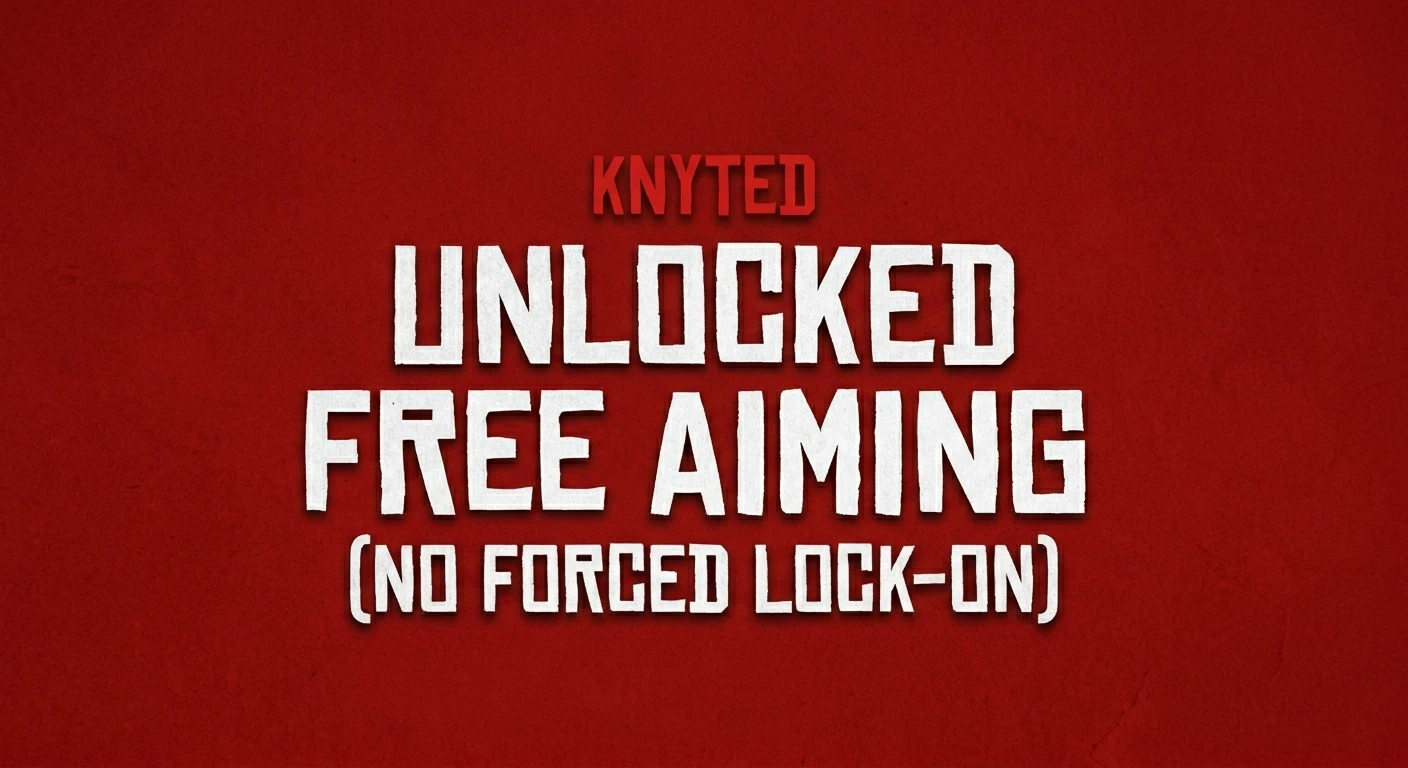
This mod completely kills the forced camera snapping. It gives you 100% raw, unrestricted mouse control, putting you back in charge of your camera.
If you play RDR2 with a mouse and keyboard, you already know how frustrating the game’s aiming system can be. The moment you hold Right-Click near an NPC, the engine hijacks your camera and magnetically snaps your crosshair to their chest. It locks your view, fights against your mouse movements, and completely stops you from shooting exactly where you want to.
This mod completely kills the forced camera snapping. It gives you 100% raw, unrestricted mouse control, putting you back in charge of your camera.
Main Features
True Free-Aim: Your camera is finally yours. Aim your gun near (or directly at) NPCs without the game pulling your crosshair or forcing your camera into a rigid over-the-shoulder lock.
No Intrusive Menus: Hides interaction prompts like “Rob”, “Greet”, and “Antagonize” so they don’t pop up and hijack your screen while aiming. If you need to rob someone or grab an enemy, you can instantly toggle the prompts back on via the hotkey.
Customizable Real-Time Toggle: Instantly switch between true free-aim and the vanilla RDR2 system using a configurable hotkey (Default: X via .ini) A clean, brief on-screen notification lets you know exactly which mode is active.
Important Gameplay Note
Because this mod gives you pure free-aim,melee actions (like running tackles,running grabs.. etc) and robbery prompts will not trigger while the mod is toggled ON. Simply tap your hotkey to turn the mod off when you want to perform a grab, tackle, or greet an NPC, and tap it back on when you want to start shooting freely again.
Installation
Ensure you have the latest version of Alexander Blade’s ScriptHookRDR2 installed.
Extract the download and drop both UnlockedFreeAiming.asi and UnlockedFreeAiming.ini directly into your main Red Dead Redemption 2 game folder
Start the game
Credits:
kNyte048
Downloads
| Name | Format | Size |
|---|---|---|
| UnlockedFreeAiming.zip | ZIP | 6.64 KB |
To start download click the filename. To open archive files use one of these programs: WinRAR, 7-Zip, WinZip. Some mod archives may need to be extracted before the mods will work.