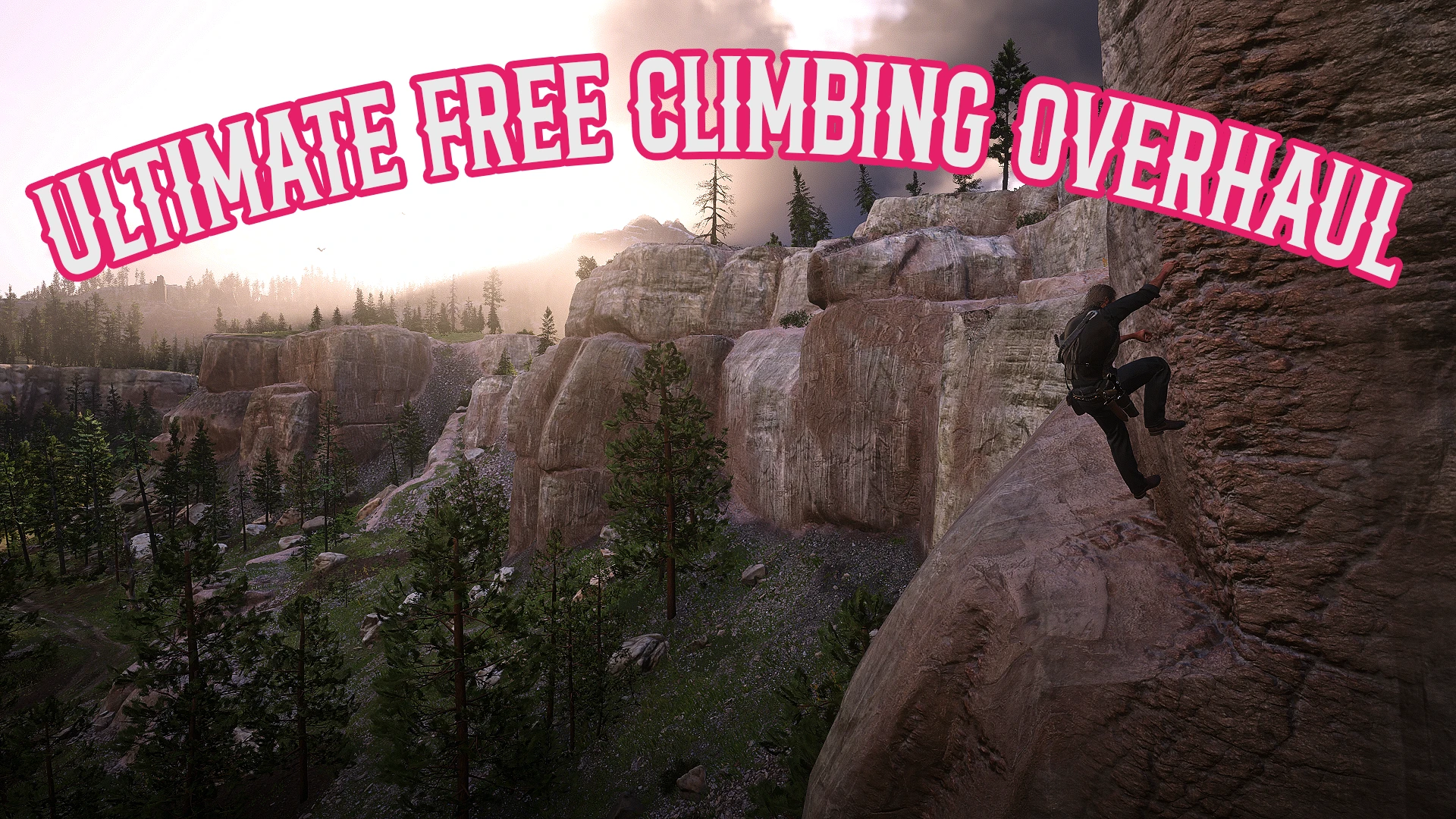
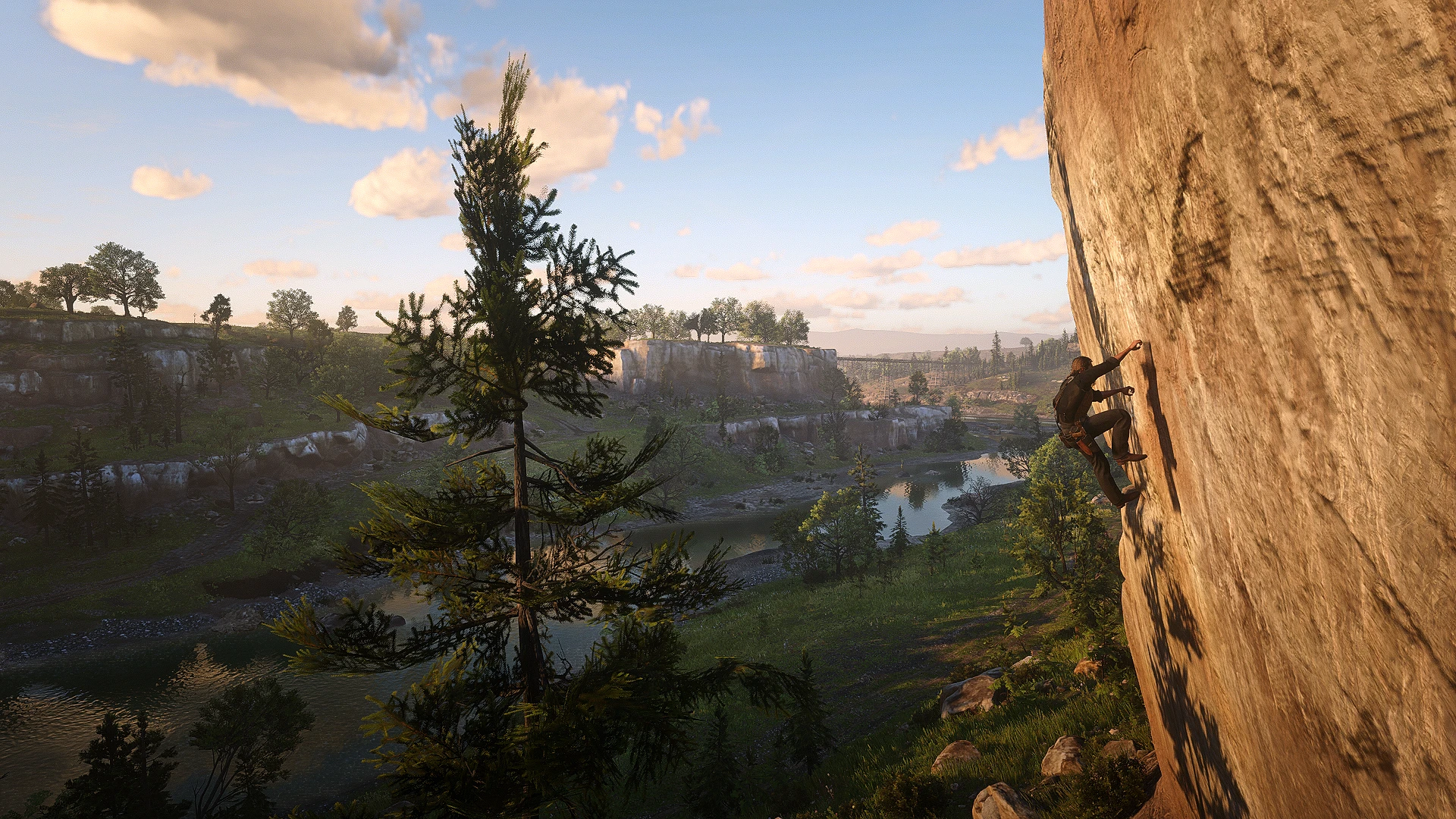
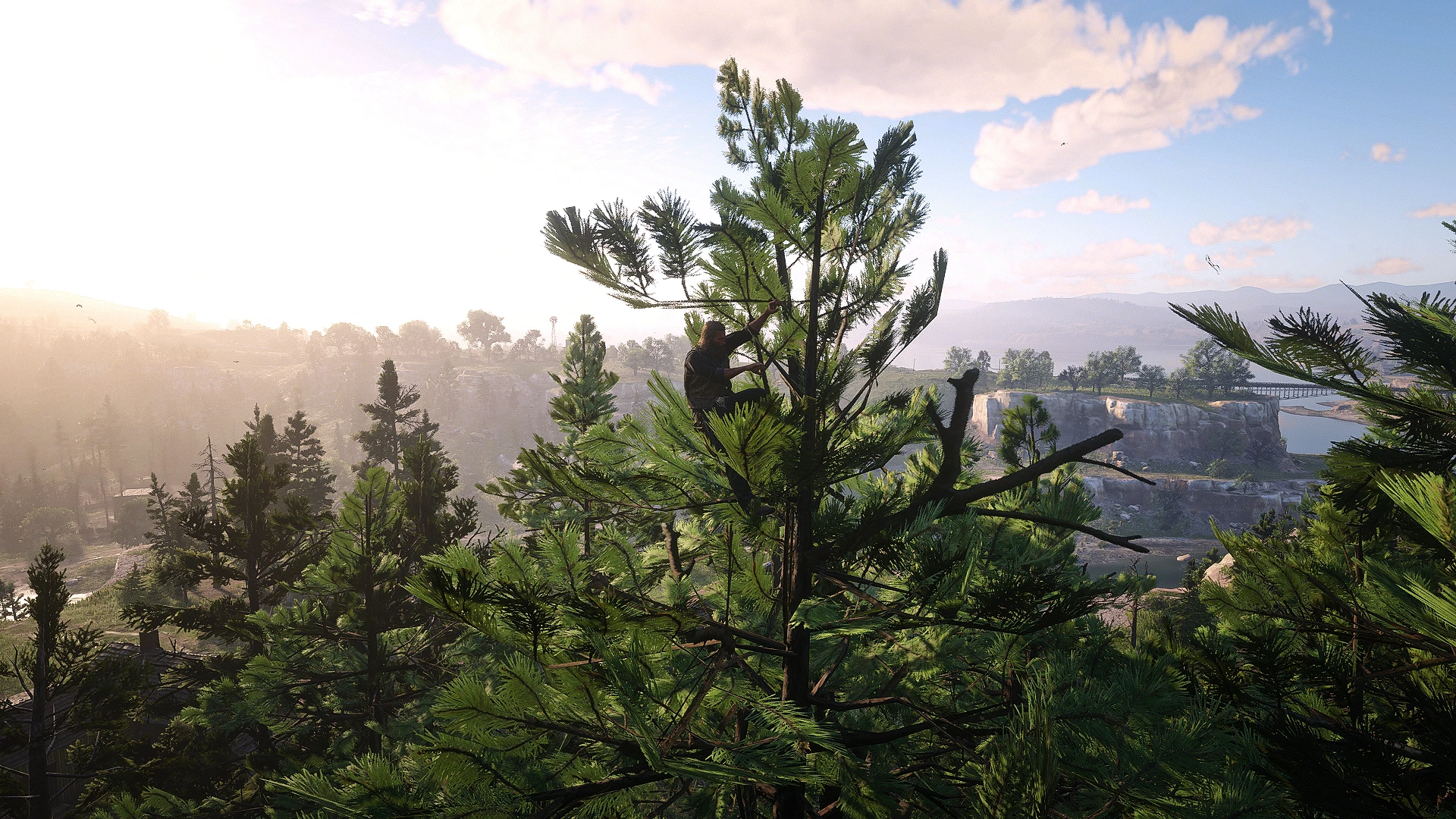
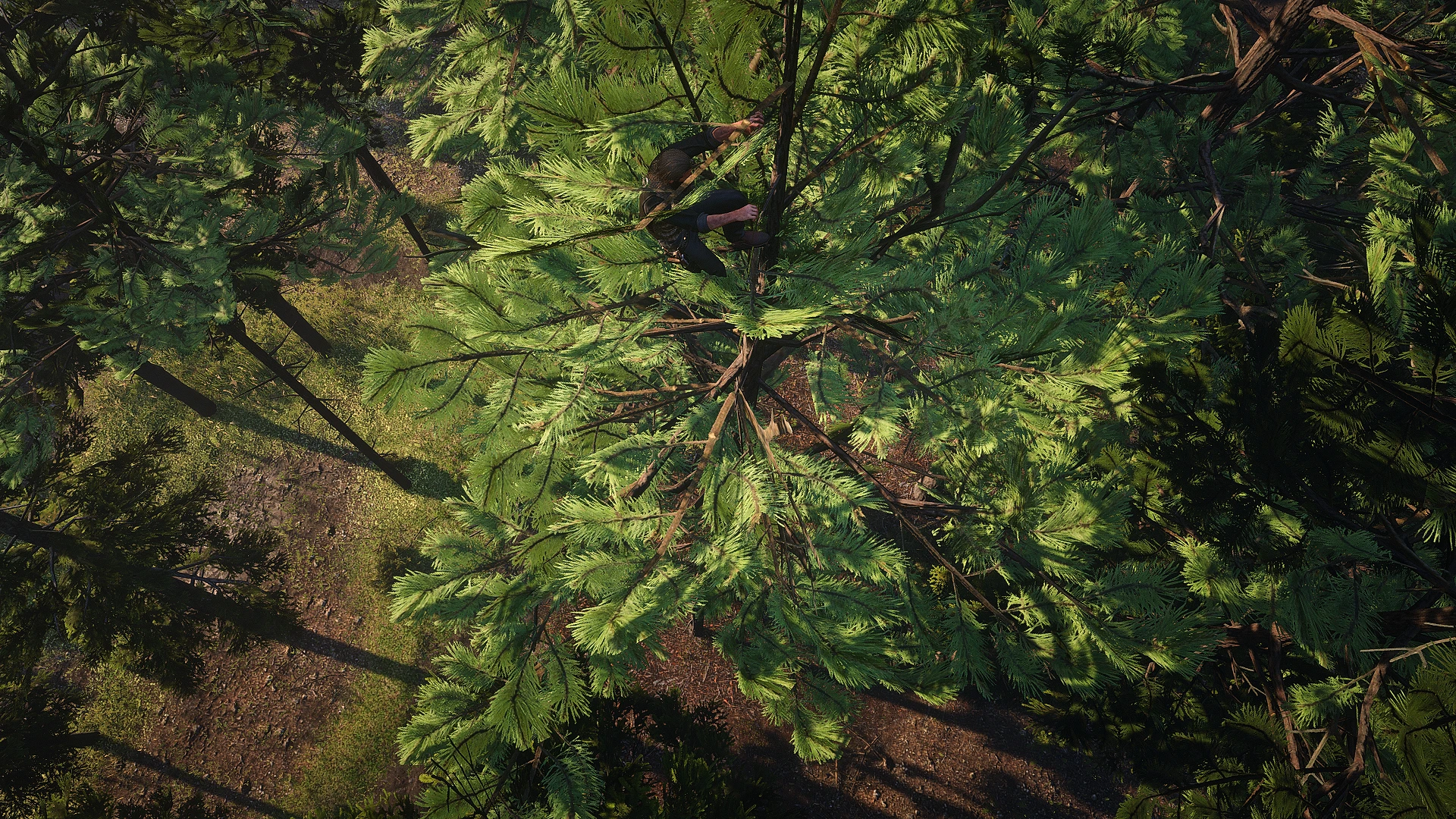
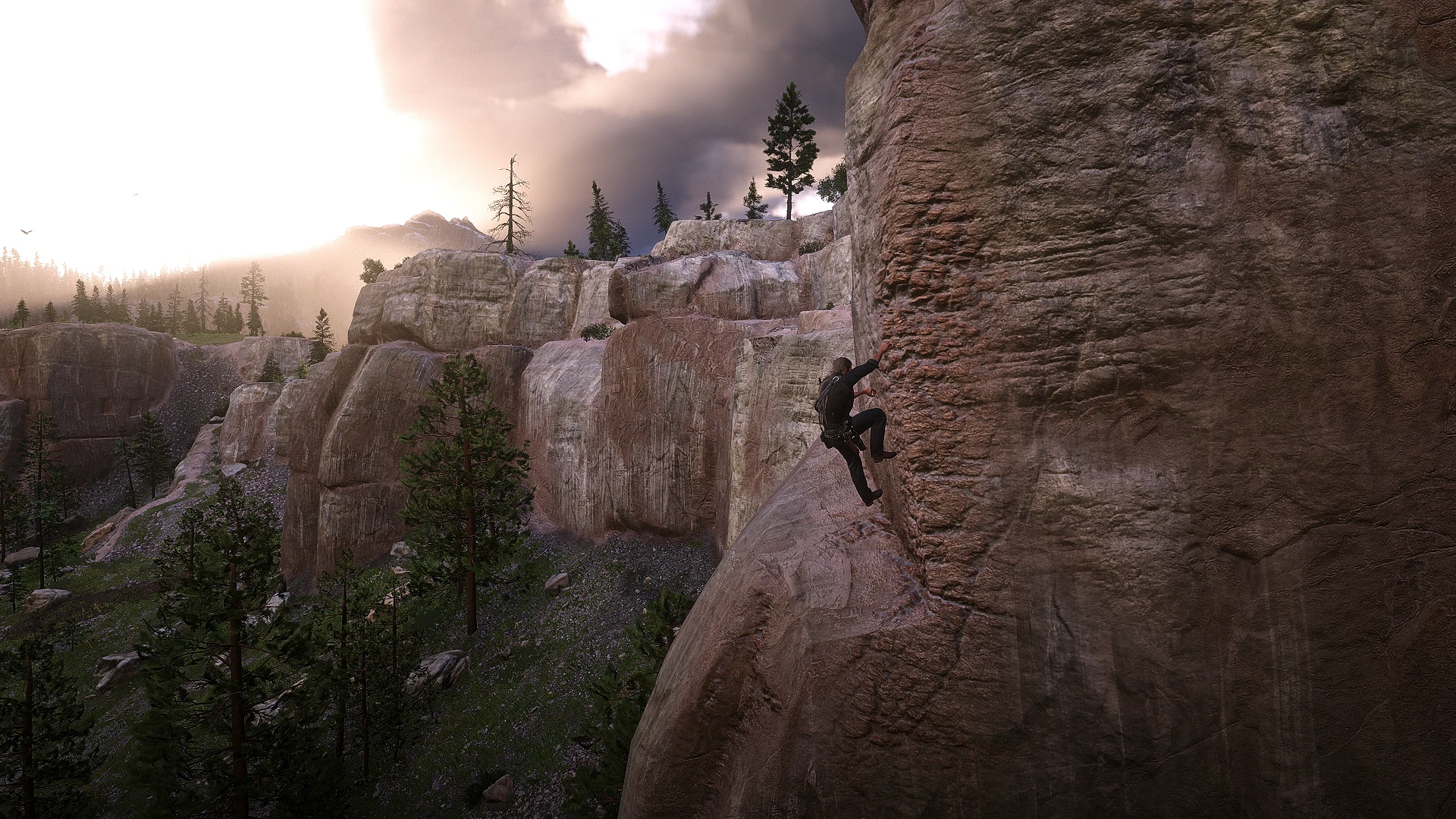
Get ready to explore the map like never before! Freely climb on any building, tree, mountain, or object! Hide on top of roofs, jump from treetop to treetop, scale mountainsides. There are no limits to where the player can go now! This is a lightweight overhaul for RDR2 that intergrades a Legend of Zelda: BOTW / TOTK climbing system.
HUGE SHOUTOUT TO NameyNameName15 , AND THEIR INCREDIBLE WORK ON Link Outfit (Legend of Zelda). CHECK OUT THEIR MOD IF YOU WANT TO LOOK LIKE CLASSIC LINK WHILE CLIMBING. 100% FULL CREDIT TO THEM FOR CREATING THE LINK OUTFIT. PLEASE DROP THEM A ENDORSEMENT BEFORE MY MOD. ALSO CHECK OUT THEIR OTHER AMAZING PED SKINS & OUTFITS!
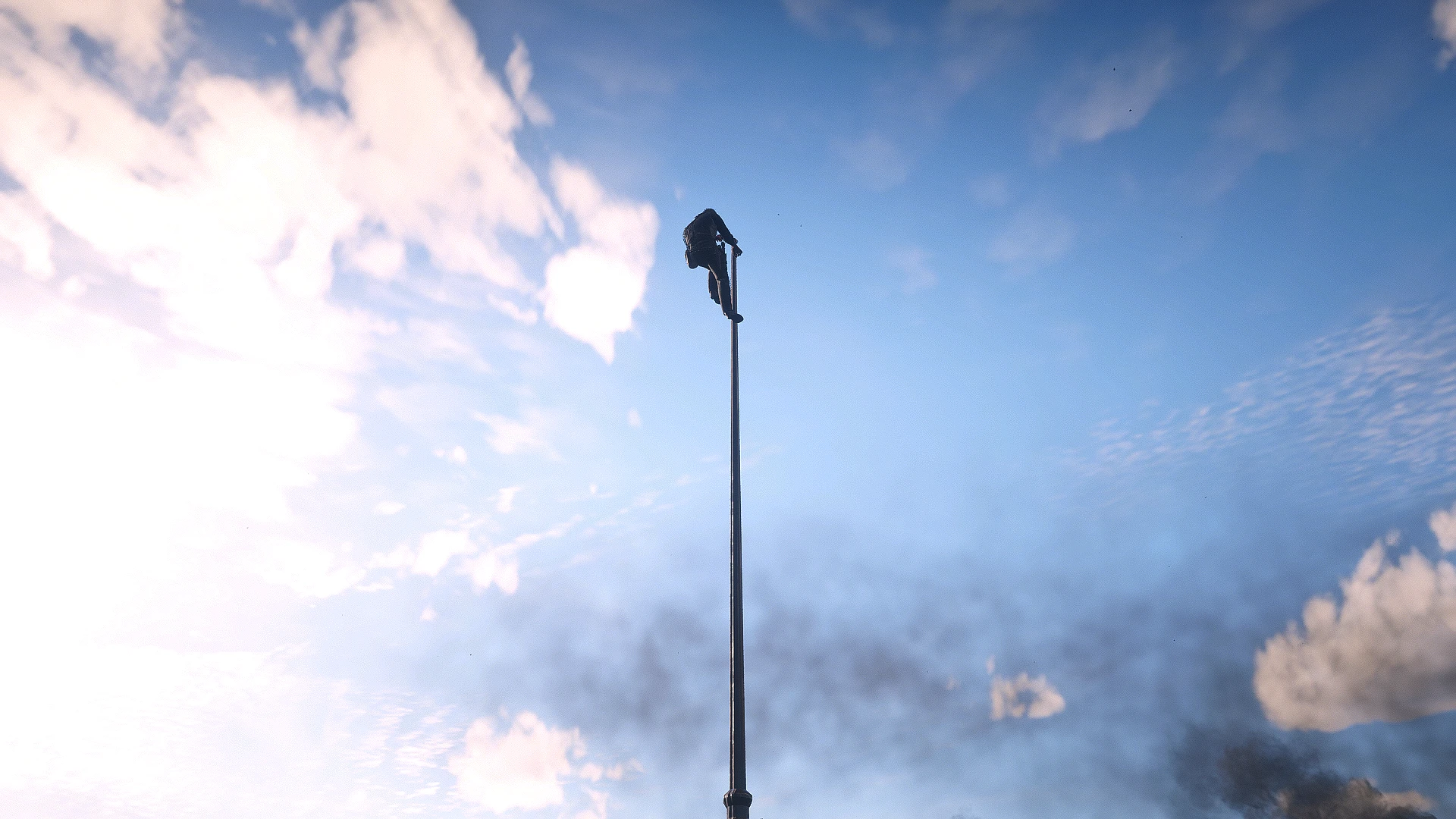
This mod will essentially add a fully customizable climbing system into RDR2, so that the player will now be able to physically climb up EVERY SINGLE OBJECT. Houses, trees, bushes, fences, electrical poles, rails, wagons, and mountains, there is no limit to what you can climb and where you can go. As long as the object is shoulder height to the player, and they are standing in front of it, you will be able to grab onto it. While you are climbing you can freely move around in any direction, even wrapping around corners, and jump in any direction. You can grab onto a object when mid air after a jump, which will allow you to catch yourself from falling, jumping from tree to tree, or even wall jumps. Once you reach the top you will then be able to climb up, or jump up onto the ledge. All of the options in this mod are fully customizable, you can freely toggle every feature for this mod on or off. You can also change the inputs used to activate each feature if you like.
HOW TO INSTALL
*Ensure you have ScriptHook V2 installed properly (This works with Alexander Blades Scripthook as well)*
Download the current version of UFCO
Open the Zip, and drag UFCO.ASI and UFCO.INI into your main RDR2 file directory, where you installed Scripthook
HOW TO ACTIVATE
HOTKEYS:
Activation Prompt Key
Keyboard : Double Tap Space Bar (Configurable in the ini)
Controller : Double Tap X Button (Configurable in the ini)
To activate CLIMBING MODE the player must be in right front of a object that is at least shoulder height, and then use the Activation Prompt Key. The player will now jump up and latch onto the wall side ready to move in any direction.
Pressing the Activation Prompt Key while in CLIMBING MODE will disable it, you can do this at any point while you are climbing.
CLIMBING MOVEMENT
HOTKEYS:
Jump Prompt Key
Keyboard : Hold Space Bar (Configurable in the ini)
Controller : Hold X Button (Configurable in the ini)
Sprint Prompt Key
Keyboard : Hold Left Shift (Configurable in the ini)
Controller : Hold A Button (Configurable in the ini)
Using the normal movement inputs will allow the player to go in any direction while in CLIMBING MODE, pushing up or down will make the player climb on the vertical axis now.
By holding the Sprint Prompt Key you will be able move faster while climbing.
When the player holds the Jump Prompt Key they will stop moving and after 1250 ms (ini configurable) you will leap in what ever direction you are holding. So you can aim the jump off a wall to better angle it, going where you need to. After jumping when you are in the air you can continue to hold the Jump Prompt Key, and this allows you to grab onto something else to climb.
NOTE: WHEN CLIMBING TREES THEY HAVE LARGER COLLISIONS AT THE TOP WITH ALL THE LEAVES. TO BETTER JUMP BETWEEN TREES YOU NEED TO GET TO THE EDGE OF THIS AND THEN JUMP. AFTER JUMPING YOU WANT TO NOT HOLD THE Jump Prompt Key. RATHER JUMP GAIN SOME DISTANCE TO THE EDGE AND THEN HOLD IT TO GRAB THE TREE LINE BEFORE YOUR FALL.
STAMINA
Stamina consumptions is purely optionally and you can turn all the options that affect the players stamina on or off.
While the player is in CLIMBING MODE any time you move or jump, you will lose stamina. If the player runs out of stamina while they are in CLIMBING MODE then they will forcibly let go and fall to the ground.
Sprinting will consume more Stamina, and jumping consumes a flat amount per jump. The player can always jump even on their last sliver of stamina, allowing you to make the final leap if you just barely can make it but don’t have the stamina to climb all the way.
You can enable or disable stamina regeneration when the player is not moving in CLIMBING MODE (default = false)
AUTO GRAB
HOTKEYS:
AutoGrab Prompt Key
Keyboard : Hold Space Bar (In the air) (Configurable in the ini)
Controller : Hold X Button (In the air) (Configurable in the ini)
While the player is falling in the air at any point you can hold the AutoGrab Prompt Key, if there is any object that is in front of the player as you are falling you will grab onto it. So you can jump off a roof top to grab onto a electrical pole, or climb the pole to grab the building’s side.
This works separately from the auto grab the player does when you jump while in CLIMBING MODE, but they functionally work the same. This just handles every case when the player was not in CLIMBING MODE, and they jump / fall.
YOU NEED TO HAVE AT LEAST 5 STAMINA TO USE THIS!!!
CLIMBING DOWN
HOTKEYS:
Flip Around In Air Input
Keyboard : Press Left Control (In the air) (Configurable in the ini)
Controller : Press LS (In the air) (Configurable in the ini)
Disable Ragdoll Prompt Key
Keyboard : Hold H key (In the air) (Configurable in the ini)
Controller : Hold Up D-pad (In the air) (Configurable in the ini)
There is no direct or official way for the player to begin a descent once you have climbed up an object. The player can move downward while in CLIMBING MODE, what this means is once you climb up a building there’s no way for the player to enable CLIMBING MODE to get back down.
To circumvent this I added this feature, when you press Flip Around In Air Input, your character will automatically spin around doing a 180. This allows you to jump off a ledge, activate this and then use the auto grab to initiate CLIMBING MODE onto the ledge. You should now be able to climb down from where you are at, if you get stuck try deactivating CLIMBING MODE and using the auto grab to lower yourself more.
While the player is falling they will begin to ragdoll, after a certain amount of hangtime while being high off the ground. You can hold the Disable Ragdoll Prompt Key which will remove that from happening while you are in the air. This is useful to stabilize the player, if they belly flop or turtle in the air. You can also activate this right before the player hits the ground to prevent fall damage. So you can also just jump down and try timing this to get down as well.
DOUBLE JUMP
HOTKEYS:
Double Jump Input
Keyboard : Press Space Bar (In the air) (Configurable in the ini)
Controller : Press X Button (In the air) (Configurable in the ini)
This options can toggled on or off and is not necessary to the function of this mod.
Pretty straightforward feature when the player is in the air, you can press the Double Jump Input, and the player will jump in the direction you are holding.
This jump is not really designed for vertical gain, but rather horizontal movement when jumping between buildings, or trees.
With this feature you can also easily jump off a building or ledge and then double jump back onto its side using auto grab to climb down. As well as if you save your jump before you hit the ground double jumping will prevent any fall damage.
TREASURE CHESTS
I have created and placed hidden Treasure Chests that you will be able to find within each major city / town.
All of these chests are only accessible with the use of my mod and will require you to climb up somewhere. They are generally placed in higher locations, but I tried to have them in unique spots.
Then throughout the world, on top of mountains, and extremely hard to reach spots. There are 5 Special Treasure Chests, these chests contain a large amount of loot, and will be a challenge to get to.
Once looted the loot will respawn after 7 in game days, or when you reload a save, you can disable each location so once you find it you can fully remove it if you like, or use it as a resource stash.
CONTROLS
HOTKEYS:
Activation Prompt Key
Keyboard : Double Tap Space Bar (Configurable in the ini)
Controller : Double Tap X Button (Configurable in the ini)
Jump Prompt Key
Keyboard : Hold Space Bar (Configurable in the ini)
Controller : Hold X Button (Configurable in the ini)
Sprint Prompt Key
Keyboard : Hold Left Shift (Configurable in the ini)
Controller : Hold A Button (Configurable in the ini)
AutoGrab Prompt Key
Keyboard : Hold Space Bar (In the air) (Configurable in the ini)
Controller : Hold X Button (In the air) (Configurable in the ini)
Flip Around In Air Input
Keyboard : Press Left Control (In the air) (Configurable in the ini)
Controller : Press LS (In the air) (Configurable in the ini)
Disable Ragdoll Prompt Key
Keyboard : Hold H key (In the air) (Configurable in the ini)
Controller : Hold Up D-pad (In the air) (Configurable in the ini)
Double Jump Input
Keyboard : Press Space Bar (In the air) (Configurable in the ini)
Controller : Press X Button (In the air) (Configurable in the ini)
BUGS
Sometimes the player will be hovering above the wall, or object they are climbing. Due to the nature of this mod it was difficult to get the exact wall probe to hit, as a lot of buildings have a separate inner wall for the interior that the player latches onto instead of the outer wall. So I did my best to get the player to always register the outer wall surface while maintaining a close distance.
The overall clipping of the player into the object is something that probably wont be directly fixed. Usually its not so bad depending on the surface you climb but obviously the animation I use does not adapt to the wall you are climbing.
Climbing inside interiors is possible but can be buggy when you get to the celling, as you might latch onto it, or clip through to the roof.
When climbing mountains you may get pulled into the mountain side when you are climbing near its ledge, I have a measure to prevent this but it might still happen. Usually moving up will clip you out, if you are are stuck you can usually jump back out of the mountain.
Q&A
Q: Is this Mod compatible with XYZ?
A: I have tested and used this mod during my own playthrough which is heavily modded, and includes majority of the most popular mods. With that said it should be compatible with MOST MODS, but this is not a guarantee that it will work with ALL MODS. So far I have found zero compatibility issues.
Q: Why do I always get stuck when climbing up mountain sides?
A: So this is due to the preventive measure to avoid you getting pulled into the mountain and clipping inside it. Essentially when you are climbing a mountain and can no longer move along its face your only option is to jump up. By either holding the Jump Prompt Key with no direction or pressing it toward the object you are climbing will allow the player to jump vertically. You then need to hold the Jump Prompt Key to regrab back on to the wall, a lot of mountains will require you to jump and only the vertical faces will you be able to freely climb.
Q: What other mods would you recommend with this one?
A: No Sliding, and Out of Bounds. I highly recommend using No Sliding as it will allow you to climb steeper more mountain sides a lot easier, and give you 100% pure freedom of wherever you want to go.
Credits:
alejahH
Downloads
| Name | Format | Size |
|---|---|---|
| UFCO1.0.zip | ZIP | 104.10 KB |
To start download click the filename. To open archive files use one of these programs: WinRAR, 7-Zip, WinZip. Some mod archives may need to be extracted before the mods will work.