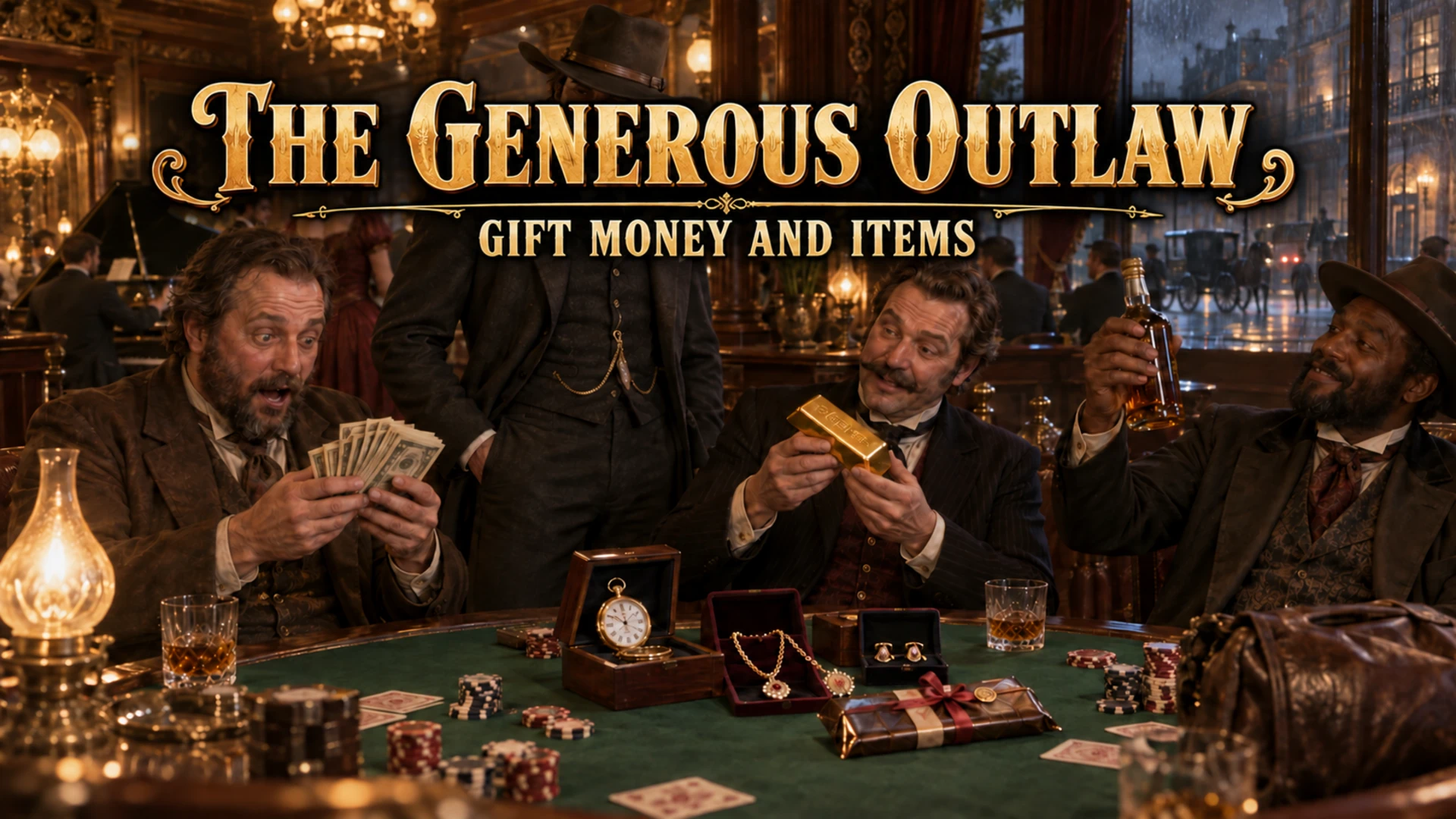
The Generous Outlaw allows Arthur to share his wealth with NPCs throughout Story Mode. Walk up to an eligible person, open the gift menu, and give them cash, valuables, food, or bourbon directly from your inventory.
Recipients will face Arthur and attempt a native thank-you response using their own voice and animation set. Successful gifts can also increase Arthur’s Honor.
Version 2.0 is a native 64-bit ASI mod with full keyboard and Xbox-style controller support. It requires no LML files and nothing goes in the scripts folder.
WHAT’S NEW IN VERSION 2.0
Full Xbox-style controller support
Optional startup notification
Native gifting gesture for Arthur
Native thank-you reactions from recipients
Remaining inventory quantity displayed after item gifts
Improved Honor feedback
“Honor maximum” confirmation when Arthur reaches the cap
Expanded INI customization
Additional troubleshooting for keyboard conflicts
INSTALLATION INSTRUCTIONS
Make a manual save before installing any new mod.
Install the 64-bit version of ScriptHookRDR2.
Copy these two files into your main Red Dead Redemption 2 folder—the folder containing RDR2.exe and ScriptHookRDR2.dll:
TheGenerousOutlaw.asi
TheGenerousOutlaw.ini
Start Story Mode.
The message “The Generous Outlaw 2.0 loaded” should appear when the game finishes loading.
The startup message is enabled by default. To hide it, change this setting under the Display section of the INI:
ShowStartupMessage=0
IMPORTANT FOR EARLY PROTOTYPE USERS
If you installed the original .NET prototype, remove or disable TheGenerousOutlaw.cs and its associated INI from the scripts folder.
Version 2.0 is a native ASI mod. Nothing belonging to this version should be installed in the scripts or lml folders.
UPDATING FROM AN EARLIER ASI VERSION
Replace both the old TheGenerousOutlaw.asi and TheGenerousOutlaw.ini files with the Version 2.0 files.
DEFAULT KEYBOARD CONTROLS
Backslash: Lock onto the person in front of Arthur and open or close the gift menu
1: Open cash gifts
2: Open item gifts
1 through 9: Give the numbered gift displayed in the menu
Left Bracket: Previous gift-list page
Right Bracket: Next gift-list page
Backspace: Return to the previous menu or cancel
DEFAULT XBOX-STYLE CONTROLLER CONTROLS
Hold D-pad Down and press A: Lock onto the person in front of Arthur and open or close the gift menu
D-pad Up/Down: Move through the menu
A: Select a category or give the highlighted gift
B: Return to the previous menu or cancel
LB/RB: Change gift-list pages
Controller support is enabled by default and does not replace the keyboard controls.
MAIN FEATURES
Give actual money from Arthur’s wallet
Give actual items from Arthur’s inventory
Nine configurable cash amounts
Configurable item-gift list
Keyboard and Xbox-style controller support
Native NPC thank-you dialogue
Native recipient reaction animation
Optional native gifting gesture for Arthur
Honor increases after successful gifts
Remaining inventory count after item gifts
Optional startup notification
Configurable targeting range
Configurable gift quantity
Configurable controls
Best-effort recovery of gifted cash when looting the same NPC
DEFAULT CASH GIFTS
$5
$20
$50
$100
$500
$1,000
$5,000
$10,000
$25,000
DEFAULT ITEM GIFTS
Chocolate Bar
Kentucky Bourbon
Gold Nugget
Gold Ingot
Gold Bar
Small Jewelry Bag
Large Jewelry Bag
Gold Pocket Watch
Platinum Pocket Watch
Silver Pocket Watch
Gold Bracelet
Platinum Bracelet
Silver Bracelet
Gold Earring
Platinum Earring
Silver Earring
Gold Buckle
Platinum Buckle
Silver Buckle
Platinum Ring
Silver Ring
Gold Necklace
Platinum Necklace
Pearl Necklace
HOW TO GIVE A GIFT
Face a living human NPC from within approximately four meters and open the gift menu.
The mod remembers the recipient immediately, so the person may continue walking while you choose a gift. The initial target must be alive, on foot, and in a relatively normal state. NPCs who are fighting, hogtied, incapacitated, mounted, inside vehicles, or involved in certain scripted situations may not be eligible.
Choose either cash or items, then select the gift.
Cash is deducted from Arthur’s wallet. Items are removed from Arthur’s actual inventory. Item confirmations display the quantity remaining after the gift.
NPC REACTIONS AND ANIMATIONS
After receiving a gift, the recipient turns toward Arthur and attempts a native thank-you response using dialogue available within that NPC’s voice set.
Some unusual, silent, or mission-specific NPCs may not have an appropriate thank-you line. The recipient will still attempt the native reaction animation.
Arthur also attempts a short native full-body giving or handshake-style gesture. RDR2 may interrupt or override this animation depending on Arthur’s position, the NPC’s behavior, nearby activity, or the current game state. The animation can therefore be subtle in some situations.
No custom animation files or LML installation are required.
HONOR
Successful gifts increase Arthur’s Story Mode Honor by 25 points by default.
The confirmation message will show:
The amount of Honor gained
“Honor maximum” when Arthur has reached the game’s Honor cap
“Honor update failed” if the game refuses the Honor change
Honor can be disabled or adjusted in the INI. HonorPerGift accepts values from 0 through 50.
The mod does not permanently change an individual NPC’s relationship group or artificial intelligence. Doing so could break cops, guards, shopkeepers, and scripted characters. The recipient’s personal thank-you reaction represents their response to the gift, while the Honor increase provides the persistent gameplay reward.
CASH RECOVERY
Cash recovery is enabled by default.
During the current play session, the mod associates gifted cash with the exact NPC who received it. If RDR2 reports that Arthur successfully corpse-looted that same NPC, the mod attempts to return the previously gifted cash in addition to the NPC’s normal randomized loot.
This is a best-effort feature and cannot be guaranteed. Robberies, pickpocketing, NPC despawning, missed game events, and certain scripted situations may prevent recovery.
To make gifted cash permanently unrecoverable, change this setting under CashGifts:
RecoverWhenLooted=0
ITEM-GIFT LIMITATION
RDR2 does not provide a reliable way to place arbitrary valuables permanently into every pedestrian’s personal loot inventory.
Item gifts therefore remove the selected item from Arthur’s inventory and stage the gifting interaction, but they do not guarantee that the same item can later be recovered by looting the recipient.
Any valuables found on that NPC afterward may simply be the game’s ordinary randomized loot.
The mod never creates money or valuables. If the game reports that Arthur does not possess the selected item, nothing should be removed.
CUSTOMIZATION
TheGenerousOutlaw.ini allows you to customize:
Keyboard controls
Controller opening combination
Targeting range
Item quantity
Cash-gift amounts
Available item gifts
Honor increases
Startup notification
Arthur’s gifting gesture
NPC speech and reaction animation
Cash recovery
REQUIREMENTS
Red Dead Redemption 2 for PC
Story Mode
64-bit ScriptHookRDR2
NOT REQUIRED
ScriptHookRDR2DotNet
Lenny’s Mod Loader
Custom animation files
A scripts-folder installation
TROUBLESHOOTING
THE STARTUP MESSAGE DOES NOT APPEAR
Confirm TheGenerousOutlaw.asi and TheGenerousOutlaw.ini are beside RDR2.exe.
Do not place the files in scripts or lml.
Confirm ScriptHookRDR2.dll is installed and functioning.
Check TheGenerousOutlaw.log in the game folder.
THE MOD LOADS, BUT BACKSLASH DOES NOTHING
If the startup message appears but Backslash produces absolutely no response, another mod may be capturing that key or your keyboard layout may map it differently.
Open TheGenerousOutlaw.ini and change:
GiveKey=BACKSLASH
to another supported key, such as:
GiveKey=EQUALS
or:
GiveKey=APOSTROPHE
Restart the game after changing the INI.
Controller users can instead hold D-pad Down and press A.
Also confirm that only one TheGenerousOutlaw.asi and one matching INI are active, and that no obsolete TheGenerousOutlaw.cs prototype remains enabled in the scripts folder.
THE CONTROLLER DOES NOTHING
Confirm EnableController=1 in the INI.
The mod reads Xbox-compatible XInput controllers.
Many controllers configured through Steam Input also appear as XInput devices.
Keyboard controls remain available as a fallback.
NO ELIGIBLE PERSON IS FOUND
Move closer to the NPC.
Face the NPC directly.
Try a calm pedestrian who is standing or walking on foot.
Avoid NPCs who are fighting, incapacitated, hogtied, mounted, in vehicles, or involved in missions.
THE NPC DOES NOT SPEAK
Not every NPC voice set contains a compatible thank-you line. The gift can still succeed even when a particular recipient remains silent.
THE GESTURE IS DIFFICULT TO SEE
RDR2 can interrupt or override native animations according to the current game state. The gesture is intentionally lightweight and may be subtle, especially when the recipient is walking or performing another action.
REMOVING THE MOD
Delete:
TheGenerousOutlaw.asi
TheGenerousOutlaw.ini
TheGenerousOutlaw.log and TheGenerousOutlaw_Gifts.csv are optional records and may also be deleted.
REQUIREMENTS SUMMARY
Story Mode only. Requires the 64-bit ScriptHookRDR2 installation.
SHOUT OUTS
Thank you to the Nexus Mods community members who tested the original release and suggested controller support, optional startup notifications, improved animation feedback, and clearer inventory and Honor messages.
Thank you to Alexander Blade for ScriptHookRDR2, and to Rockstar Games for creating a world detailed enough that giving something to a stranger can feel like its own reason to keep playing.
Development support and code collaboration provided by ChatGPT.
Credits:
uncleofwilson
Downloads
| Name | Format | Size |
|---|---|---|
| TheGenerousOutlaw-V2.0.zip | ZIP | 21.93 KB |
To start download click the filename. To open archive files use one of these programs: WinRAR, 7-Zip, WinZip. Some mod archives may need to be extracted before the mods will work.