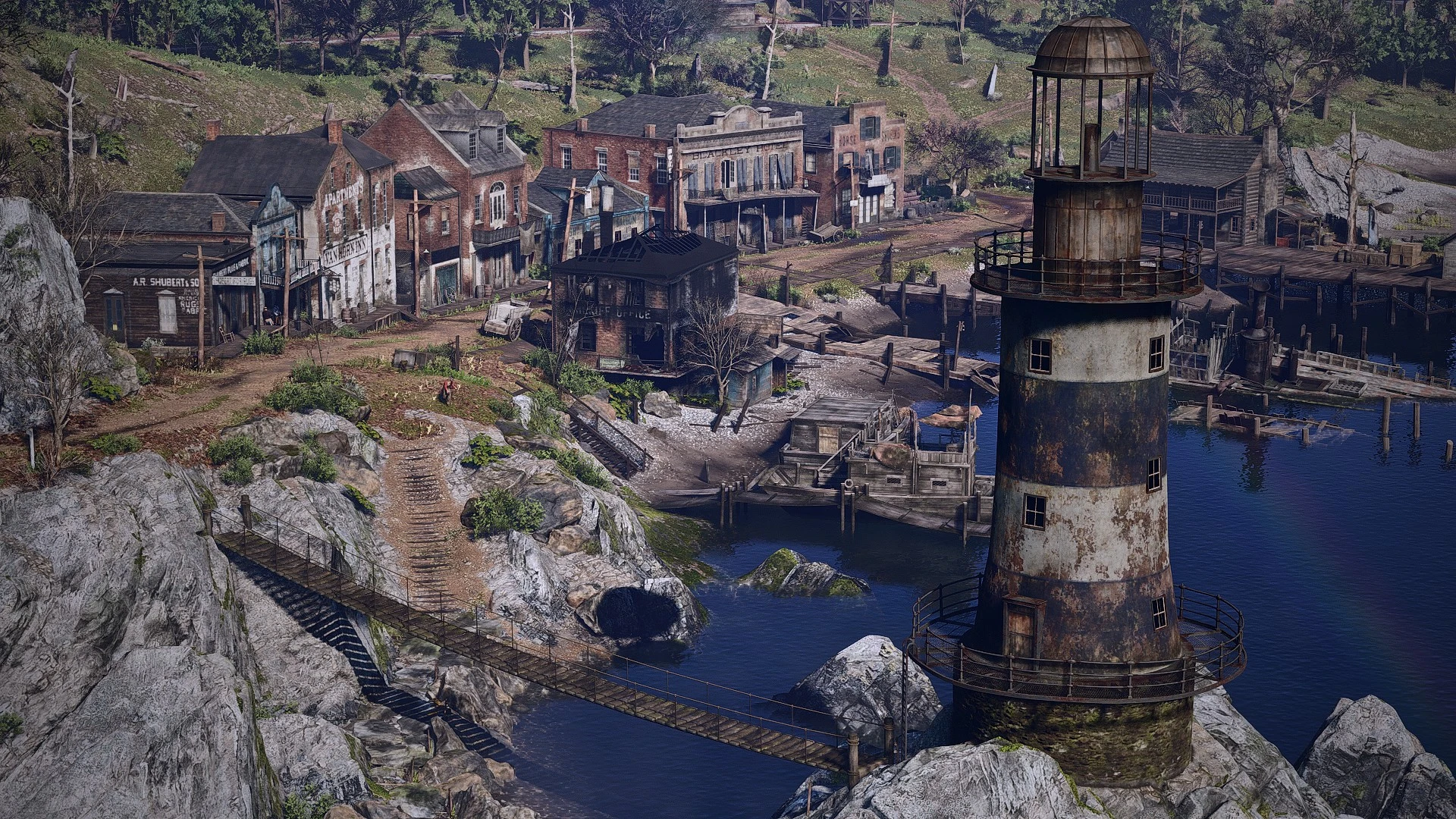
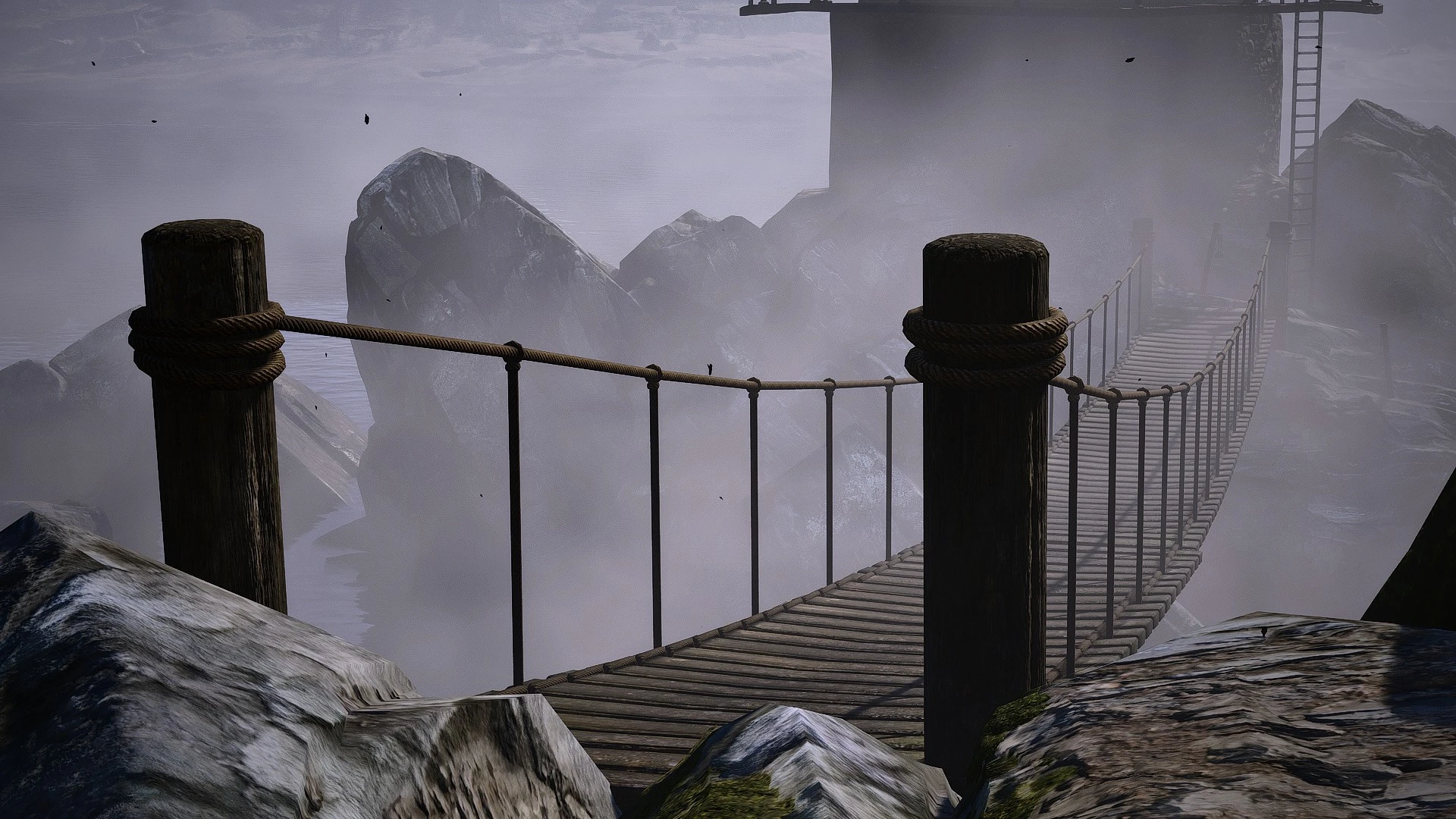
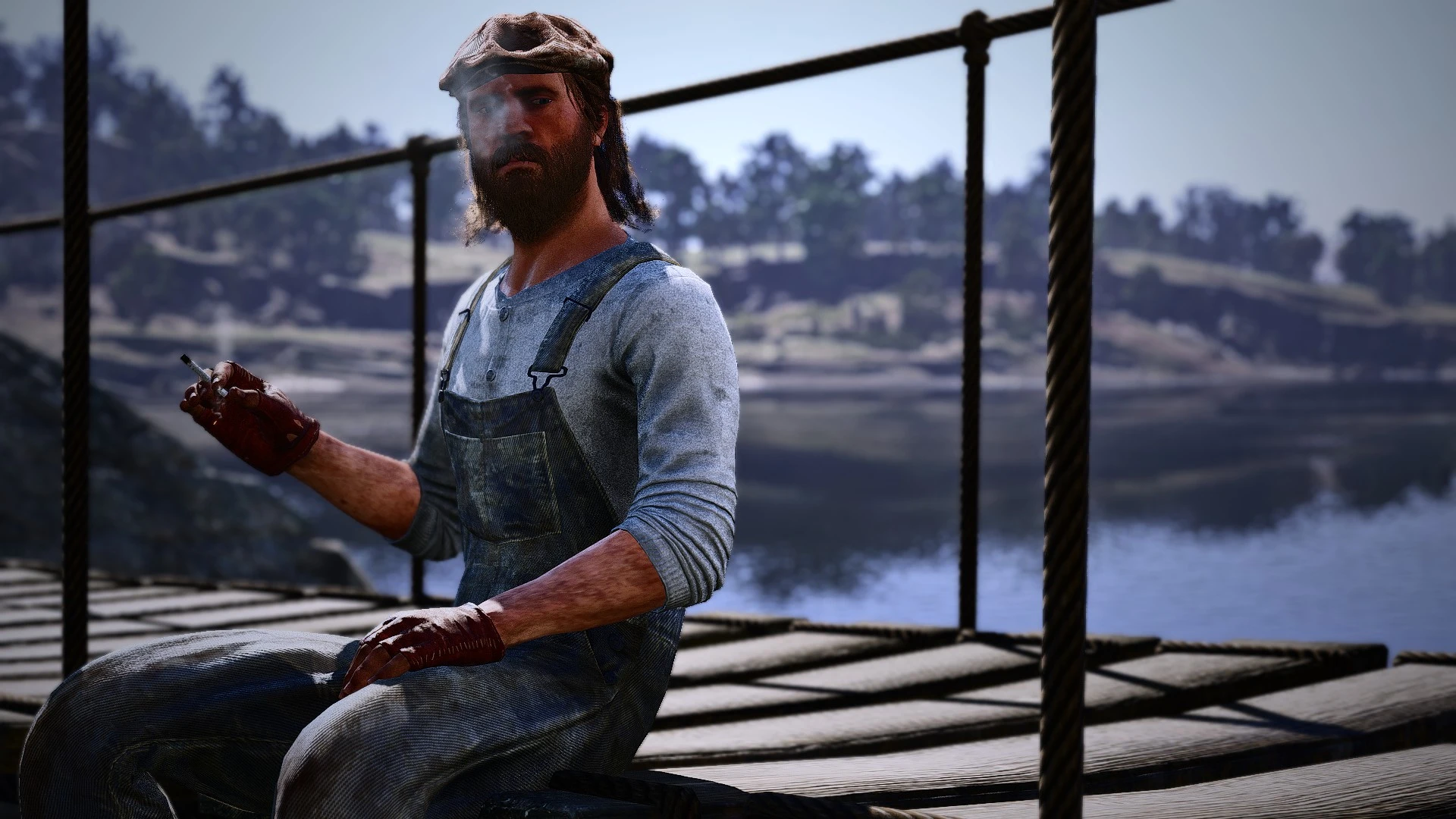
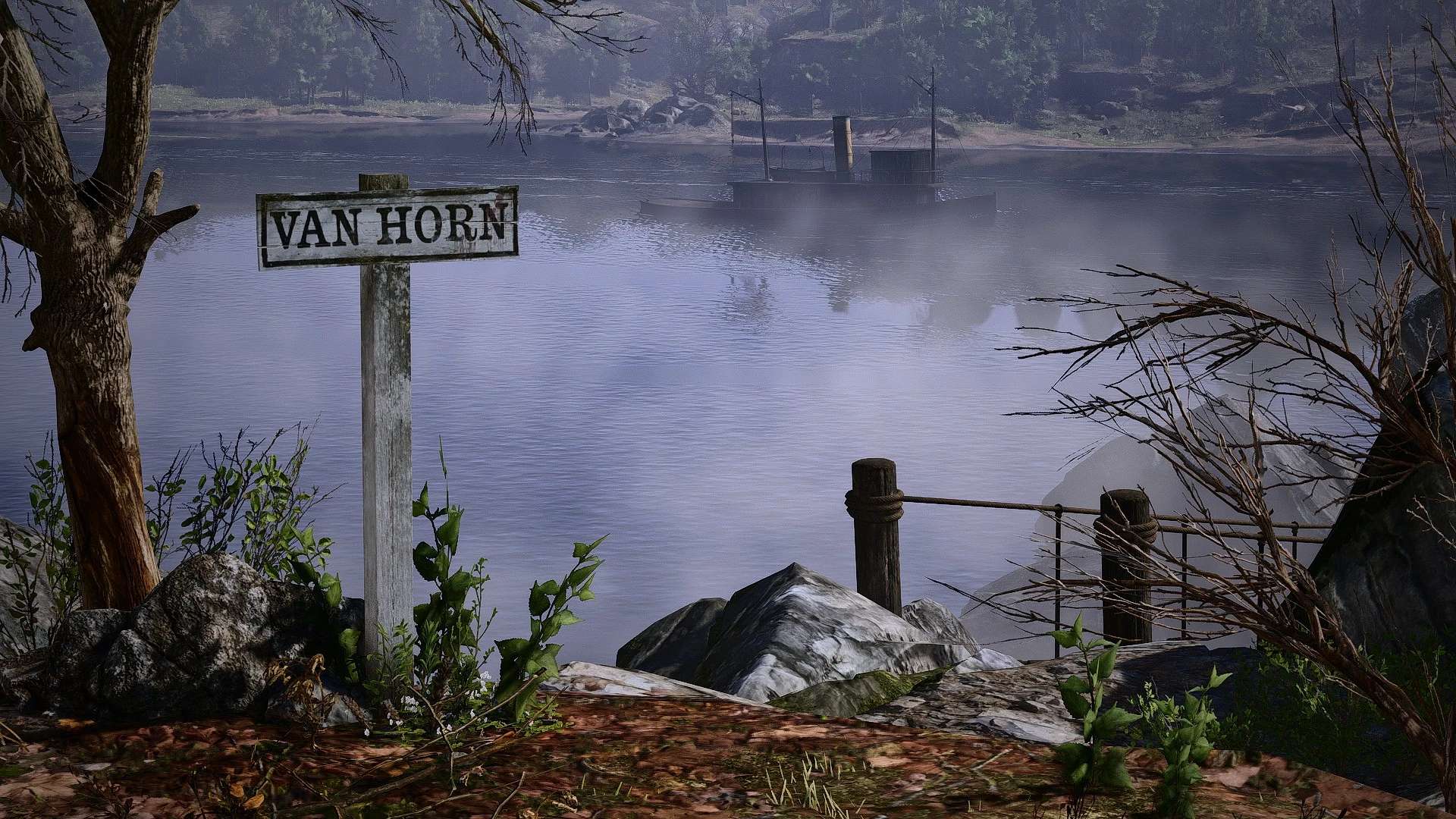
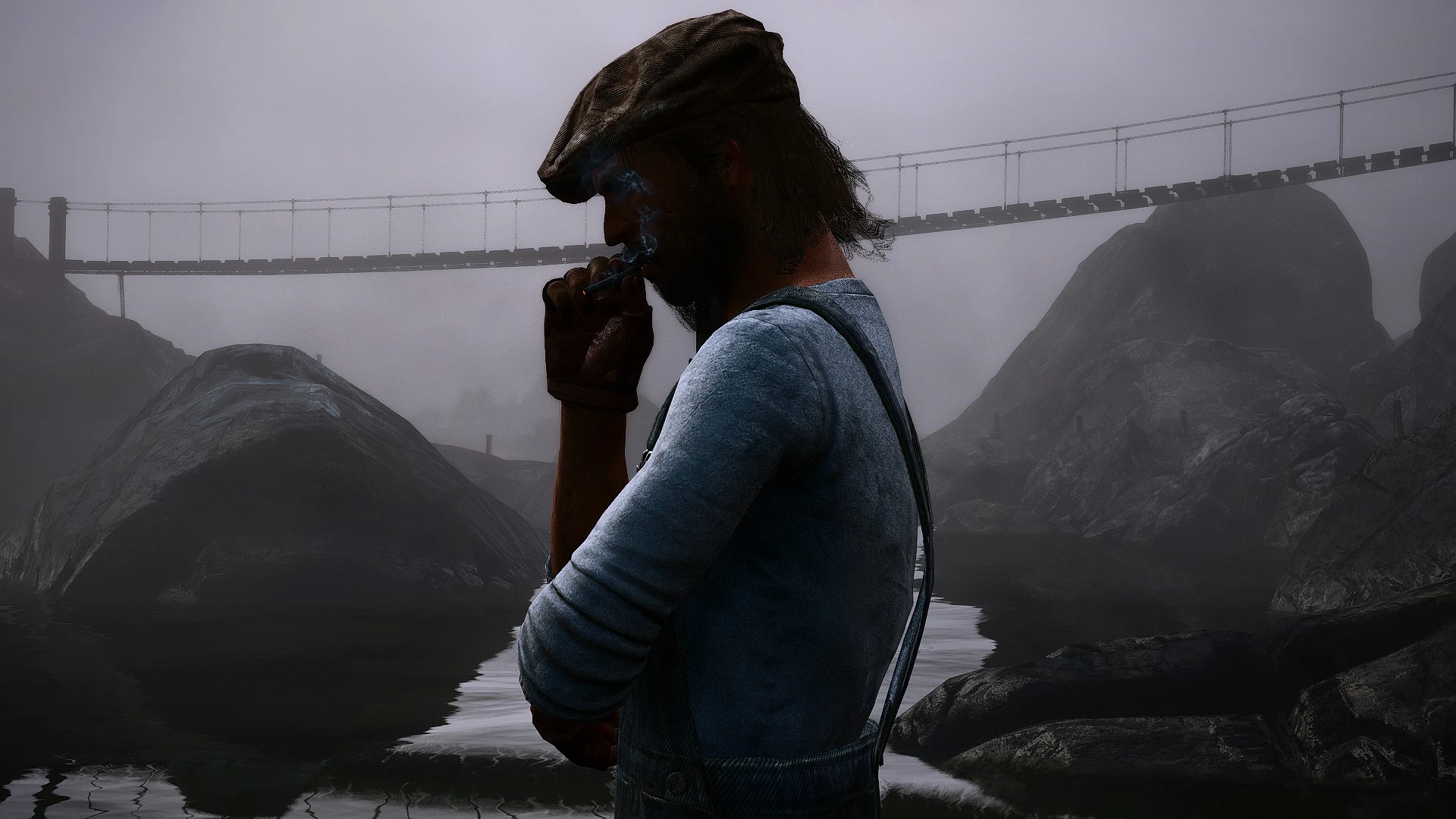
This mod aims to restore the cut Van Horn lighthouse bridge seen in a loading screen found in the game files.
Simply drop the Van Horn Bridge XML into your Spooner folder, located in your RampageFiles.
To make the mod load every time you open your game, drop the Van Horn Bridge into your Autoload folder, located at your (RampageFiles → Spooner → Autoload).
When you go to the bridge, it should spawn without any issues. The video guide below will help you understand how to install the mod.
The video guide below will help you understand how to install the mod.
Current issues: N/A
Credits:
Landon81L
Downloads
| Name | Format | Size |
|---|---|---|
| Van-Horn-Bridge-Restored-Mod-1-0.zip | ZIP | 1.13 KB |
To start download click the filename. To open archive files use one of these programs: WinRAR, 7-Zip, WinZip. Some mod archives may need to be extracted before the mods will work.