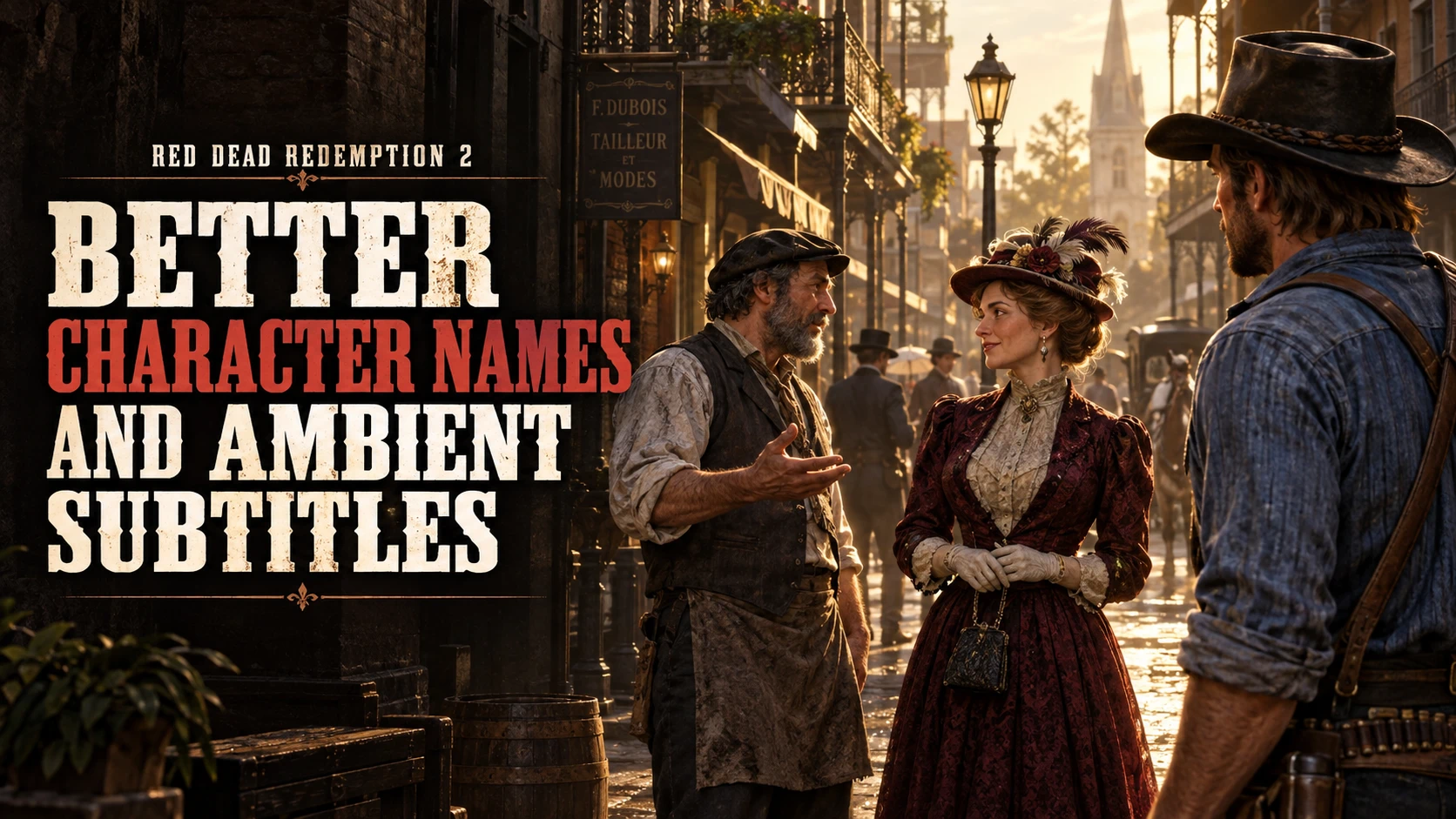
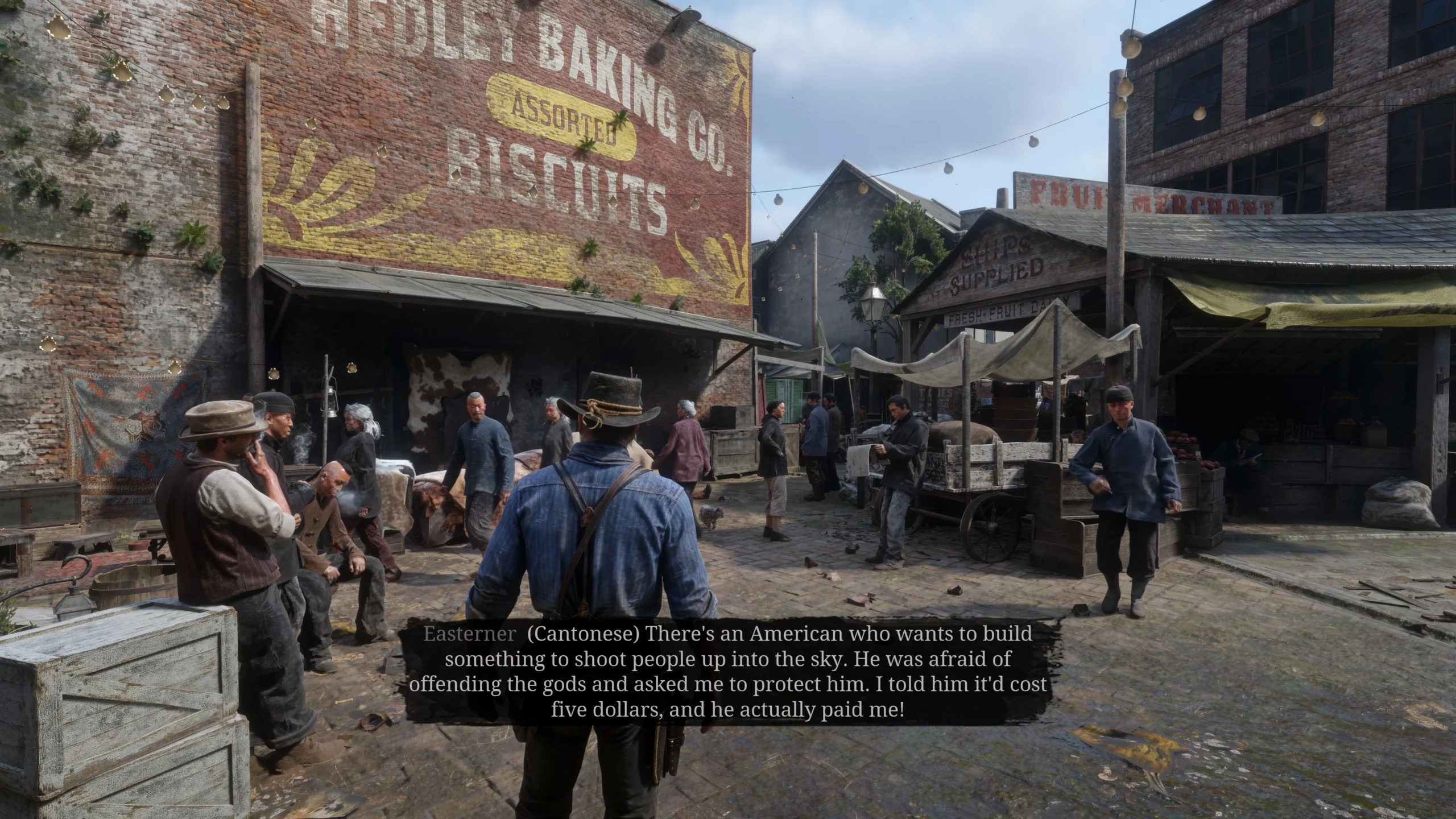
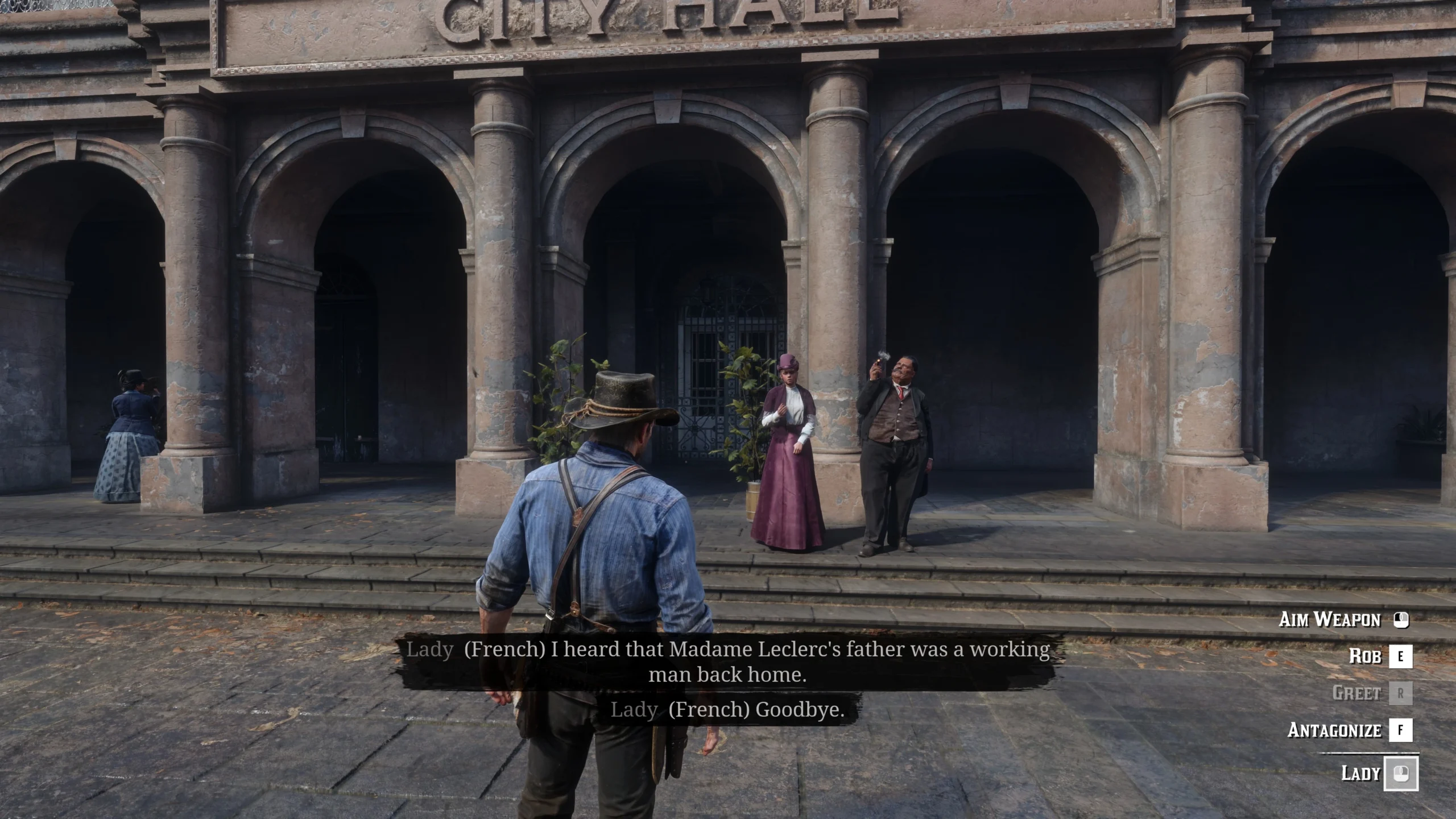
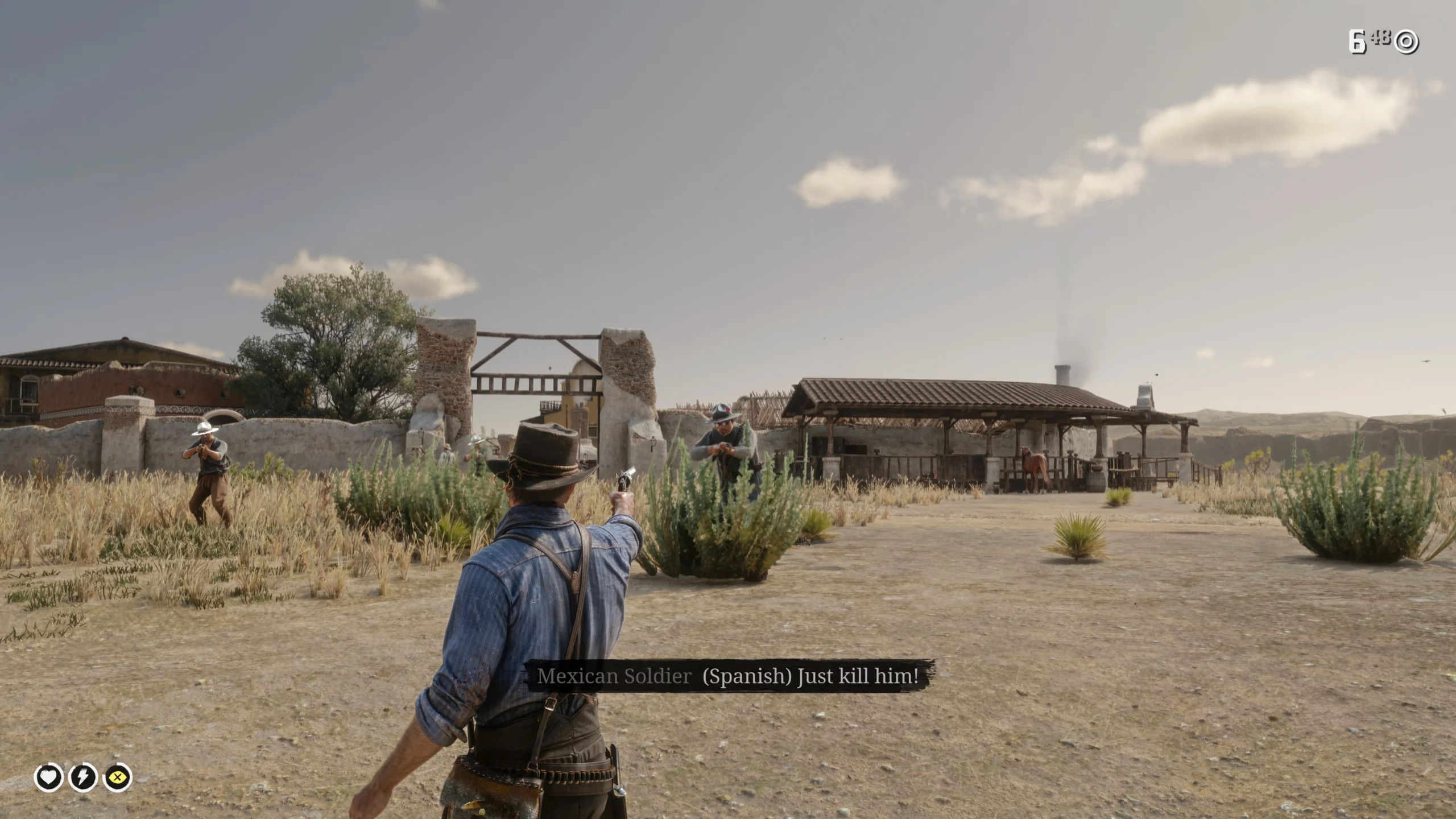
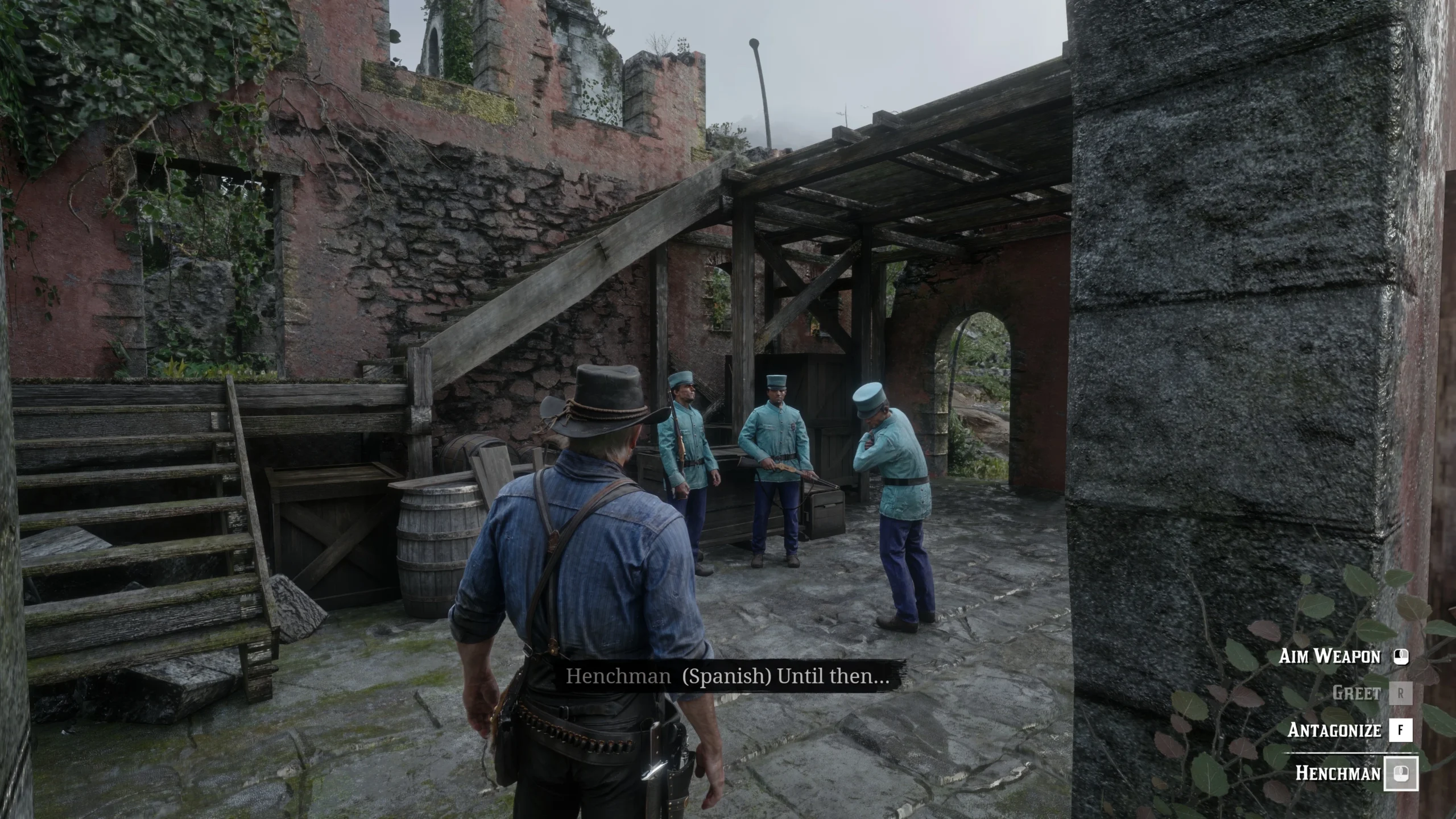
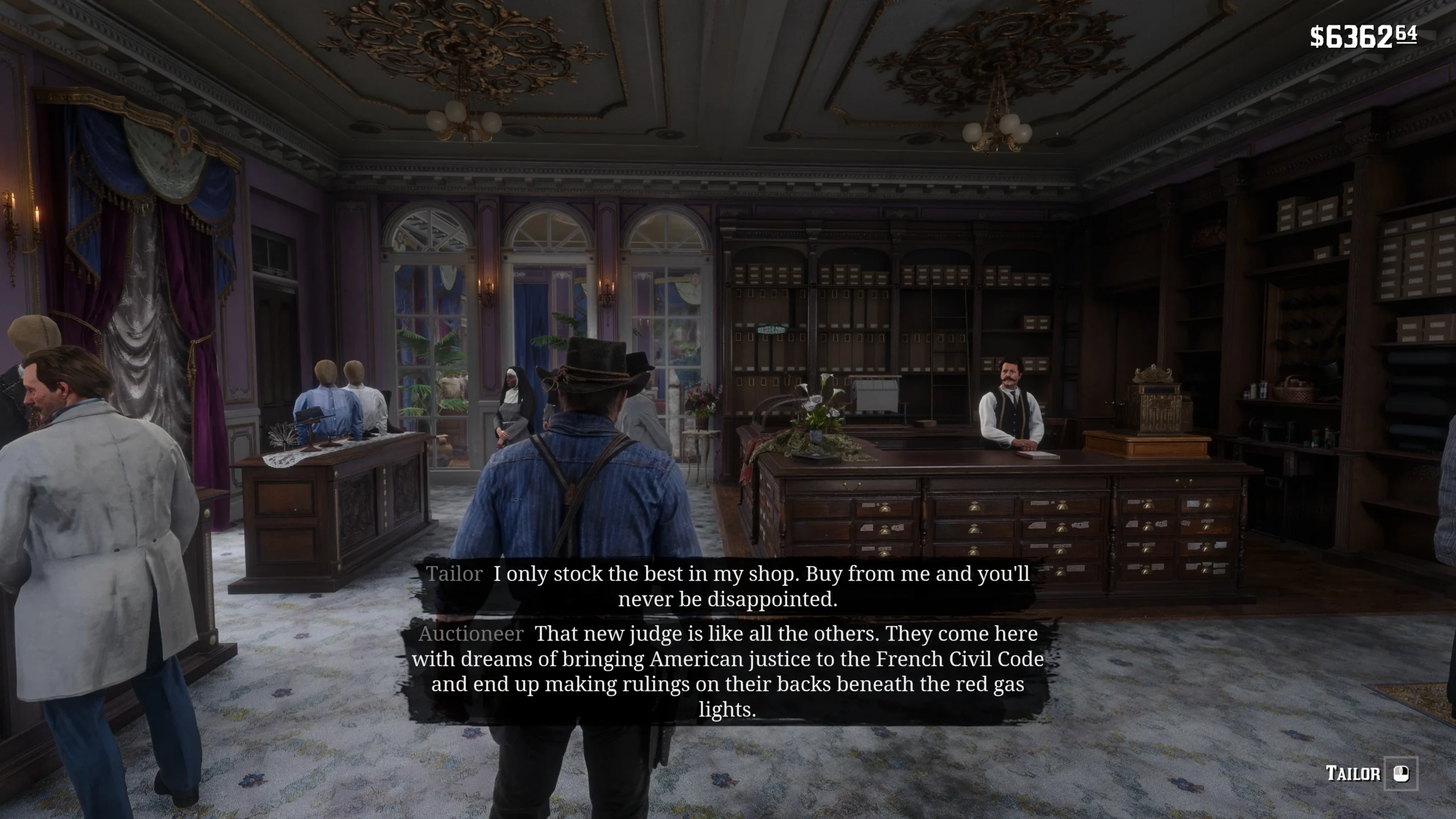
More descriptive NPC names and supplemental ambient dialogue subtitles, using RDR2’s native subtitle system. Includes a configurable F2 menu, a choice of two or three subtitle entries, and minimap speaker markers that are disabled by default during missions or while wanted.
A name can tell you something about a person before a conversation even begins. A few lines overheard in the street can give you another reason to stop and listen.
Better Character Names and Ambient Subtitles gives NPCs more descriptive, lore-friendly names and adds subtitles to ambient conversations that would otherwise be easy to miss. It uses Red Dead Redemption 2’s own subtitle system to make the people you encounter and the dialogue around you easier to follow.
Inspired by Better Character Names v2.0 and HearTell-AmbientVoiceSubtitles, this project was rebuilt to provide character-name and ambient-subtitle features.
The subtitle text provided by this mod was created using language-model-assisted recognition of the game’s audio library, then carefully reviewed and corrected. These are not Rockstar’s official subtitle texts.
BETTER CHARACTER NAMES
Generic “Stranger” labels are replaced with more informative names and descriptions that fit the setting. They reflect details such as a character’s appearance, occupation, social standing and local identity.
More distinctive names for supported NPCs.
Improved labels in character interactions and supported subtitle speaker names.
Names matched to the actual character model.
Original names retained when a model has no matching entry.
From everyday townspeople to recognisable local figures, the aim is to make each encounter feel more grounded in the world.
AMBIENT DIALOGUE SUBTITLES
Follow more of the conversations already taking place around you, with additional subtitles for supported ambient speech.
Preserves existing official subtitles: When a dialogue event already has official subtitle text, that text is retained. Supplemental text fills supported gaps; simultaneous entries still follow the game’s native subtitle flow.
Native presentation and timing: The game handles the subtitle display, appearance and timeline.
Grey styling for non-English dialogue: Explicitly tagged non-English lines retain the game’s grey subtitle style.
Speech-focused filtering: Animal calls, breathing, coughing and other identified non-verbal sounds do not produce additional subtitles.
IN-GAME SETTINGS MENU
By default, press F2 to open or close the settings menu. Adjust the following four options while playing:
Subtitles: Enable or disable supplemental dialogue subtitles (does not disable existing official subtitles).
Subtitle lines: Set the native subtitle display capacity to 2 or 3 entries (subtitle entries displayed at the same time).
Speaker markers: Enable or disable the mod’s minimap markers; automatically disabled during missions or while wanted.
Menu hotkey: Customize the key used to open the menu. Default: F2.
SPEAKER MARKERS ON THE MINIMAP
Find the NPC speaking the subtitle you are reading. When an NPC is playing dialogue and the matching subtitle is actually visible, a small white marker follows the speaker on the minimap, accompanied by a ring that expands once.
Markers disappear when dialogue ends or the speaker is no longer valid.
Identified non-verbal sounds do not trigger markers on their own.
Existing visible mission, companion and enemy entity markers are preserved.
Speaker markers are disabled by default during missions or while you are wanted.
NON-ENGLISH CONVERSATIONS
Language labels make it easier to recognise which language a character is speaking. These screenshots show only Cantonese, French, Spanish and Zuni dialogue, along with more descriptive speaker names. (There are 14 distinct explicit language labels in total.)
REQUIREMENTS
Red Dead Redemption 2 game build 1.0.1491.50.
A working ScriptHookRDR2 installation compatible with your game build.
A compatible 64-bit ASI loader, such as Ultimate ASI Loader
INSTALLATION
1. Copy AmbientSubtitles.asi and the AmbientSubtitles folder into the directory containing RDR2.exe.
2. Refer to the installation folder structure shown below.
3. Start Story Mode, enable the game’s subtitles as described below, then press F2 (or your configured hotkey) to adjust the mod.
Red Dead Redemption 2/
├── RDR2.exe
├── AmbientSubtitles.asi
└── AmbientSubtitles/
├── dialog.gxt2
├── names.gxt2
└── menu.gxt2
GAME SETTINGS
Subtitles — REQUIRED: ON.
Subtitle speaker names — OPTIONAL: enable or disable according to your preference.
Subtitles must be enabled for the additional dialogue text to appear. You can choose whether to show character names alongside the subtitles.
COMPATIBILITY
Do not run this script alongside either of the following mods:
Better Character Names v2.0
HearTell-AmbientVoiceSubtitles
This script already provides their character-name and ambient-subtitle functionality. Neither original mod needs to be installed or enabled alongside it.
EDITING AND REMOVAL
To translate the mod into another language, use AmbientSubtitles – English as the base version. Translate the following three text files separately:
dialog.gxt2 (Dialogue text)
names.gxt2 (Character names)
menu.gxt2 (Menu text)
Keep the original IDs, keys and sections. Edit only the text after the equals sign, and back up the files before editing.
To uninstall, remove AmbientSubtitles.asi and the AmbientSubtitles folder.
Credits:
yulinglong
Downloads
| Name | Format | Size |
|---|---|---|
| AmbientSubtitles-English-1.2.zip | ZIP | 6.07 MB |
| AmbientSubtitles-Chinese-1.2.zip | ZIP | 6.23 MB |
To start download click the filename. To open archive files use one of these programs: WinRAR, 7-Zip, WinZip. Some mod archives may need to be extracted before the mods will work.