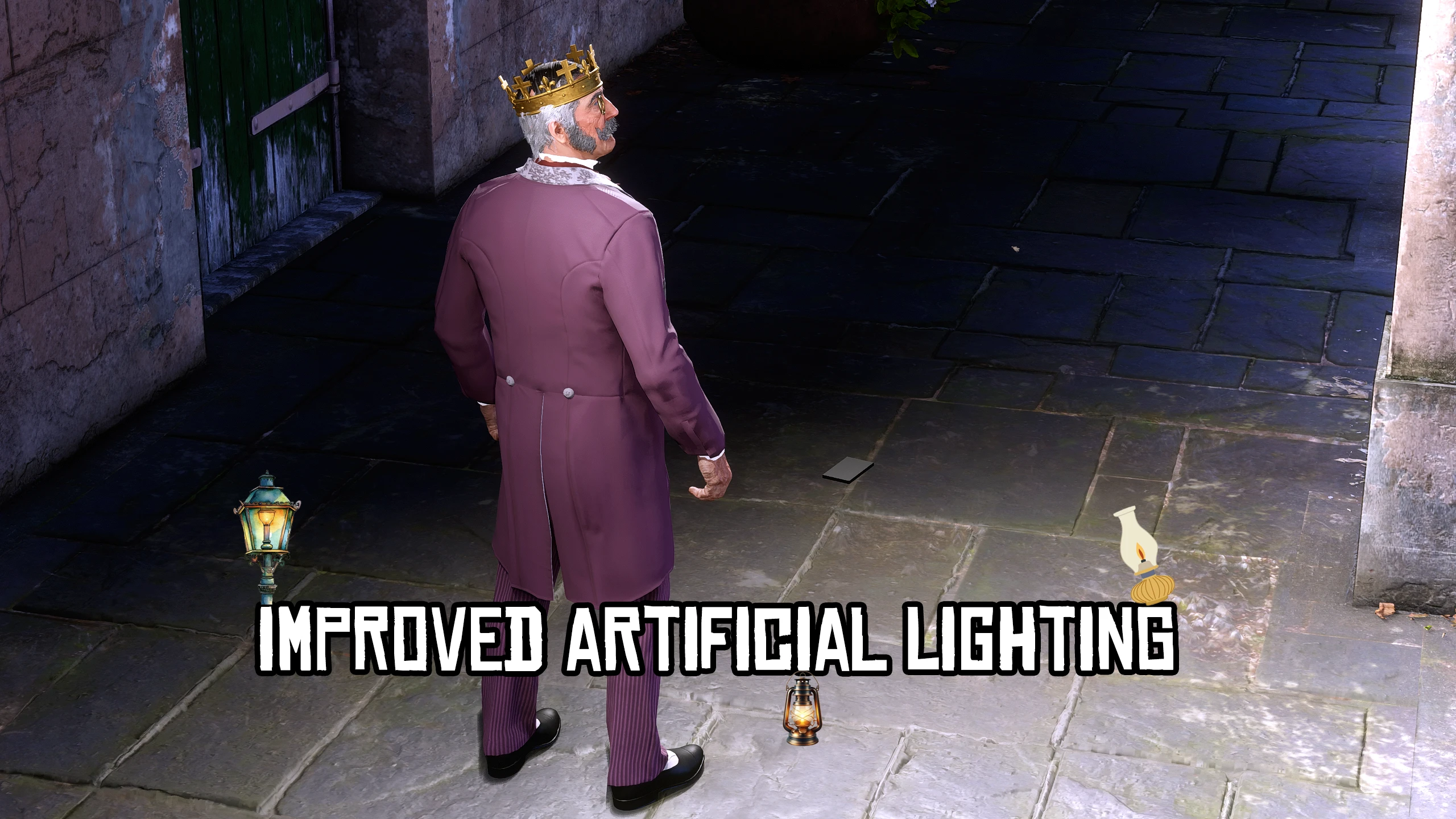
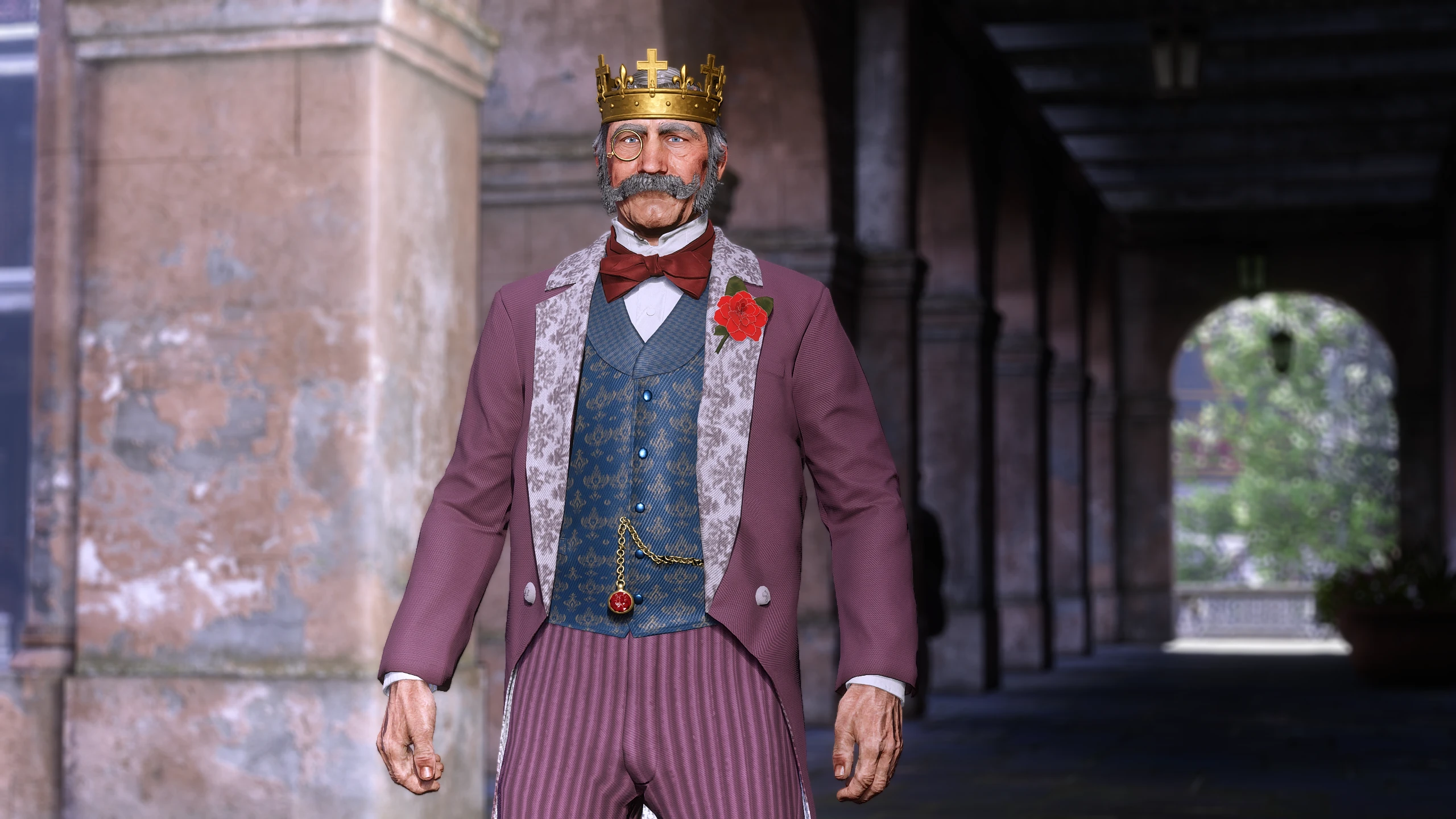
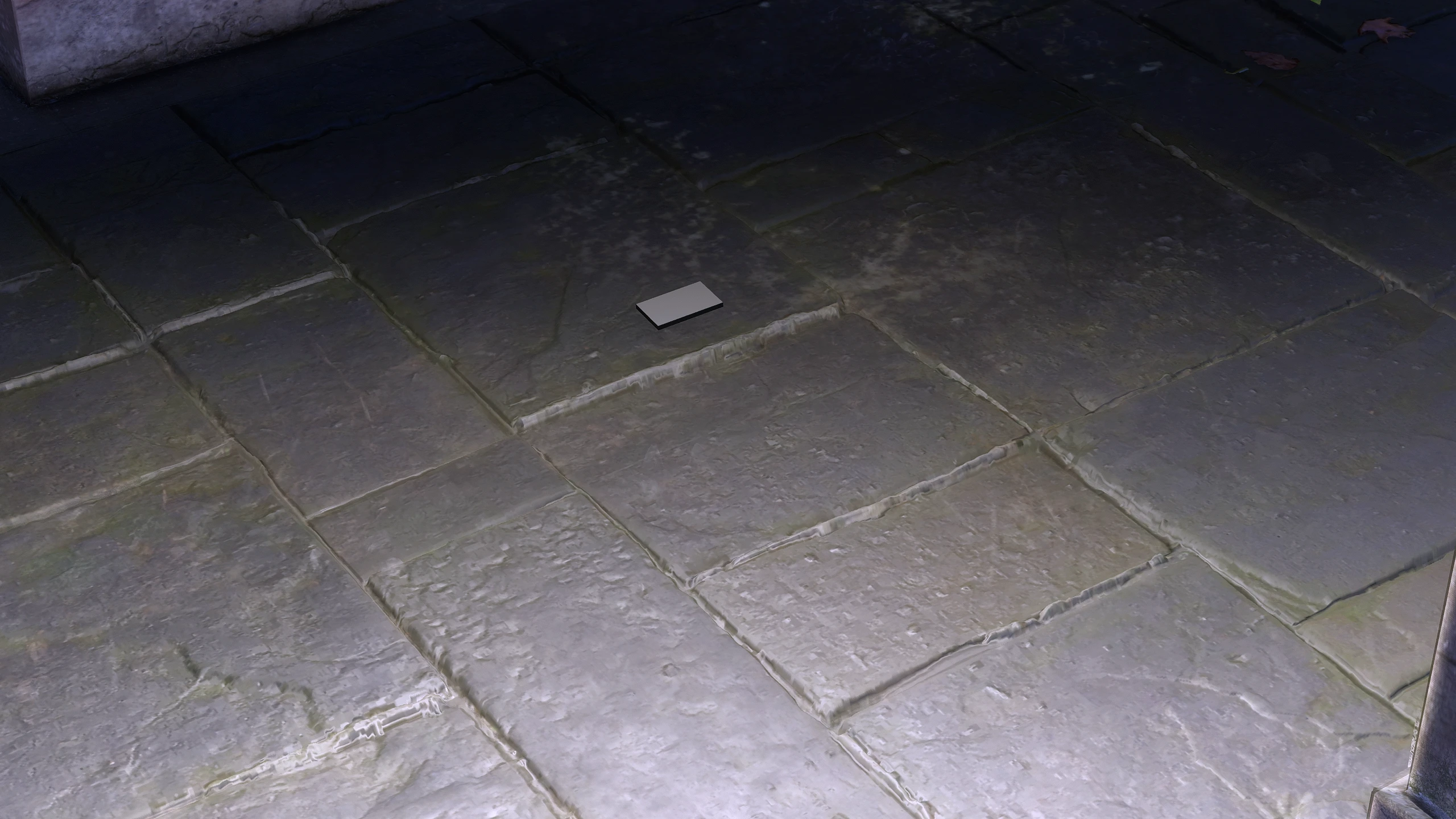
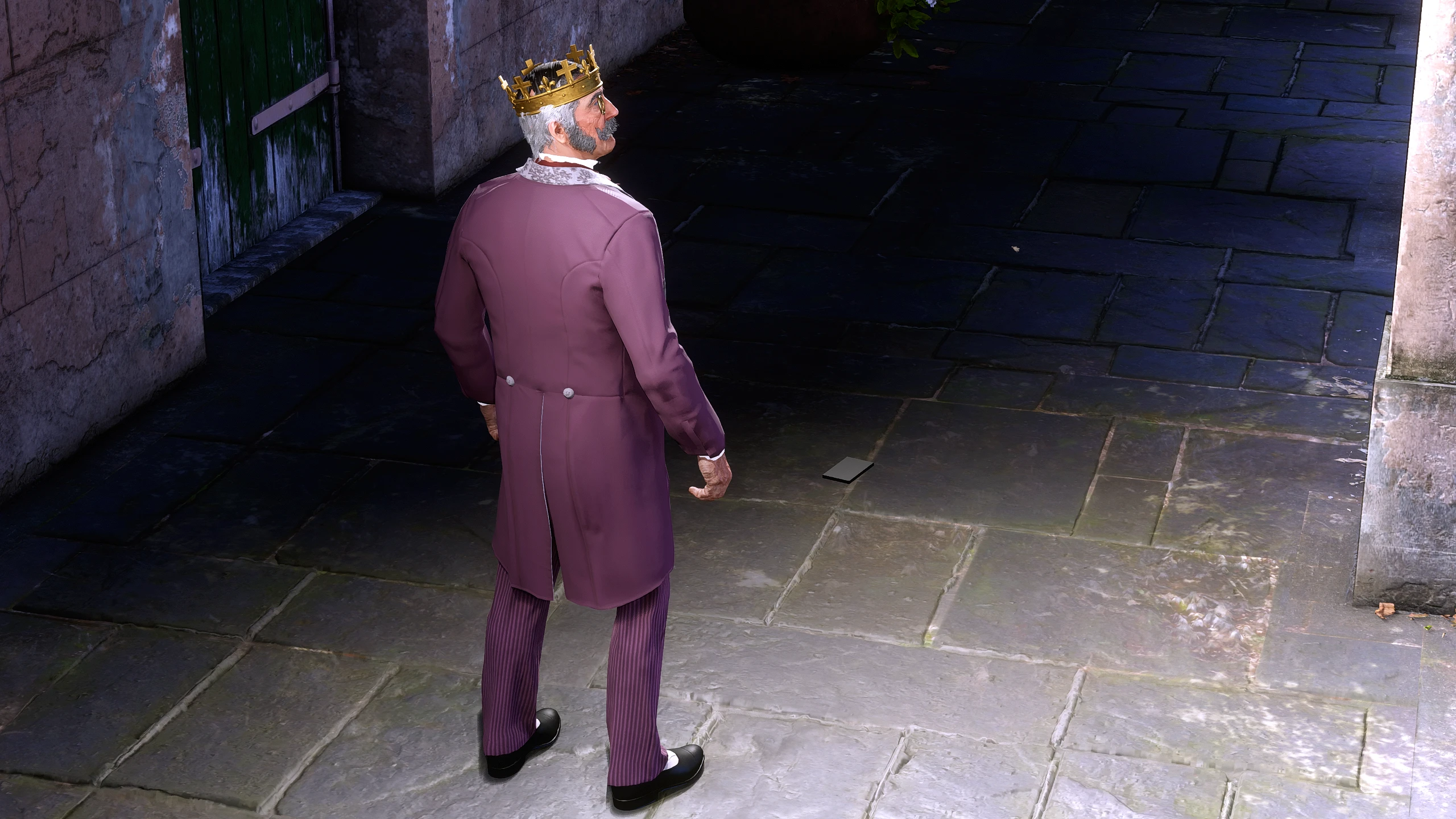
Do it like rockstar! Artificial Lighting is an add-on object that you can spawn to reflect the lighting from the sun inside houses or darker areas or when you just look the opposite way from the sun. Its best used during the day or evening for the perfect character or closed environment photography.
How to Install:
Just Drop the “Improved Artificial Lighting V2” Folder into your LML Folder
Take the ObjectList.txt and place it inside the rampage folder that has the lists (RampageFiles -> Lists). If you already have edited that file you can simply add an entry to it at the bottom and type “artificial_lighting” so rampage can locate it so you can spawn it
How to Use:
Search “Artificial” or “Artificial Lighting” in the objects and spawn it in front of you, it works like a mirror so it works best during daytime. Can also be used inside buildings.
What you need:
Rampage Trainer
Lenny’s Mod Loader
Credits:
SirJosephWindsor
Downloads
| Name | Format | Size |
|---|---|---|
| Improved-Artificial-Lighting-1-0.rar | RAR | 221.73 KB |
To start download click the filename. To open archive files use one of these programs: WinRAR, 7-Zip, WinZip. Some mod archives may need to be extracted before the mods will work.