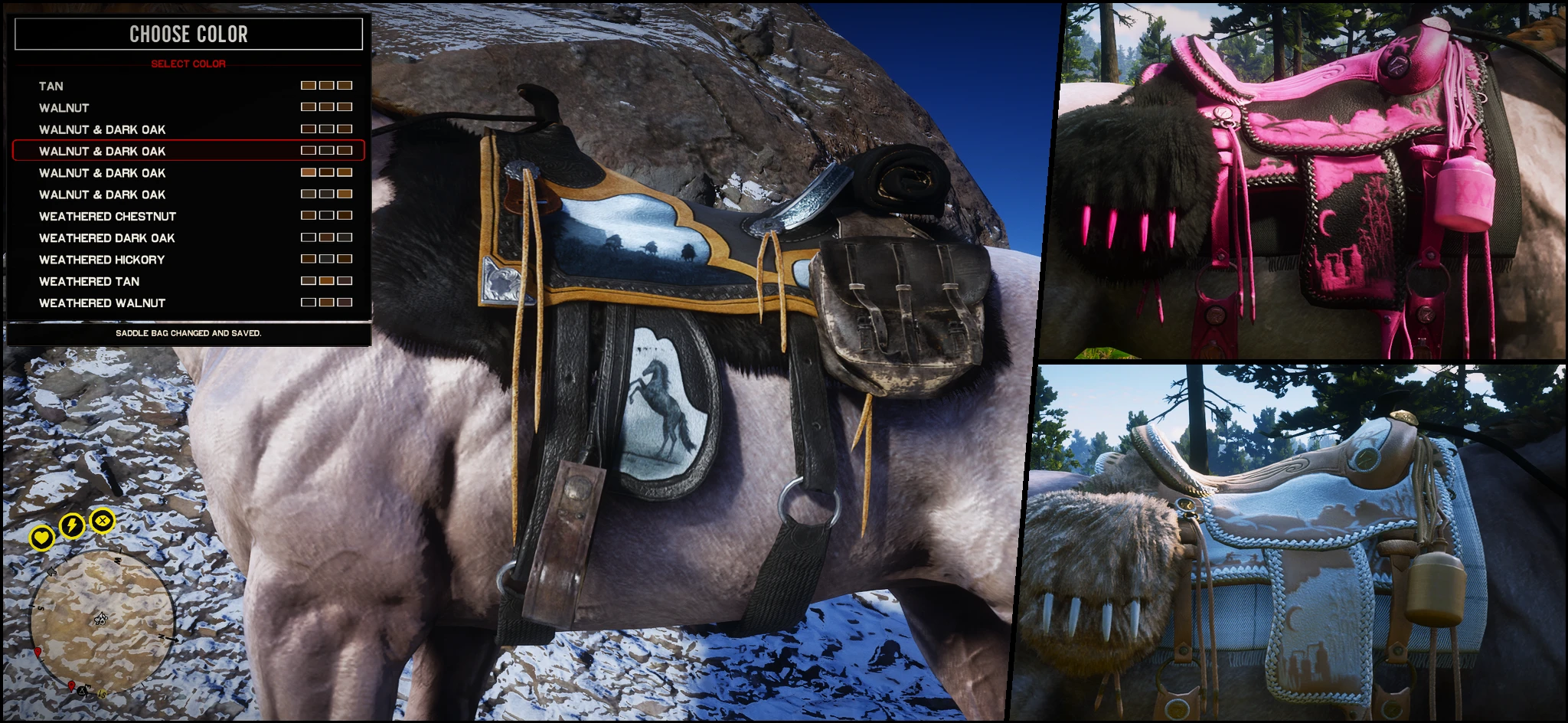
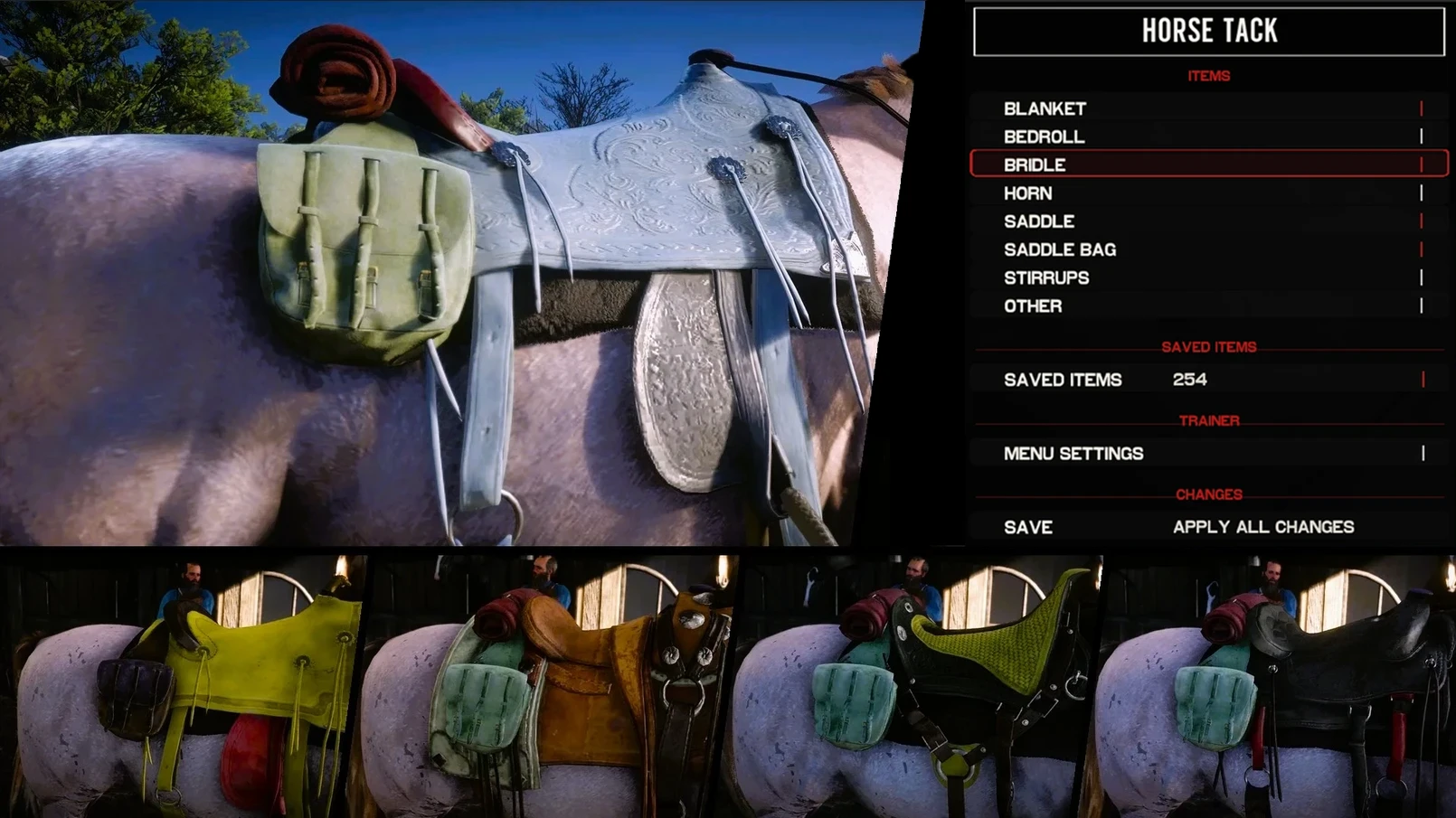
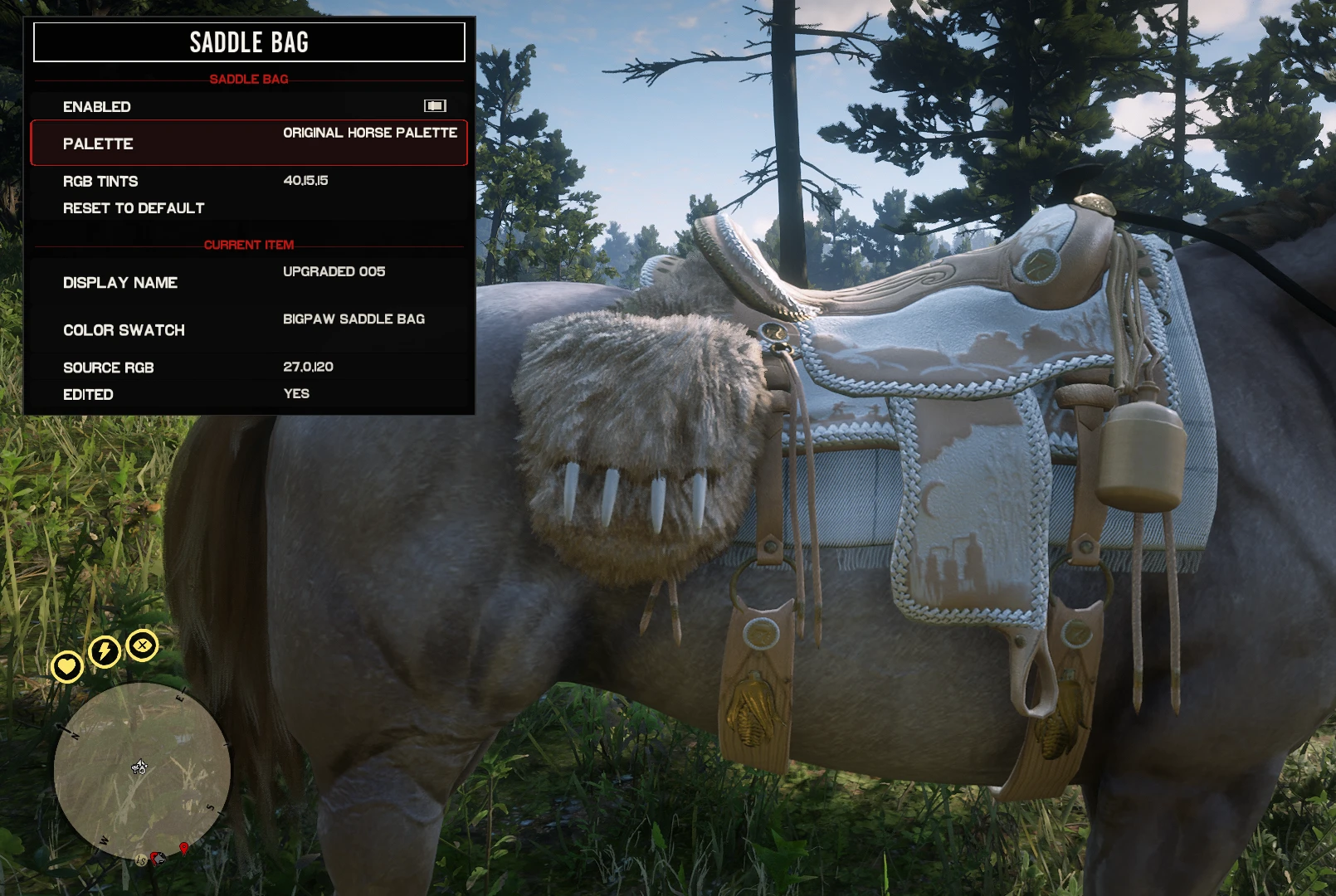
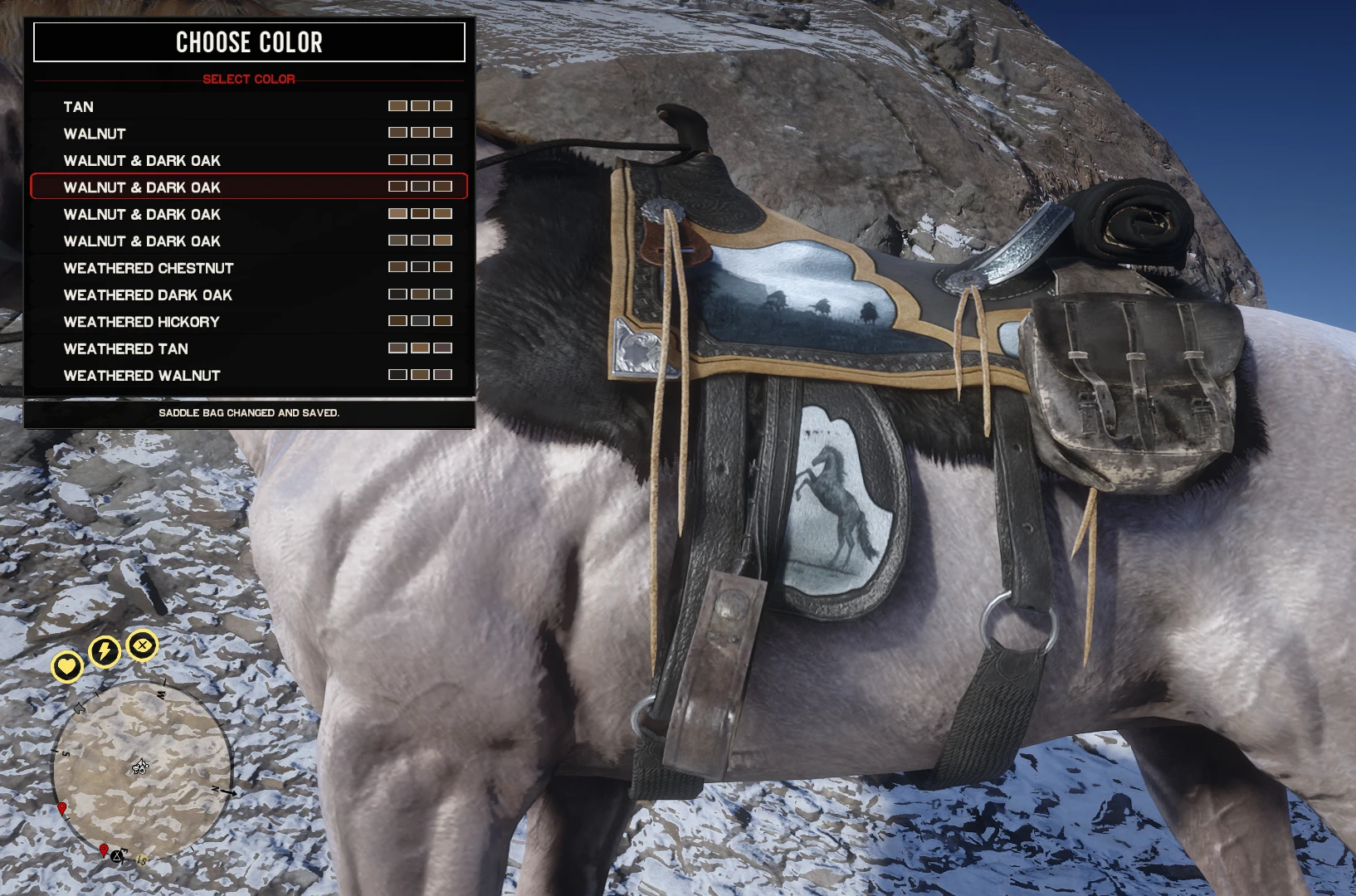
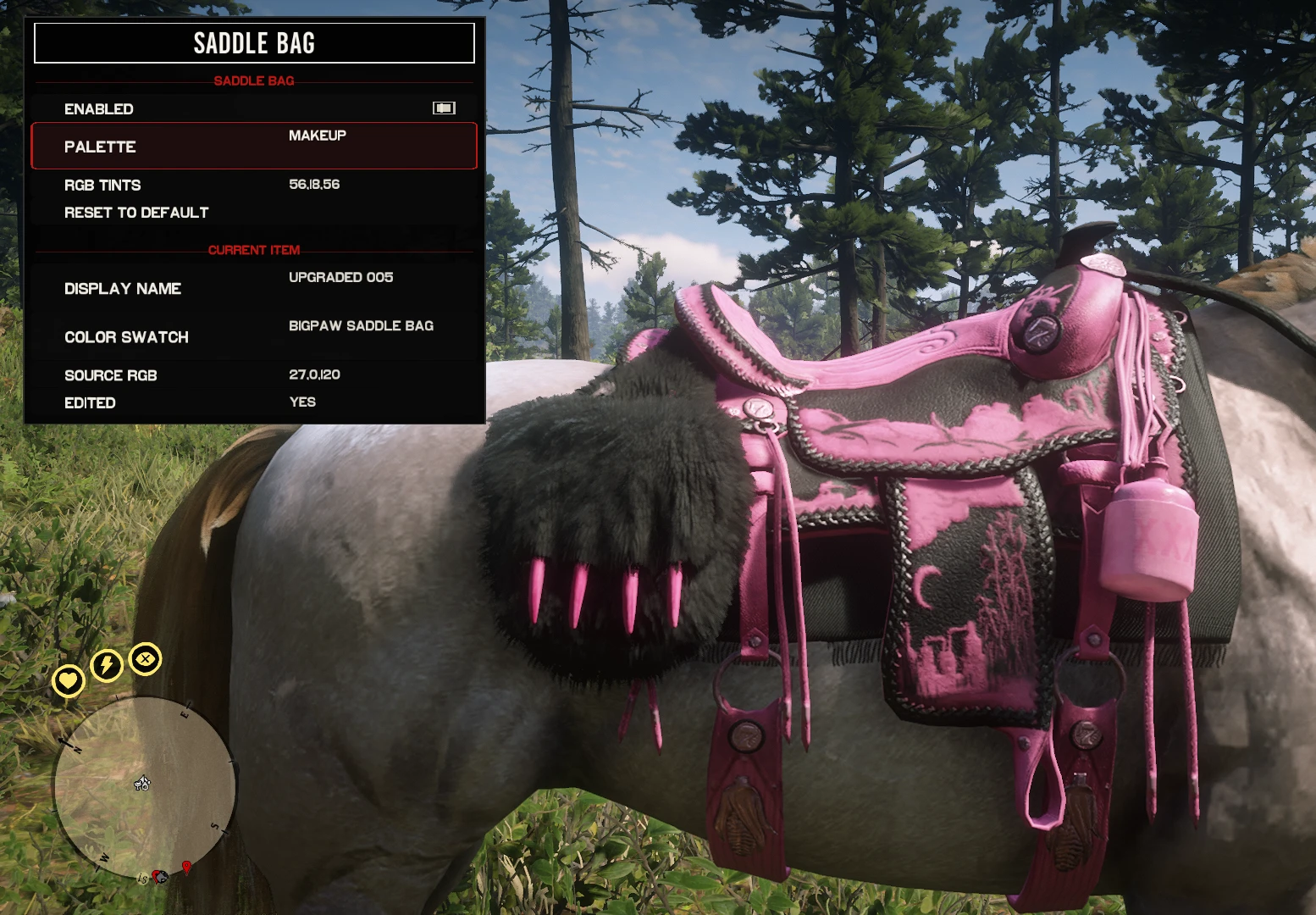
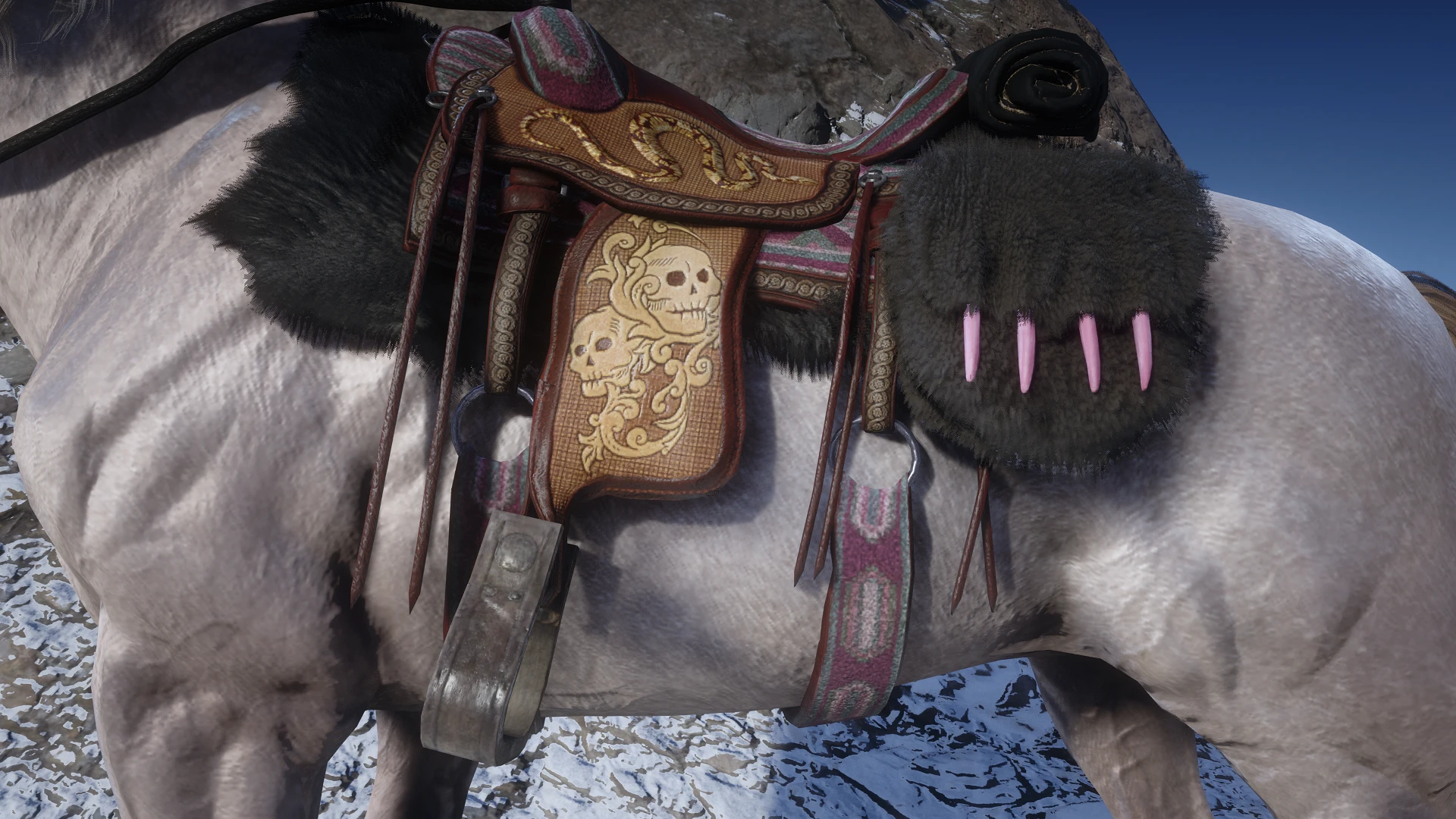
An ASI trainer for customizing horse tack colors. Now includes MP saddle combinations, gang saddle presets, individual component swapping, and custom preset saving. The thumbnail is only meant to showcase what the mod can do. Your changes are saved automatically.
Ultimate Tack Trainer
Changelog V8 [Won’t show for unknown reason]
Added in-game renaming with R for trainer entries: component models, swatches, items, categories and presets
Added Shift + Left/Right Arrow to change tint values in increments of 10.
Press U to undo the latest tint action.
Added a simplified color menu with curated presets.
Kept the complete Advanced Color Editor available separately.
Trainer input is suspended while Rockstar game menus and other blocking interfaces are active.
Apply Color to All based on any tack item
DESCRIPTION
Ultimate Horse Tack Customizer — previously released as Black Trapper Saddles — is an ASI trainer that lets you customize your horse tack directly in-game. You can edit supported tack colors in real time, swap individual components, apply complete saddle presets, and create your own combinations without restarting the game. Supported tack includes saddles, blankets, saddlebags, bedrolls, bridles, stirrups, horns, scabbards, and other compatible horse equipment. Customization is handled at runtime and does not require replacing shop_items.ymt. Tint values are stored in a readable CSV bank, making it easy to edit, back up, and share your configurations.
Script Hook V2 is mandatory, if you get the version from dev-c.com the ASI won’t be able to load.
FEATURES
In-Game Trainer
» Customize horse tack while playing
» Browse available items by category
» Swap supported tack components individually
» Apply complete MP and gang saddle presets
» Mix components from different saddle sets
» Save custom component combinations
» Restore previous configurations
» Controller and keyboard support
» Configurable hotkeys, appearance, opacity, size, spacing, and layout
Default controls
» F10 — Open trainer
» LB + RB — Open with controller
Tint Editing
» Edit all three texture-mask tint channels
» Enter tint values directly with the keyboard
» Use Left and Right to adjust values in increments of 1
» Select palettes individually for supported assets
» Preview tint changes without restarting the game
» Uses readable names instead of requiring users to work with hashes
» Includes HTML palette helpers for finding suitable tint combinations
Stable integration is intentionally limited to tint synchronization. Component and mesh swaps should be performed outside the stable through the trainer.
Component Swapping
» Browse saddles, blankets, saddlebags, bedrolls, bridles, stirrups, horns, and other tack separately
» Items sharing the same drawable are grouped together
» Available colors and texture variations are shown inside the item submenu
» Component replacement enforces one active item per supported category
» Includes a Hard Reset Equipped Tack option for clearing leftover components and restoring the tack captured when the trainer session opened
Presets and Saved Combinations
» Includes MP saddle assets and gang saddle presets
» Apply complete tack sets or customize each component separately
» Save your currently equipped component mix
» Restore the previous setup
» Includes Black Trapper tint presets and matching equipment
» Saved tint choices and profiles remain editable as normal CSV files
Configuration and Files
The main files are stored under: Sauvy_ASI\HorseTackCustomizer
The runtime tint bank is located at: Sauvy_ASI\HorseTackCustomizer\Data\Runtime\Tint Bank.csv
The trainer automatically migrates customization from older releases that used: Sauvy Horse Tack Tint\Sauvy Horse Tack Tint Bank.csv
Existing user tint values are merged into the new database by record ID. The original legacy files are not deleted, and migration backups are created automatically.
Compatibility
» Designed to remain compatible with catalogue, clothing, texture, and gameplay mods
» Automatically detects supported Catalogue Improvements scabbard assets
» No manual CIScabbard setting is required
» Missing optional scabbard assets will not cause a crash
The optional LML content includes assets that cannot be recreated through runtime tinting alone, such as the Nuevo Paraiso saddle textures, optional blanket retextures, and the black lasso. The LML folder is not required for the trainer itself.
Installation
Drop the archive’s content to you game directory. Your custom tint values wont be affected.
For troubleshooting any issue with the trainer, please provide the logs generated.
Script Hook V2 is mandatory, if you get the version from dev-c.com the ASI won’t be able to load.
Requires: Online Content Unlocker – For the MP Saddles and Components
ROADMAP
These are the features I’d like to bring to the mod, listed in priority order.
⬜ Cleaning up component names.
⬜ Make stable-menu swatches reflect the actual tint applied to each item
⬜ Expand tint customization to weapons, clothing, hats, and other compatible assets
⬜ Investigate support for creating custom palettes
Completed features
✅ Add a quick tint undo system
✅ Add Apply Current Color to All Tintable Tack
✅ Add a simplified color-customization menu with curated color presets
✅ Save complete tack combinations, including components, palettes, and tint values
✅ Apply saved tint combinations to other tack setups
✅ Live swapping for Online/MP saddle components
✅ Gang saddle presets
✅ Individual component swapping
✅ Custom saved component combinations
✅ Expand customization to horse coats, manes, and tails
Credits:
sauvy11
Downloads
| Name | Format | Size | Description |
|---|---|---|---|
| Horse-Tack-Trainer-17.zip | ZIP | 24.94 MB | |
| Horse-Tack-Customizer-Database-Original-17.zip | ZIP | 51.20 KB | |
| Horse-Tack-Trainer-V16.7z | 7Z | 6.51 MB | |
| Horse-Tack-Customizer-Database-Original.zip | ZIP | 410.22 KB | A version of the database that doesn\'t overwrite any swatch. |
| LML-Texture-Folder-Blankets-and-Nuevo-Paraiso-V16.7z | 7Z | 4.00 MB | |
| Horse-Tack-Trainer-V10.zip | ZIP | 1.48 MB | |
| Horse-Tack-Trainer-V8.zip | ZIP | 1.20 MB | |
| LML-Texture-Folder-Blankets-and-Nuevo-Paraiso-V6.zip | ZIP | 3.01 MB |
To start download click the filename. To open archive files use one of these programs: WinRAR, 7-Zip, WinZip. Some mod archives may need to be extracted before the mods will work.