
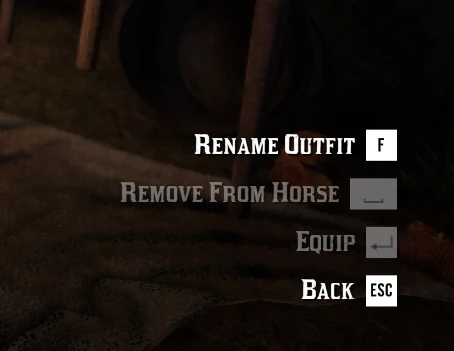
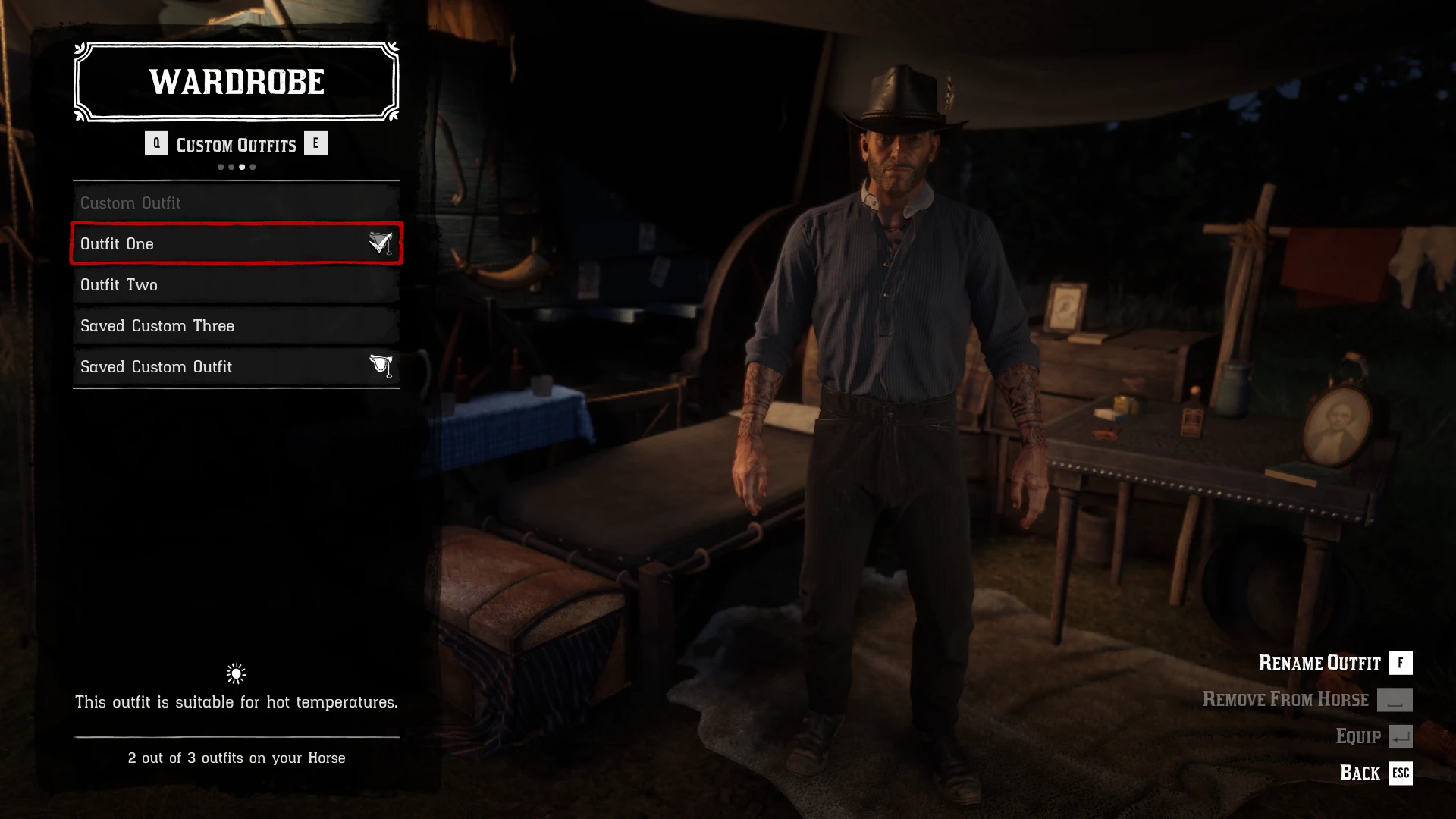
Rename your saved custom outfits directly from the wardrobe. This mod adds a simple live rename option to the Saved Outfits menu. Highlight one of your saved custom outfits, press F, type the new name and press Enter. The outfit name updates immediately in the wardrobe and is saved between sessions.
Features
• Rename Saved Custom Outfit 1–4
• Uses the in-game text input box
• Updates the outfit name live, without restarting the game
• Works from the wardrobe Saved Outfits list
• Includes a native-style F Rename Outfit wardrobe prompt
• Press F to rename with keyboard. Controller support: press Y to rename
• The outfit names displayed in item wheel won’t update until after game restart. I’m trying to find a fix for this.
The rename key was changed from R to F so the mod can use the game’s native wardrobe prompt style. The old R prompt was a custom overlay. The new F Rename Outfit prompt is drawn by the game’s own wardrobe UI, so it fits much better with the rest of the menu. R still works as a fallback hotkey for now, but F is the intended key going forward.
Installation
Drop the .asi file into your Red Dead Redemption 2 game folder.
Starting with V4, the INI file will now be created automatically if it does not already exist at launch. If an existing INI is found, the ASI will check its structure, add any missing settings, and migrate your saved custom outfit names when possible.
Notes
This mod only affects the displayed names of story mode saved custom outfits. It does not modify the outfit contents, clothing items, save file structure, or wardrobe slots themselves.
The mod stores your custom names in: RenameOutfitsASI.ini
It may also create an optional backup folder: lml\RenameOutfitsASI_Names
You do not need to install that folder manually. It is generated automatically if needed
Known limitation
Outfit names are saved in real time, but the live wardrobe display can occasionally refresh awkwardly.
You may briefly see the original vanilla names before the custom names are applied again, especially after renaming an outfit, leaving the saved outfits menu, switching tabs, or reopening the wardrobe. In some cases, outfit names may temporarily appear blank while the menu refreshes.
This is only a visual/UI refresh issue. The custom names are still saved in the INI and should come back when the wardrobe list refreshes, such as by switching tabs or reopening the saved outfits menu. The live rename system is still being improved.
Credits:
sauvy11
Downloads
| Name | Format | Size |
|---|---|---|
| Rename-Outfits-ASI.zip | ZIP | 155.32 KB |
To start download click the filename. To open archive files use one of these programs: WinRAR, 7-Zip, WinZip. Some mod archives may need to be extracted before the mods will work.