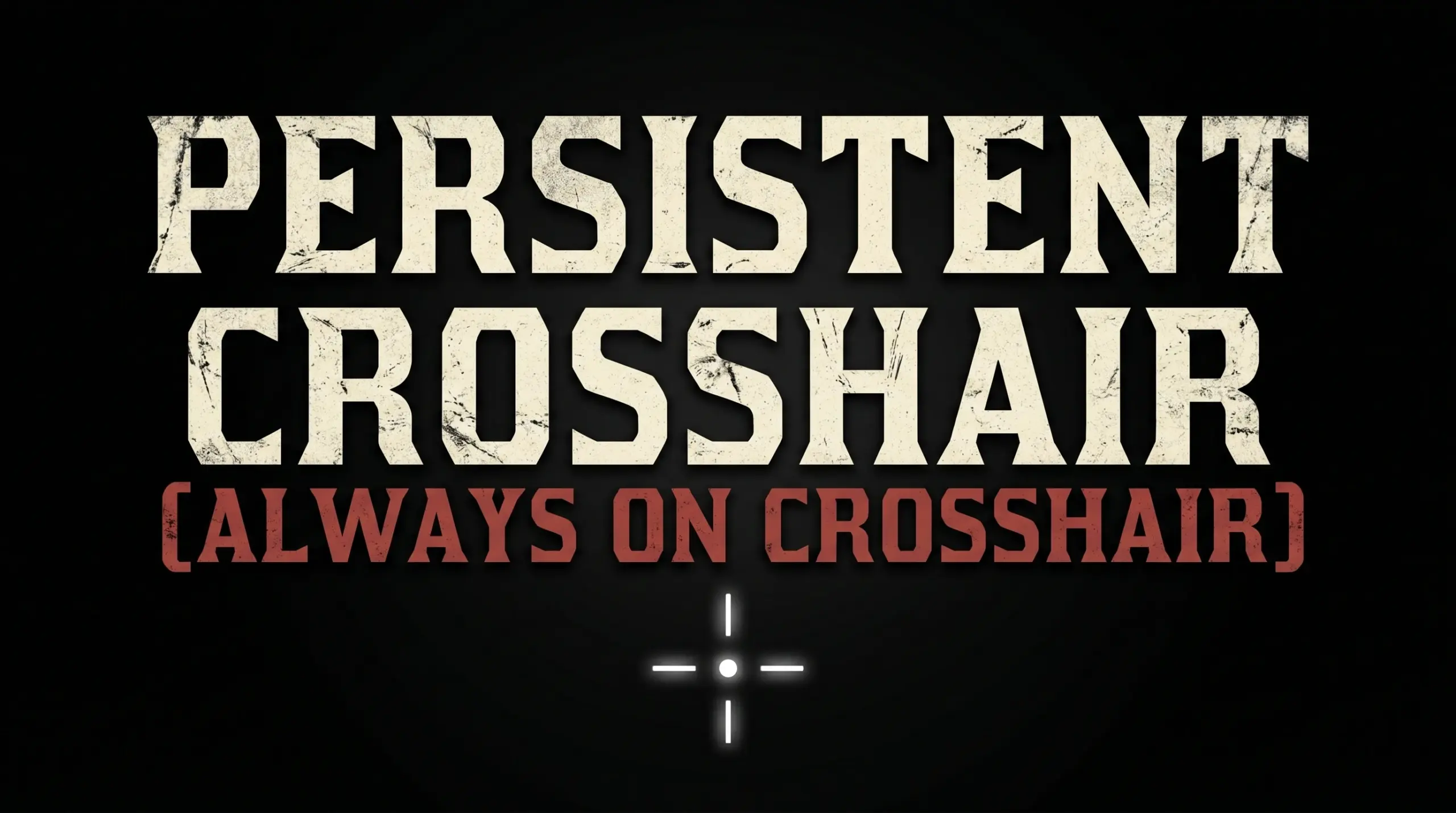
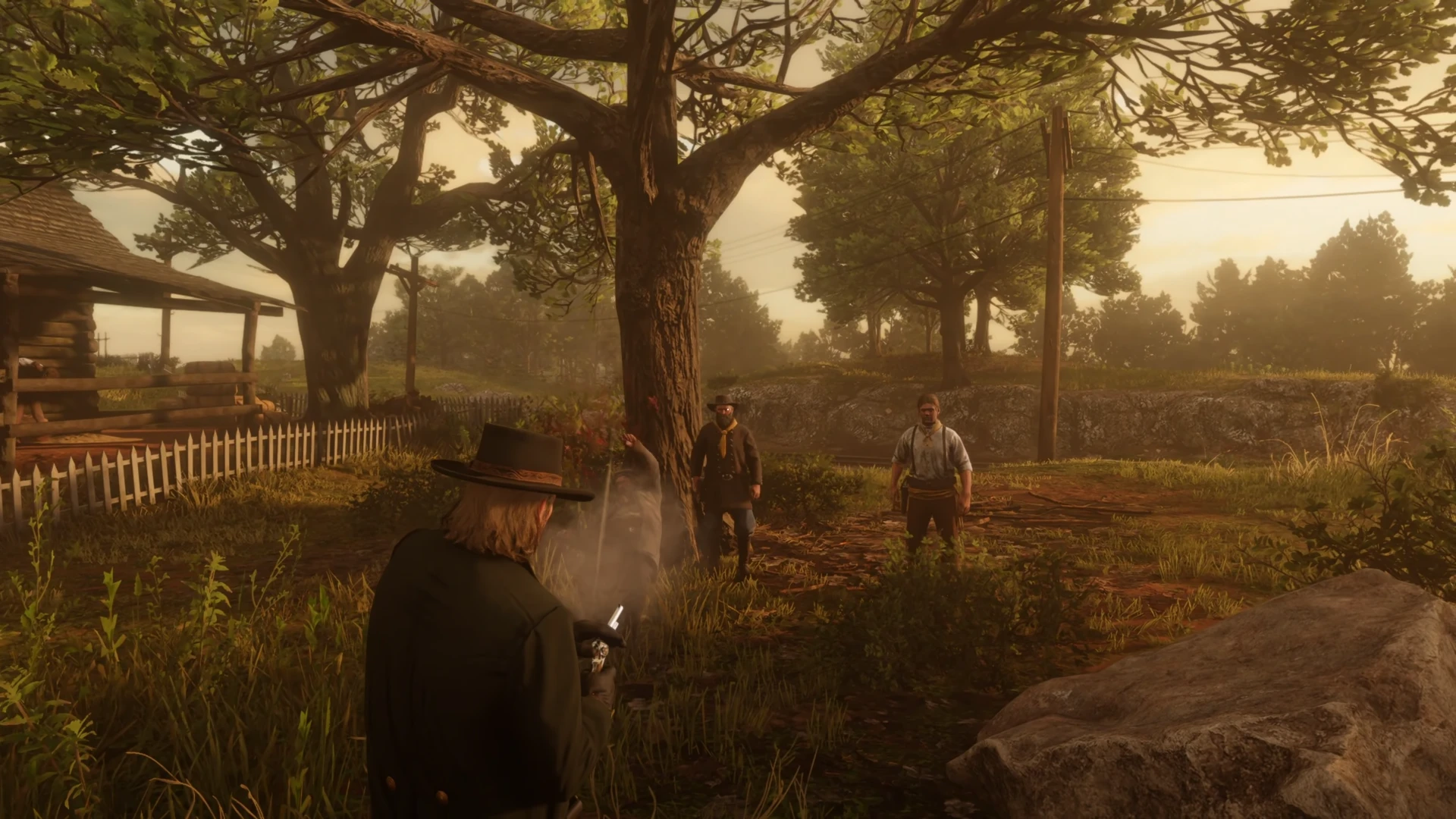
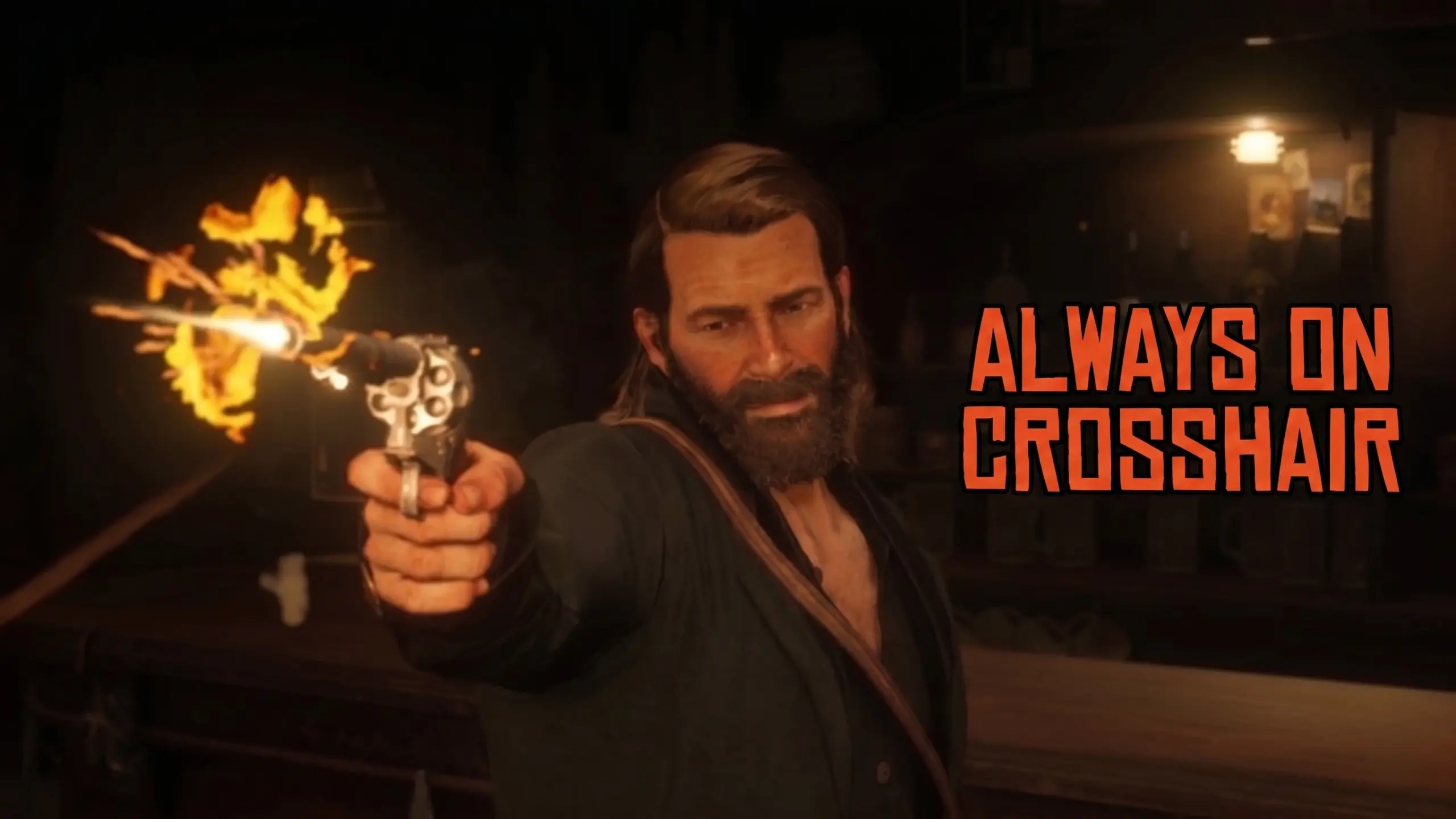
This is a lightweight, simple ASI script for Red Dead Redemption 2 that adds a persistent white dot crosshair to the center of your screen.
Usually, the game hides your aiming dot when you put your gun away. This mod keeps a small, clean white dot in the center of your screen permanently. Whether you are walking, riding your horse, or in a shootout, you will always know exactly where you are looking.
FOR BEST EXPERIENCE TURN OFF THE WEAPON RETICLE TO NONE IN THE DISPLAY SETTINGS
FEATURES
– Draws a static, semi-transparent white dot.
– Instantly toggleable in-game.
– Only appears when your character is actually loaded in the world.
INSTALLATION
1. Ensure you have ScriptHookRDR2 installed in your game folder.
2. Extract the downloaded .zip file.
3. Drop the ‘Persistent Crosshair.asi’ file directly into your main Red Dead
Redemption 2 game directory (the same folder that contains RDR2.exe).
CONTROLS
Toggle Crosshair ON / OFF: Press the `[` (Left Bracket) key.
Credits:
kNyte048
Downloads
| Name | Format | Size |
|---|---|---|
| Persistent-Crosshair-1-0.zip | ZIP | 6.23 KB |
To start download click the filename. To open archive files use one of these programs: WinRAR, 7-Zip, WinZip. Some mod archives may need to be extracted before the mods will work.