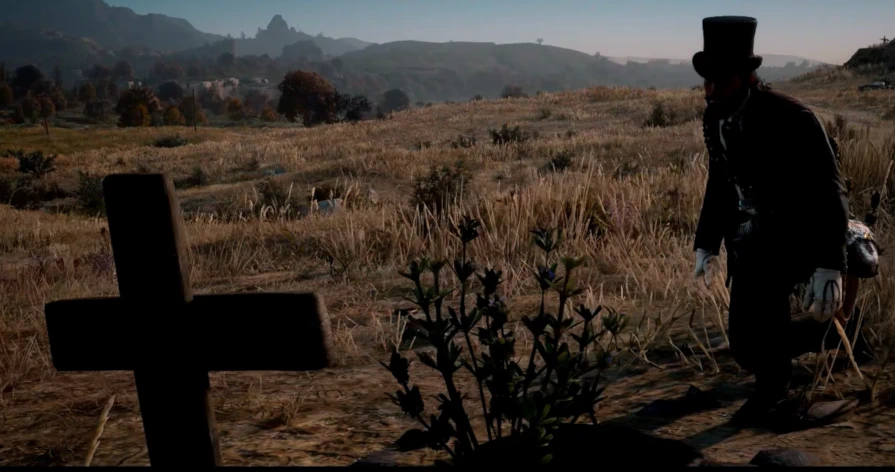
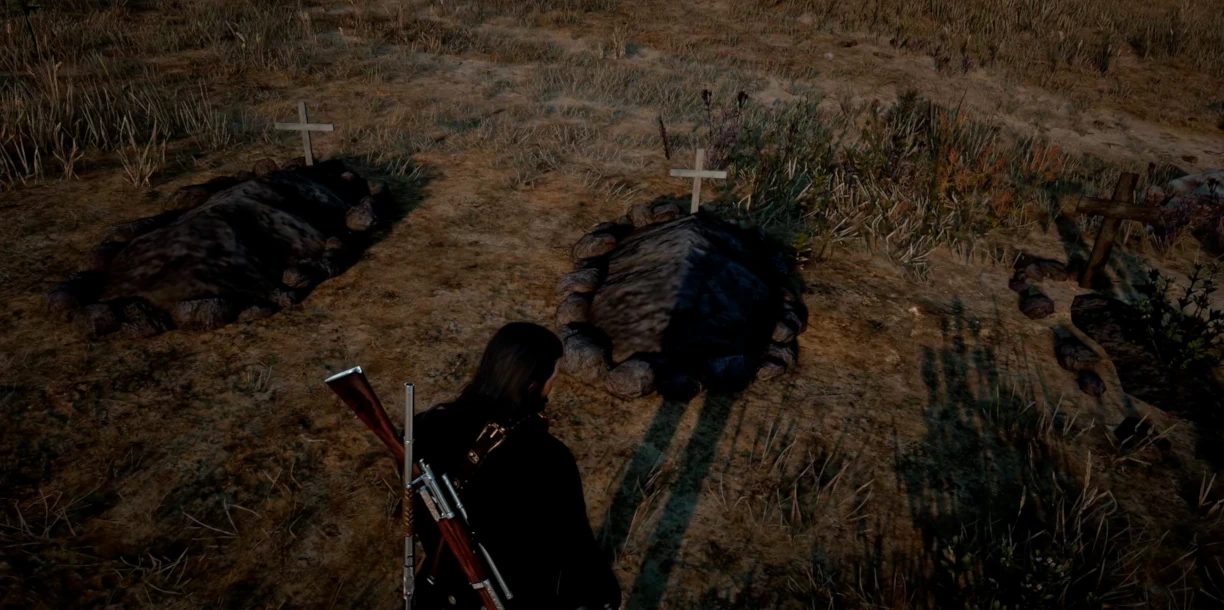
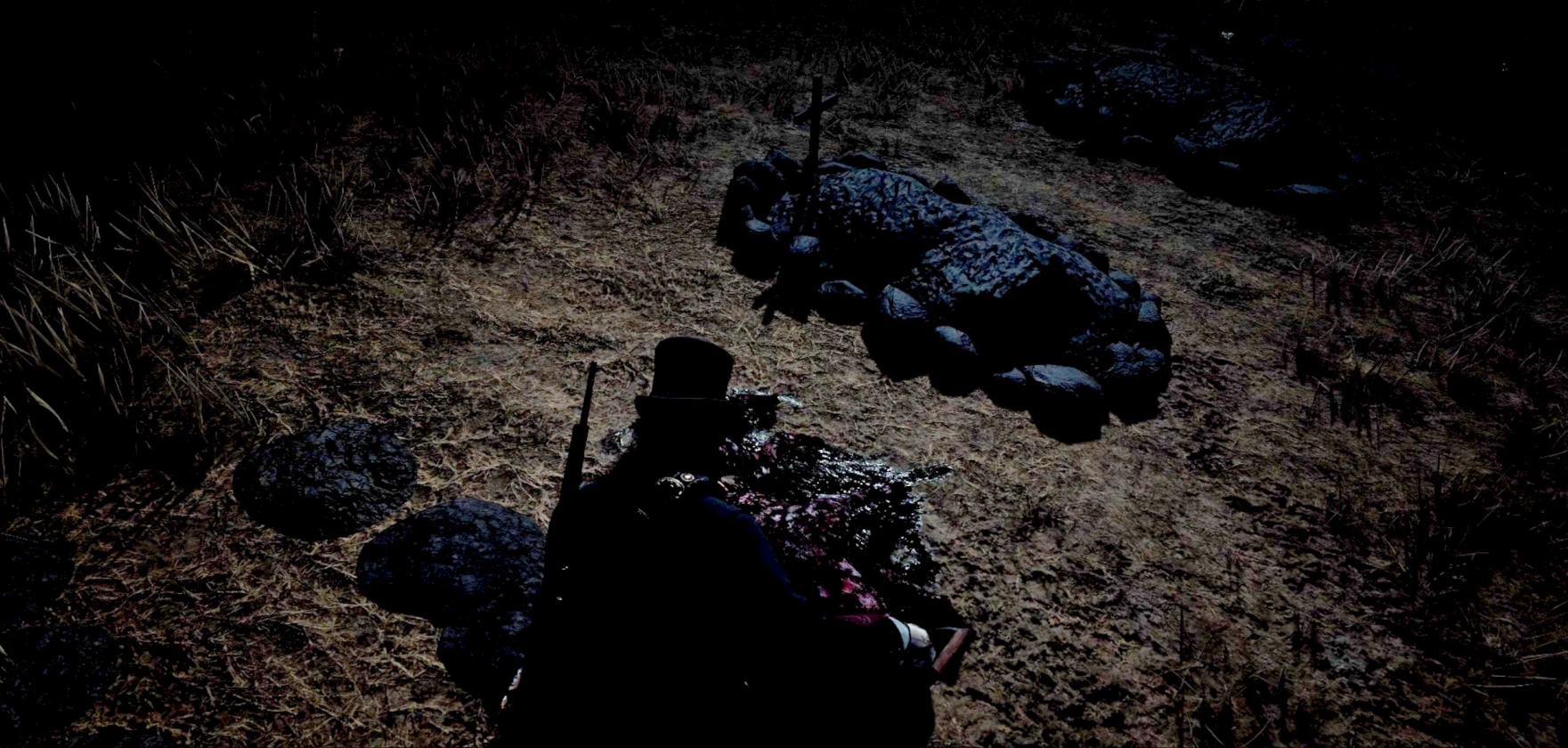
Permanent named graves, epitaphs, death dates, real-time decomposition, digging, voice lines, exhumation, custom graveyards and bury locations, icons, translation compatible, buttons changeable, controller compatible. Keep track of all your best kills through the entire game!
Make Your Own Graveyards! Bury Anyone or Anything!
Choose where to bury the bodies. Name every grave. Start your own permanent graveyards. Write your own custom epitaphs. Modify decomposition time. Automatic burials that can become custom burials naturally by the player simply moving. More reliable prompts. Like nothing else you’ve seen!
Enjoy a new, deeper layer to the entire game.
Main features
Keep a record of all your best memorable kills, or the most tragic npc deaths.
Two Types of Burials.
Auto – When you hold the bury prompt and the burial activates then John/Arthur will pick up the body and begin walking away with it. This will suppress any witness/bounty that would normally happen if you pick up a corpse, but you will still get in trouble for any other crime. This mod wont allow you to get away with murder it will only allow you to pick up corpses in public specifically through the bury prompt. You must use the bury prompt to pick them up or nearby people will have normal reactions.
If you do not try to move John/Arthur yourself then they will keep walking automatically and a random burial point will be chosen for you, the screen will fade to black, and you’ll appear at the gravesite with the body, digging the grave. The game first scans for any nearby in-game cemeteries such as those at most churches in towns. Burying a body in one of these cemeteries will award the player with $5.
If no cemetery is detected it will fall back to searching for any player created graveyards and if those are not found then it will pick a spot in the wilderness. If no eligable spot is located the player character will stop walking and it will fallback to a custom burial.
Custom – To activate a custom burial all you have to do is attempt to move after the body is picked up and before the screen fades. Once a custom burial is active then all you need to do is drop the body where you want the grave and the screen will fade out before the burial sequence activates.
Unfortunately custom burials aren’t available for animals that can’t be picked up, but the automatic burial can still be done on them.
Sometimes it takes a second for it to recognize the player trying to take over control but if you keep holding any movement direction it will always realize before the fade out.
Custom burials can be canceled by pressing the Bury input again while carrying the corpse.
Interacting With a Gravesite.
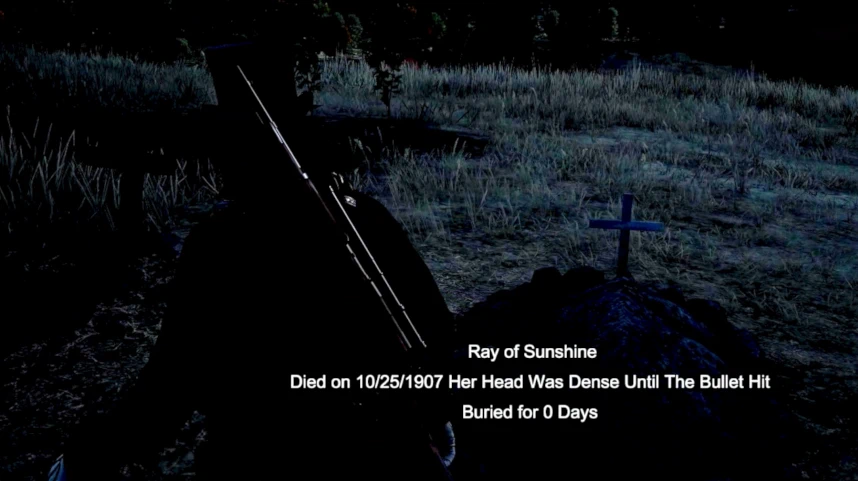
To interact with a gravesite walk up near to it and you can target it normally. Sometimes it takes a moment for the information to appear. It will show on screen the name of the grave, the death date (which is based on the actual in game date). The death date is the default Epitaph and can be removed when you’re writing the new one.
Text on screen will also show how many days the corpse has been buried for. This can be turned off in the ini.
In order to interact with/see all the prompts then you must STOP TARGETING the gravesite and you will have five seconds in which to interact with the prompts. (I tried to make them all appear and work while aiming at the grave but it wasn’t working.) If you target a different grave during this time then it stops and targets the new grave instead.
The epitaph prompt by default shares the sprint input so the text box won’t appear unless you are standing mostly still. This keeps it from appearing accidentally when the player is trying to run near a grave they just targeted.
The rename and epitaph prompts do appear when the player targets a grave (for some reason), but you need to let go of the targeting button before you can interact with them.
Digging animation
During burials and exhumations then there is a digging animation that plays. It isn’t exactly short so if you get sick of it you can turn it off in the ini and the digging sequence will be skipped.
Map Icon
A solitary grave will receive it’s own graveyard icon on the map and mini-map. Adding additional graves around it will not create separate icons for each grave itself. This way there will only be one icon per graveyard no matter how many graves are there.
Grave model cycling
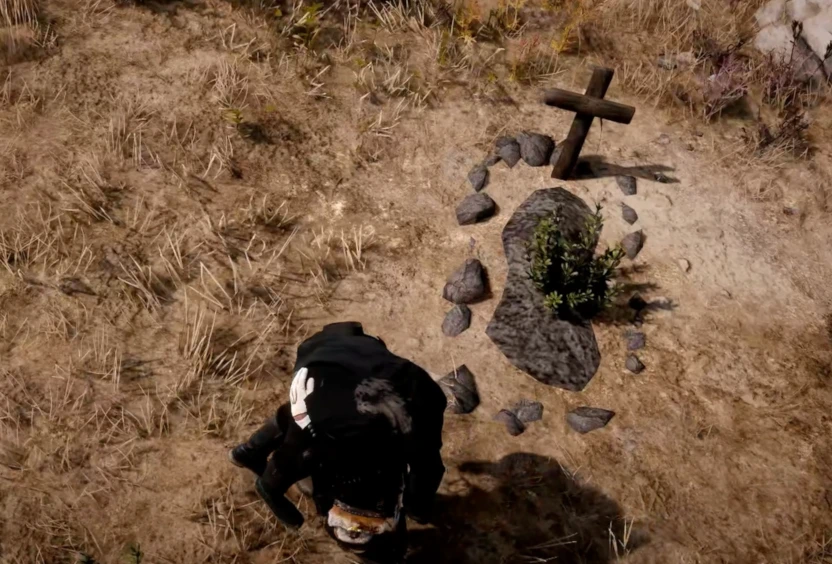
There are four grave models, but two of them don’t respond to rotation so they can only appear on flat ground. If you want to change either the direction of a grave or the model of the mound then you use the cycle prompt. It will first rotate the grave model in all available directions, then it will change to the next model and repeat. In a graveyard the gravesites automatically line up with each other in rows and columns, so they can only be oriented by their heading.
Real Time Decomposition
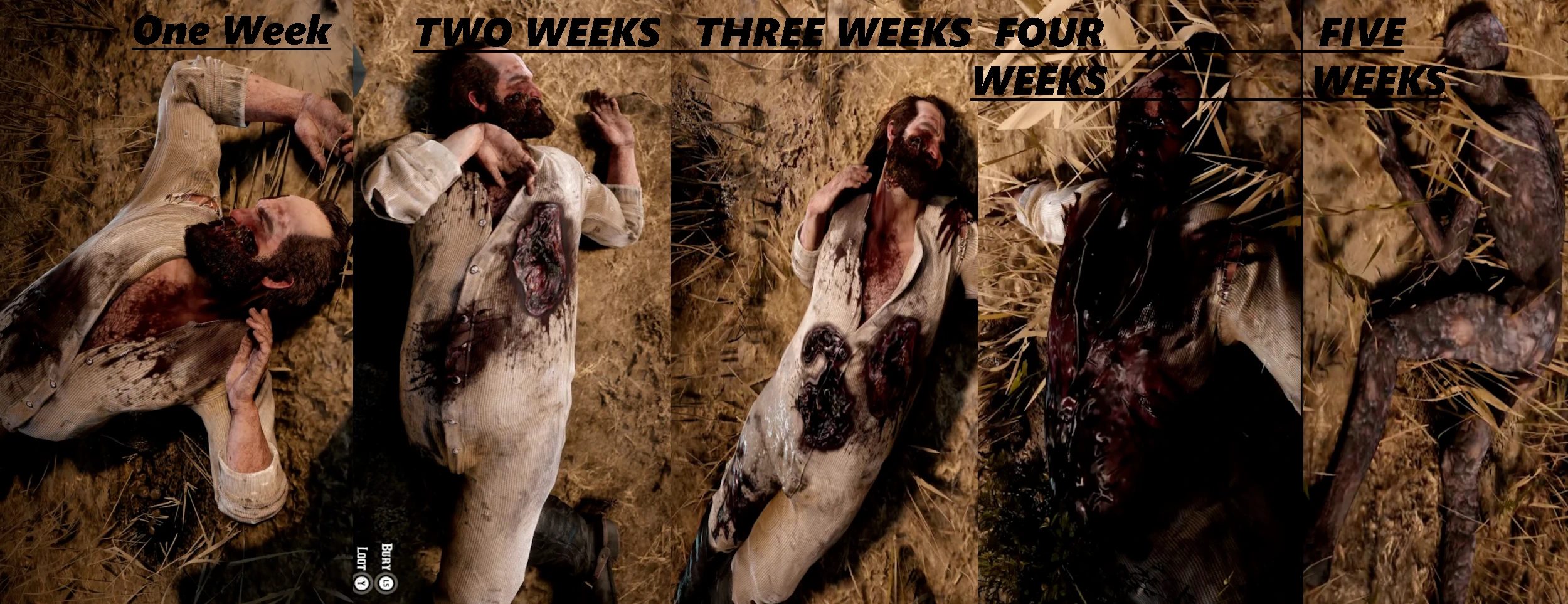
Set in the ini your own preference for when each stage of decomposition should happen. By default the decomposition advances one stage per in game week. There are five stages of decomposition for humans and three for animals. The final stage of human decomposition is an unrecognizable desiccated bony corpse.
Exhumation
Graves can be removed or repositioned through exhumation. This allows you to dig up the corpse. If you want a grave to disappear permanently then you just need to let the body despawn naturally, otherwise you can use this feature to see their stage of decomposition and bury them freely again anywhere else.
True Persistence
Persistence can be toggled on and off in the ini. It is on by default.
Every grave that you make is permanent and will last for the entire game unless you dig them up. They automatically save names, epitaphs, death date, decomposition stage, location and in addition they save all of the outfit and accessory variations of the corpse, ensuring that they will always look the same when exhumed.
Graves only exist in the world when you are relatively close to them. So having many graves spread across the world won’t have any performance impact.
The only things i was not able to make persistent were specific arbitrary injury decals such as bullet holes, and the head is the only persistent dismemberment. Arms and legs will reappear upon exhumation.
Modifiable Controls and Translation Capability.
Each prompt input works by action and is compatible with controllers and keyboards. They can also all be changed to different inputs if the player wants a different control.
All text that appears in the mod can also be changed in the ini with the ability for other language characters to be used through saving the file as UTF-8
You can turn on and off animal burial as well as a special exception option that keeps burial off for all animals except dogs and horses in case you don’t want it appearing on every animal but you still want to bury your best buddy or your faithful steed.
The Mod save all the gravesite data in a .dat file called burythedead.dat If for some reason your game begins to crash from too many graves close together (unlikely), then you can manually delete individual graves within the file or delete the file entirely if you want a clean slate. Simply open the .dat file with a text editor such as notepad. if it is gone then it will simply be generated fresh the next time you play. If you use different saves you may want to make a copy for each save that you store somewhere else because you will have to manually swap them if you dont want the graves to bleed between saves.
Installation instructions
simply put the asi and ini folder in your main game folder. If you use the old bury the dead mod just overwrite.
Requirements
AlexanderBlade’s Scripthook
Credits:
gunnamon
Downloads
| Name | Format | Size |
|---|---|---|
| Bury-The-Dead-Expanded-And-Enhanced.zip | ZIP | 119.08 KB |
To start download click the filename. To open archive files use one of these programs: WinRAR, 7-Zip, WinZip. Some mod archives may need to be extracted before the mods will work.