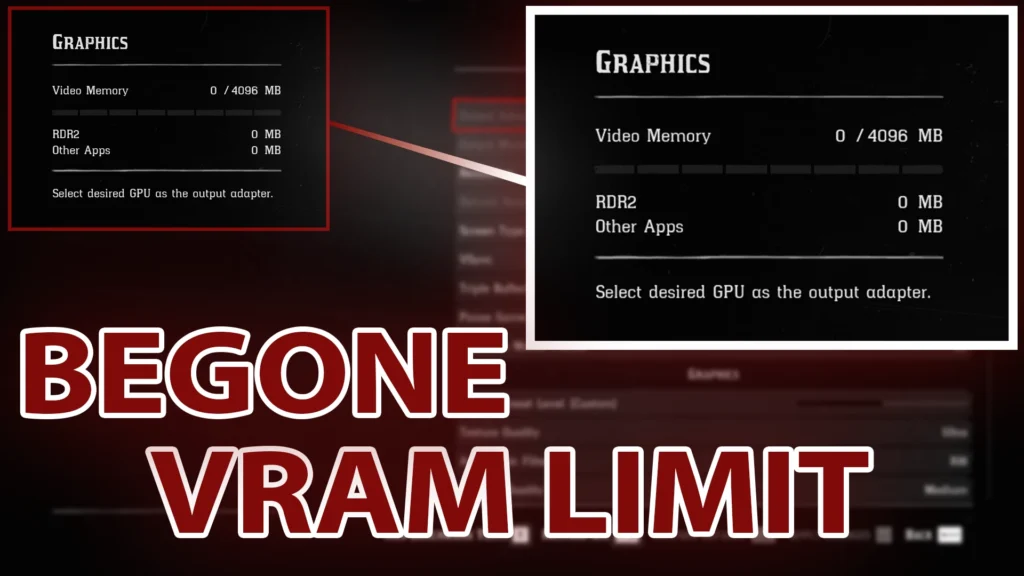
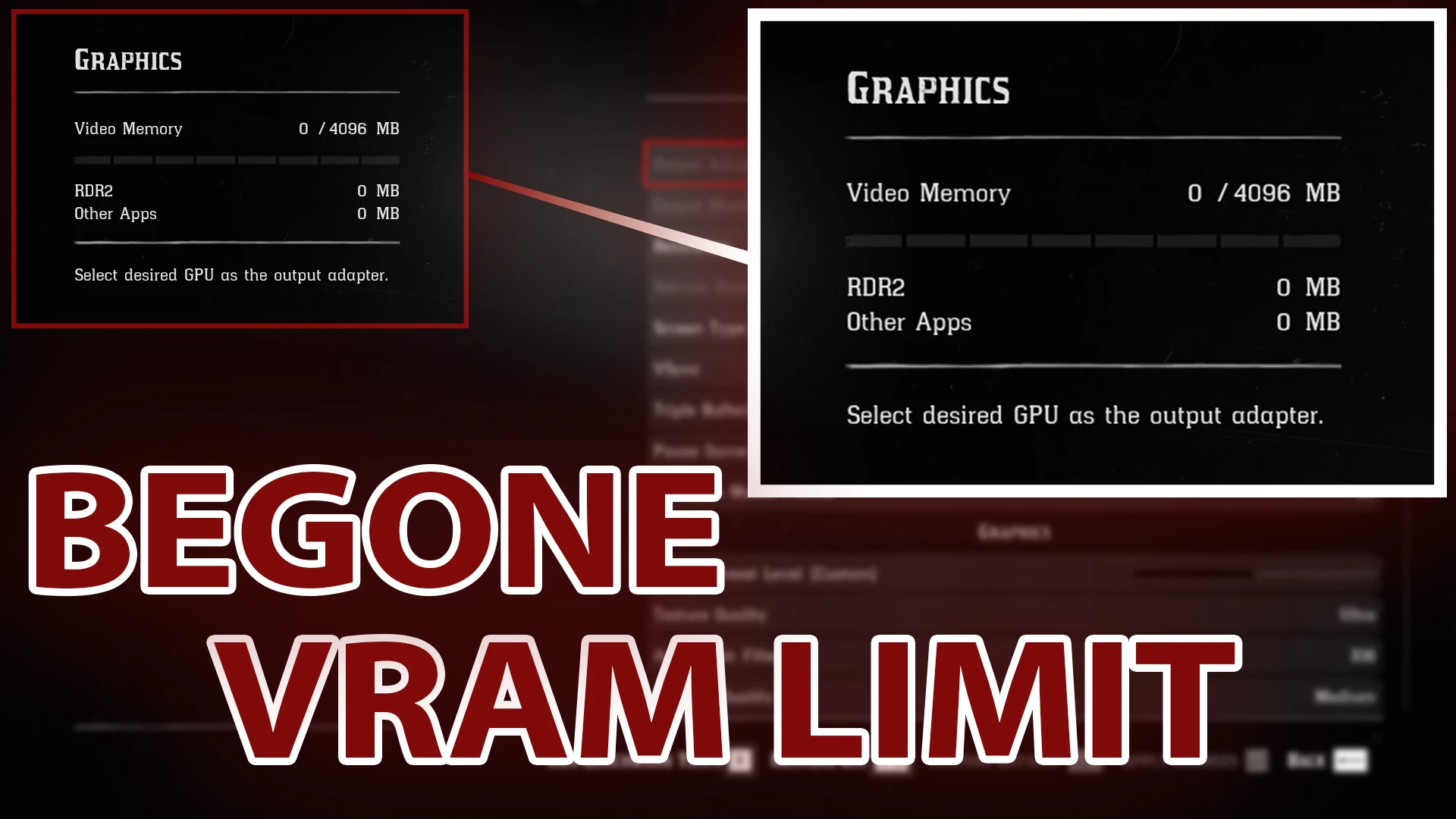
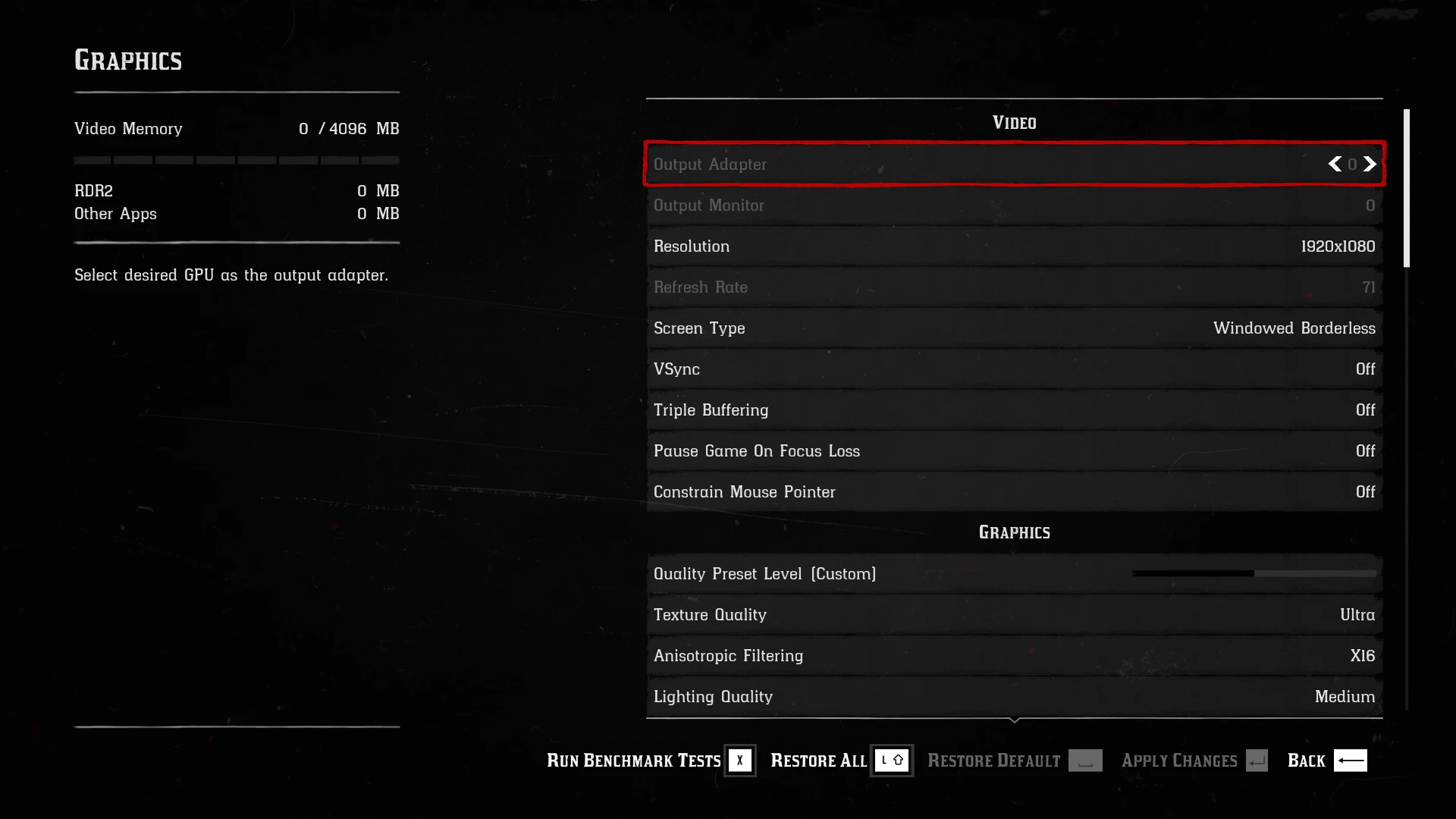
“Begone VRAM Limit” is an ASI mod for Red Dead Redemption 2, developed in C++, meant for removing the VRAM limit inside the graphics settings.
Installation:
STEP 1: Download and install an ASI Loader compatible with the game
STEP 2: Download the archive from the Files section
STEP 3: Extract the files from inside the archive to the game’s folder
To uninstall, delete BegoneVRAMLimit.asi from the game’s folder.
Bugs:
Currently, if you run over the VRAM limit (even if it doesn’t show because of the mod), the game will ask you to restart the game, even if the specified setting does not require a game restart. This is a bug I will be trying to find a fix for, eventually.
DO NOT use the discussions tab for bug reports.
If there is a bug you’re encountering, open a bug report, otherwise please refrain from using the discussions tab unless you need help or want to request additional features!
This mod has been designed with singleplayer in mind. Although this is not a cheat, I advise against using this in Red Dead Online, since it is strictly prohibited by the game’s Terms of Service and could get you banned.
This mod is supposed to survive game updates, but sometimes it doesn’t. If the update stopped the mod from working, please open a bug report!
Credits:
EricPlayZ
Downloads
| Name | Format | Size |
|---|---|---|
| Begone-VRAM-Limit-1-0.zip | ZIP | 170.81 KB |
To start download click the filename. To open archive files use one of these programs: WinRAR, 7-Zip, WinZip. Some mod archives may need to be extracted before the mods will work.