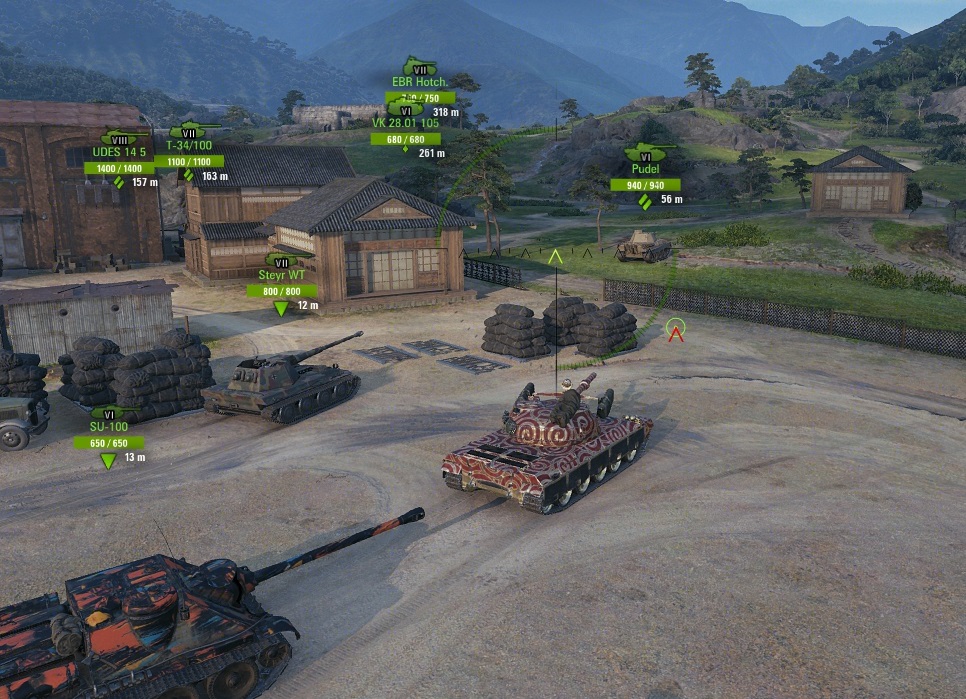
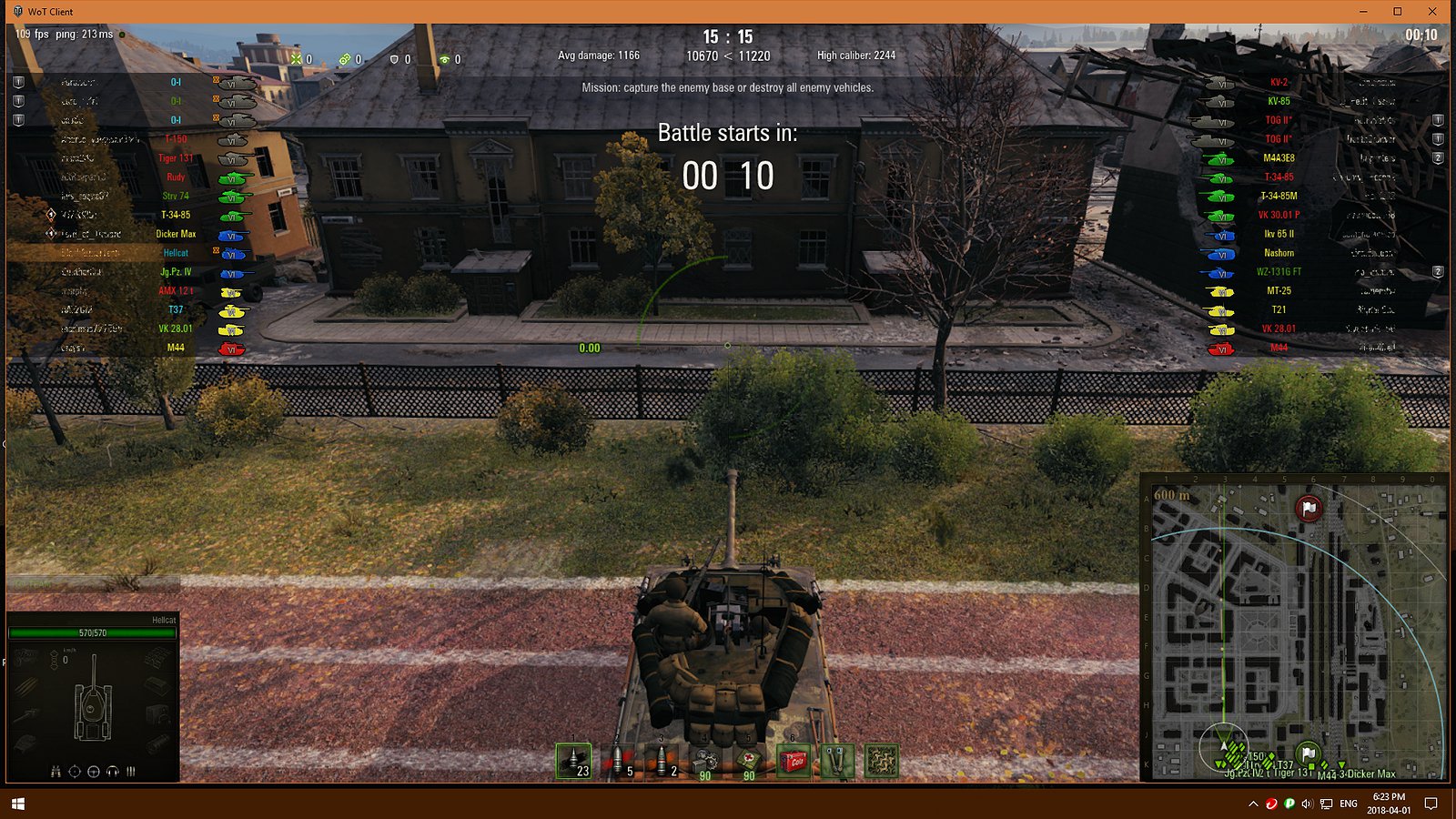
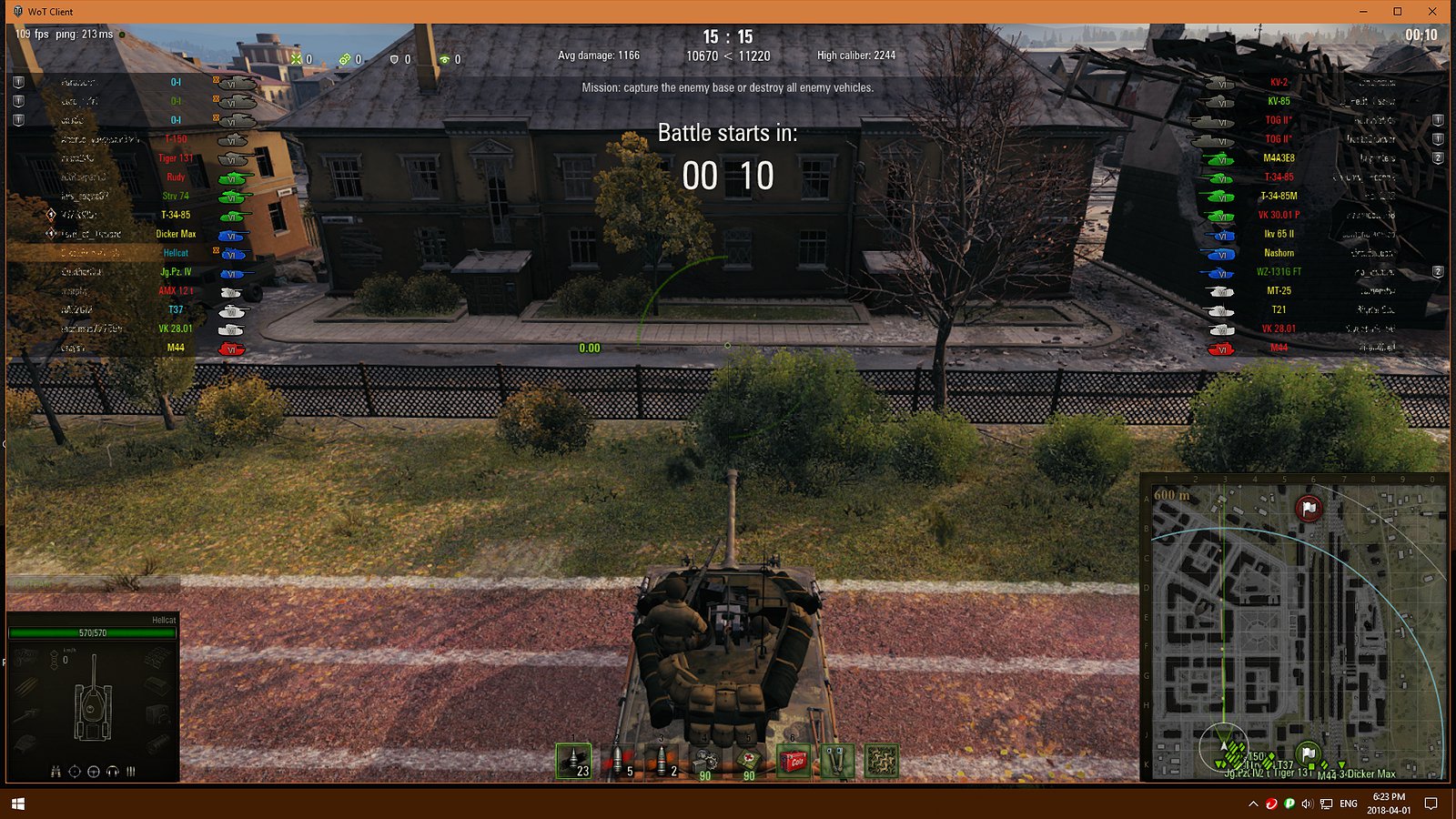
This mod changes the colors of the vehicle contour image icons
displayed in the battle and battle loading screens
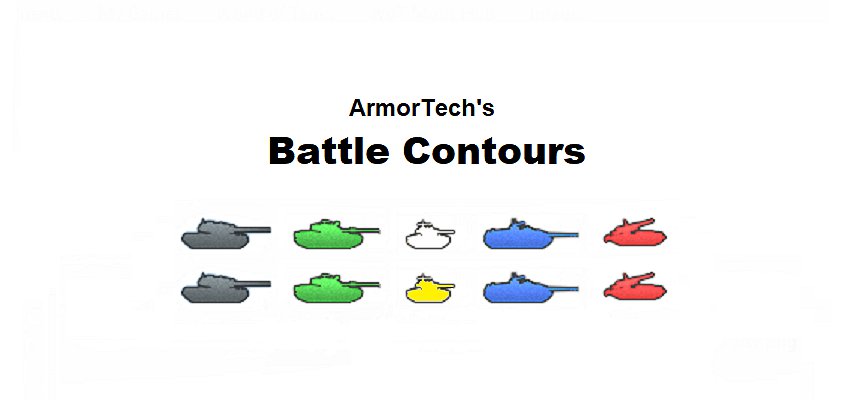
The revised colors are:
Heavy Tanks = Grey
Medium Tanks = Green
Light Tanks = White or Yellow
Tank Destroyers = Blue
Self Propelled Guns = Red
Please use the following URL for a ‘same day’ updated version of this mod if the updated version of this mod is not available on this web page: https://drive.google.com/drive/folders/1yQMjacz2PFIBPQGqVPdMf1s-m6h7TI18
Installation
Unzip or copy one wotmod file (not both) to:
your ‘game installation\mods\version’ folder
Also configure your game to display the vehicle tier via Settings:
General Tab – Battle Interface Box – Enable ‘Show vehicle tier’
XVM can be installed or not installed. If XVM is installed,
make sure tank icon mirroring is enabled in XVM’s battle.xc file
with the statement of “mirroredVehicleIcons”: true
(Note: XVM’s default statement is “mirroredVehicleIcons”: true)
Credits:
BlackArmorTech
Downloads
| Name | Format | Size | Description |
|---|---|---|---|
| battle.contours.v.26.02.19.zip | ZIP | 10.84 MB | 2.1.1.2 |
To start download click the filename. To open archive files use one of these programs: WinRAR, 7-Zip, WinZip. Some mod archives may need to be extracted before the mods will work.