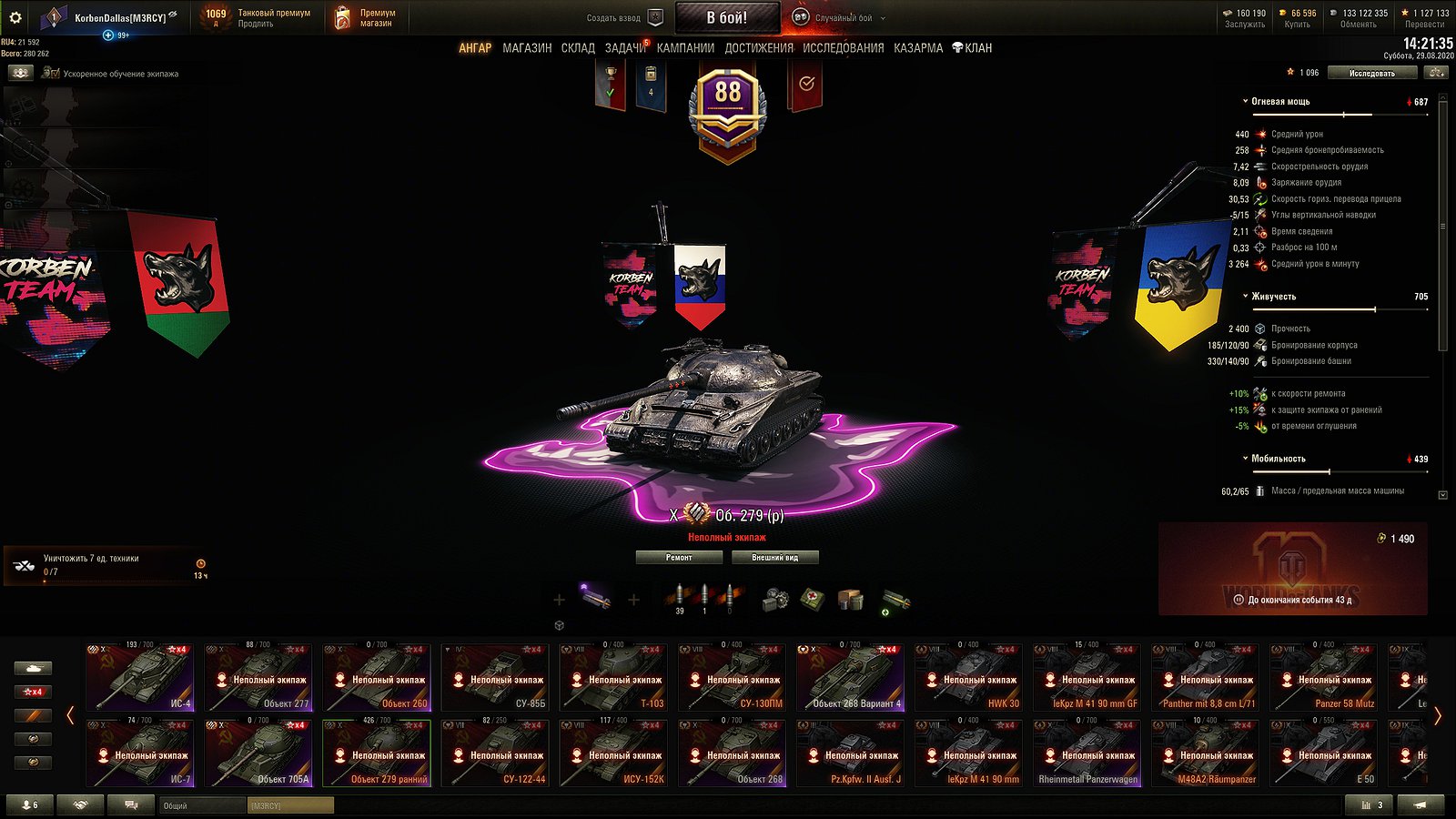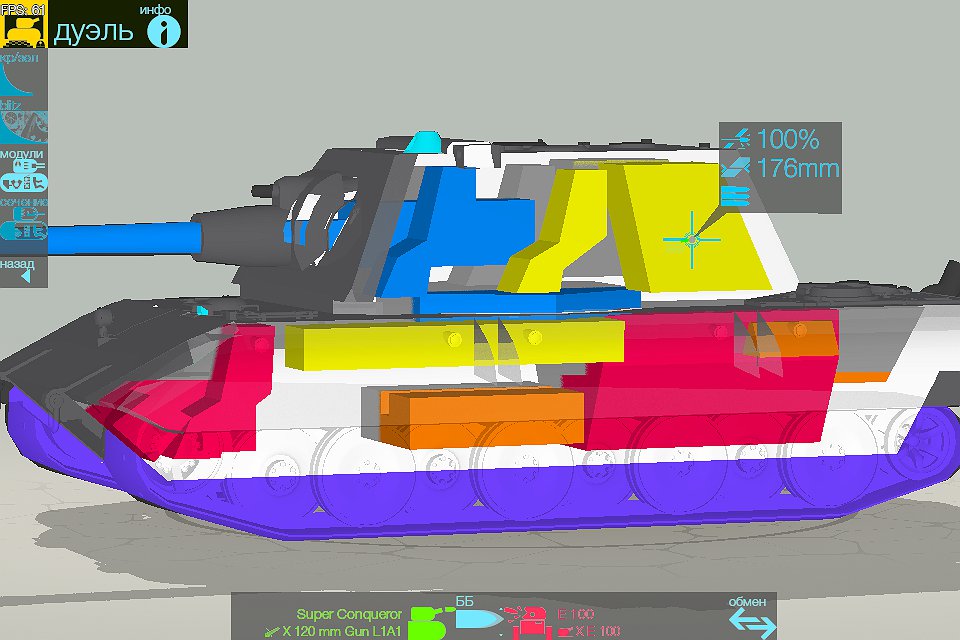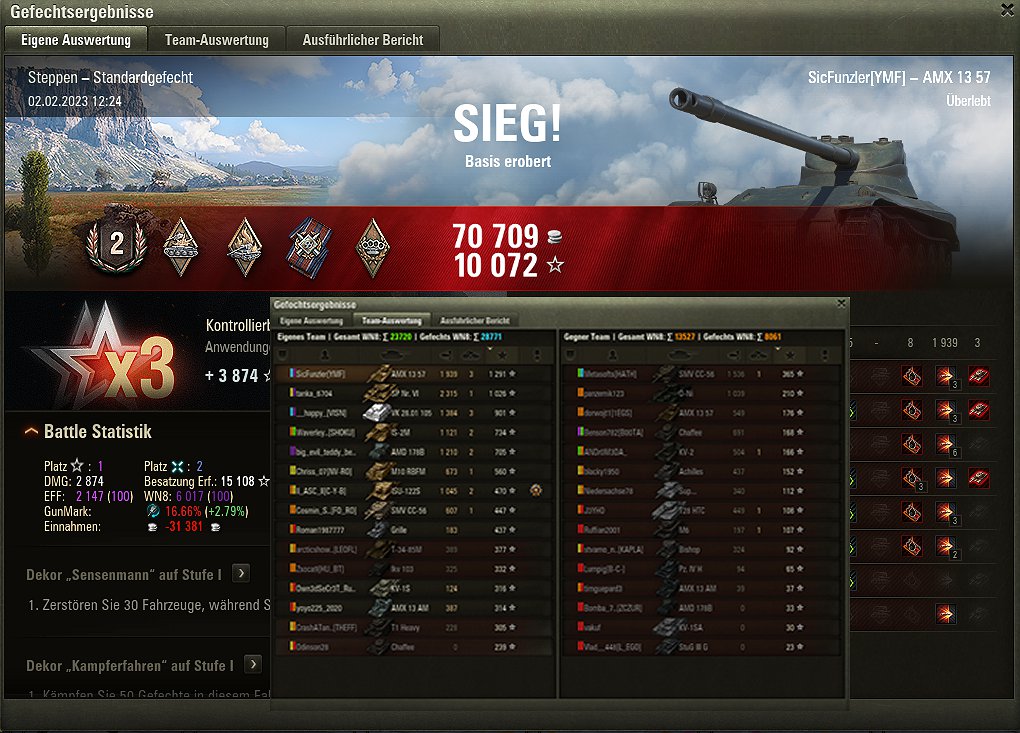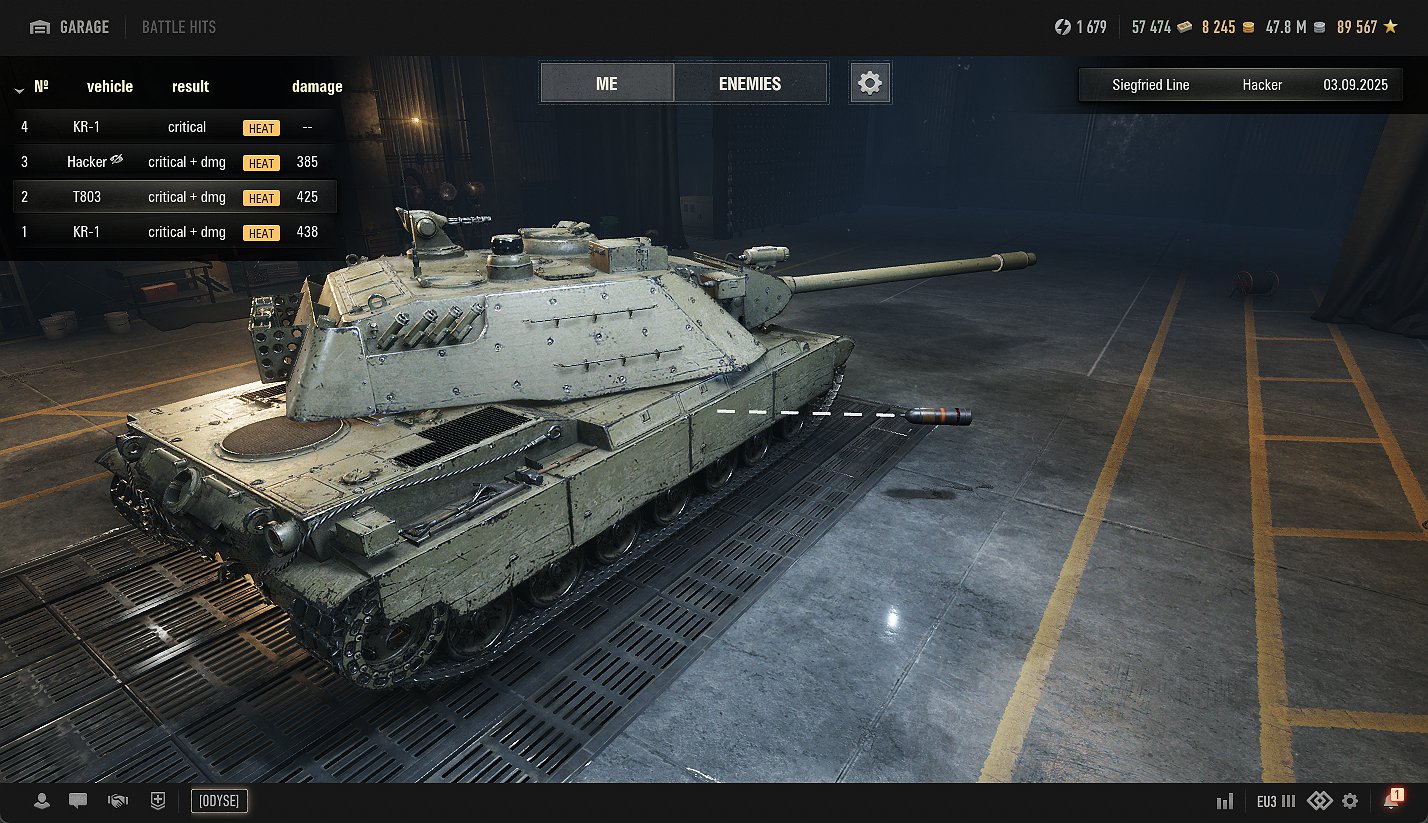
Modification allows you to display the shots fired by or at you in the battles.
You can also use the modification environment as the main hangar.
Installation
Open the downloaded archive with any archiver, or standard Windows interface.
Drag or copy from the archive folder “mods” in the folder where you have installed the tanks, if you are asked to replace the files or folders can agree or not makes no difference.
Credits:
POLIROID
Downloads
| Name | Format | Size | Description |
|---|---|---|---|
| 2.4.0.1_BattleHits_2.4.00.zip | ZIP | 5.04 MB | 2.4.0.1 |
| 2.3.0.1_BattleHits_2.3.7.zip | ZIP | 5.04 MB | 2.3.0.1 |
| 2.2.1.1_BattleHits_2.3.6.zip | ZIP | 5.04 MB | 2.2.1.1 |
| 2.2.0.2_BattleHits_2.3.6.zip | ZIP | 5.04 MB | 2.2.0.2 |
| 2.2.0.1_BattleHits_2.3.6.zip | ZIP | 5.04 MB | 2.2.0.1 |
| 2.1.1.1_BattleHits_2.3.6.zip | ZIP | 5.04 MB | 2.1.1.1 |
To start download click the filename. To open archive files use one of these programs: WinRAR, 7-Zip, WinZip. Some mod archives may need to be extracted before the mods will work.