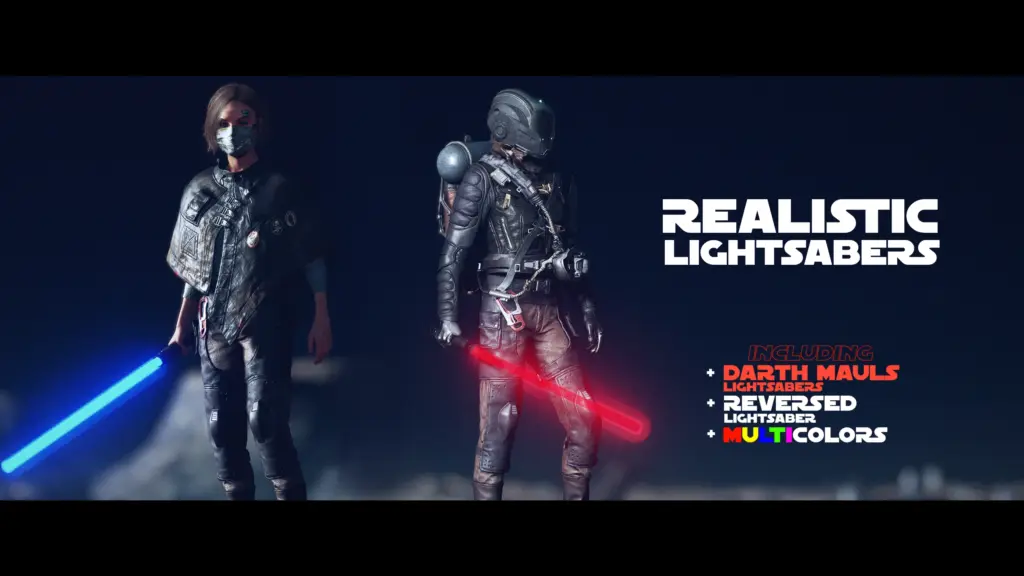
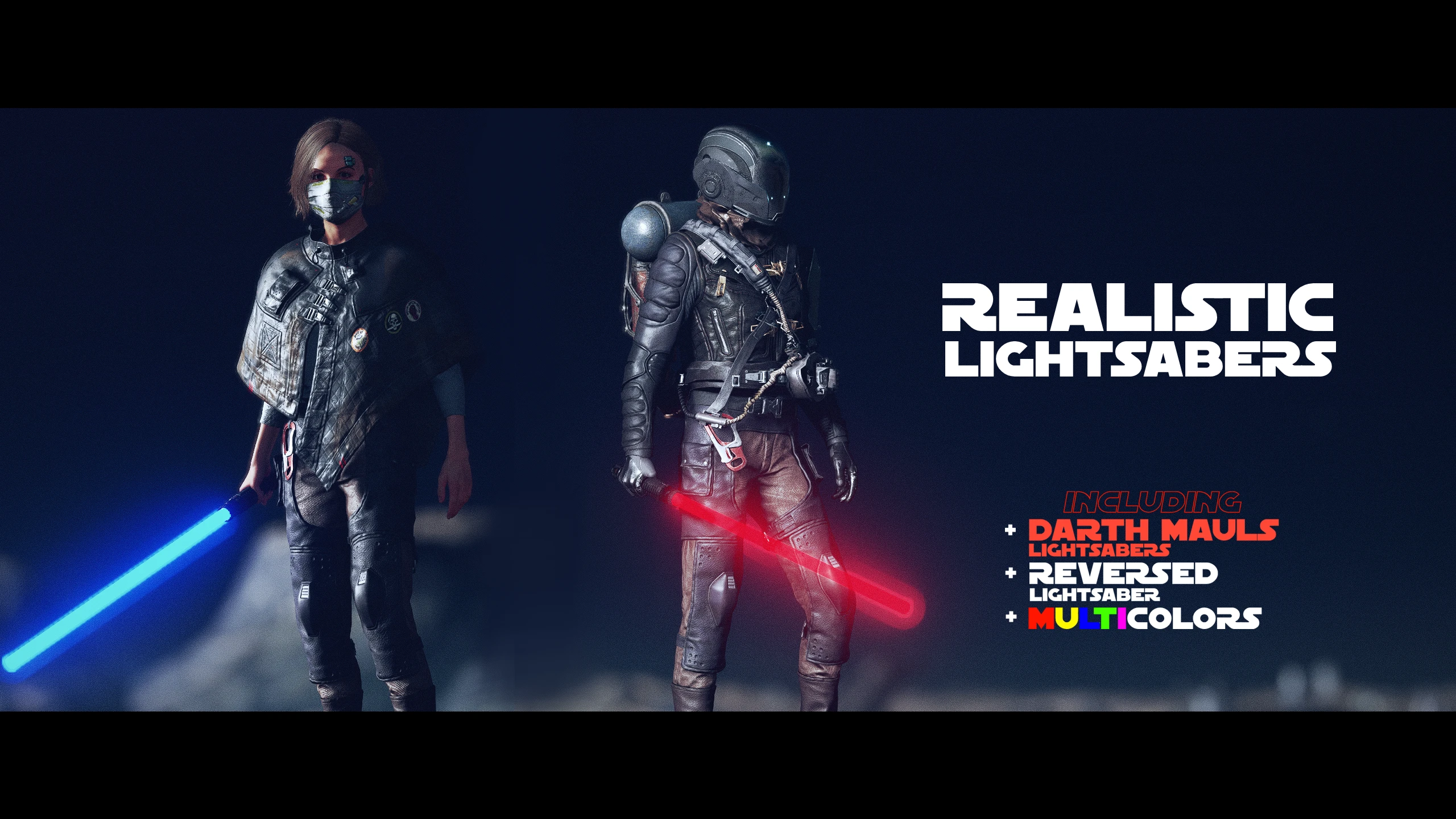
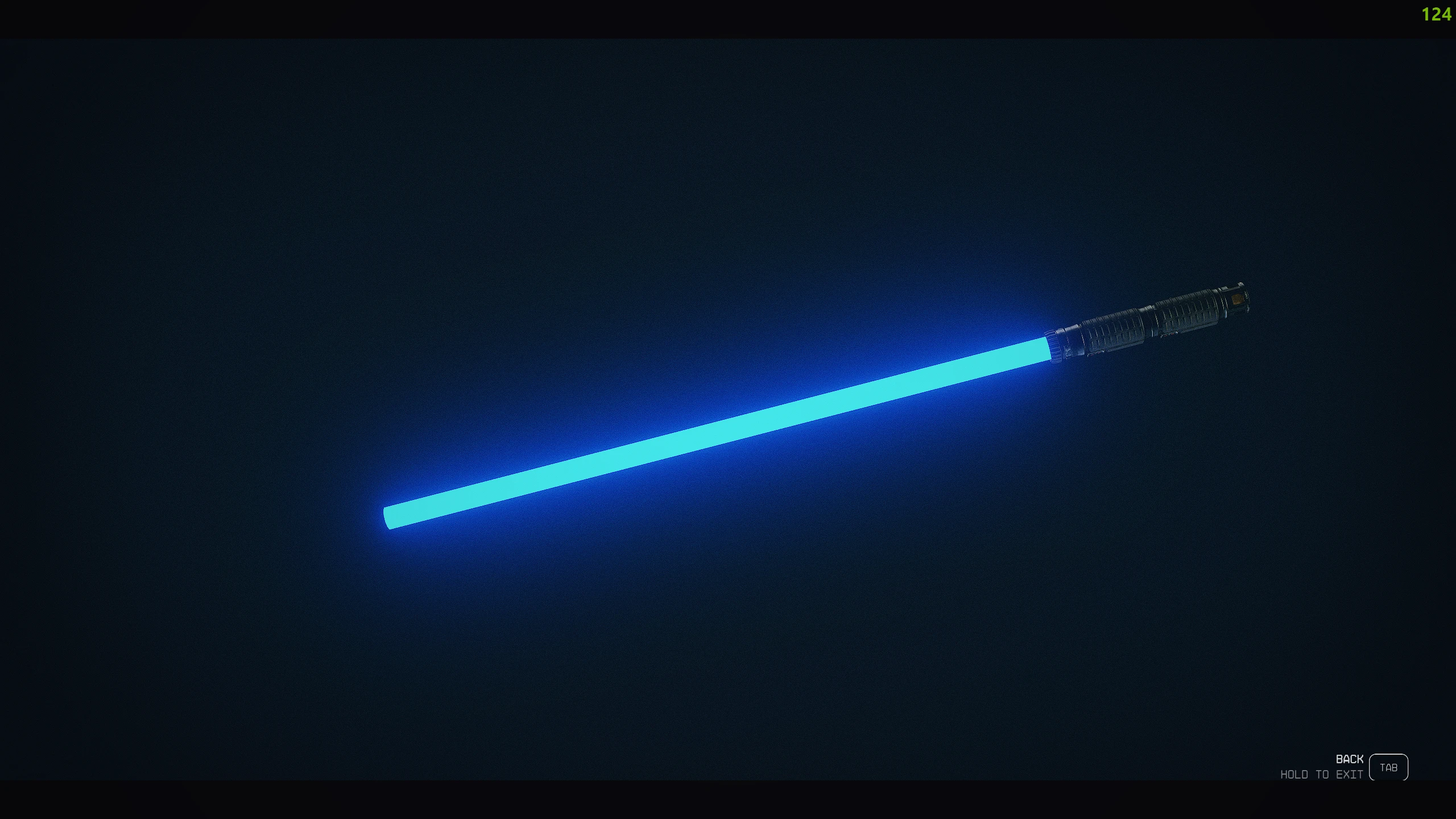
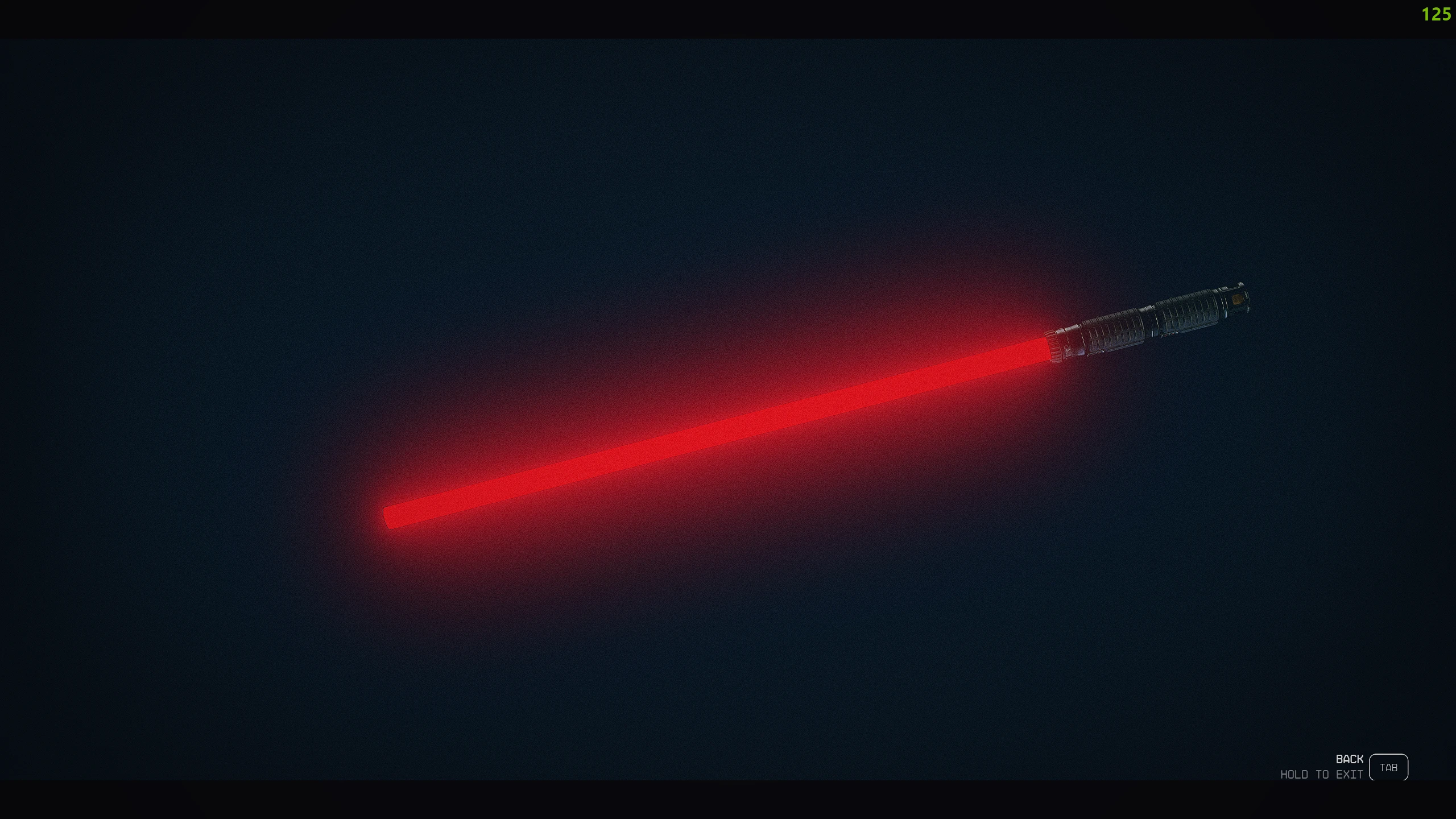
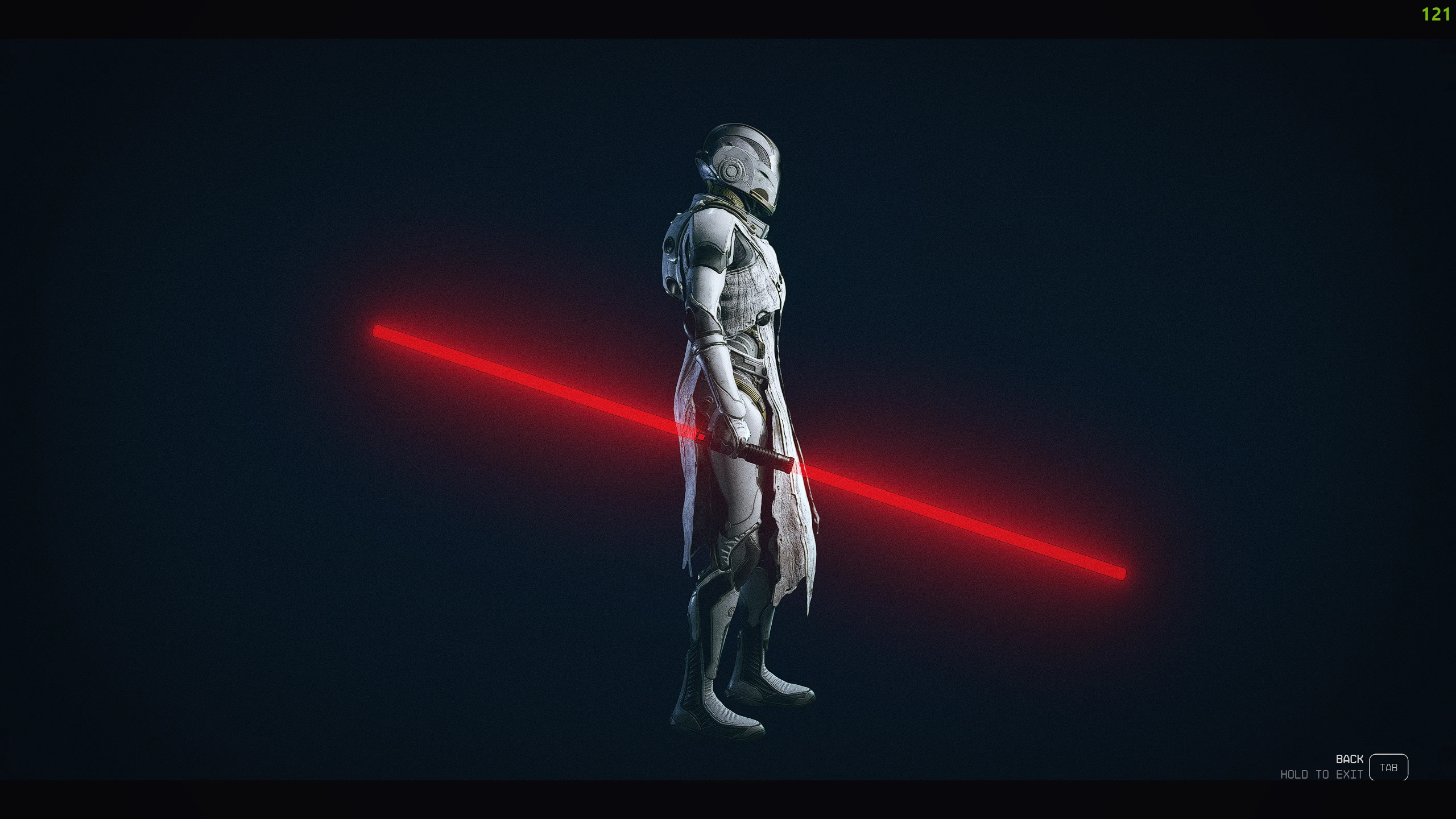
Introducing REALISTIC LIGHTSABER mod!
This mod combines a couple of ingame items to create a more realistic lightsaber – Try out the 8 (current) different lightsabers, a Darth Maul version or a reversed lightsaber! Sounds are included and special thanks to other community members for helping out!
Replacement:
Currently this mod only replaces the Rescue Axe and the Wakizashi Sword
– Other model replacers will be added later on!
REQIUREMENTS:
– The mod only requires a ‘StarfieldCustom.ini’ file in ‘Documents\My Games\Starfield’ folder
(if you don’t have a StarfieldCustom.ini file, create one) and add the following lines:
[Archive]
bInvalidateOlderFiles=1
sResourceDataDirsFinal=
Installation:
1. Choose a lightsaber color folder of your choose and open
2. Copy the “Data” folder inside and paste it into your
“My Games\Starfield” folder
3. Repeat the same process with the “Lightsaber_sound”
(Copy the “data” folder and insert it into your game folder – follow step 2.)
4. (OPTIONAL) – If you want to replace your lightsaber
with a different color just follow step 1. and 2. again
– No need for following step 3. again
5. Enjoy!
Credits:
Kaffeina
Downloads
| Name | Format | Size |
|---|---|---|
| Main-files-1-1.rar | RAR | 843.76 KB |
To start download click the filename. To open archive files use one of these programs: WinRAR, 7-Zip, WinZip. Some mod archives may need to be extracted before the mods will work.