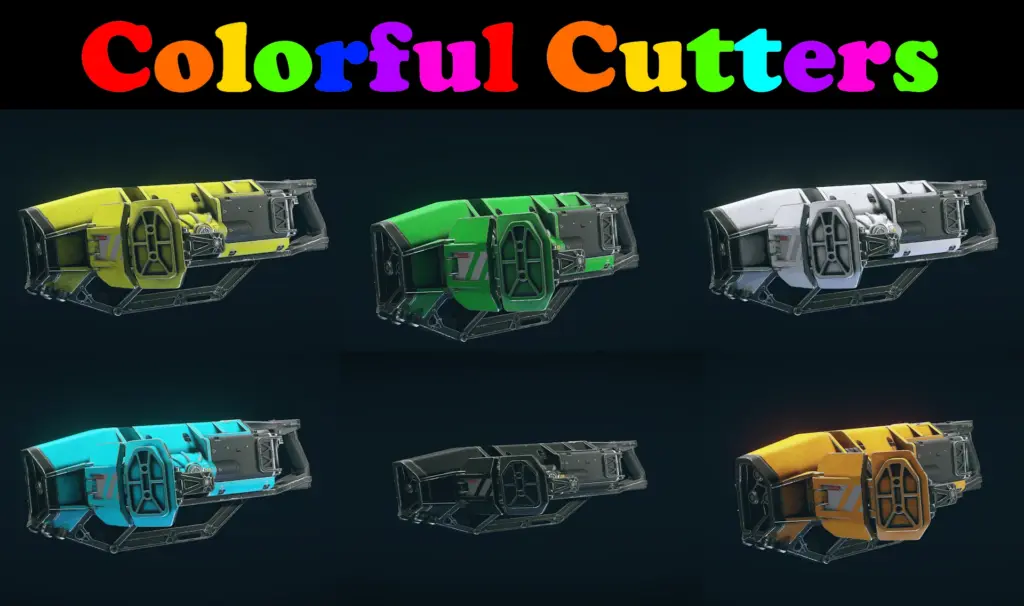
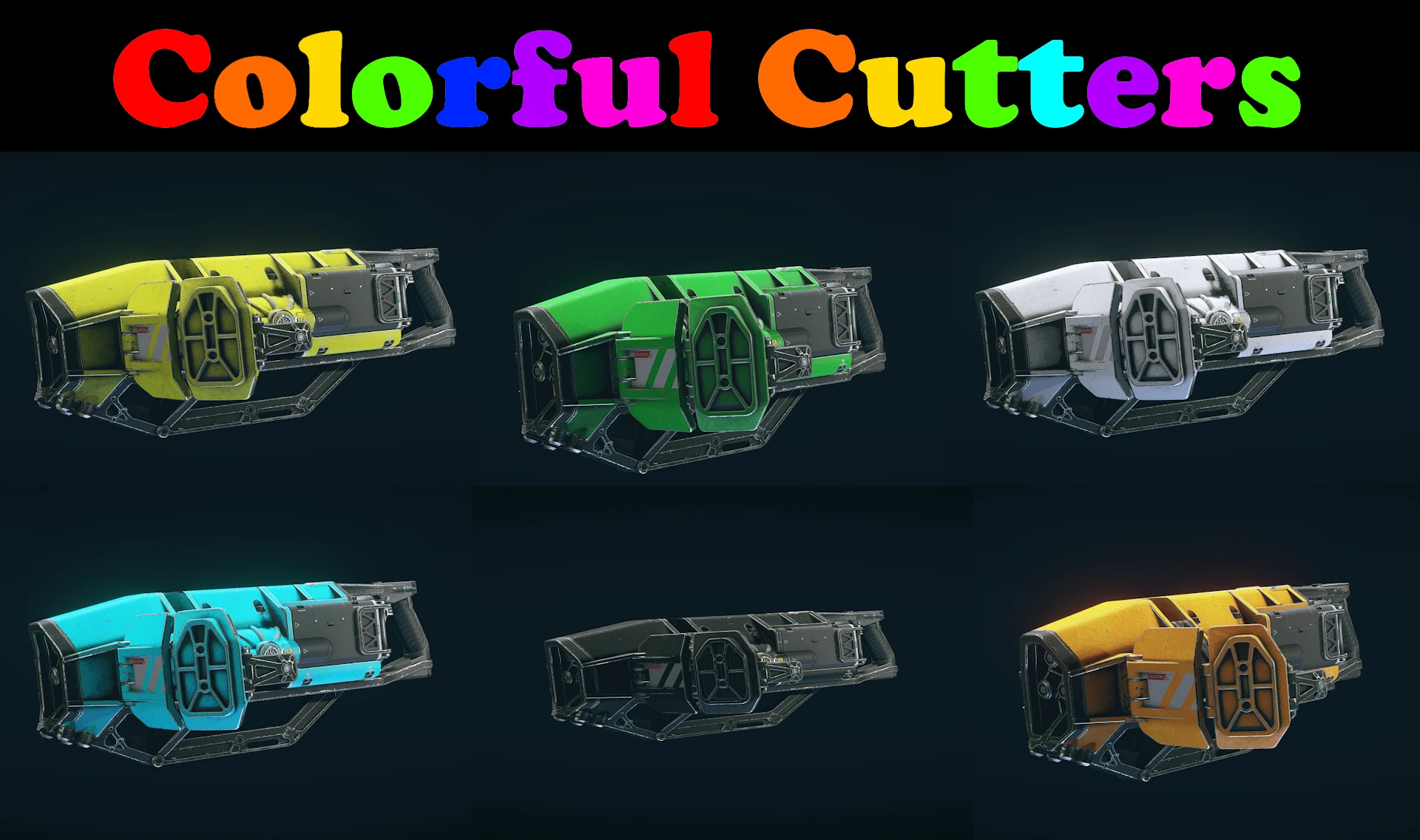
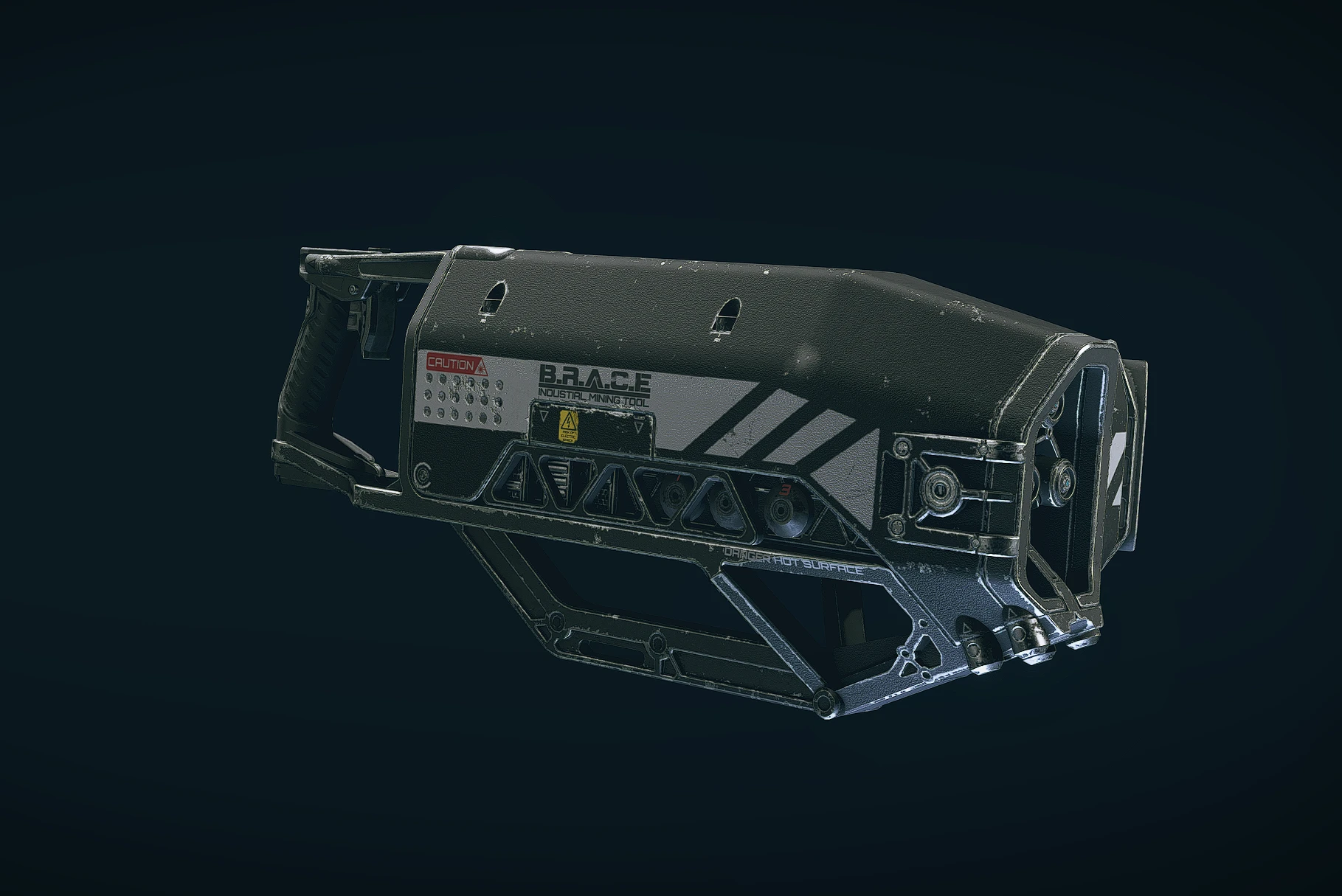
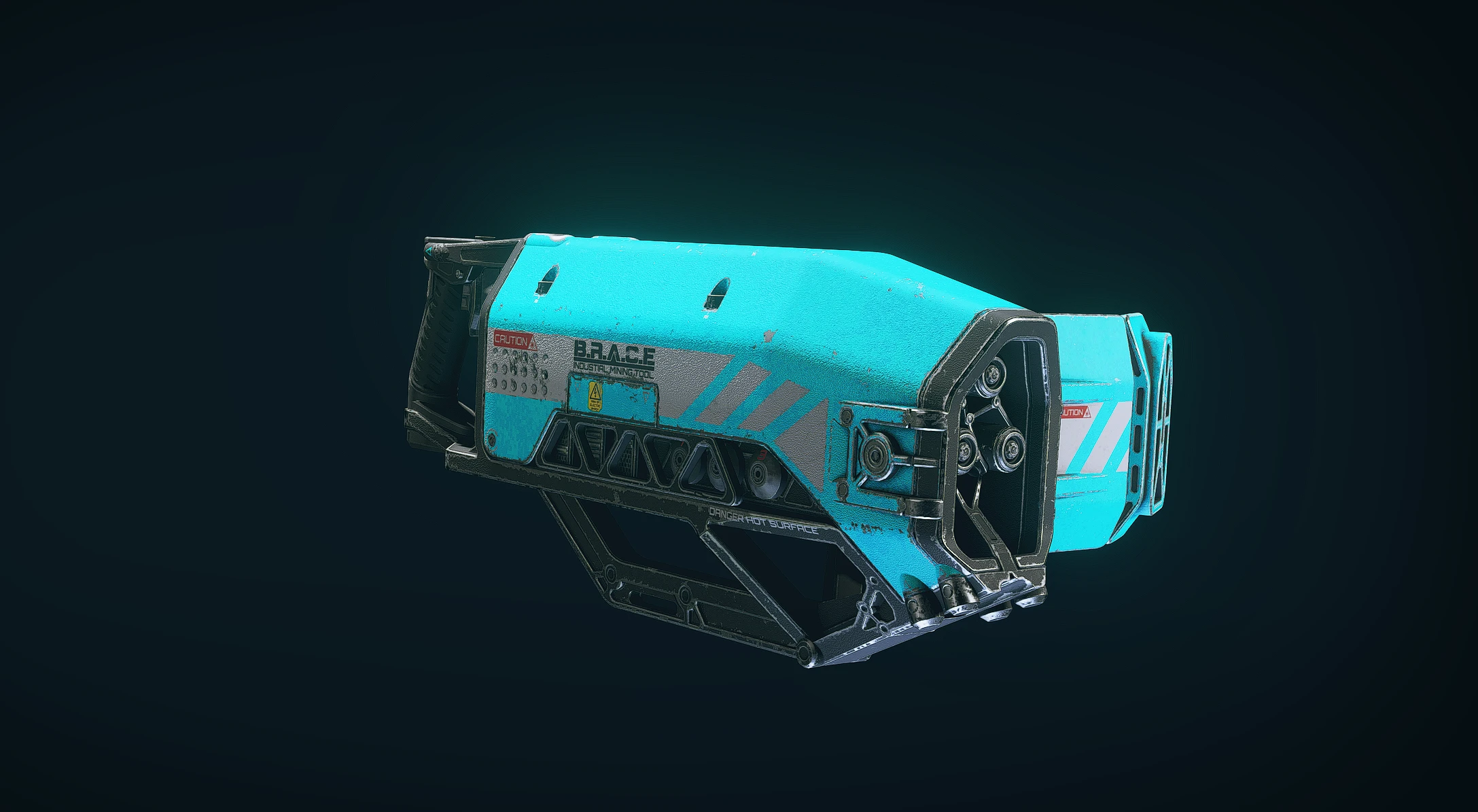
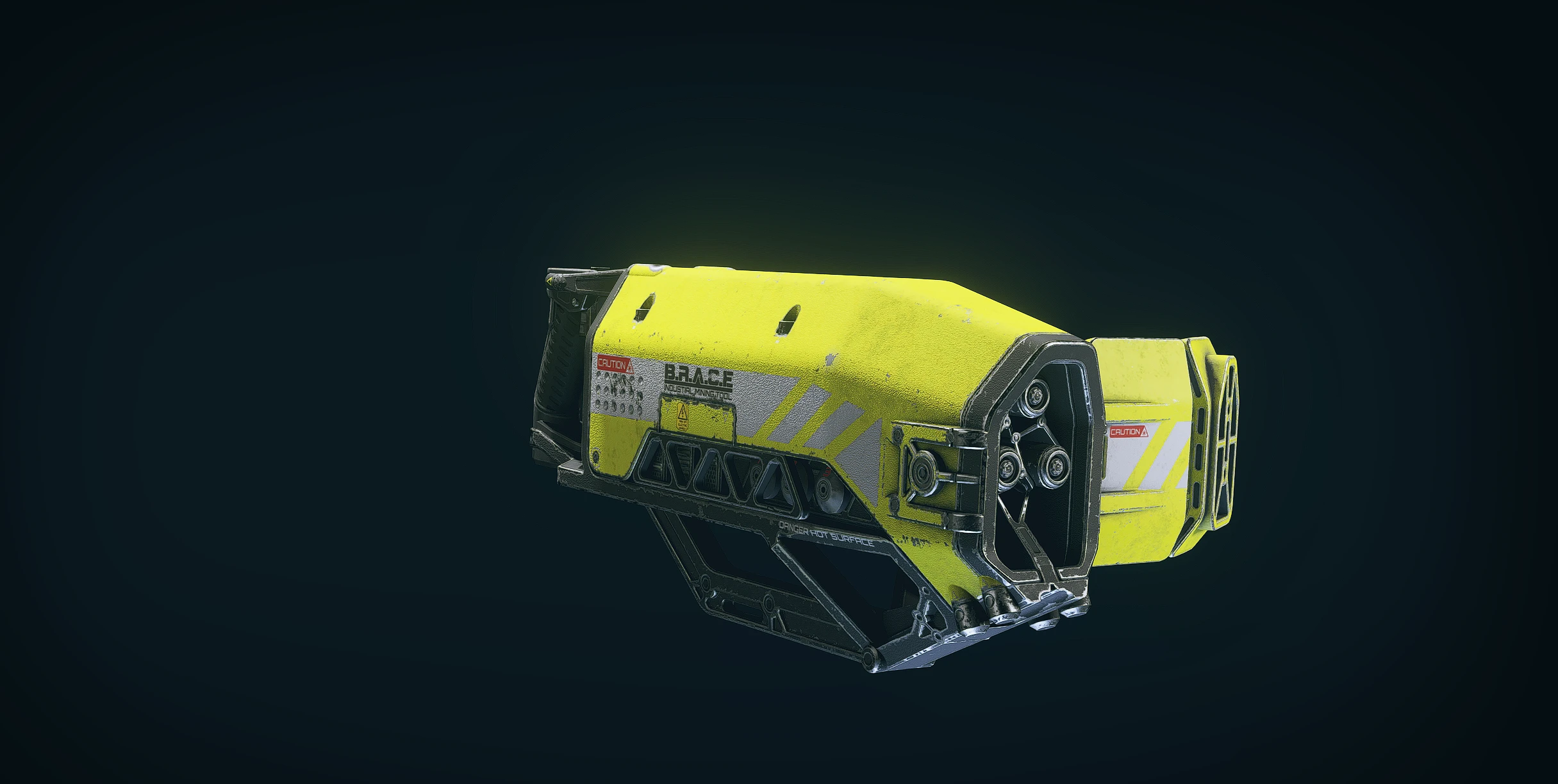
Several different recolors of the Cutter tool. Pick one
Lots of colors for the cutter, pick one file only.
Installation:
Step 1: Pick one color and extract the Data folder into your Documents\My Games\Starfield folder
Step 2: Add these lines to your StarfieldCustom.ini in documents/my games/Starfield (Make sure there are no spaces)
[Archive]
bInvalidateOlderFiles=1
sResourceDataDirsFinal=
Alternate step: If using Xbox gamepass and it does not work try opening the game folder (default path is C:\Xbox Games\Starfield\Content). Find the Starfield.ini file. Under [Archive] add the lines there.
Or use my ini tweaks mod here: Starfield ini Tweaks
Credits:
Bulwarkhd
Downloads
| Name | Format | Size |
|---|---|---|
| Purple-Cutter-1-0.zip | ZIP | 2.85 MB |
| Pink-Cutter-1-0.zip | ZIP | 2.85 MB |
| Orange-Cutter-1-0.zip | ZIP | 2.89 MB |
| Green-Cutter-1-0.zip | ZIP | 2.85 MB |
| Cyan-Cutter-1-0.zip | ZIP | 2.80 MB |
| Blue-Cutter-1-0.zip | ZIP | 2.85 MB |
| Black-Cutter-1-0.zip | ZIP | 2.60 MB |
| Yellow-Cutter-1-0.zip | ZIP | 2.89 MB |
| White-Cutter-1-0.zip | ZIP | 2.71 MB |
To start download click the filename. To open archive files use one of these programs: WinRAR, 7-Zip, WinZip. Some mod archives may need to be extracted before the mods will work.