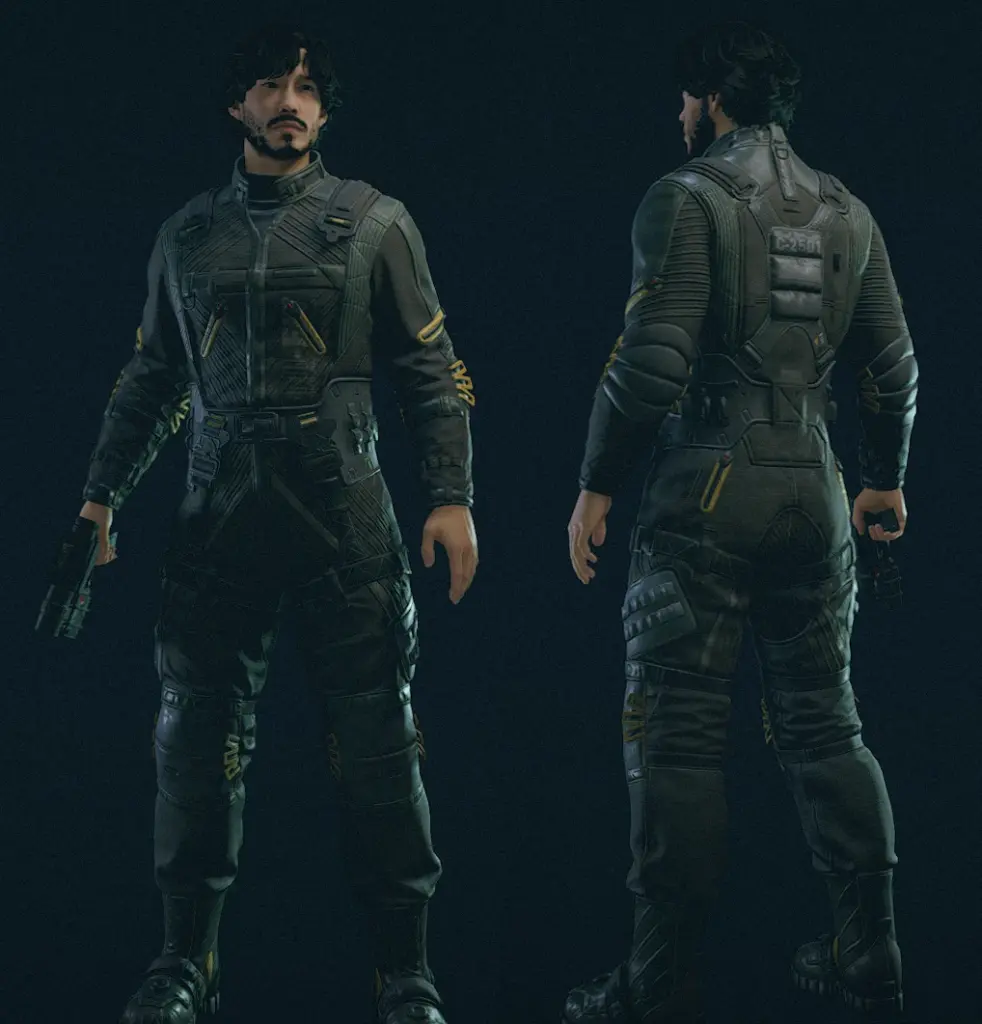
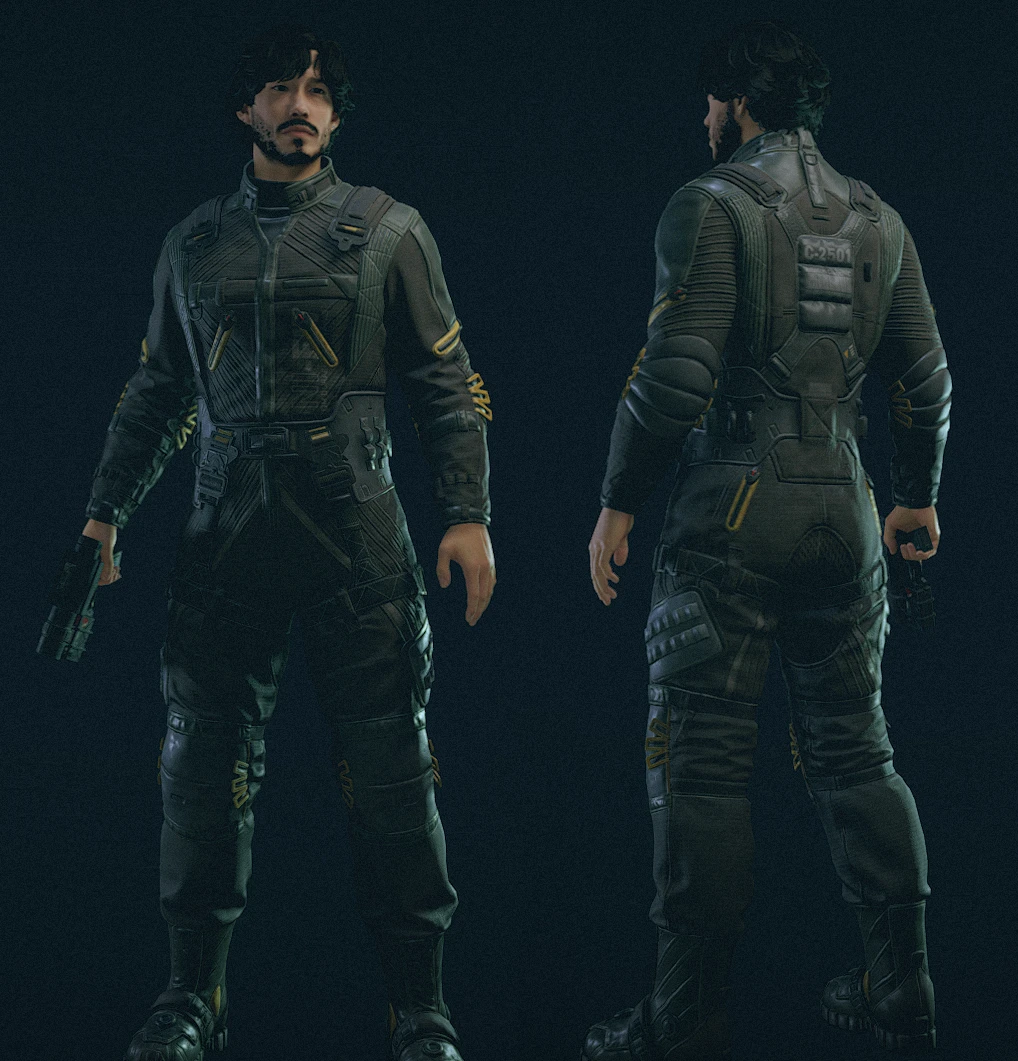
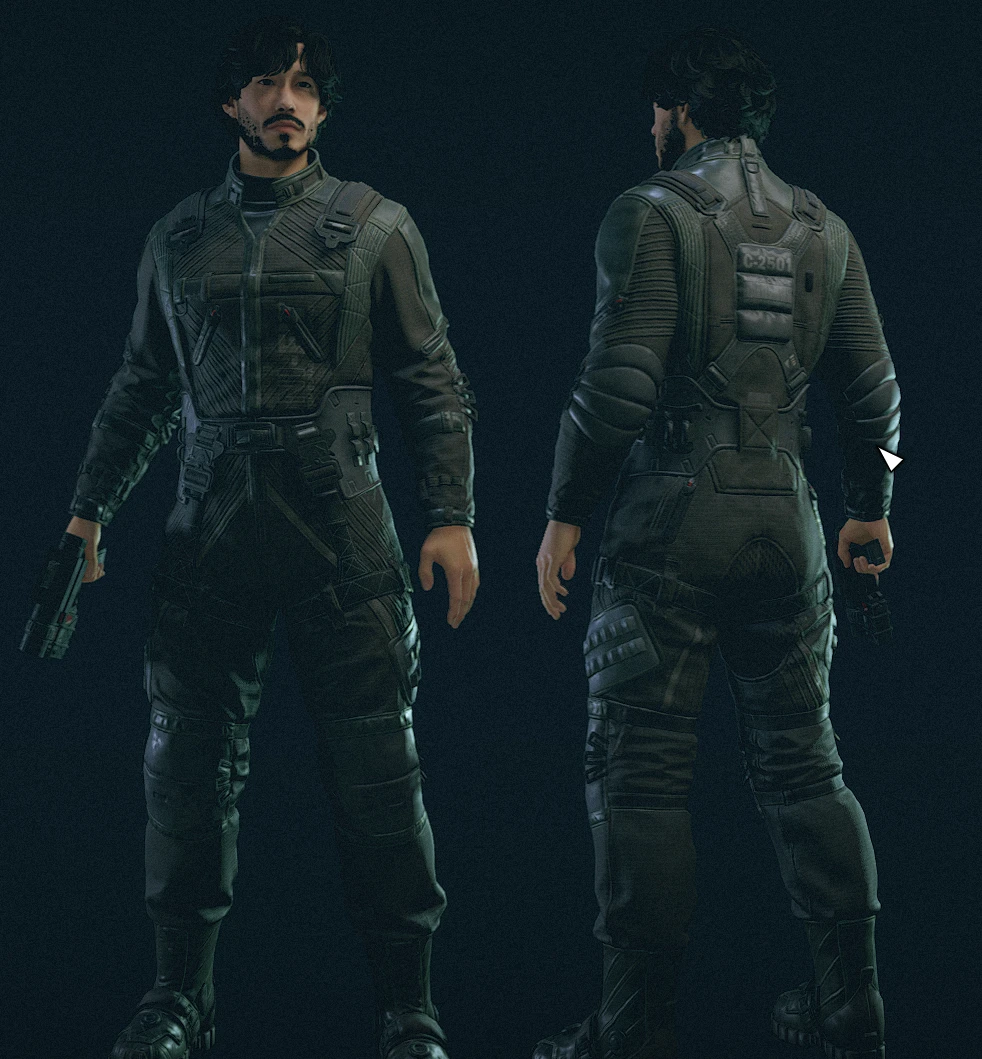
Blackened Utility Flightsuit
Stuff and things.
Installation
Simply put the “Data” folder into your “Documents\My Games\Starfield” folder.
And don’t forget to add the StarfieldCustom.ini file into the same folder. If you don’t have one, my best advice is to make a copy of “StarfieldPrefs.ini” and change it to “StarfieldCustom.ini”, without quotations. The contents of said .ini file should be as follows:
[Archive]
bInvalidateOlderFiles=1
sResourceDataDirsFinal=
Credits:
Daraki
Downloads
| Name | Format | Size |
|---|---|---|
| Black-Utility-Flightsuit-No-Yellow.zip | ZIP | 5.00 MB |
| Black-Utility-Flightsuit.zip | ZIP | 5.03 MB |
To start download click the filename. To open archive files use one of these programs: WinRAR, 7-Zip, WinZip. Some mod archives may need to be extracted before the mods will work.