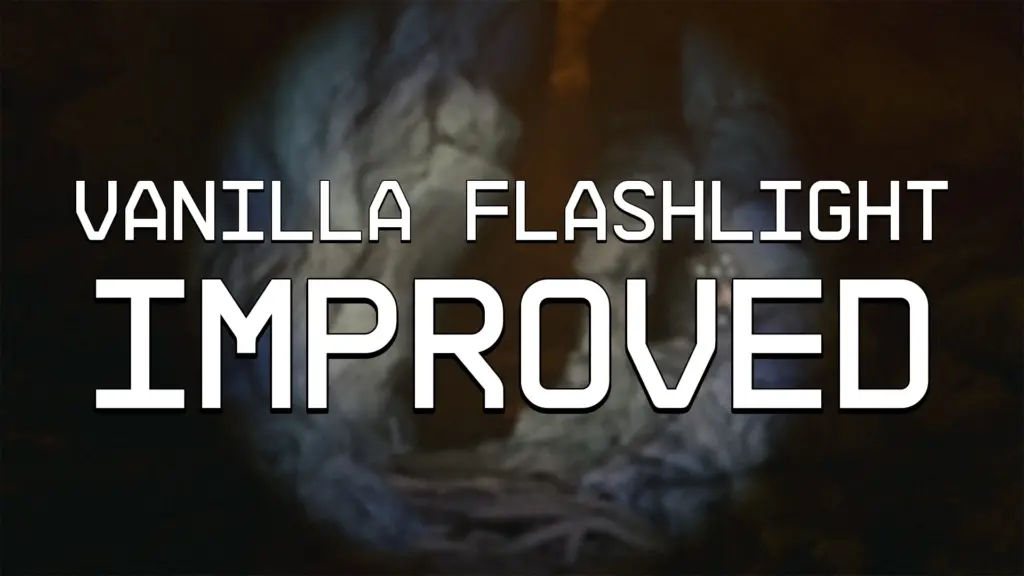
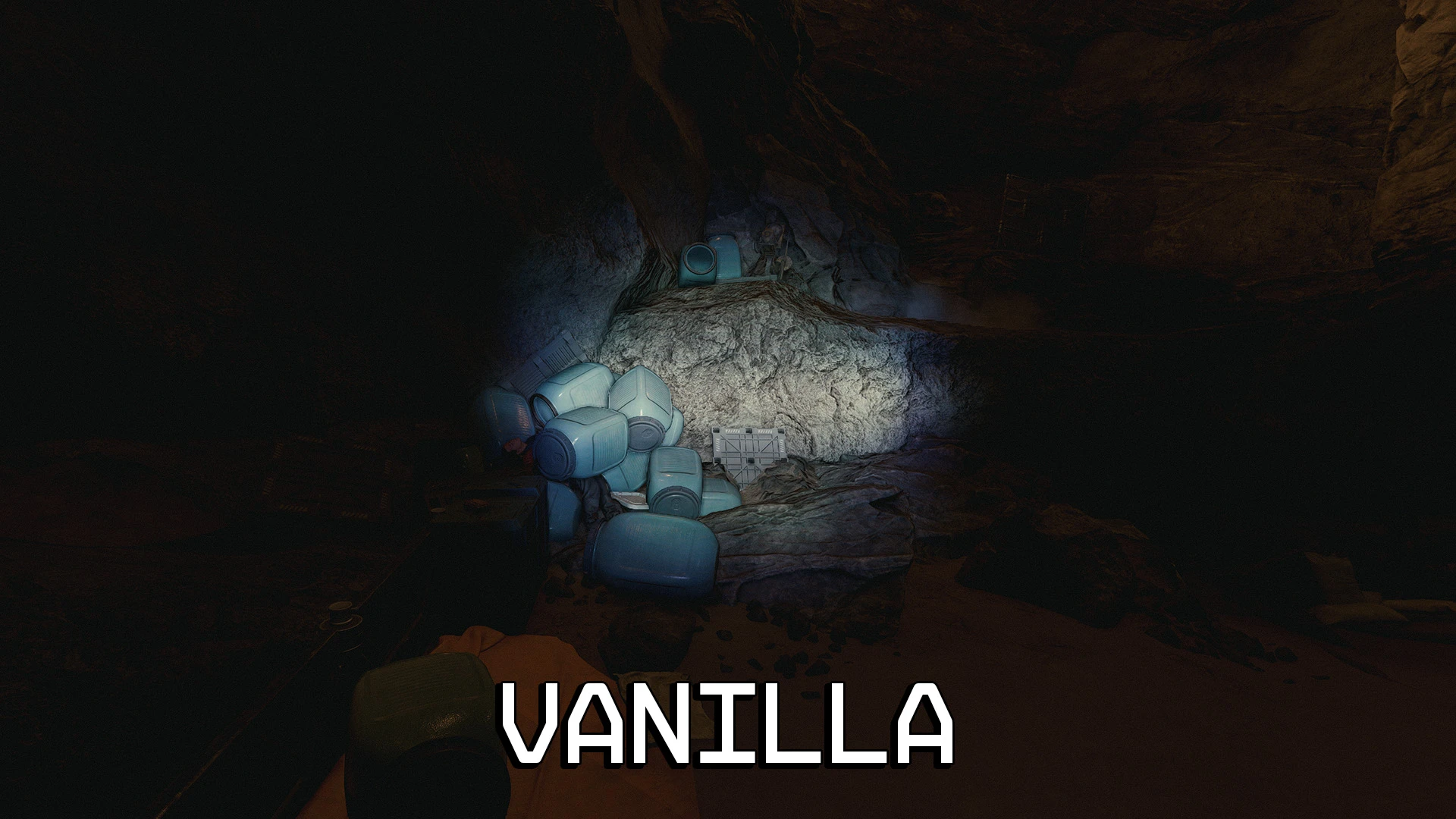
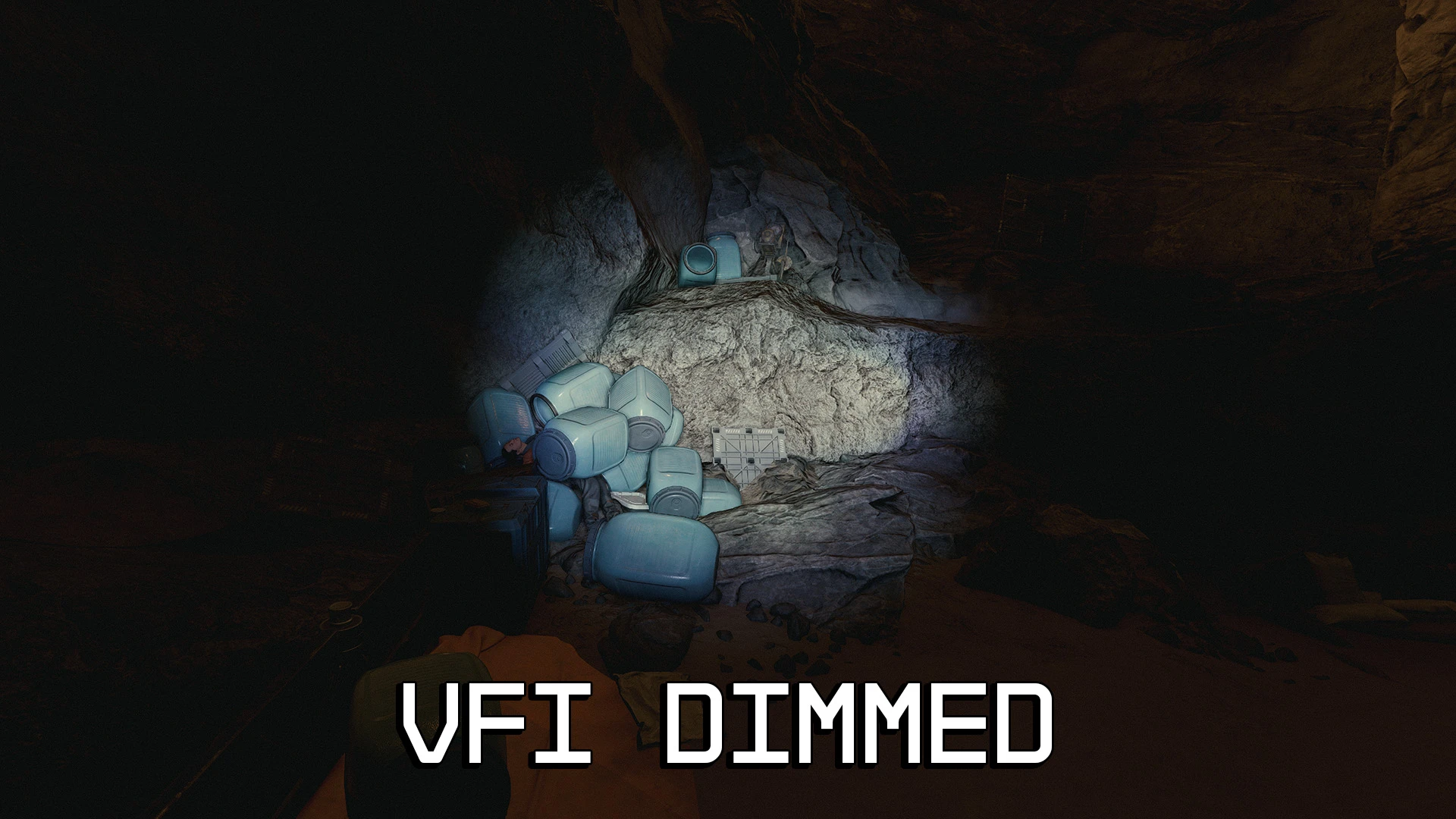
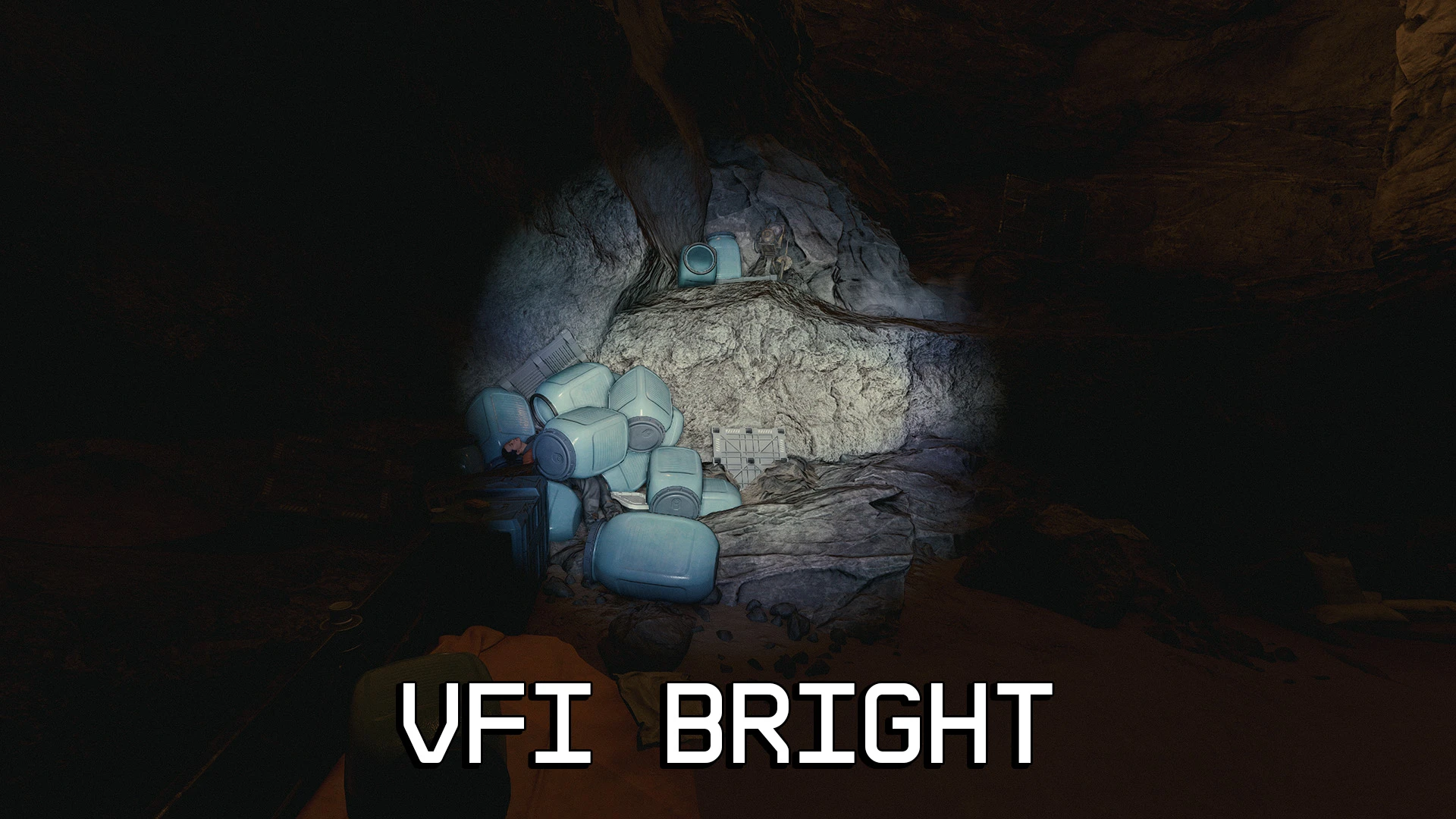
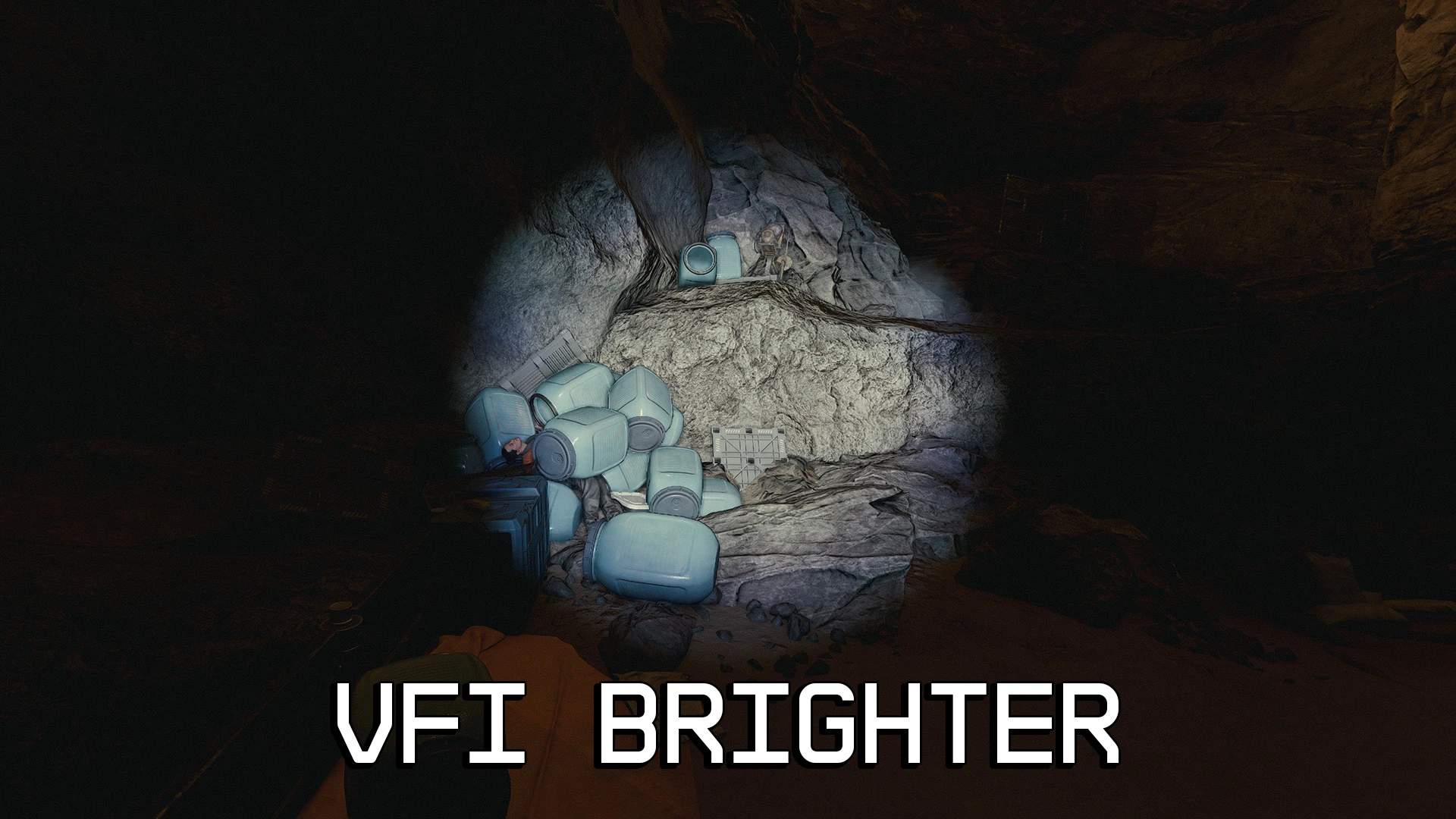
It’s the vanilla flashlight, but better! Enjoy a larger, brighter beam without the ugly banding artifacts. Comes in three flavors!
Installation:
Mod Managers: Install like any other mod.
Manual: Open the archive and enter the Presets folder. Select your desired preset, and copy the Textures folder to Documents\My Games\Starfield\Data
Uninstallation:
Mod Managers: Uninstall like any other mod.
Manual: Delete the file lightminehelmet01gobo_color.dds located in Documents\My Games\Starfield\Data\Textures\effects\Gobos
Ensure you have Archive Invalidation properly configured before using this mod. Now supports installation via Mod Organizer 2 (Beta) or Vortex.
Credits:
litbeep
Downloads
| Name | Format | Size |
|---|---|---|
| Vanilla-Flashlight-Improved-2-0-2.7z | 7Z | 3.67 MB |
To start download click the filename. To open archive files use one of these programs: WinRAR, 7-Zip, WinZip. Some mod archives may need to be extracted before the mods will work.