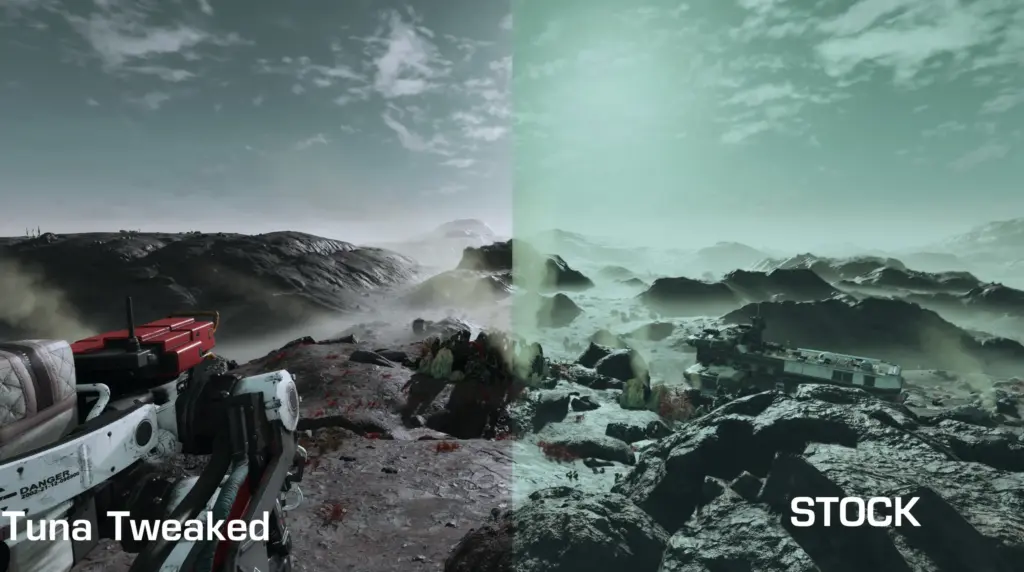
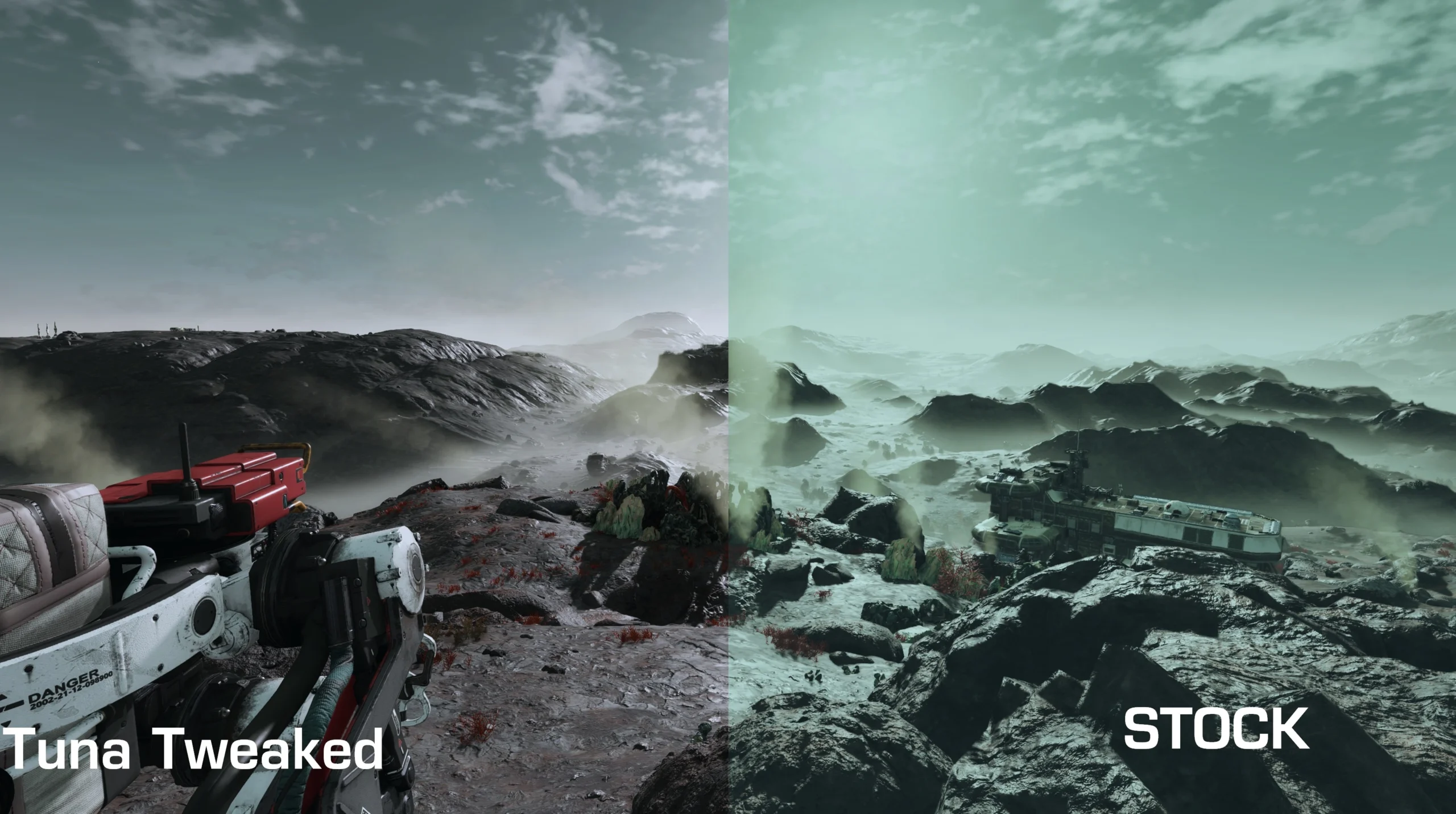
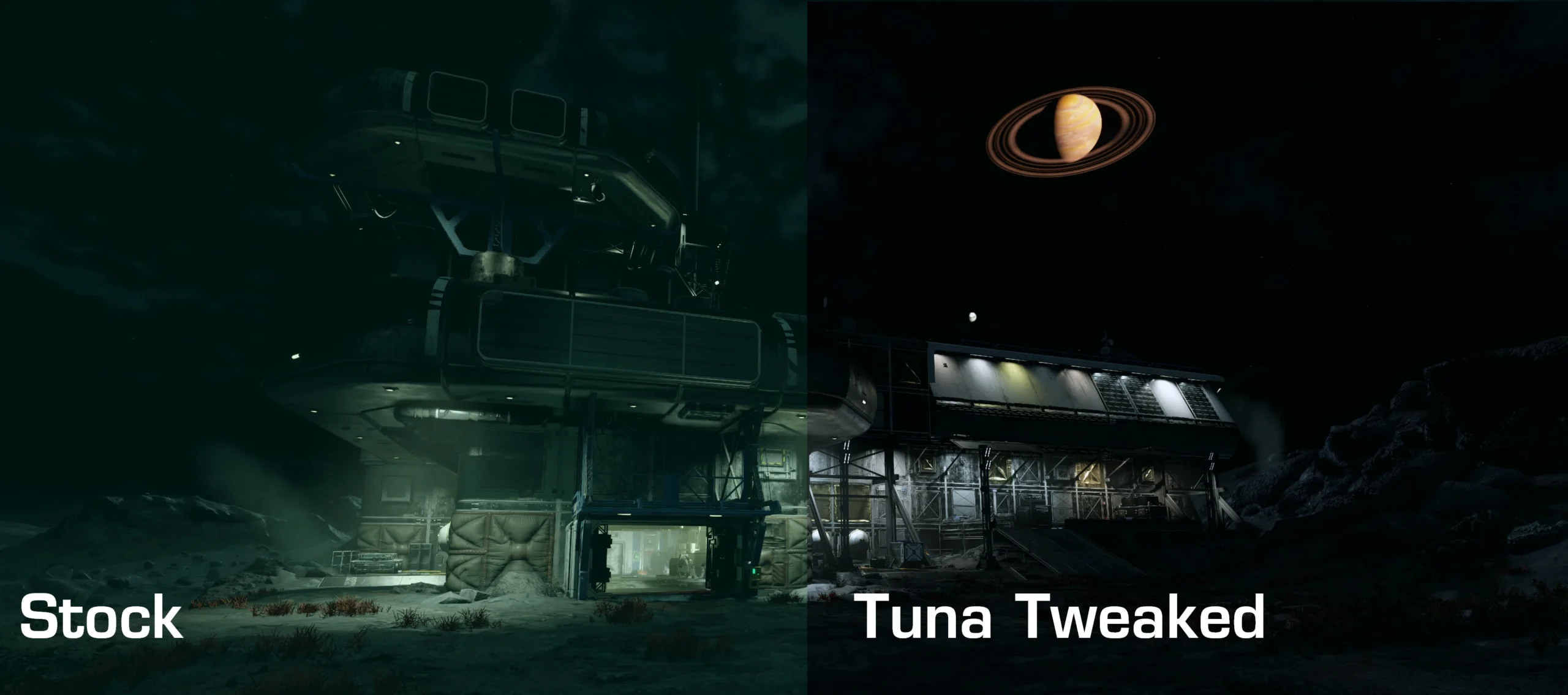
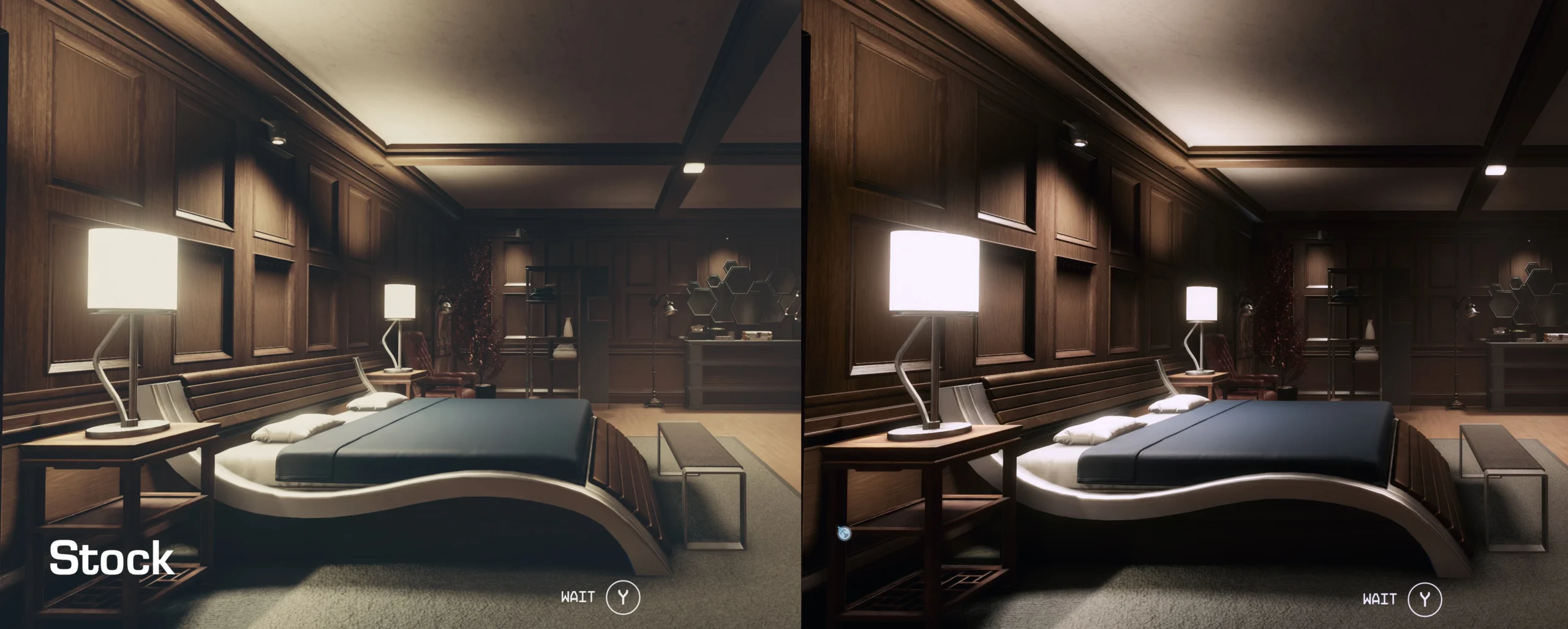
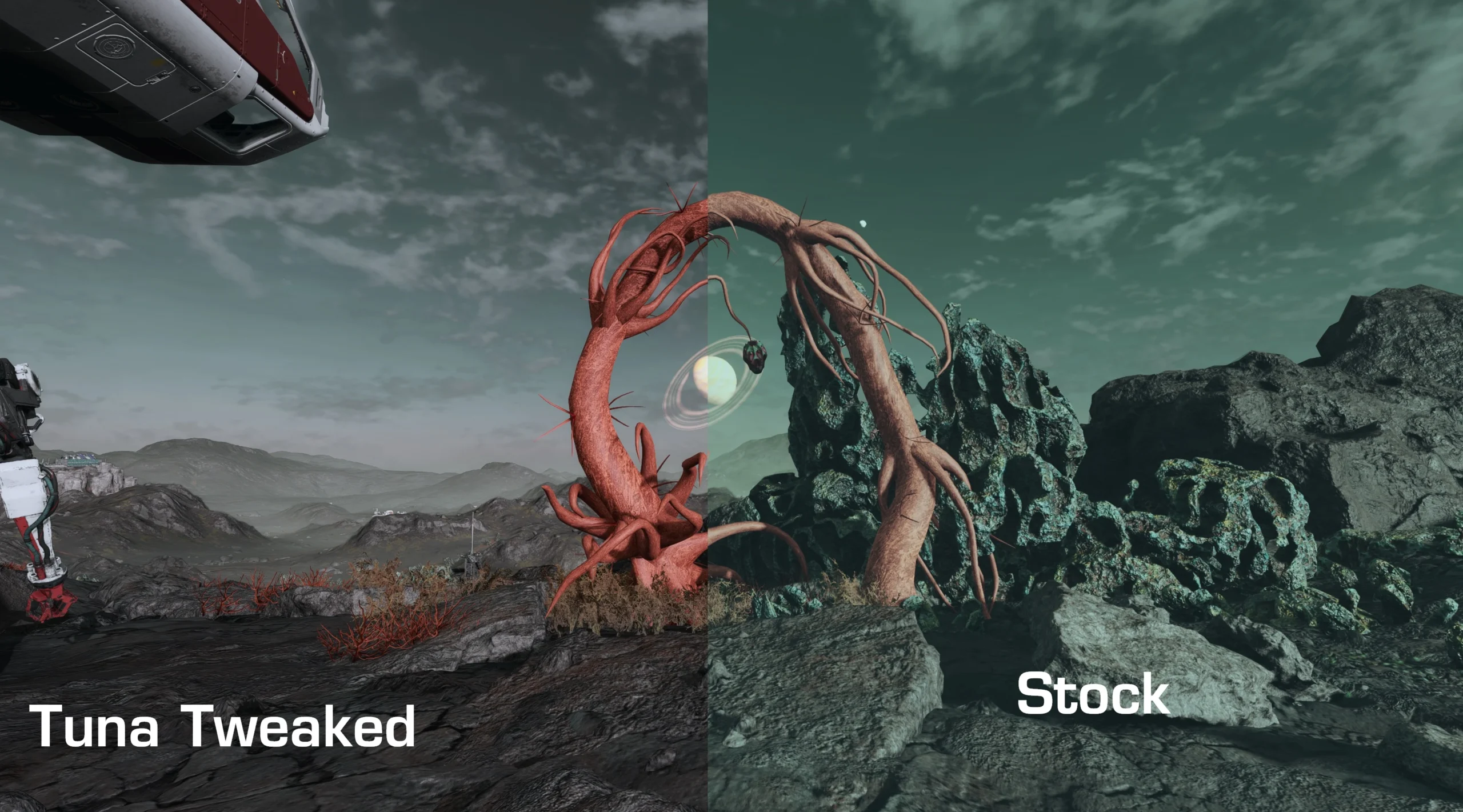
This combo of a slight luts change with Nvidia G-force experience will give you the best look by far!
YOU NEED TO DO BOTH to get the look I have. 🙂
File is Part 1 GeForce Experience is Part 2
Install the Luts folder in your Documents data folder.
Install Nvidia GeForce experience While the game is running hit alt+F3 to bring up game filter. Or press ctrl+alt+z and select game filter.
See images for settings. Its super easy.
Add the following filters—> Details, Brightness/contrast, Color, and Sharpen+.
Under Details filter change to: HDR toning -41% (negative) to -56 based on your monitor and preference. (I use -56) Put everything else 0
Brightness/Contrast: Set highlights 52% Shadow 6% Gamma -12 (negative) Contrast 5% and exposure at 0
Sharpen+ set to 19% everything else 0
Color filter: Tint intensity 21% LAST change color to 21% to 25% based on you monitor and what you think looks best to you. I use 25%.
Credits:Credits:
DukeTuna
Downloads
| Name | Format | Size |
|---|---|---|
| Tuna-Tweak.zip | ZIP | 2.22 MB |
To start download click the filename. To open archive files use one of these programs: WinRAR, 7-Zip, WinZip. Some mod archives may need to be extracted before the mods will work.