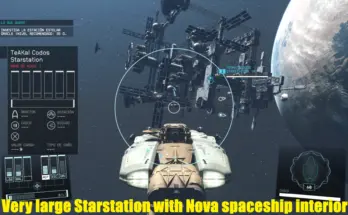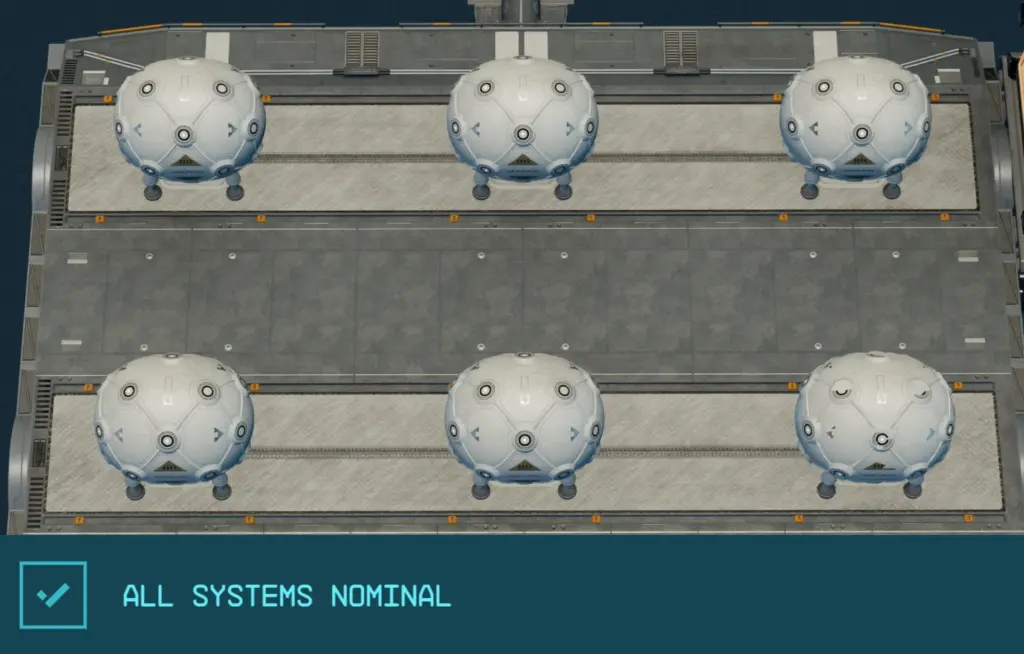
This removes the one shield limit so you can have as many as you want.
Installation (SFSE):
- Install the SFSE.
- Extract this so the file is placed as “Starfield\Data\SFSE\Plugins\<Name of file>.dll” IN THE GAME DIRECTORY, NOT THE SAVE DIR.
- Or use a mod manager or whatever. Just check the path.
- Any plugin/DLL/ASI you have will ALWAYS go in the game dir! The save dir’s ‘Data’ folder is ONLY used to override BA2 files.
- Launch through SFSE. Or use something like SFSE – Launch on Steam with In-Game Overlay if you want to keep going through Steam.
- Look for the log! If you don’t see a log on launch there’s a bigger troubleshooting section in the stickied comment.
Installation (ASI):
- Pick an ASI loader:
- SFSE ASI Loader (Which seems kinda silly to use a loader to load a loader to load an ASI.)
- Ultimate-ASI-Loader
- Extract the ASI file to wherever you loader wants it.
- Launch as per your loader’s instructions.
- Look for the log! If you don’t see a log on launch there’s a bigger troubleshooting section in the stickied comment.
The plugin will create “<Name of file>.log” in the same directory as the DLL/ASI on startup if it’s in the right spot.
Changelog:
Credits:
LordGregory
Downloads
| Name | Format | Size |
|---|---|---|
| Shield-Count-Mod-ASI-1-4.7z | 7Z | 29.05 KB |
| Shield-Count-Mod-SFSE-1-8.7z | 7Z | 29.48 KB |
| Shield-Count-Mod-SFSE-1-9.7z | 7Z | 29.55 KB |
| Shield-Count-Mod-SFSE-1-17.7z | 7Z | 29.28 KB |
| Shield-Count-Mod-SFSE-1-19.7z | 7Z | 31.36 KB |
| Shield-Count-Mod-ASI-1-18.7z | 7Z | 33.25 KB |
| Shield-Count-Mod-SFSE-1-20.7z | 7Z | 31.31 KB |
| Shield-Count-Mod-SFSE-2-1.7z | 7Z | 35.41 KB |
| Shield-Count-Mod-ASI-2-0.7z | 7Z | 36.29 KB |
To start download click the filename. To open archive files use one of these programs: WinRAR, 7-Zip, WinZip. Some mod archives may need to be extracted before the mods will work.