– Introduction:
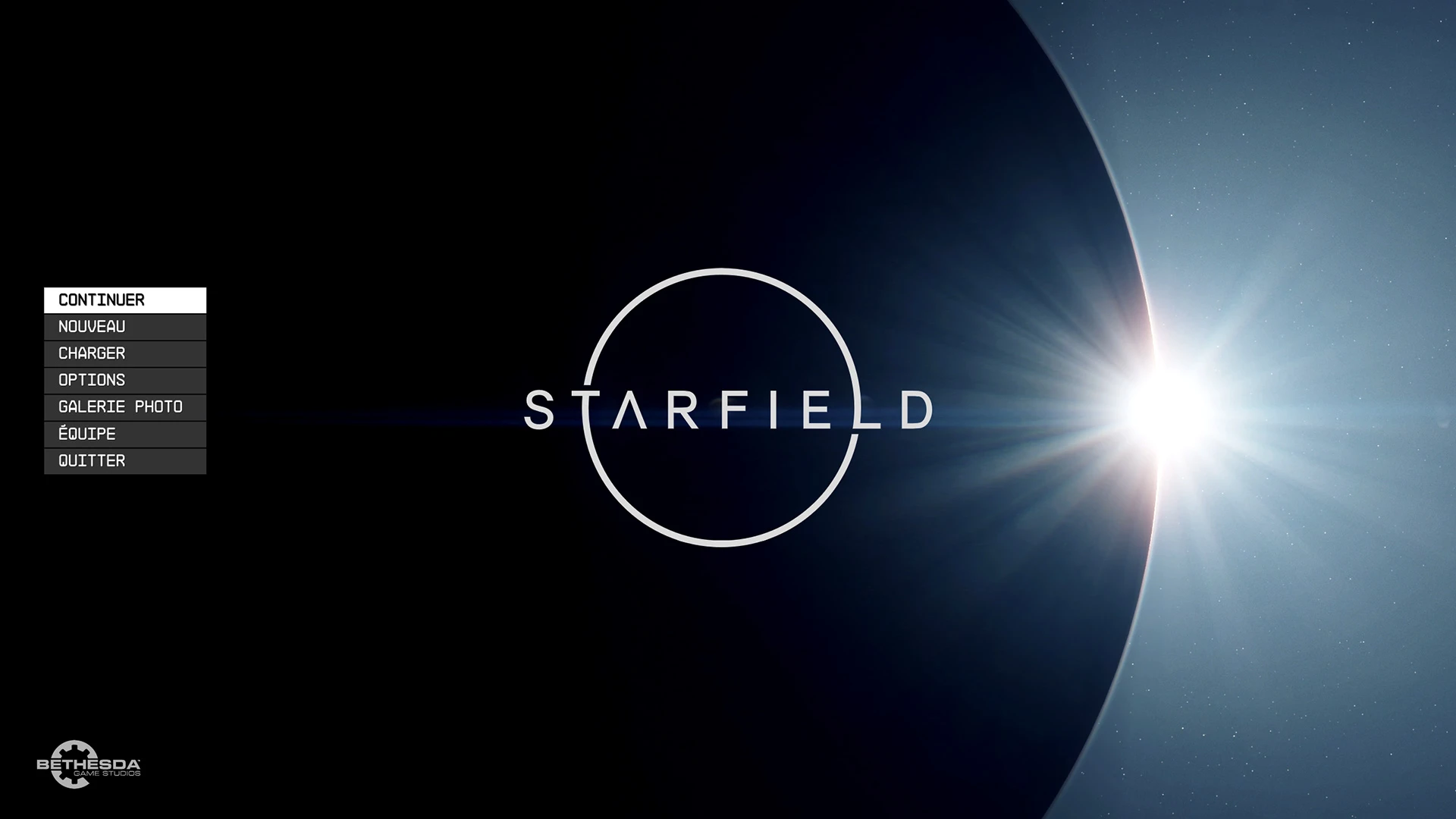
This mod enables you to bypass all introduction screens, including the warning and Bethesda logo, without the need to wait for the Starfield logo animation to finish before pressing a key. It also removes the Message of the Day from the main menu and enhances the interface to run at 60 frames per second, providing a smoother experience.
– Installation:
– Copy the “Data\Interface” folder into “Starfield\Data” (You should have “Starfield\Data\Interface”).
– Copy “StarfieldCustom.ini” to the “Documents\My Games\Starfield” folder.
You can also manually edit this file by adding the following lines to “StarfieldCustom.ini”:
[General]
SIntroSequence=0
uMainMenuDelayBeforeAllowSkip=0
bEnableMessageOfTheDay=0
[Archive]
bInvalidateOlderFiles=1
sResourceDataDirsFinal=
– Uninstallation:
– Delete “Interface\MainMenu.swf” from your “Data” folder.
– Delete “StarfieldCustom.ini” from your “Documents\My Games\Starfield” folder
OR remove the associated parameters (mentioned in the installation step) from that INI file.
Credits:
Seb263
Downloads
| Name | Format | Size |
|---|---|---|
| Undelayed-Launching-Latest-Version-1-1-2.zip | ZIP | 2.34 MB |
To start download click the filename. To open archive files use one of these programs: WinRAR, 7-Zip, WinZip. Some mod archives may need to be extracted before the mods will work.