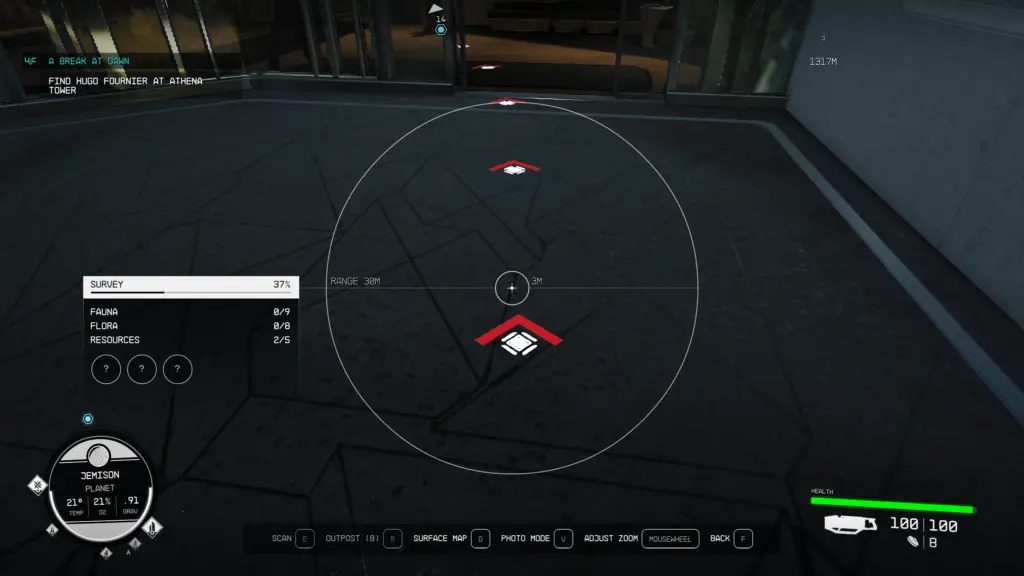
Quest path arrows are super helpful for those of us that are directionally challenged. Unfortunately they go away after a few seconds making you close and open the scanner again. Ain’t nobody got time for that!
So I found a way to remedy this annoyingly short time.
And for those of you that want to make your experience even more immersive there is now a way to disable them completely.
Installation
Download the file you prefer, unzip it and place the ini file inside your Documents/My Games/Starfield folder.
If you already have a StarfieldCustom.ini file in that folder, do NOT overwrite it.
Instead, just add the below line to the [Interface] section:
For 10 minutes (the number is in seconds so adjust to your liking. Go Crazy and make it 1000000 if you want.)
[Interface]
fGuideEffect_SecsUntilFadeOut=600.0
To get rid of the arrows completely
[Interface]
fGuideEffect_SecsUntilFadeOut=0.0
Credits:
Handyrefuse
Downloads
| Name | Format | Size |
|---|---|---|
| Quest-Path-Arrows-Please-Dont-Go-1-0.zip | ZIP | 241.00 B |
| Quest-Path-Arrows-Begone-1-0.zip | ZIP | 238.00 B |
To start download click the filename. To open archive files use one of these programs: WinRAR, 7-Zip, WinZip. Some mod archives may need to be extracted before the mods will work.