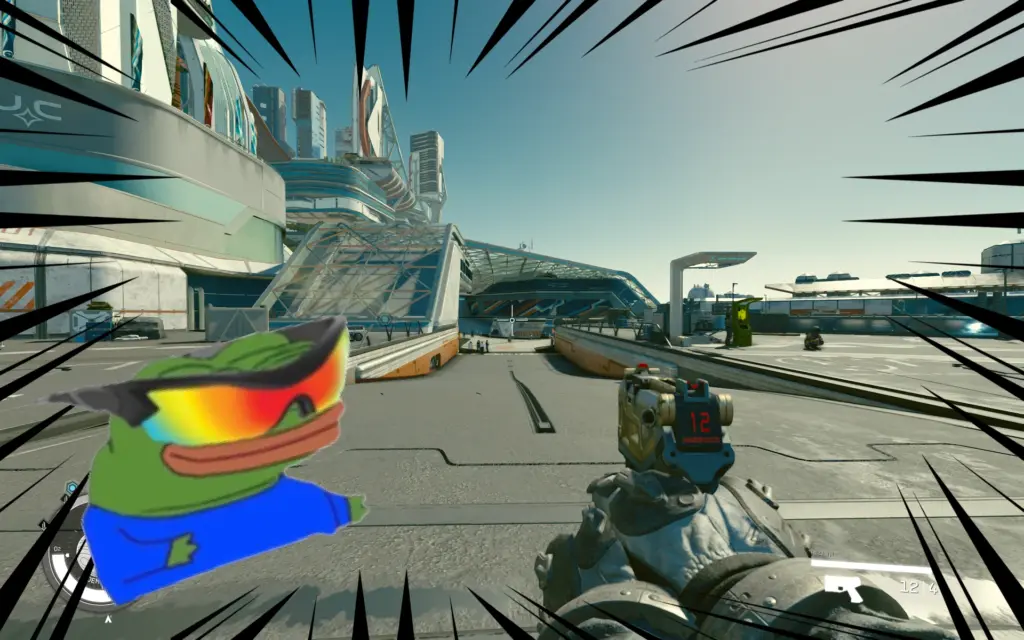
Lets you permanently change the FOV In-Game, so that you can immediately see if it looks right.
Installation:
– Simply unzip the provided file into the game’s base folder: e.g. “SteamLibrary\steamapps\common\Starfield”
Usage:
– Open the console using the tilde (~) key
– For First Person FOV: Run “bat fpp100” to set the FOV to 100, or any other number between 70-120, in steps of 5 (e.g. “bat fpp95”)
– For Third Person FOV: Run “bat tpp100” to set the FOV to 100, or any other number between 70-120, in steps of 5 (e.g. “bat tpp95”)
– To uninstall the mod / revert the settings, simply set FPP to 85 and TPP to 70 (Those are the vanilla values)
– The changes will be permanent (You only have to run it once, even when leaving the game), and don’t require manually editing the .ini file
Credits:
keanuWheeze
Downloads
| Name | Format | Size |
|---|---|---|
| In-Game-FOV-Changer-1-0.zip | ZIP | 3.21 KB |
To start download click the filename. To open archive files use one of these programs: WinRAR, 7-Zip, WinZip. Some mod archives may need to be extracted before the mods will work.