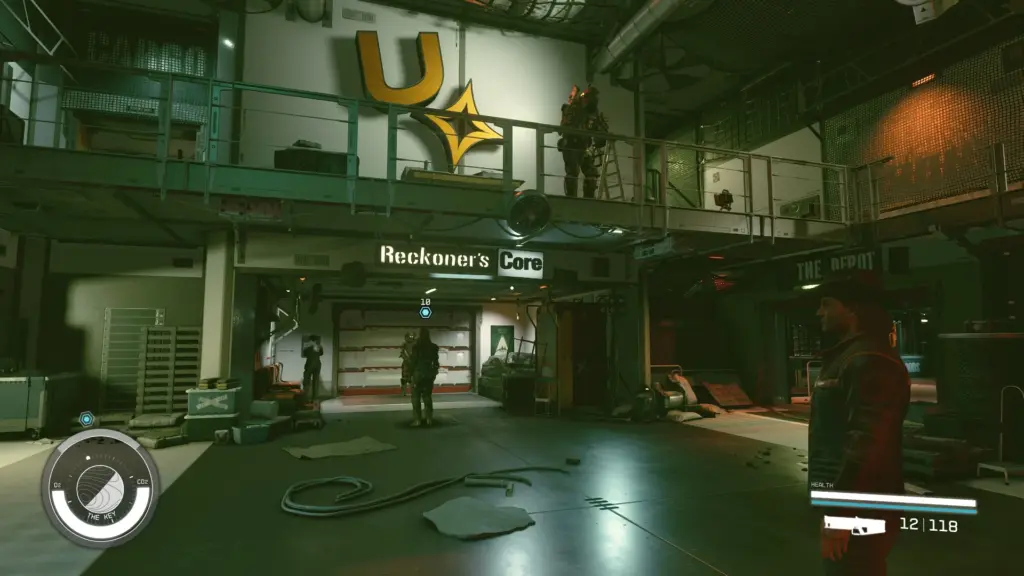
This mod consists of three files: 1) StarfieldCustom.ini and StarfieldPrefs.ini which should be placed in Documents\MyGames\Starfield folder and 2) Low.ini which should be placed in the game folder where Starfield.exe exists.
In the game settings select Low display settings and enjoy the game on older hardware.
The purpose of this mod is to allow older hardware with below the minimal specs capabilities to run the game.
Credits:
Ariadne Celestia
Downloads
| Name | Format | Size |
|---|---|---|
| StarfieldPrefs.ini-1-0.zip | ZIP | 544.00 B |
| StarfieldCustom.ini-1-0-2.zip | ZIP | 907.00 B |
| Low.ini-1-0.zip | ZIP | 1,000.00 B |
To start download click the filename. To open archive files use one of these programs: WinRAR, 7-Zip, WinZip. Some mod archives may need to be extracted before the mods will work.