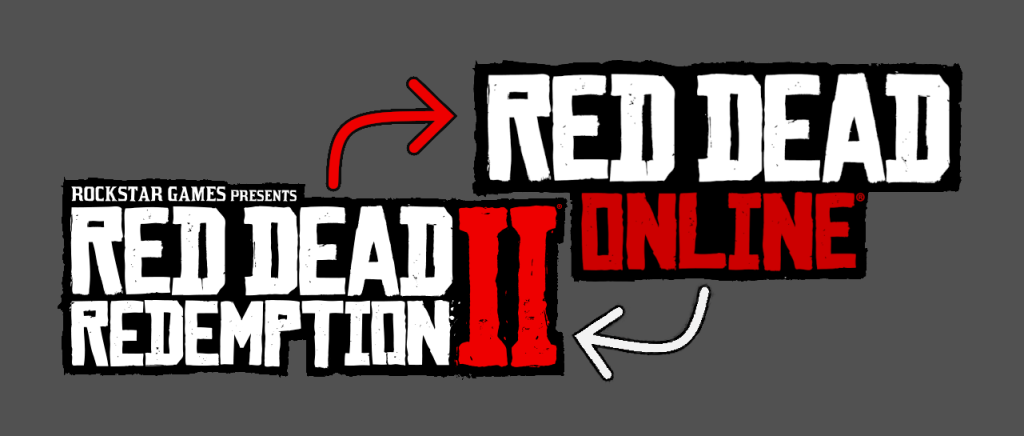
Switch between Online and Story mode.
Lightweight management
Moves mods back and forth
”Online.bat” will create a temporary folder and move all non-original files
from the root into the temporary folder and start Rockstar Games Launcher.
”Offline.bat” will move all files from the temporary folder back into the root,
delete the temporary folder, and (run RUPxx.bat if you have Copypasta DLSS
if that isn’t the case, then it will just) start Rockstar Games Launcher.
”Switch.bat” will look for the temporary folder and either run Online.bat or Offline.bat.
Installation:
•Drag and drop the “krammesting” folder to the game root.
Don’t forget to take ownership of the root folder.
Or start as administrator, up to you.
Optional:
•If your Rockstar games launcher isn’t in the default install folder,
then you will need to make a shortcut of “LauncherPatcher.exe”
and rename it “LauncherPatcher”
(so delete the “.exe” and anything after that)
and drop it into the krammesting directory.
This also works with Copypasta DLSS
Credits:
Kramme
Downloads
| Name | Format | Size |
|---|---|---|
| Switch-1-1.zip | ZIP | 1.43 KB |
| Switch-2.zip | ZIP | 2.04 KB |
| Alt-Switch-2-1.zip | ZIP | 2.13 KB |
| Switch-2-1.zip | ZIP | 2.16 KB |
To start download click the filename. To open archive files use one of these programs: WinRAR, 7-Zip, WinZip. Some mod archives may need to be extracted before the mods will work.