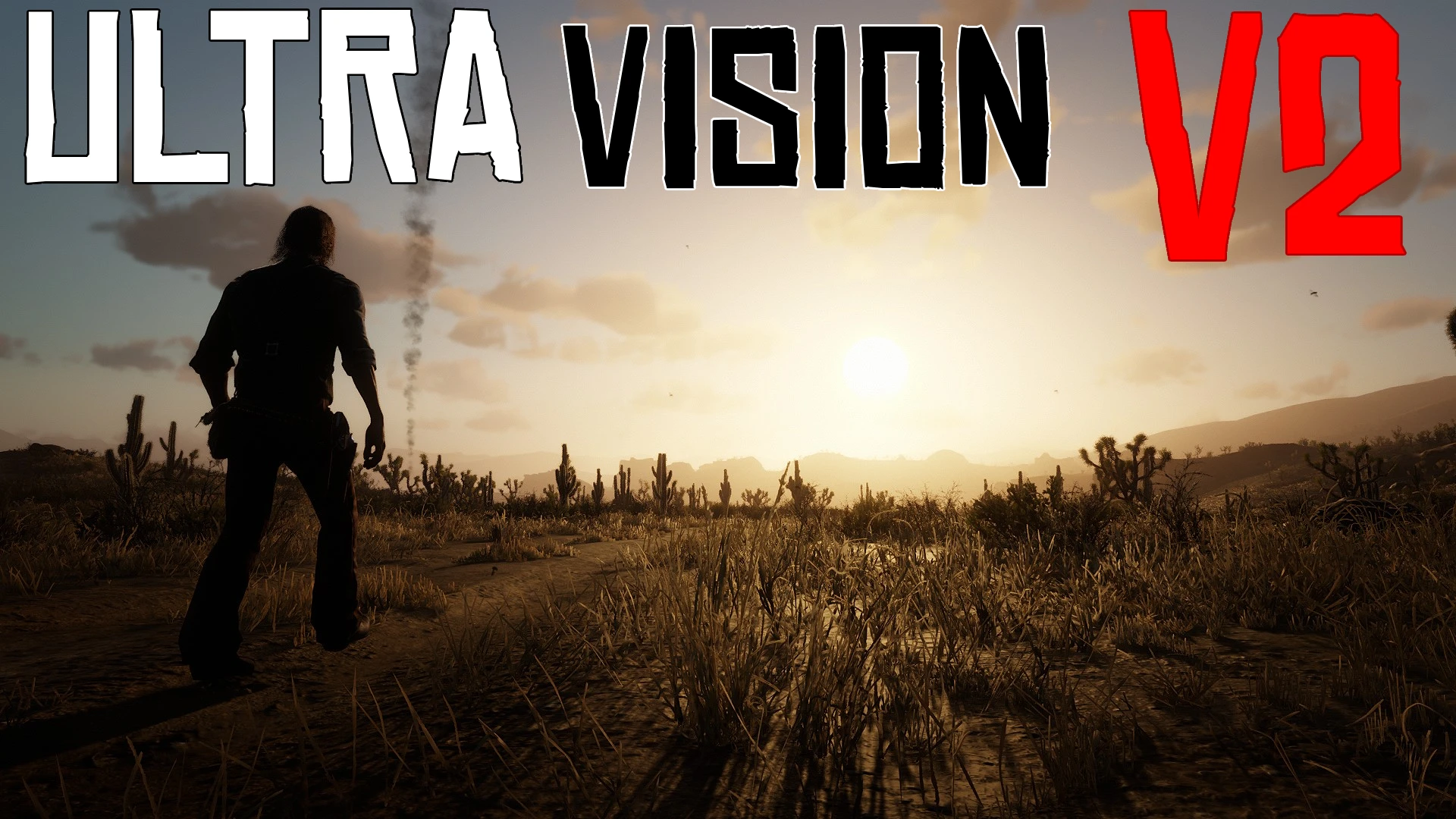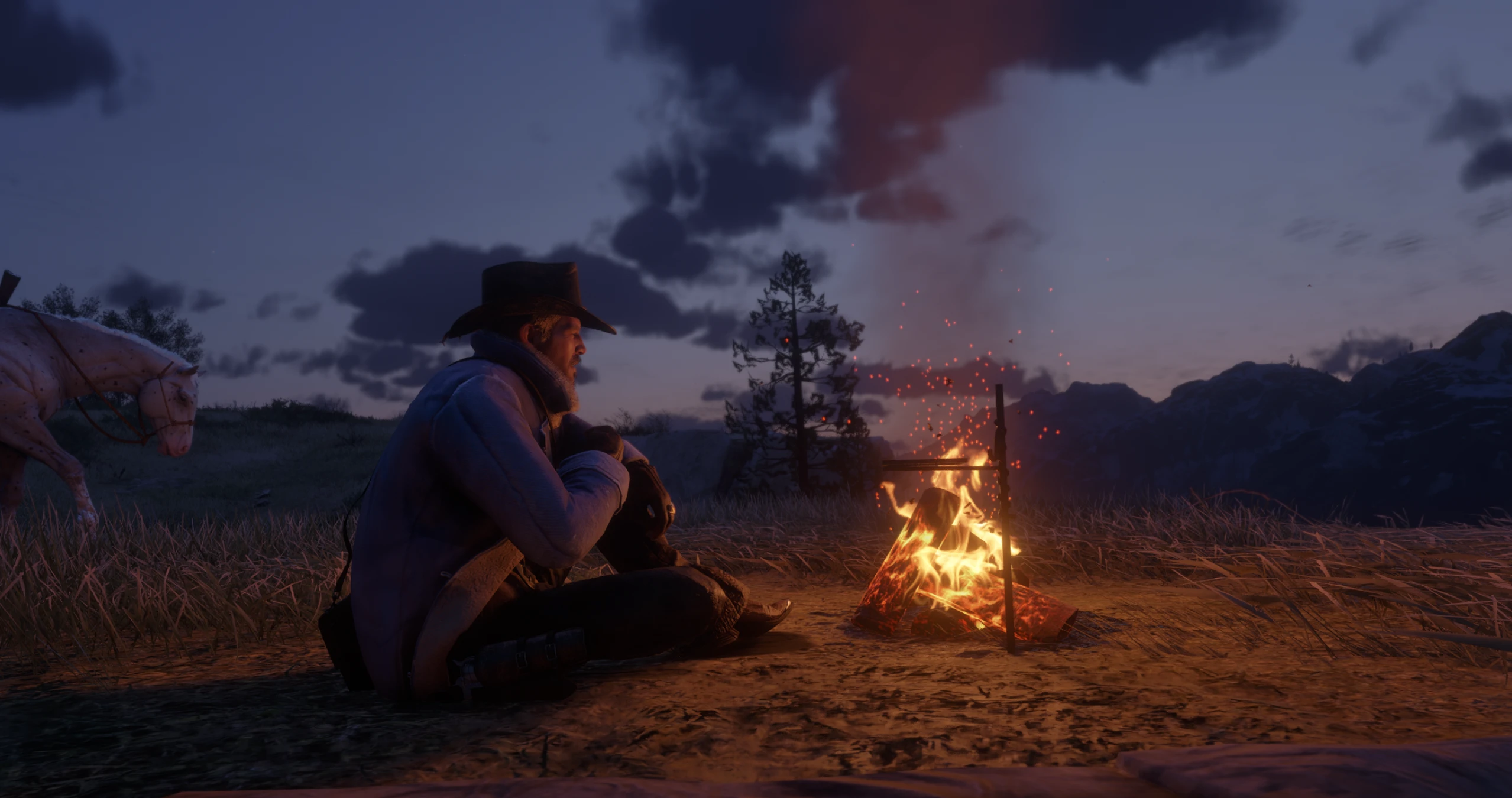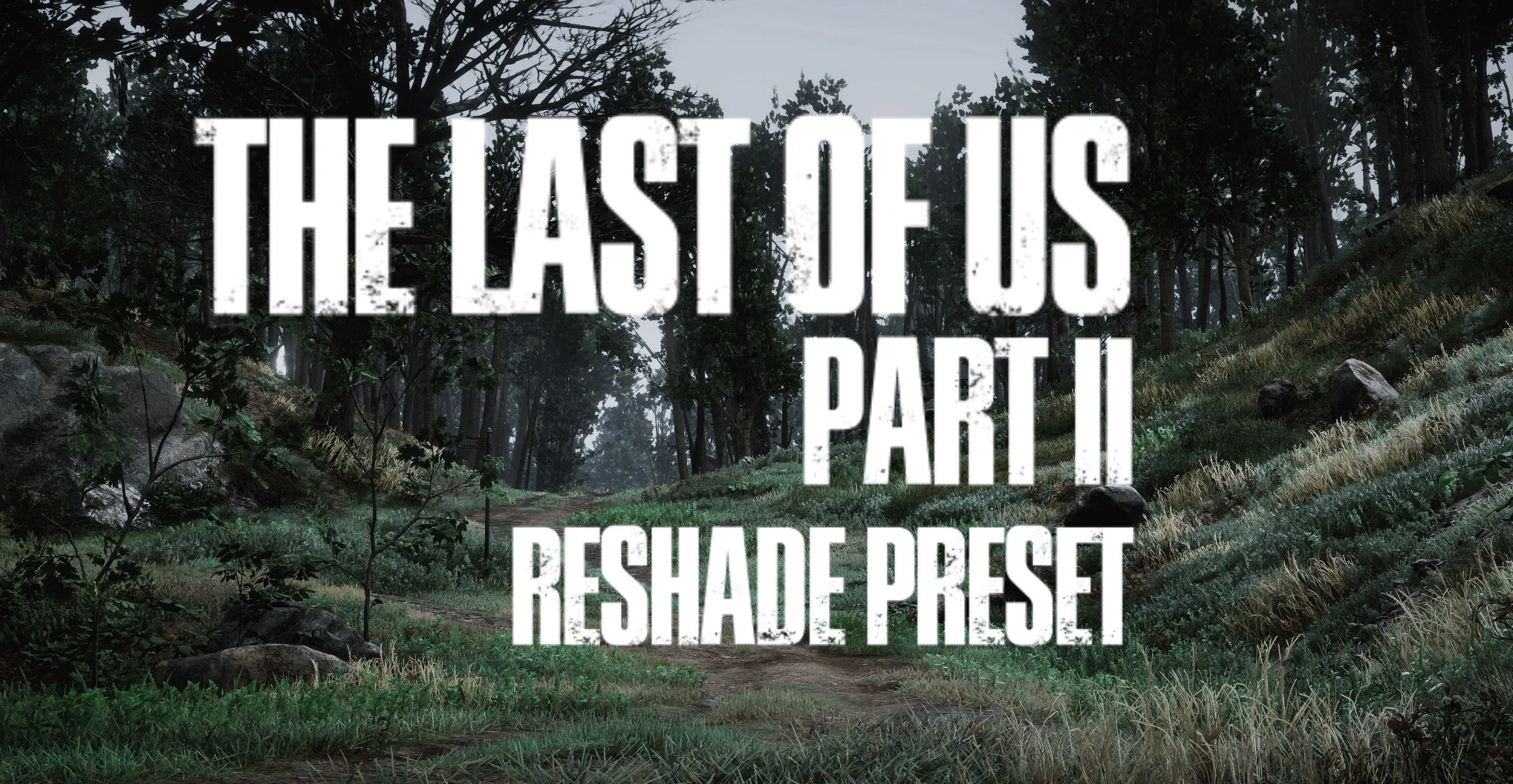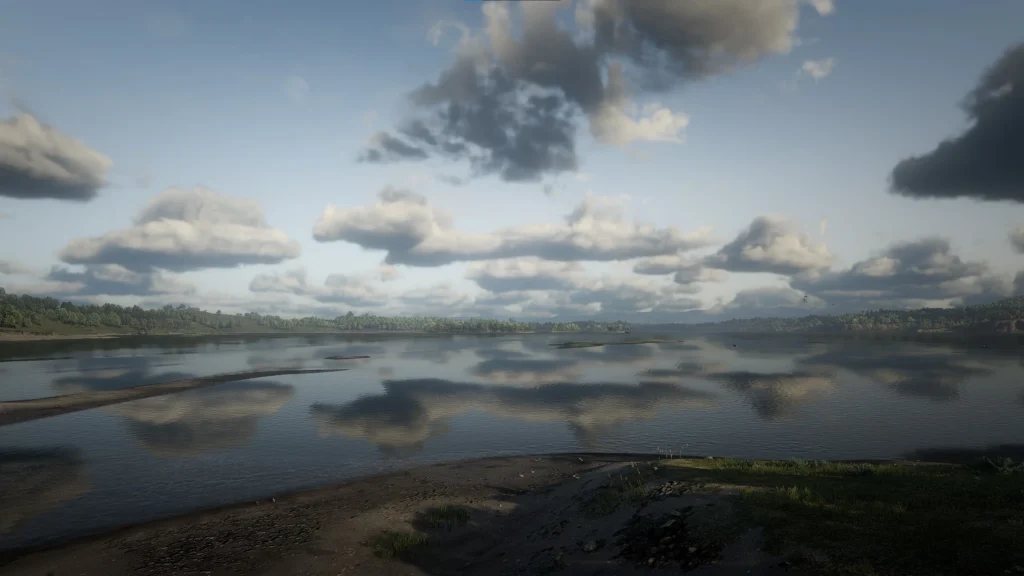
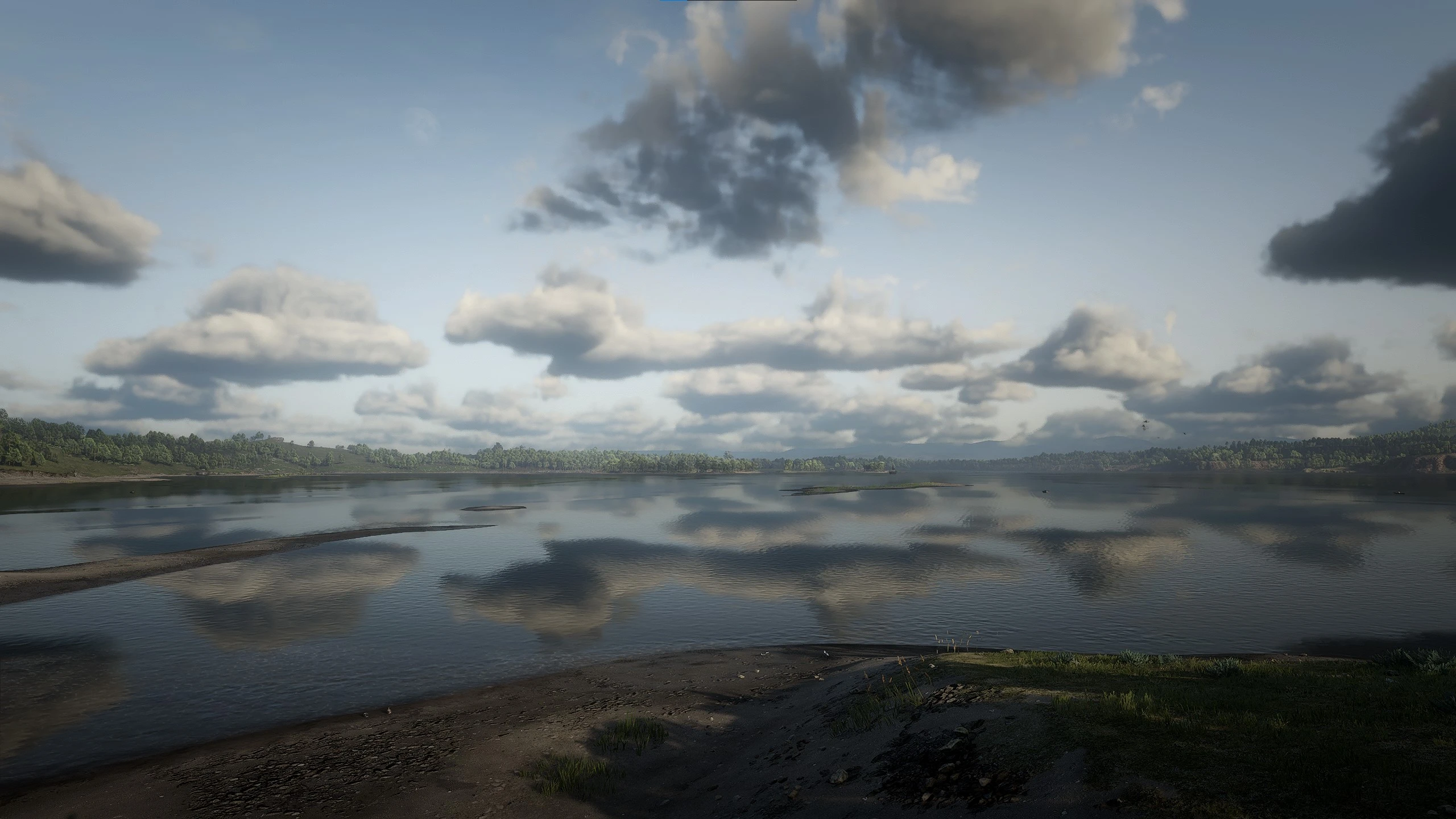
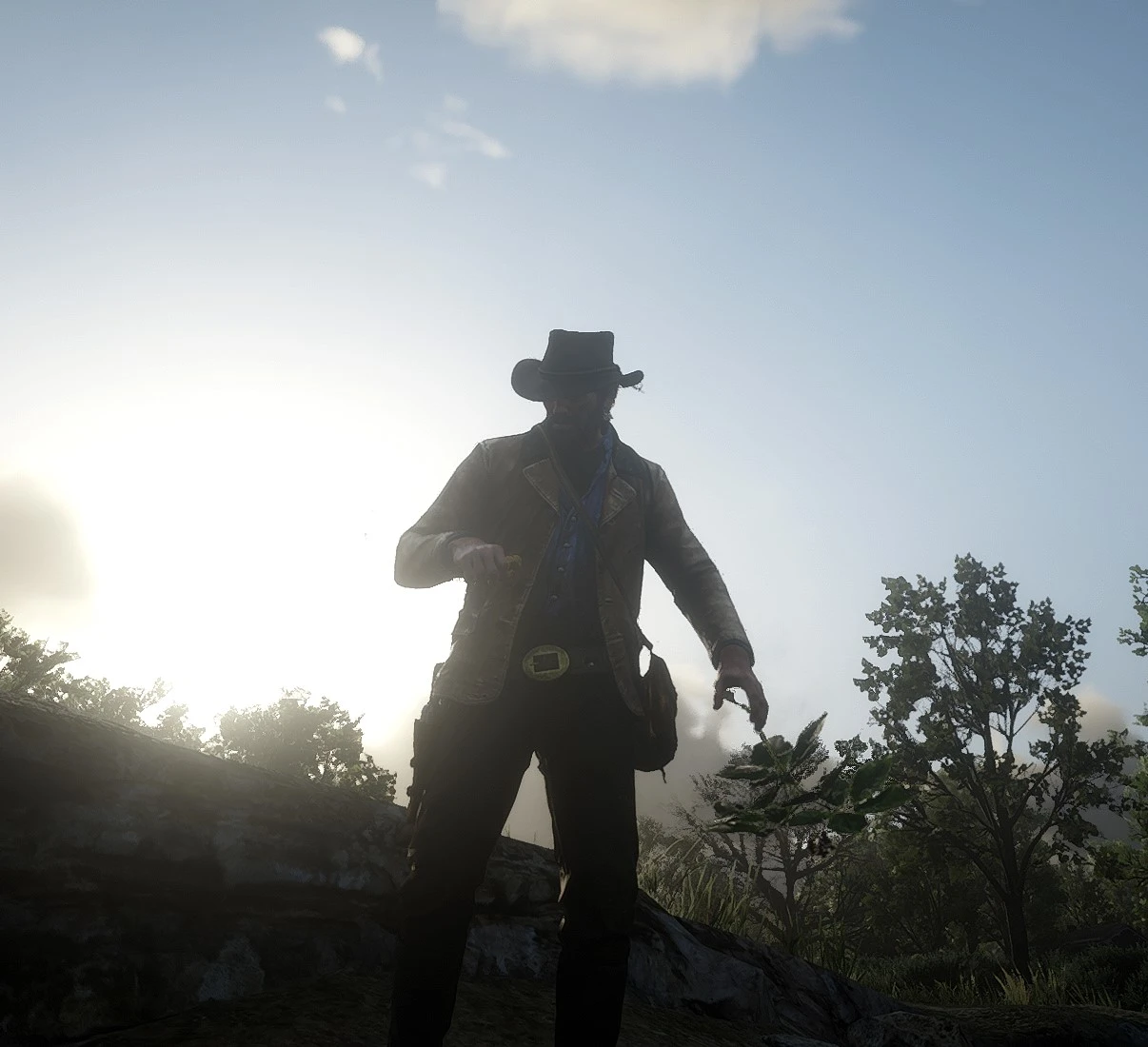
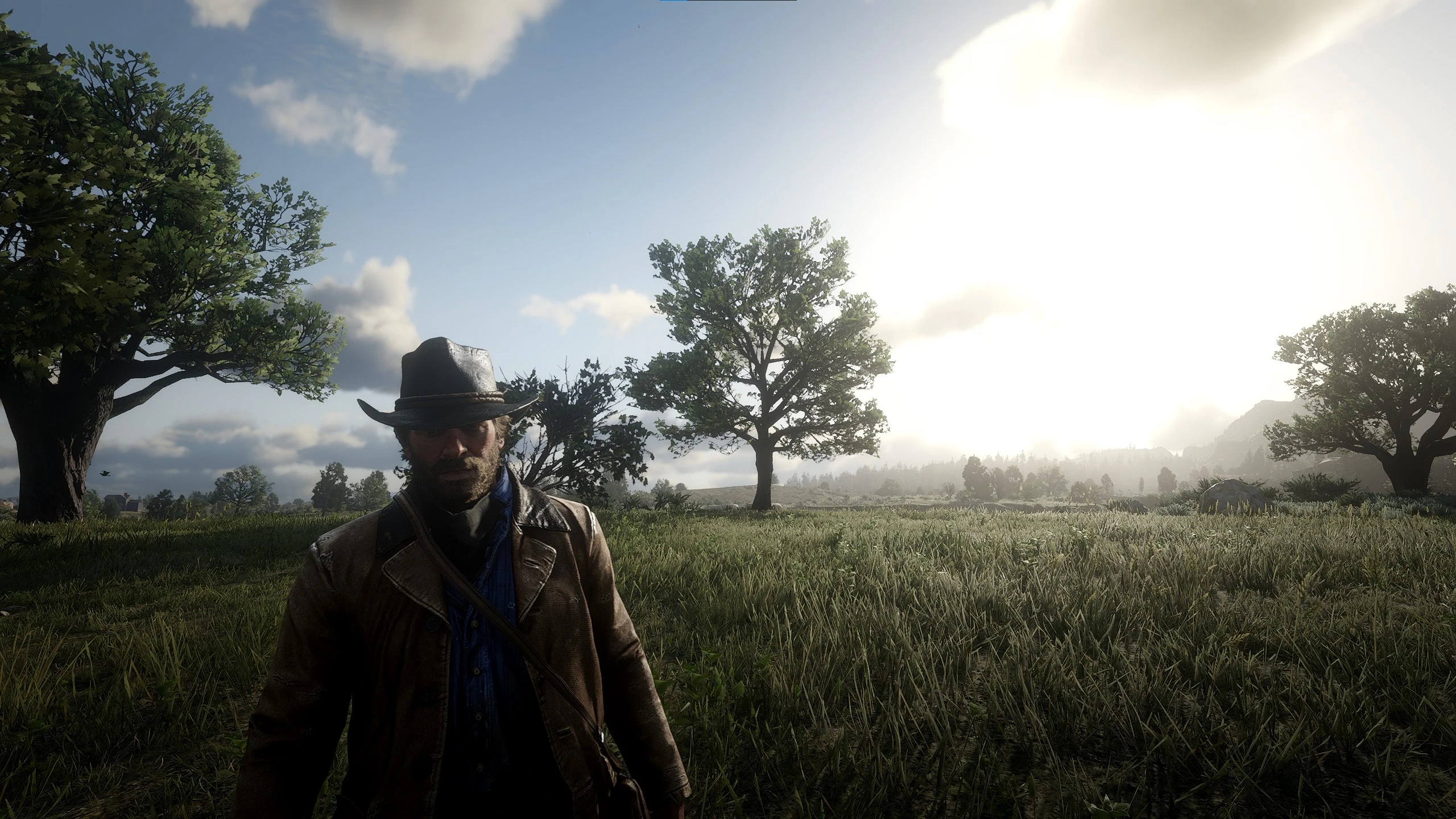
RDR2 already looks realistic enough… Right?
Installation:
HOW TO GET RESHADE:
1. Download the latest Reshade version at https://reshade.me/
2. Run the installer and run Reshade to select your game for the installation – You need to select RDR2.exe in the list
3. Click Direct3D 10/11/12
4. Effects needed: Everything!
5. You are done installing the reshade
HOW TO Download The Good ol’ Days RESHADE:
1. Download the file
2. Unzip “The Good ol’ Days” to the RDR2 directory!
3. Done!
Credits:
Dyzium
Downloads
| Name | Format | Size |
|---|---|---|
| The-Good-ol-Days-ReShade-Preset-1-0.rar | RAR | 4.46 KB |
To start download click the filename. To open archive files use one of these programs: WinRAR, 7-Zip, WinZip. Some mod archives may need to be extracted before the mods will work.