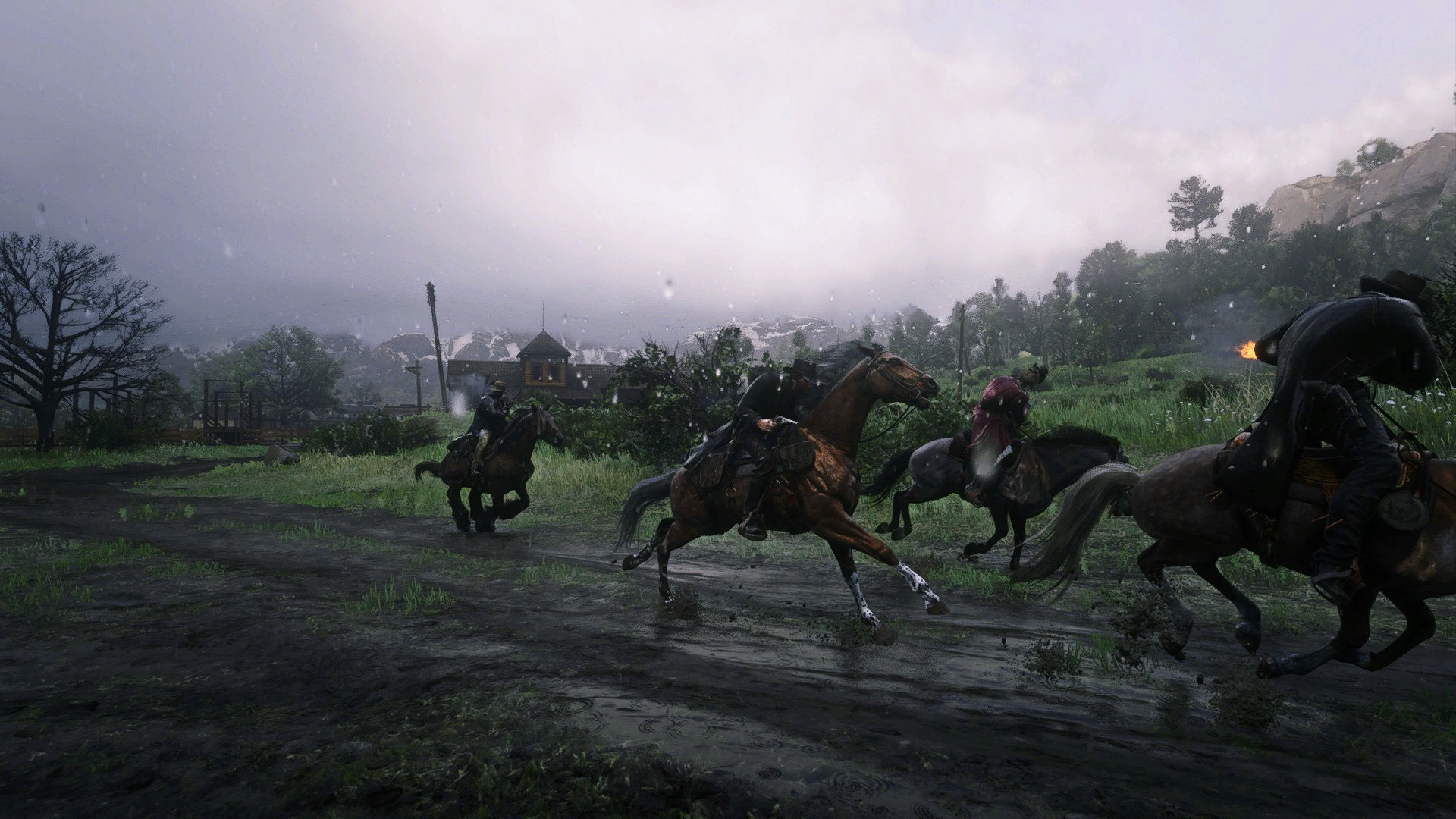
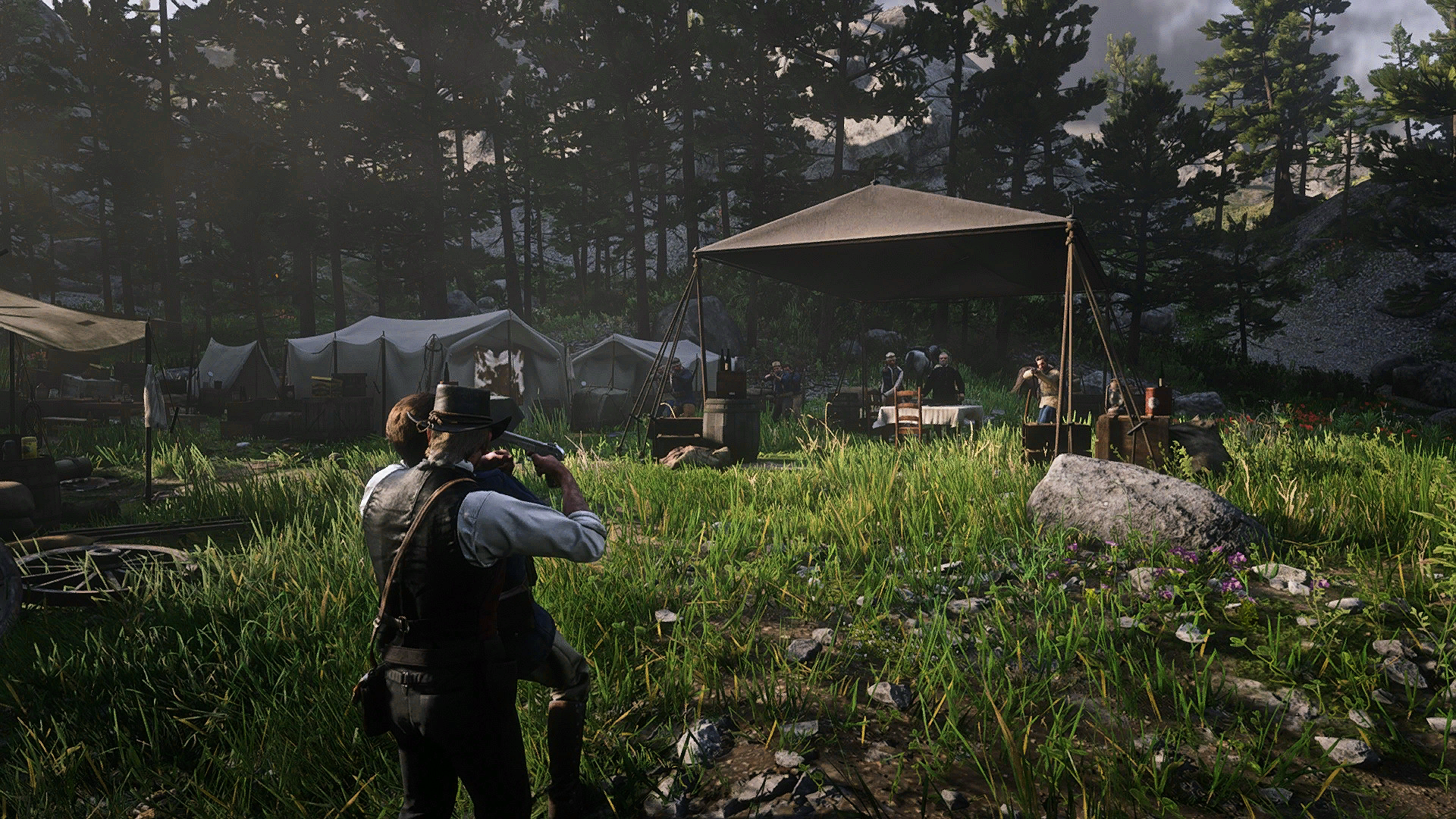
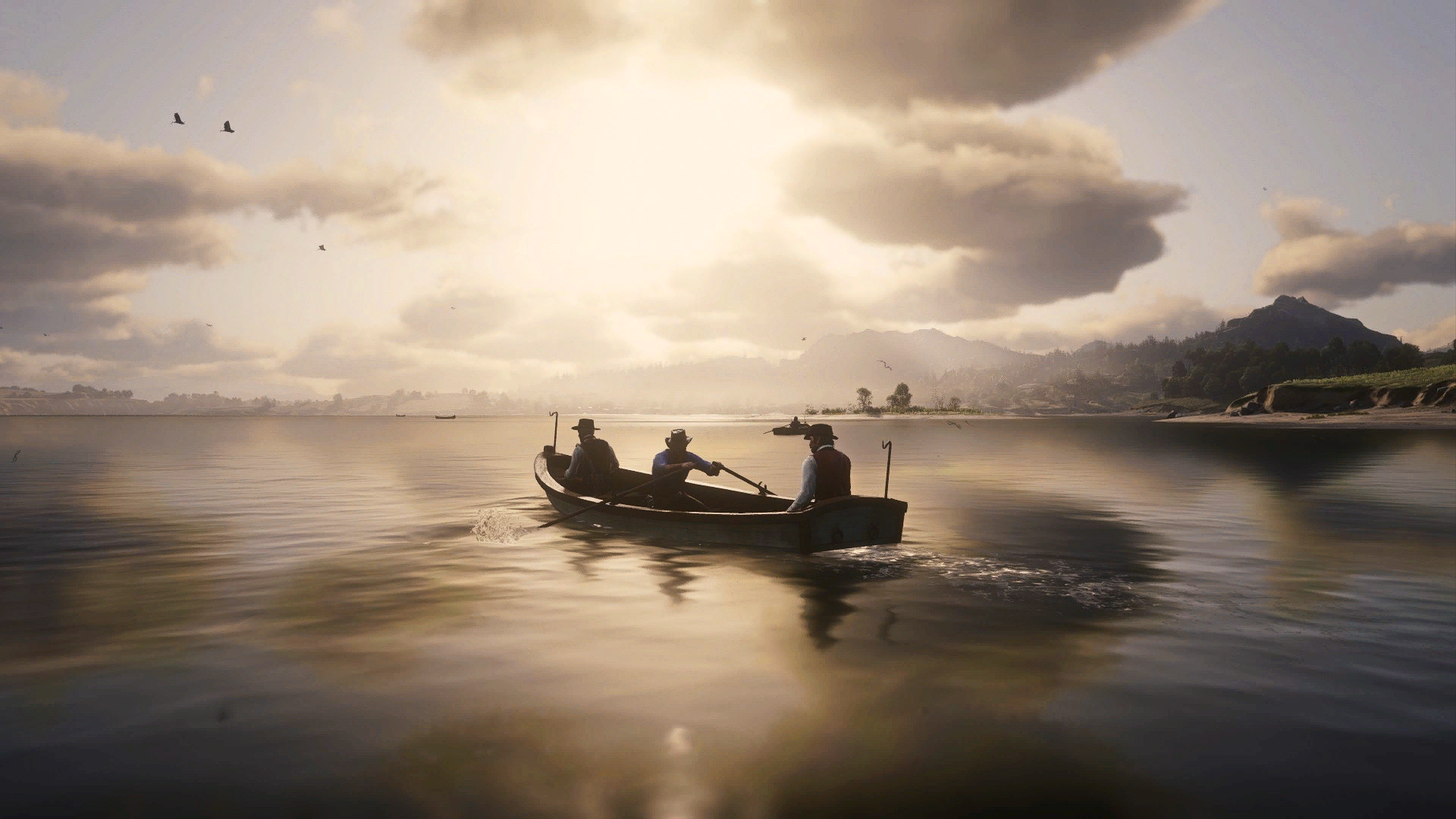
1) Download and Install version (4.9.1) of Reshade with ALL PACKAGES (very important) on https://reshade.me/ in your game directory in Directx10/11/12 OR Vulkan
2) Download Unrar my .RAR, then place my preset in your game directory (where you have RDR2.exe).
3) Launch the game
4) Press [Home] and finish the installation
5) Select Sharp Eye – Reshade in preset
6) Configure “Edit Global preprocessor definitions” : RESHADE_DEPTH_INPUT_IS_REVERSED must be set to 1 (in Edit Global Preprocessor definition)
Tips: if you don’t have this option, untick Performance Mode
Credits:
Pusat0613
Downloads
| Name | Format | Size |
|---|---|---|
| Sharp-Eye-ReShade.rar | RAR | 4.13 KB |
To start download click the filename. To open archive files use one of these programs: WinRAR, 7-Zip, WinZip. Some mod archives may need to be extracted before the mods will work.