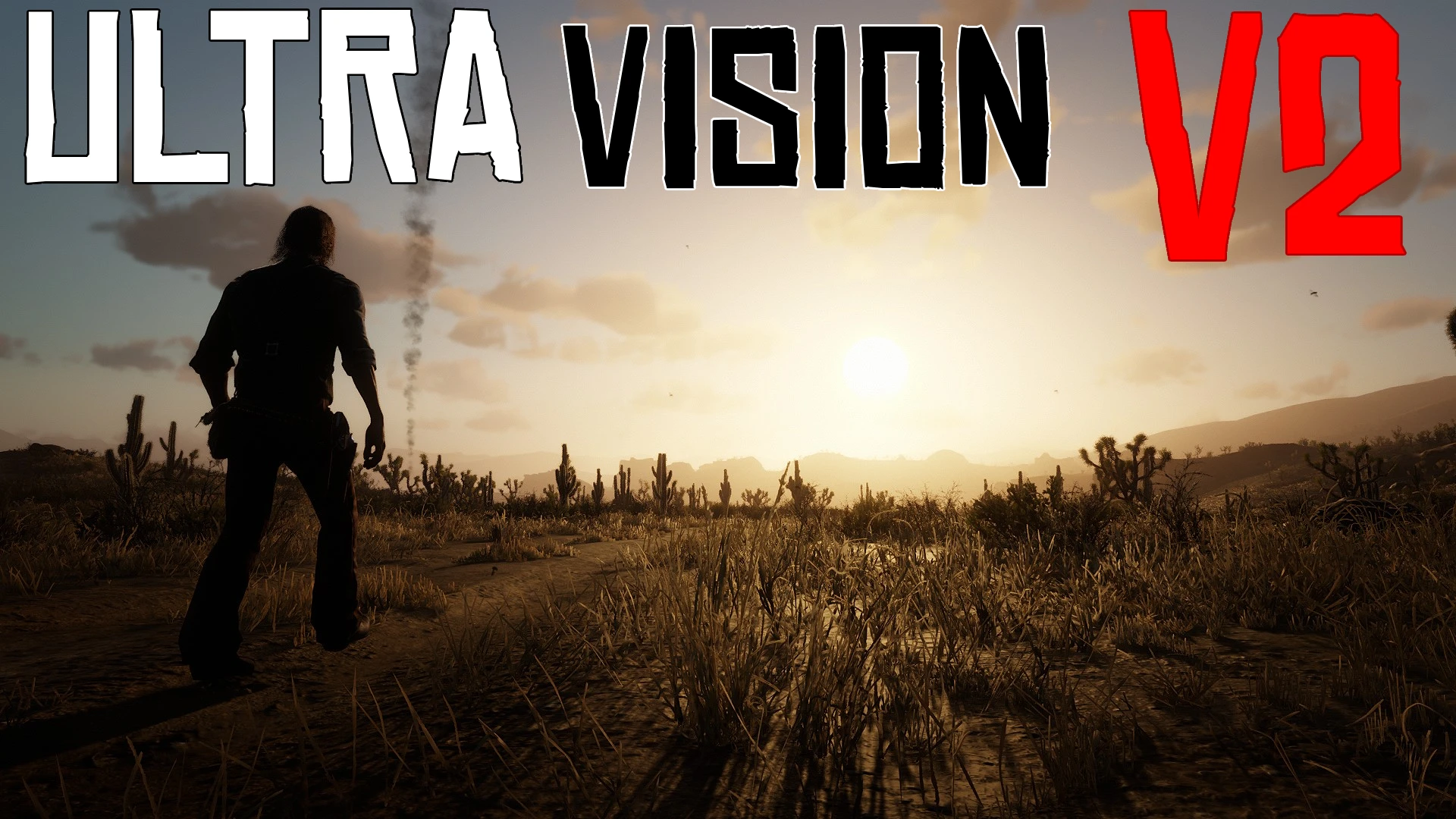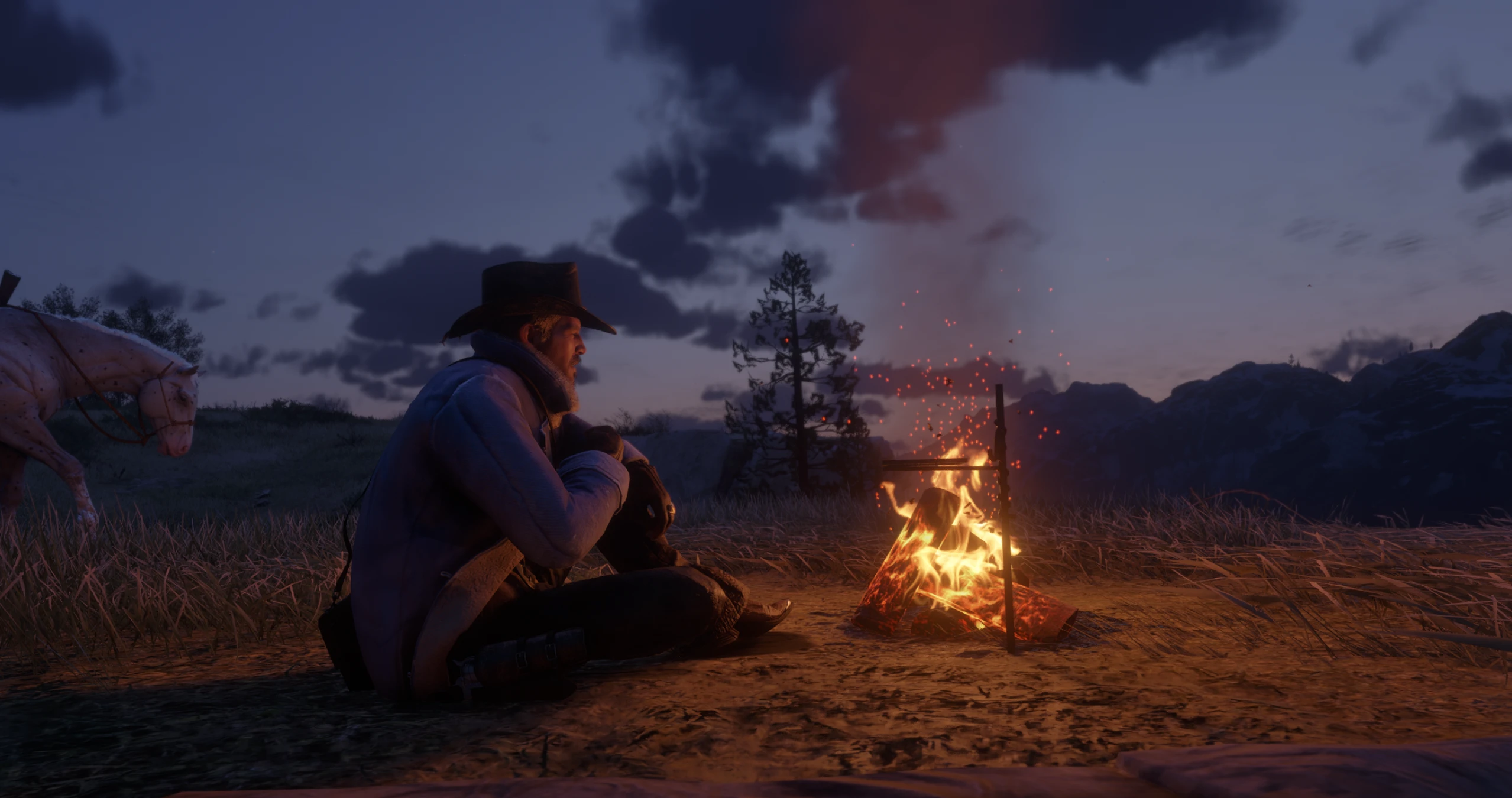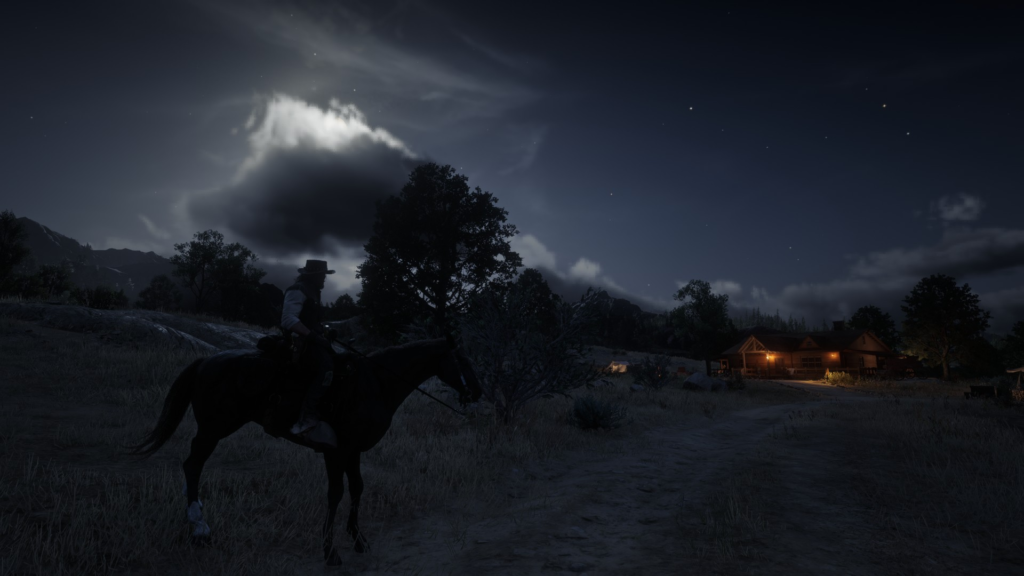
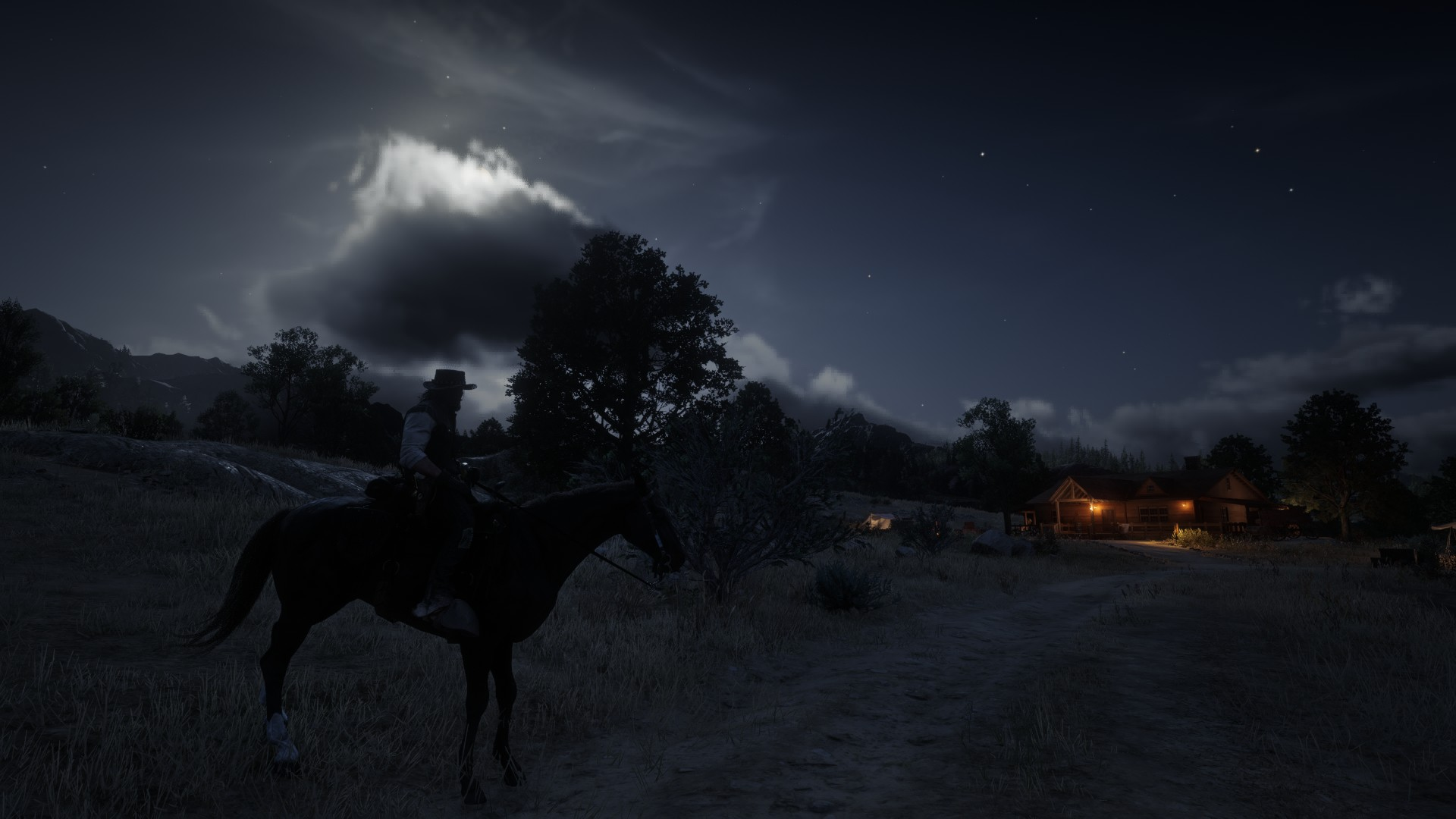
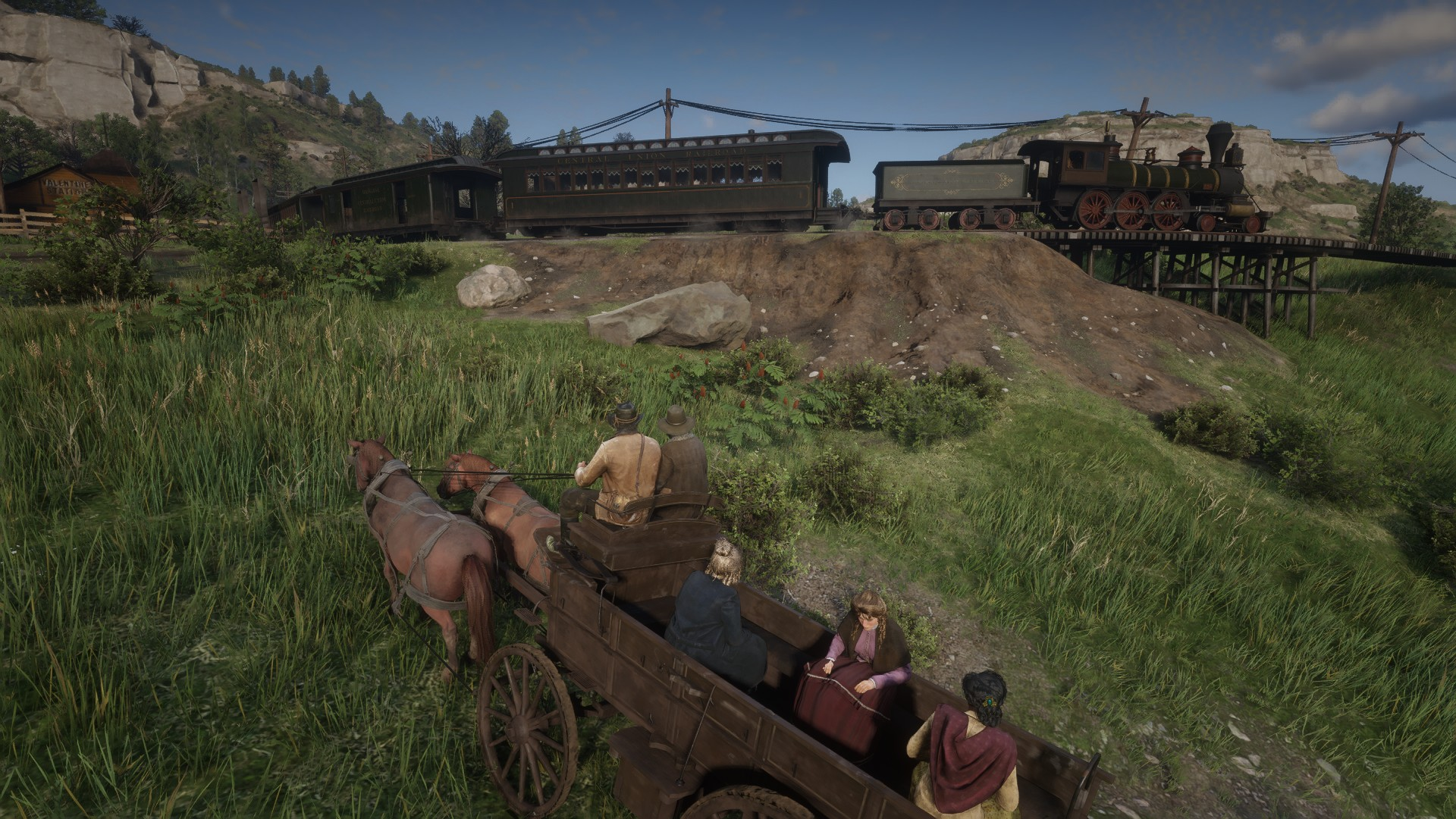
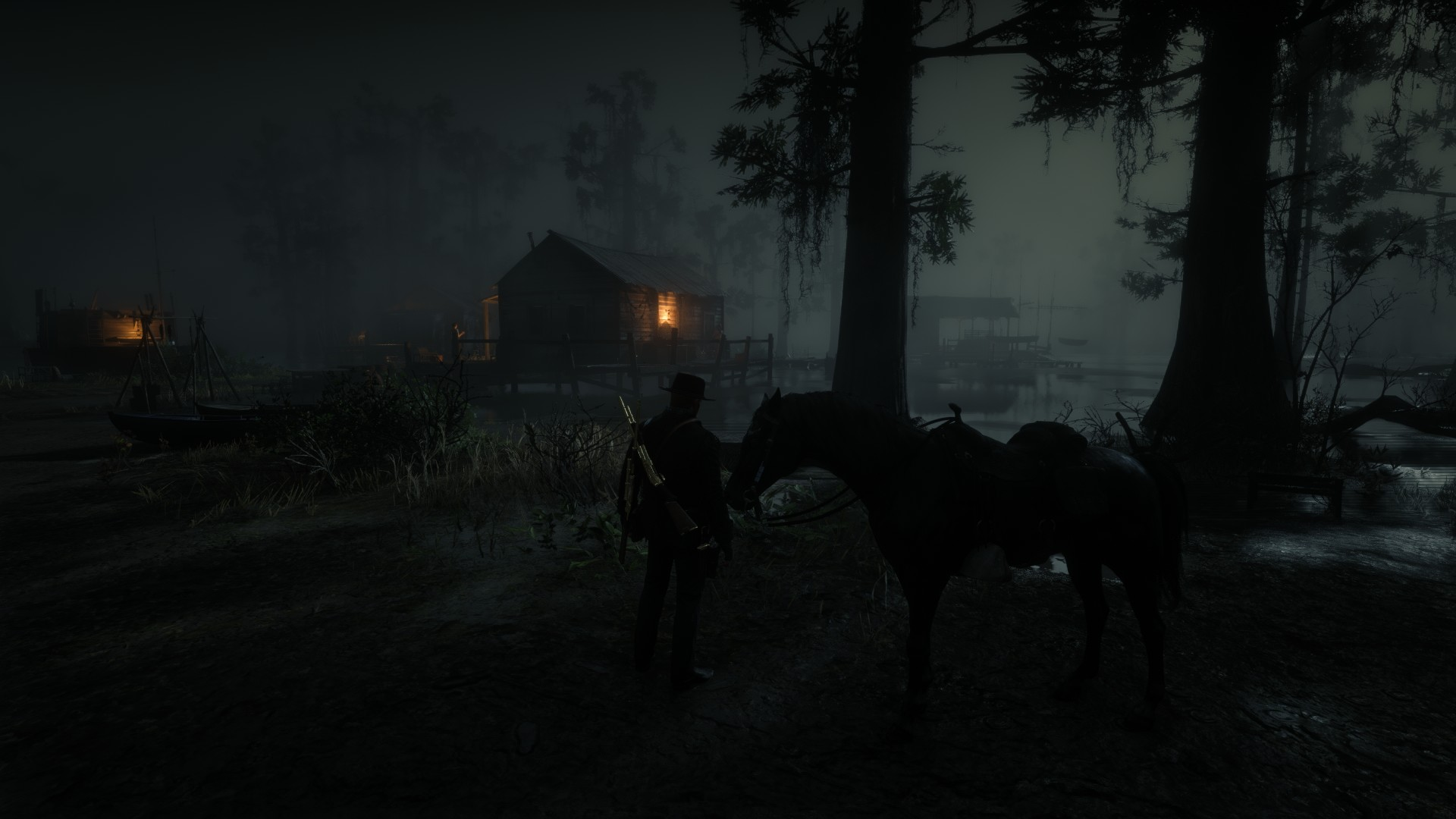
Enhanced version of haskeer212’s RDR2 Photorealistic ReShade.
Installation
1. Download ReShade
2. Install it with all of the shaders into your RDR2 folder where the RDR2.exe is
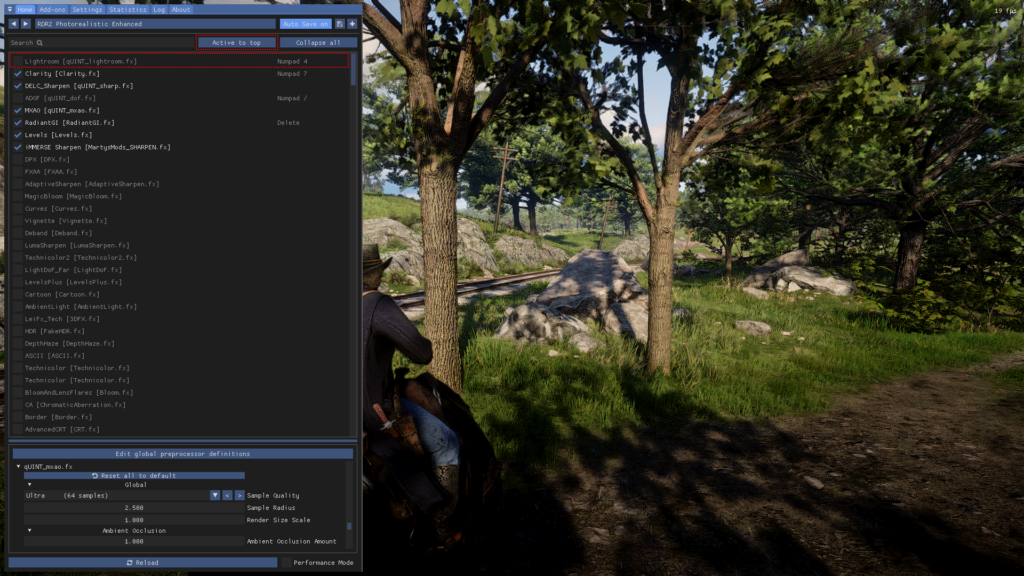
3. Download RDR2 Photorealistic ReShade Enhanced and put the “RDR2 Photorealistic Enhanced.ini” into the RDR2 folder
4. Activate it in-game with home(pos1) and select “RDR2 Photorealistic Enhanced.ini”
(Note: If the mod is lagging too much, adjust the MXAO sample size in the effects’ settings)
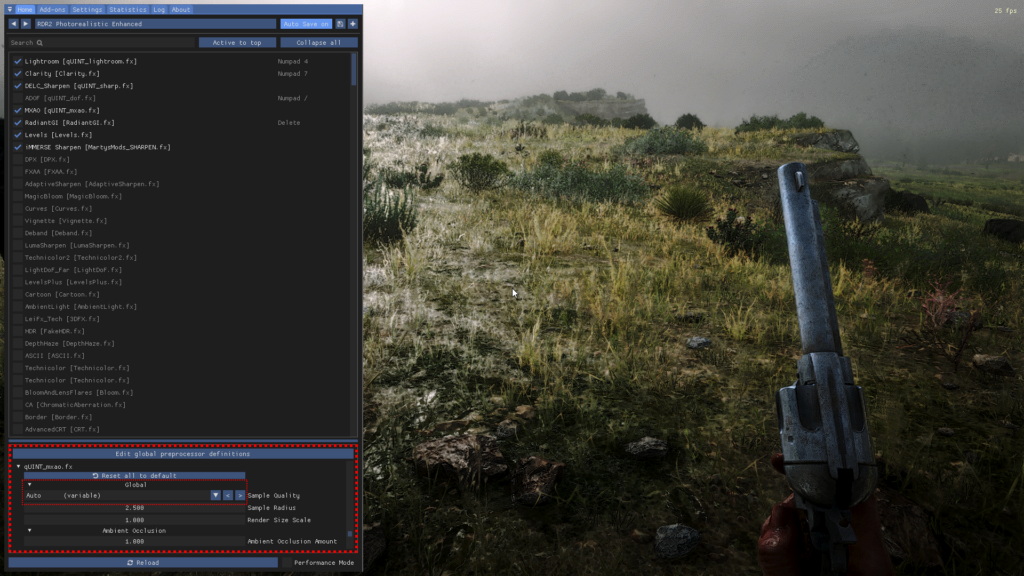
(Note: For more neutral colors, disable Lightroom)
Credits:
OnlyBassics
Rockstar Games for the game
crosire for ReShade
Marty McFly for the shaders
haskeer212 for the original Photorealistic ReShade
Downloads
| Name | Format | Size |
|---|---|---|
| RDR2-Photorealistic-ReShade-Enhanced-1-5.zip | ZIP | 5.20 KB |
To start download click the filename. To open archive files use one of these programs: WinRAR, 7-Zip, WinZip. Some mod archives may need to be extracted before the mods will work.