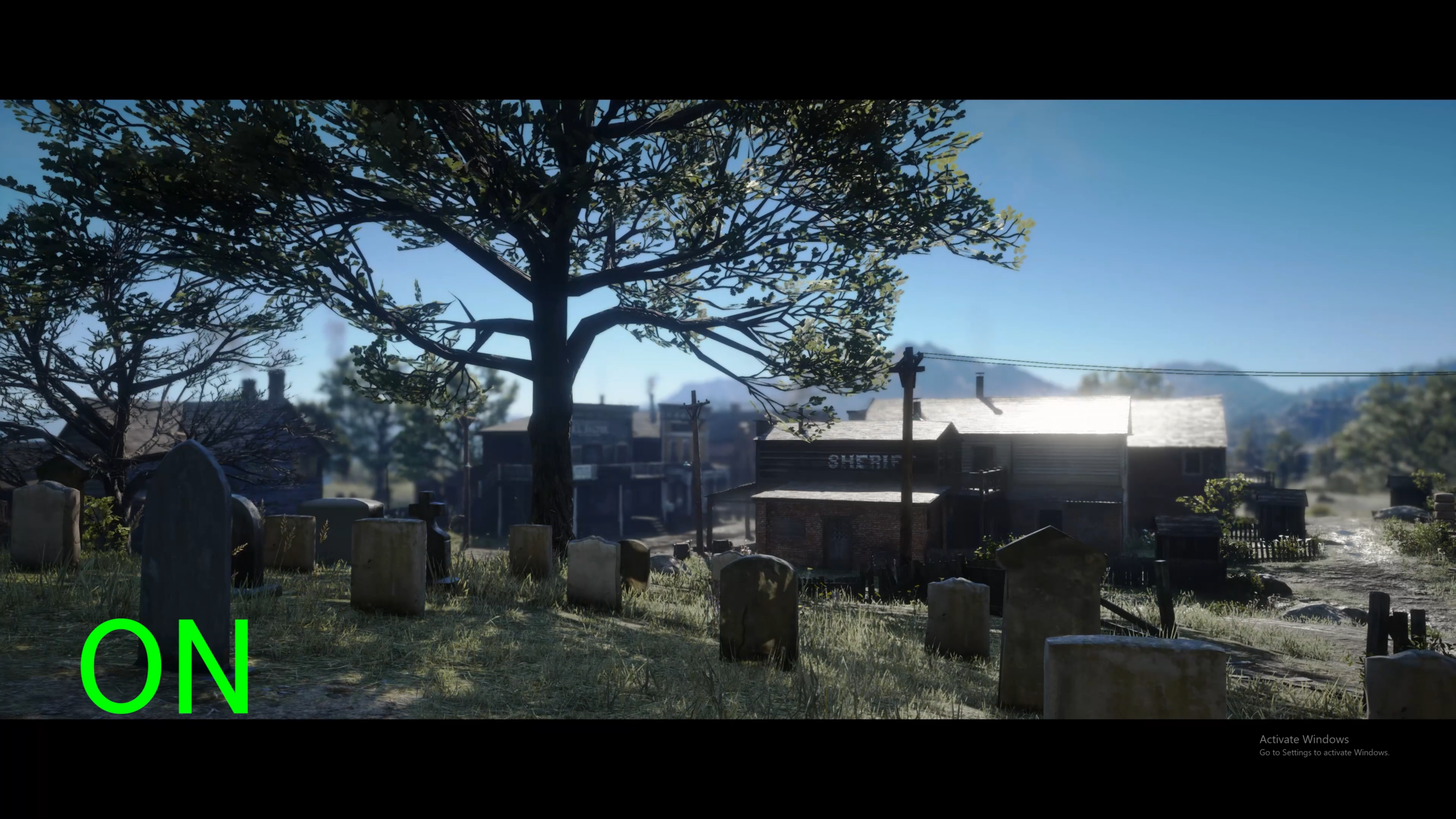
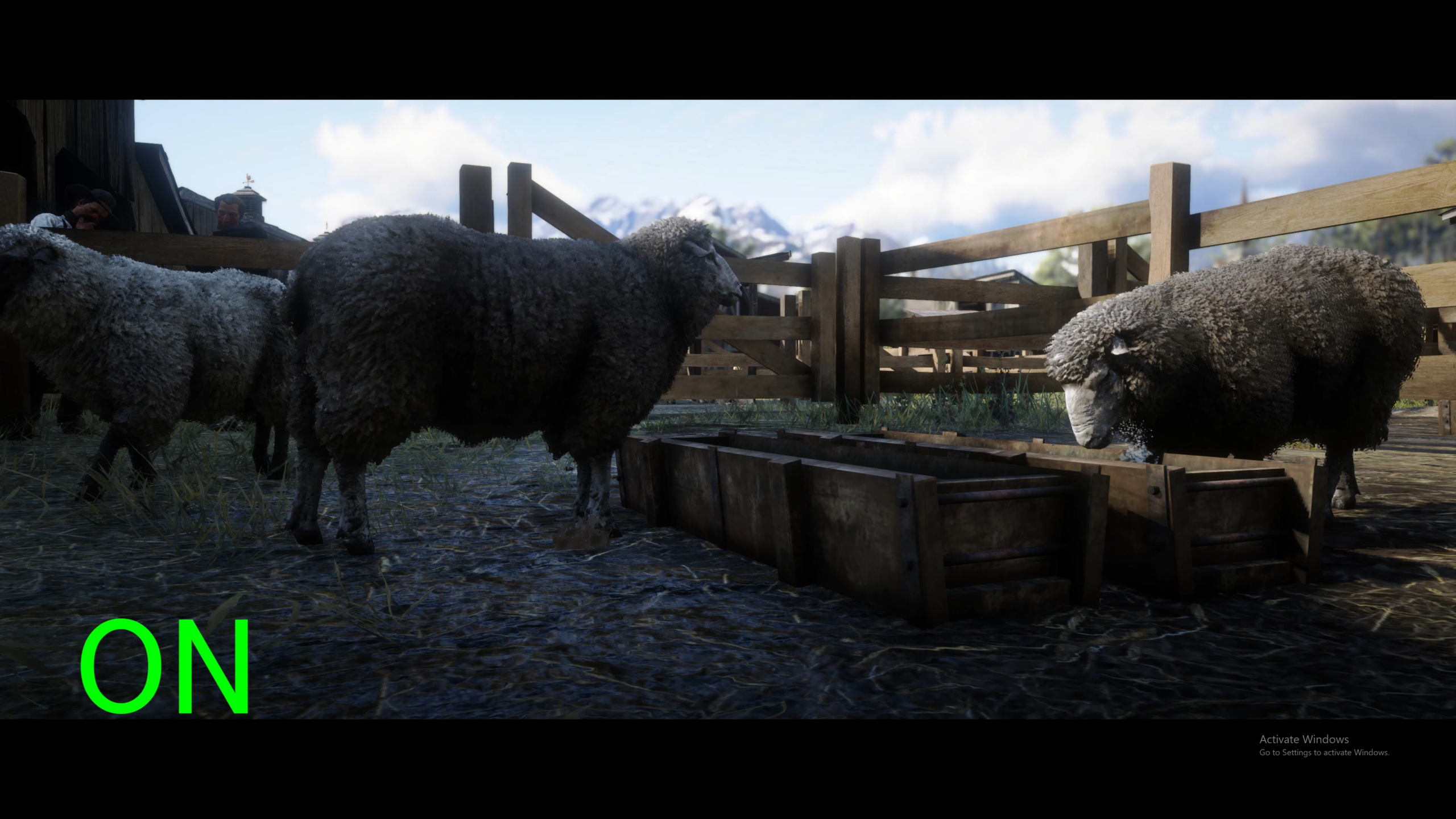
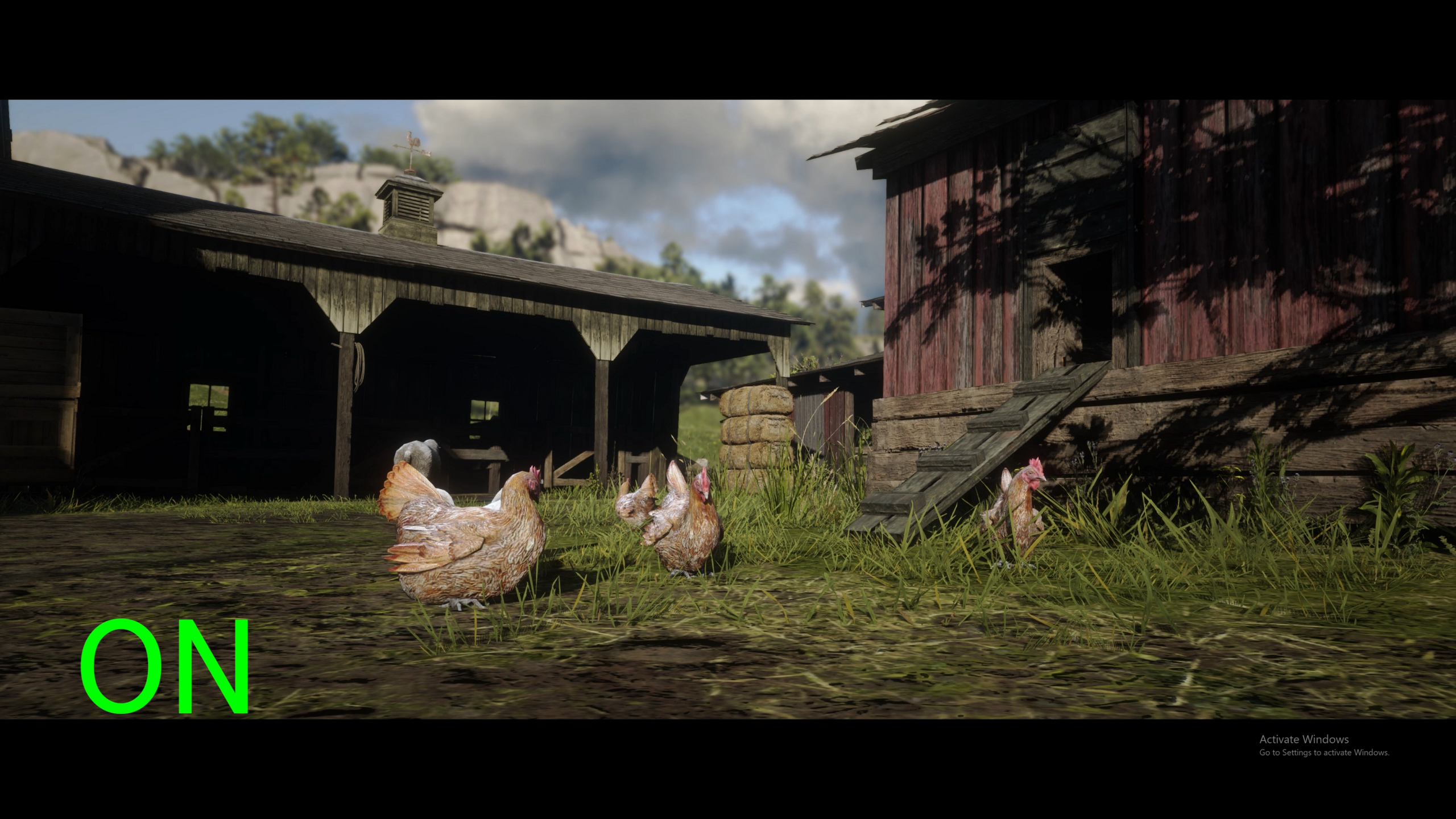
Lightroom,
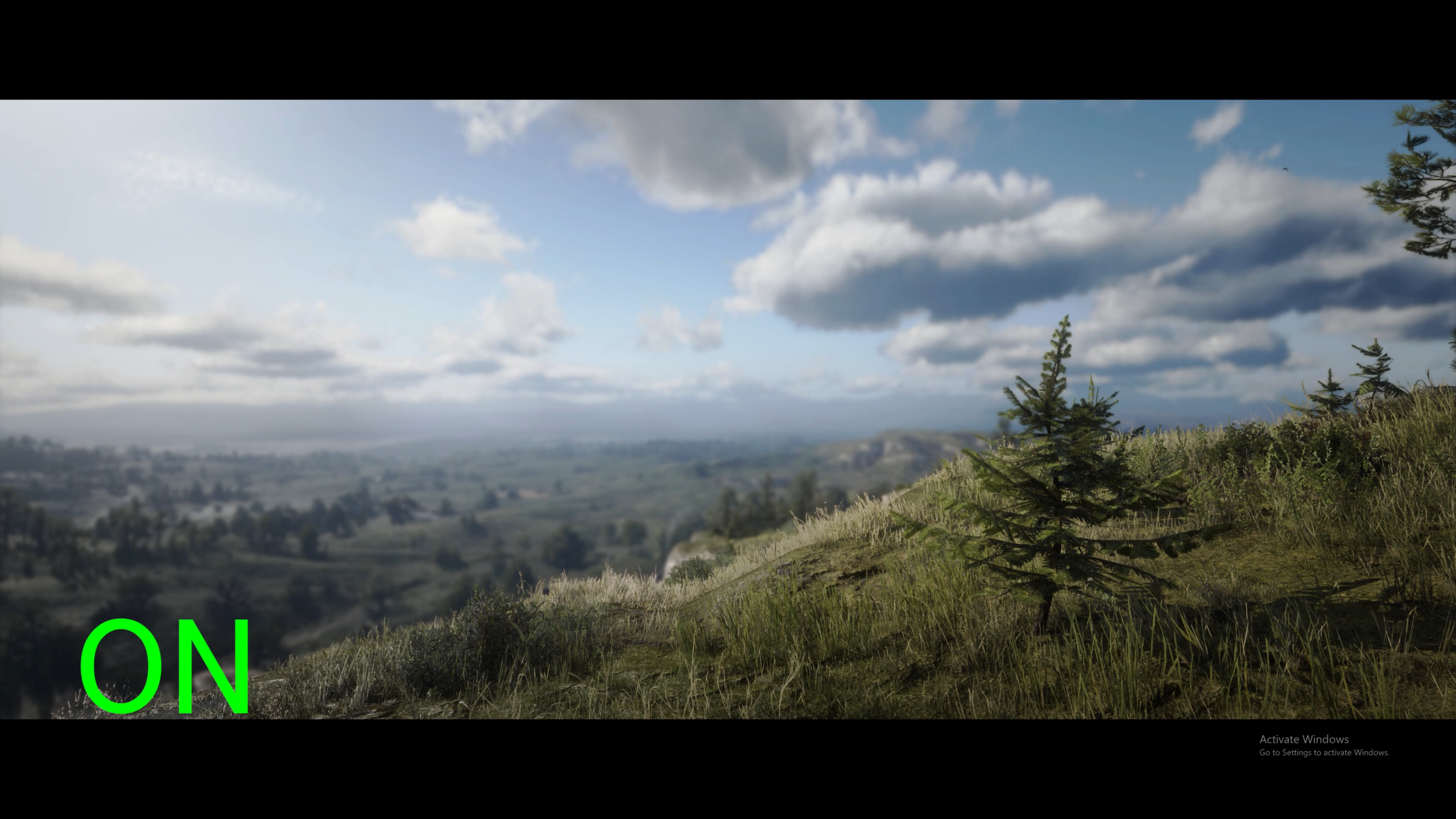
DOF (Optional),
Widescreen (Optional)
Color and Contrast adjustments mostly.
DOF that’s not too crazy.
and widescreen bars.
INSTALLATION:
When you install reshade make sure that you check the boxes for
“Standard effects”,
“SweetFX by CeeJay.dk” and
“qUINT by Marty Mcfly” for this to work.
You can REINSTALL the reshade and hit update when asked and reinstall all these add ons.
Drag and drop to where reshade is installed.
For DOF settings you have to choose the correct checkbox on the “D3D12” or “Vulkan” tab on reshade menu. Just go down the list until its right.
ReShade menucomes up with “insert” key, NOT the “home” key so it doesnt interfere with the rockstar thing.
Toggle DOF with “=” (equal sign)
Toggle Widescreen with “-” (dash)
Toggle Everything with “\”
Credits:
Pixel Blush
Downloads
| Name | Format | Size |
|---|---|---|
| Pixel-Blush-Cinematic-Preset.7z | 7Z | 1.40 KB |
To start download click the filename. To open archive files use one of these programs: WinRAR, 7-Zip, WinZip. Some mod archives may need to be extracted before the mods will work.