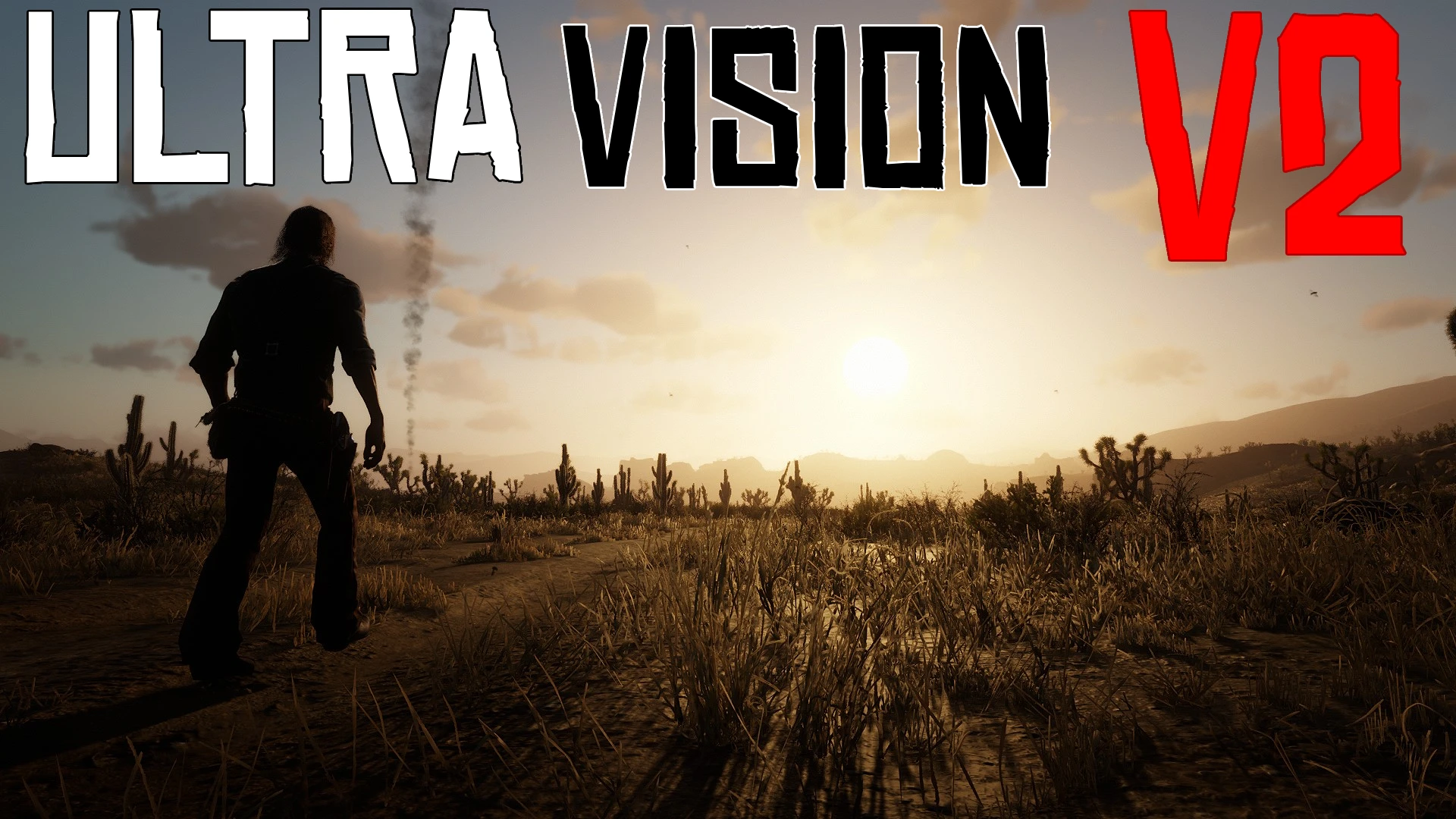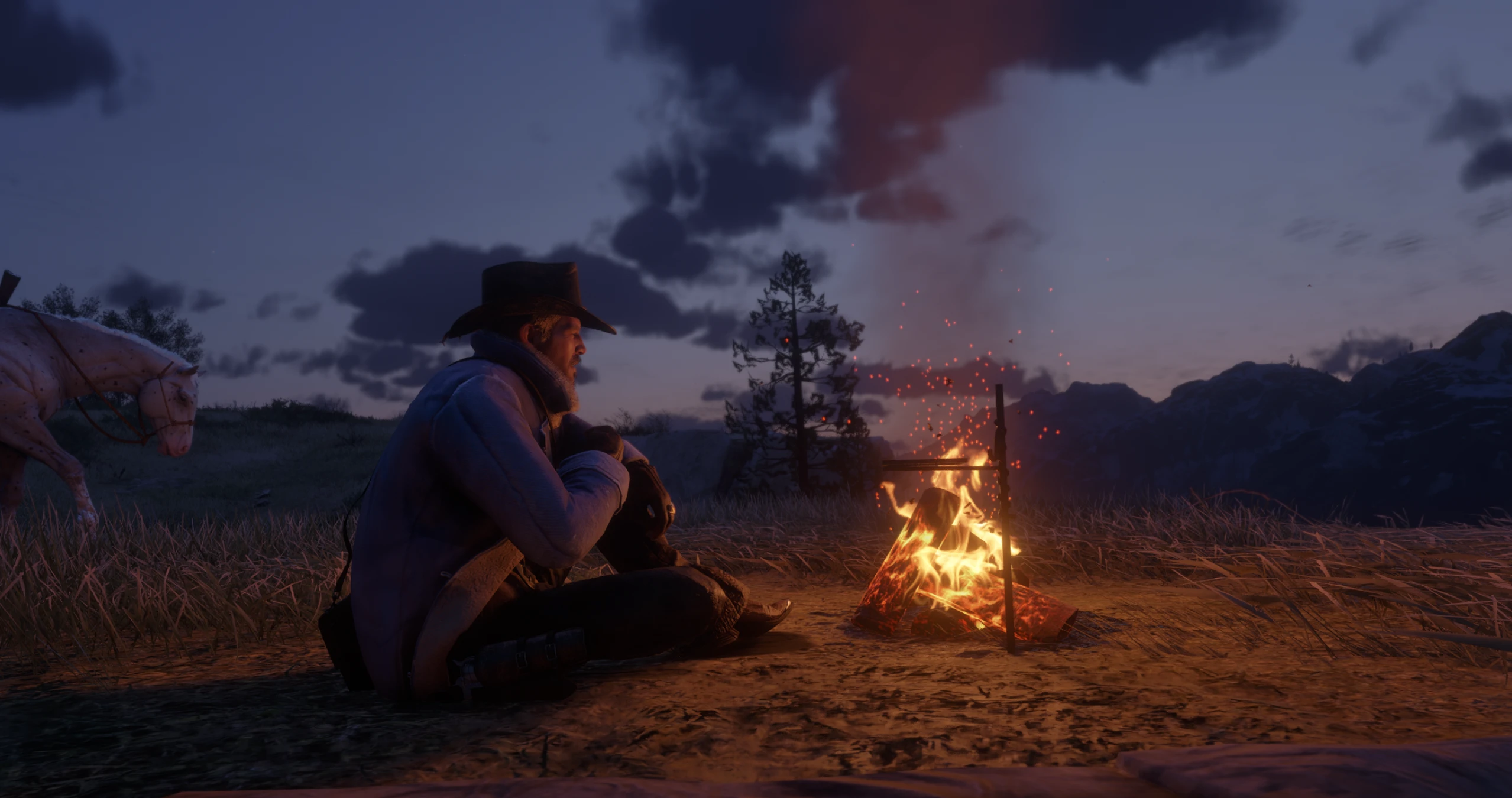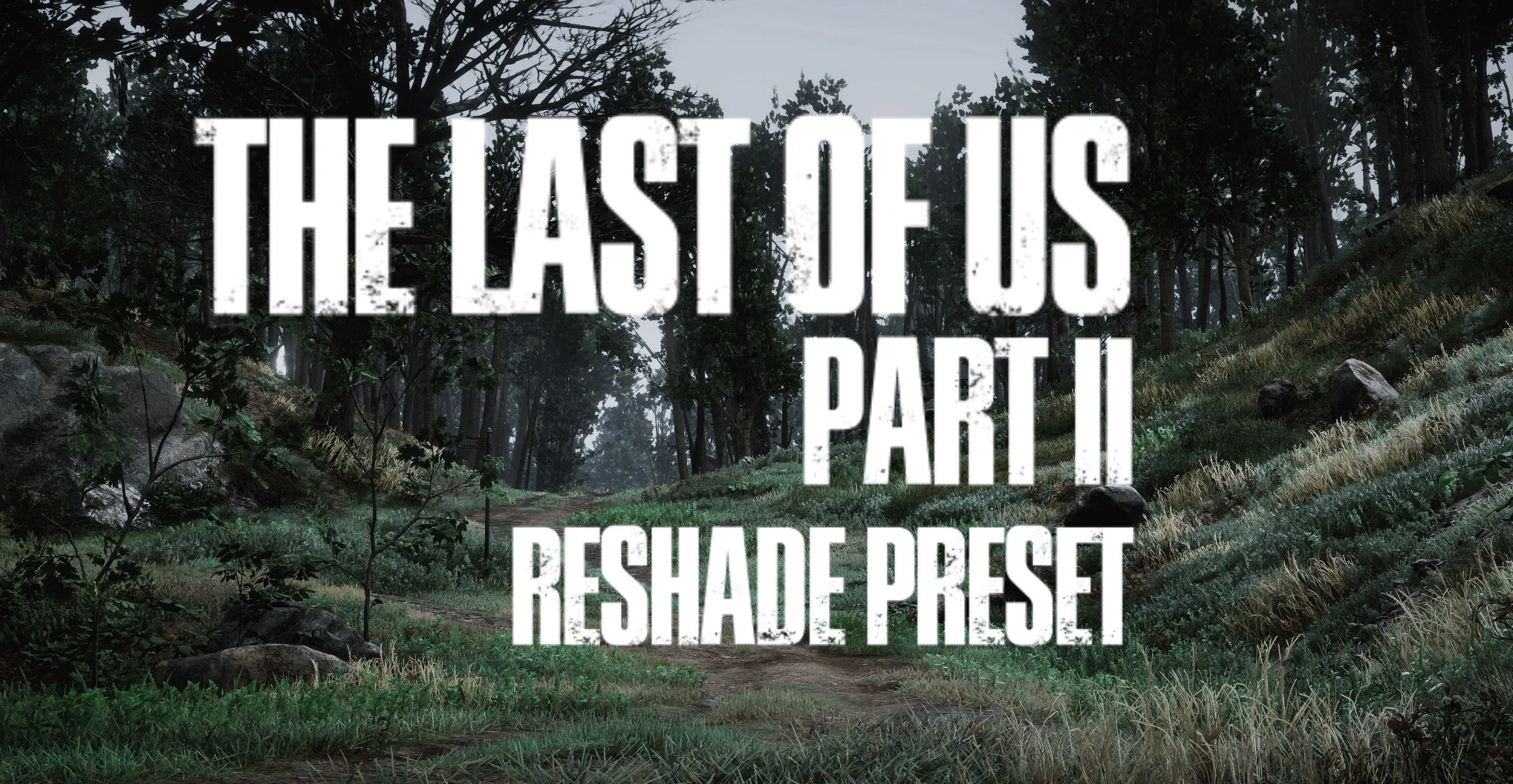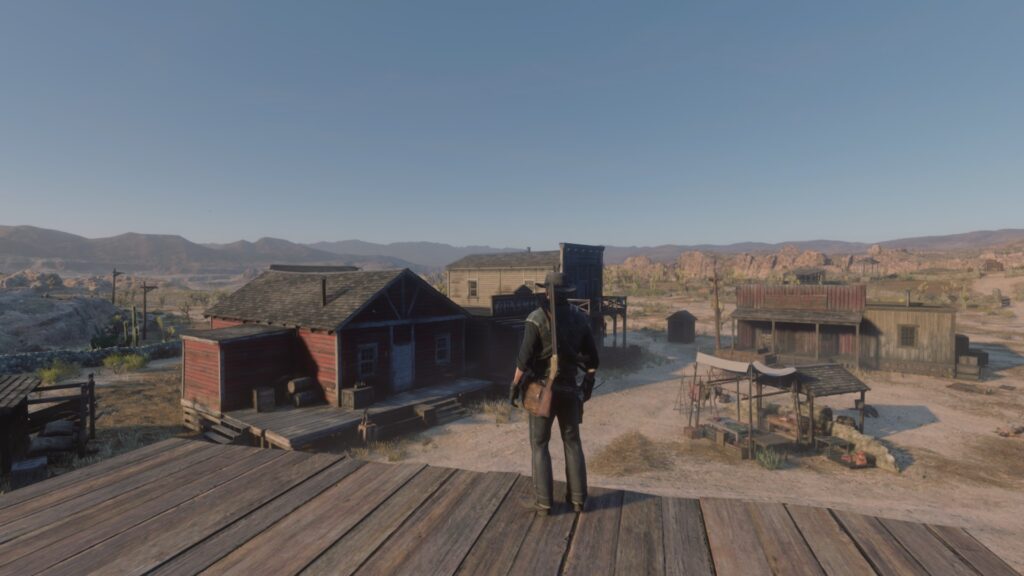
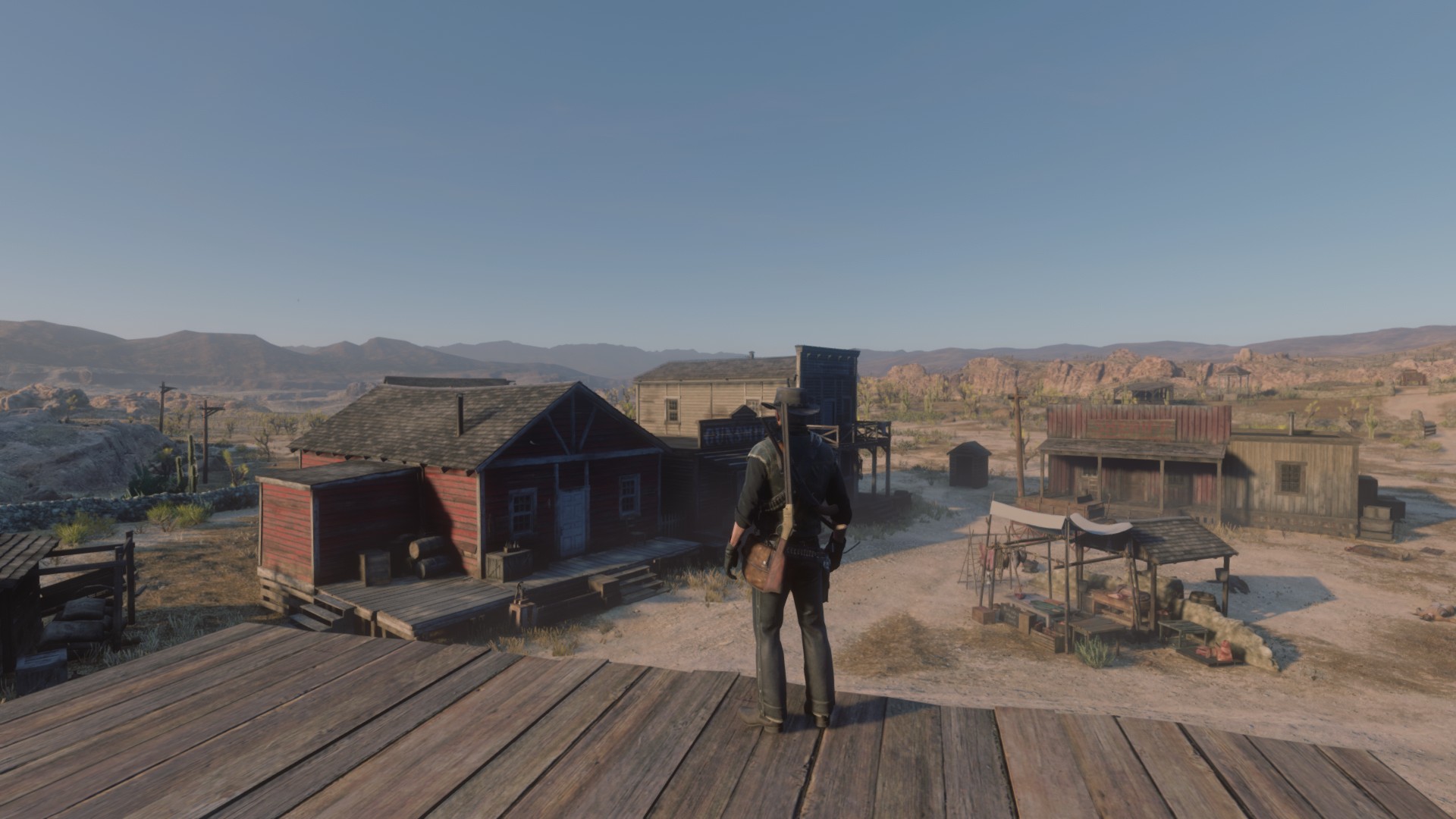
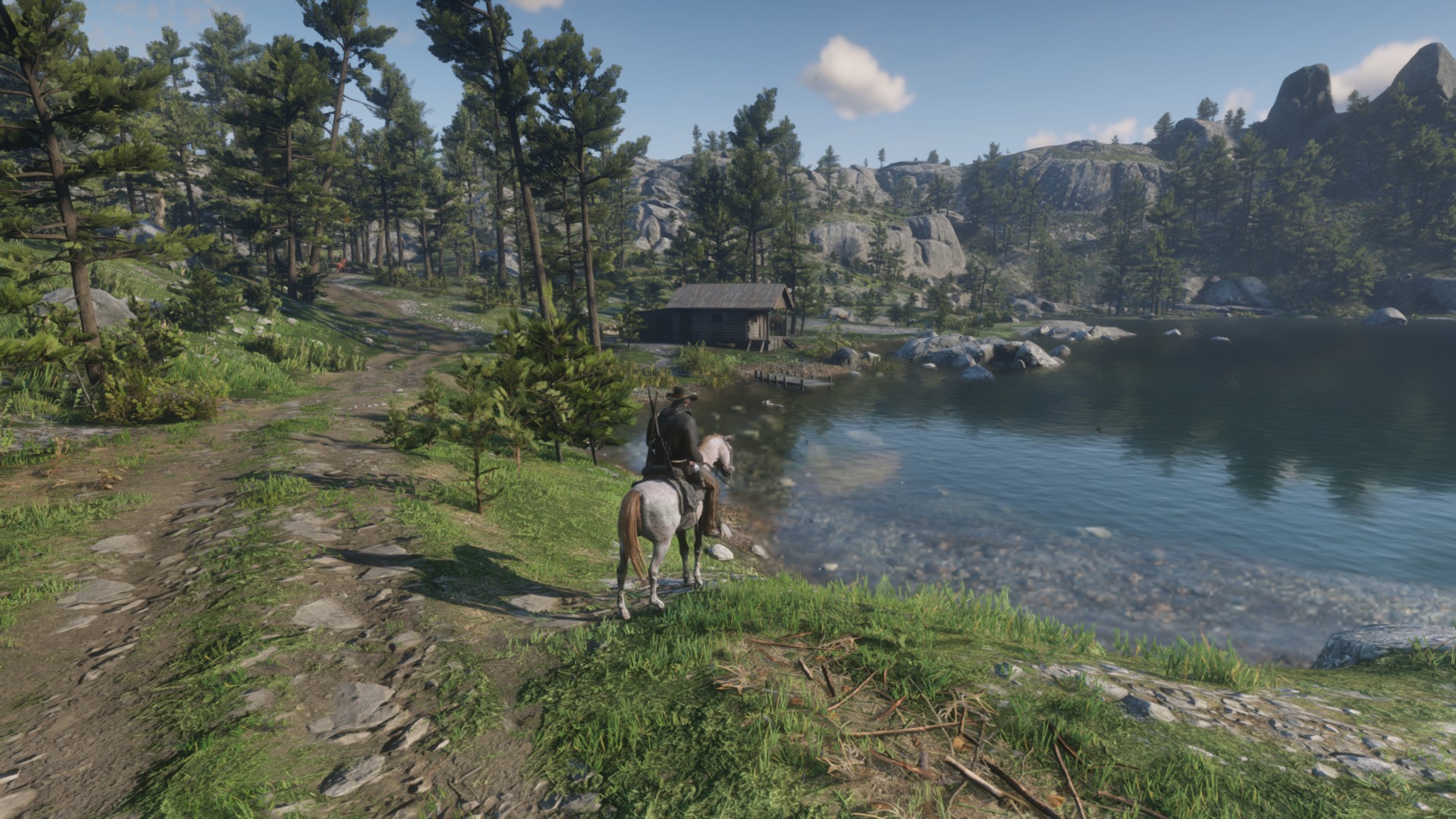
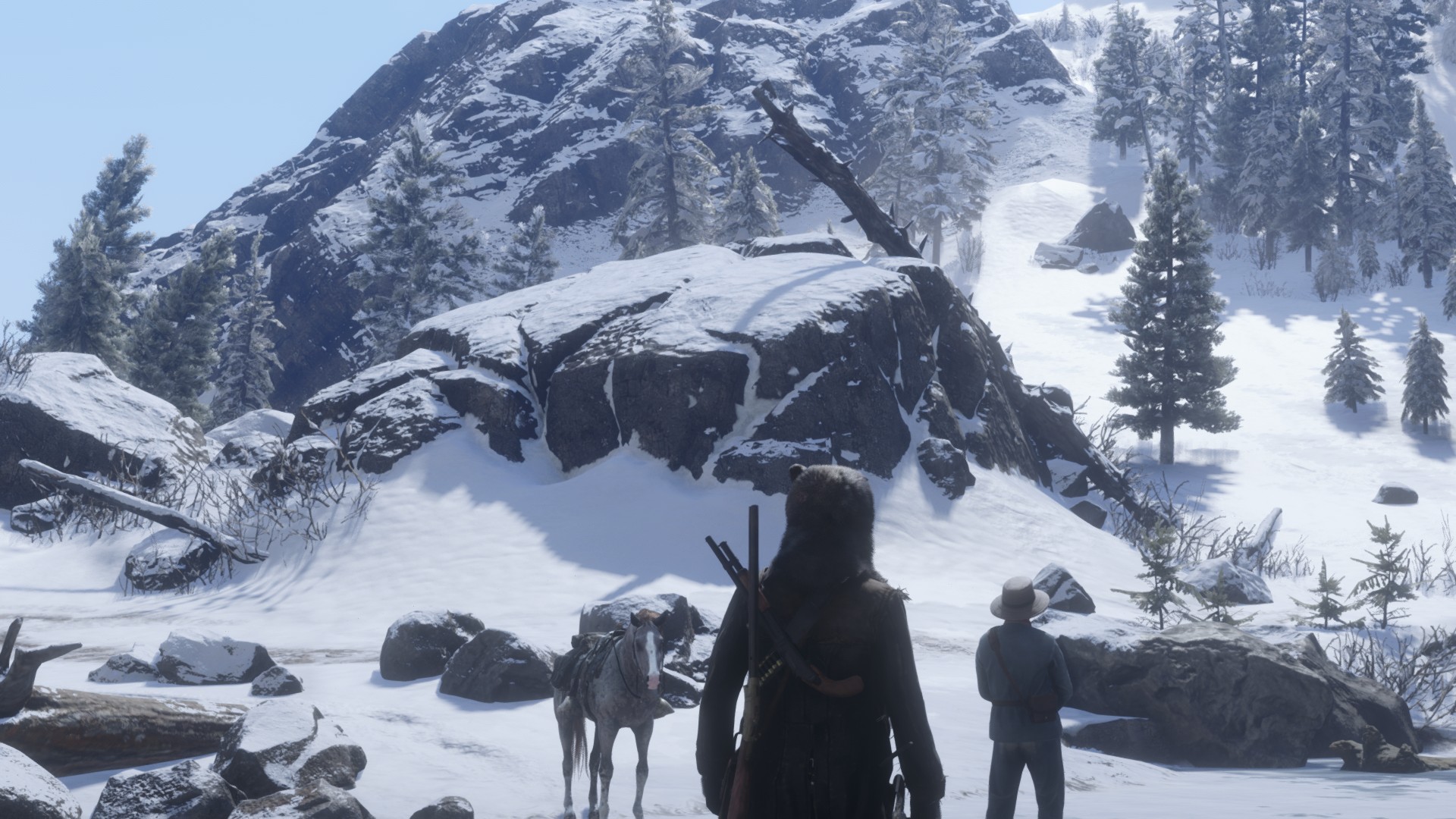
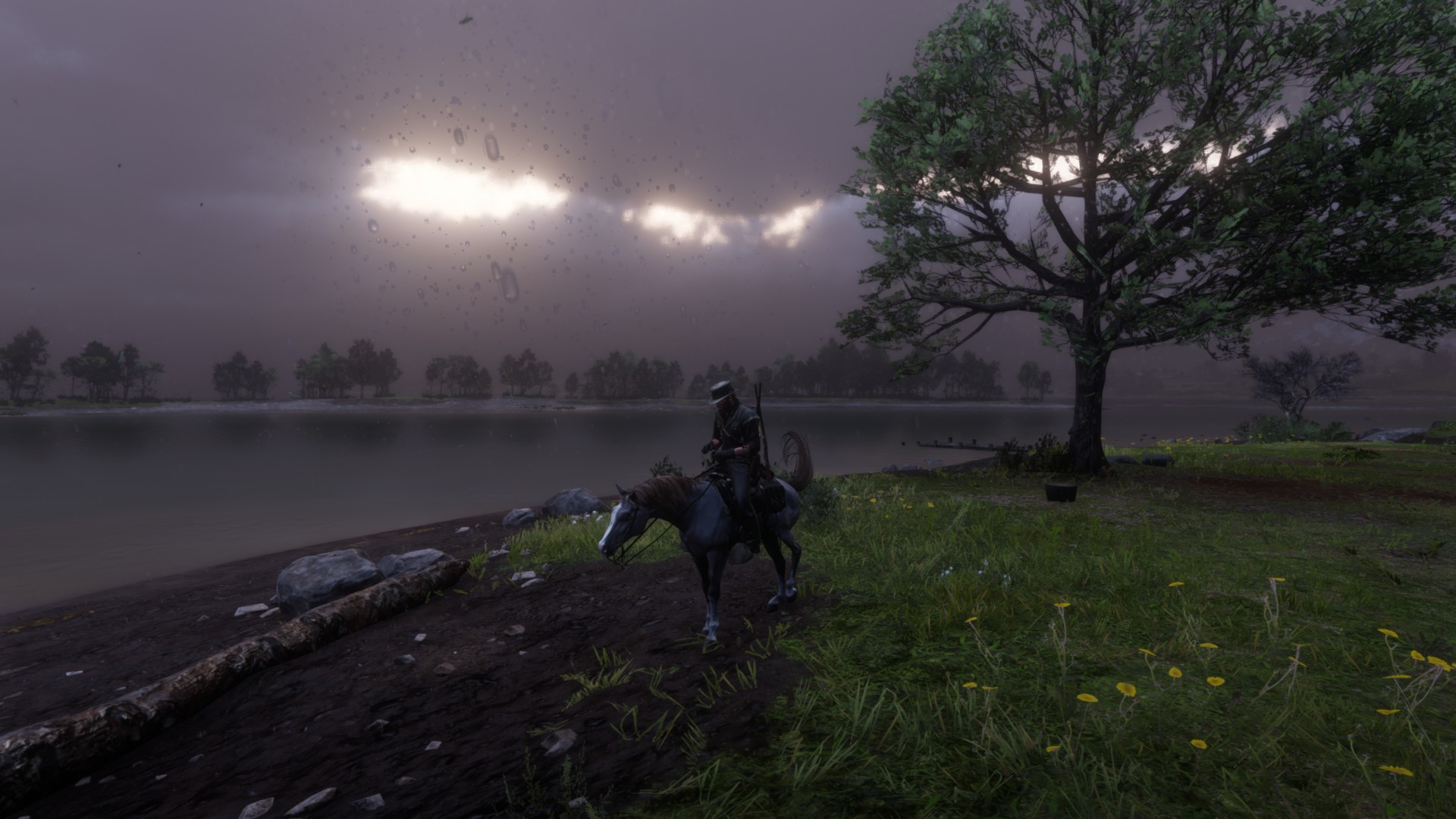
Graphic settings that I’ve tweaked to my specifications. Gets 60 fps regularly (Except certain settings, and heavily populated towns) on an slightly overclocked 1060 6GB.
How to install:
1.Place ‘System.xml’ file in \Documents\Rockstar Games\Red Dead Redemption 2\Settings
COPY EXSTING FILE BEFORE REPLACING!
2. Place ‘Reshade.ini’ in Red Dead Redemption 2 Root file
Steam : Steam\steamapps\common\Red Dead Redemption 2
Empress : Program Files (x86)\DODI-Repacks\Red Dead Redemption 2
Epic Games : Just Go to launcher and Right click and select ‘manage’ , then select open file location.
3. Done !
Helpful Tips:
-Adjusting TAA and TAA Sharpening will result in sharper image. (may effect FPS)
-TAA, FXAA, MSAA are FPS killers so choose wisely.
-Don’t turn shadows straight to LOW, sometimes MEDIUM will raise FPS.
-Turn RESHADE on Performance Mode
-Close all background applications , expect for controlled applications like “Opera Gx with limiters and ‘No Hardware Acceleration’
Credits:
Theos
Downloads
| Name | Format | Size |
|---|---|---|
| System-File-with-TAA.zip | ZIP | 1.31 KB |
| FpsColor-Reshade-and-System-Files.zip | ZIP | 5.52 KB |
To start download click the filename. To open archive files use one of these programs: WinRAR, 7-Zip, WinZip. Some mod archives may need to be extracted before the mods will work.