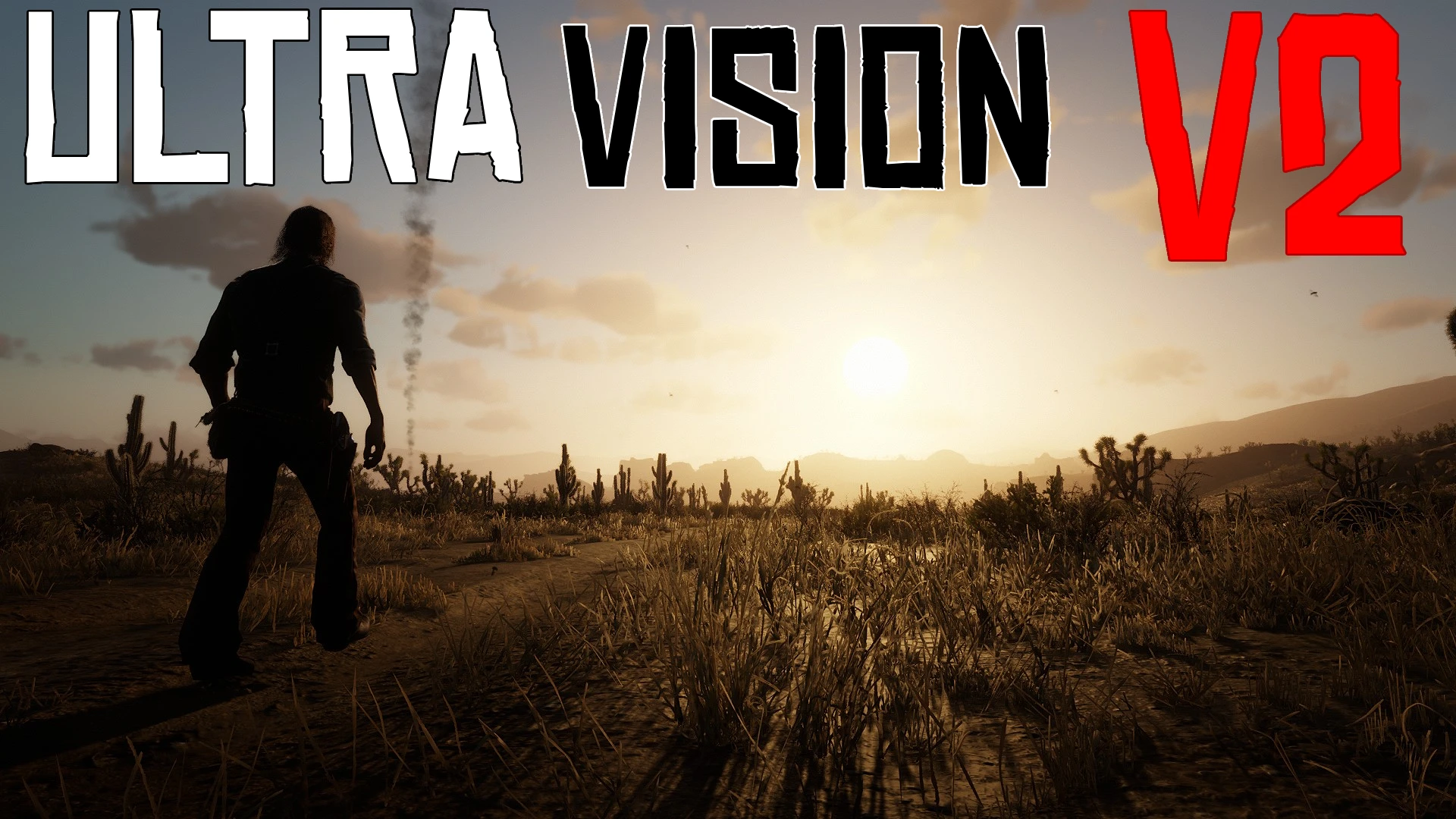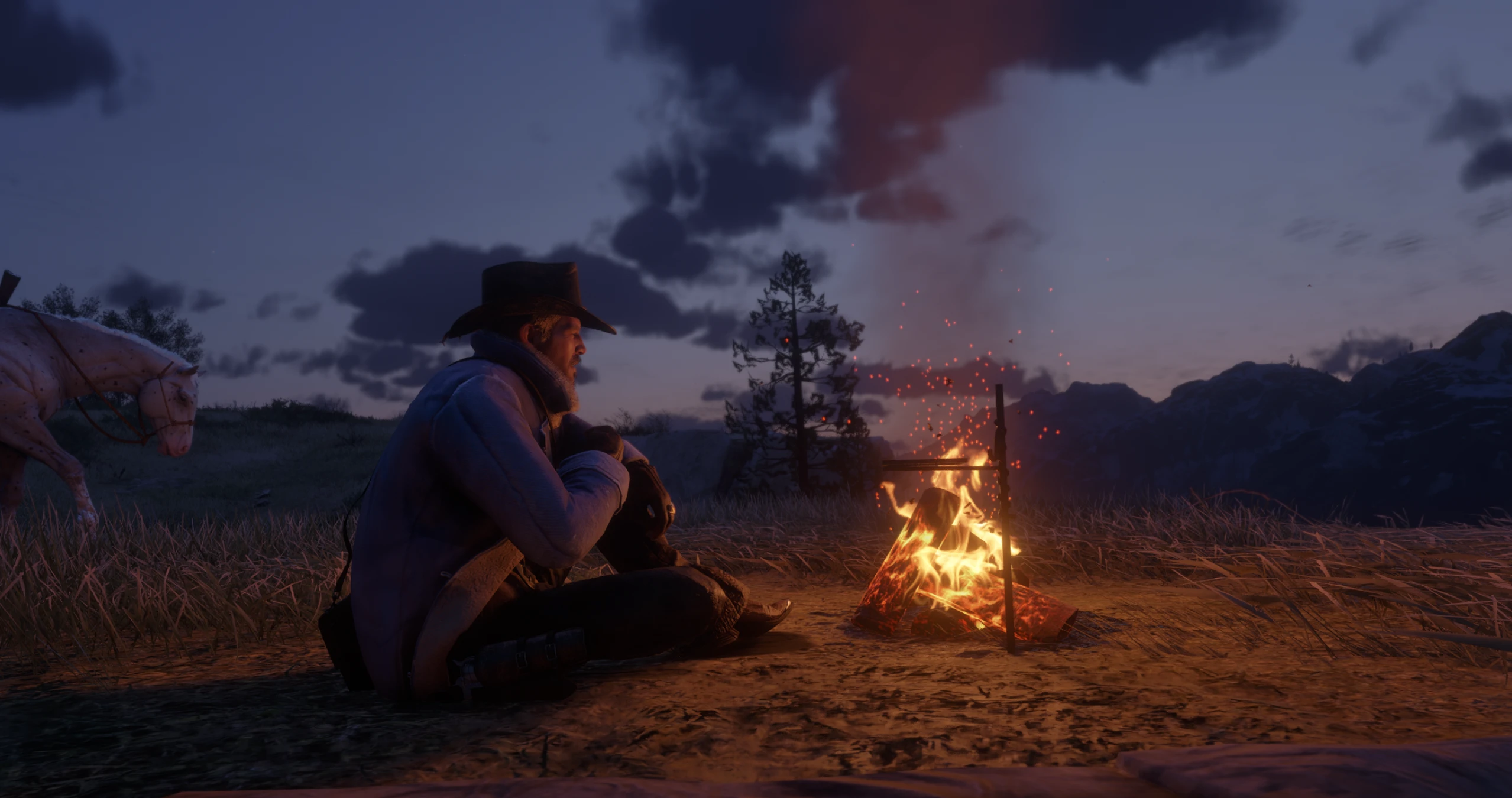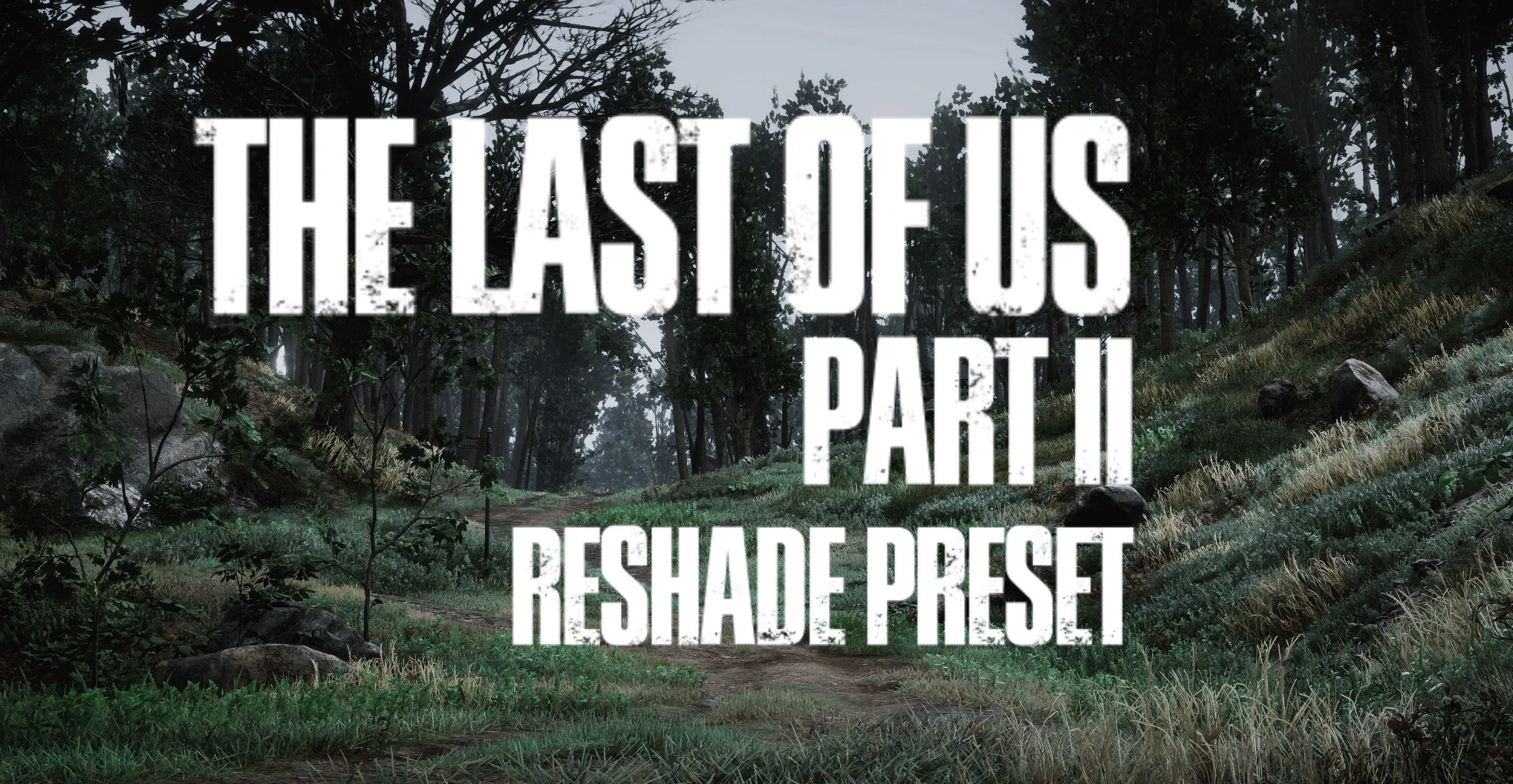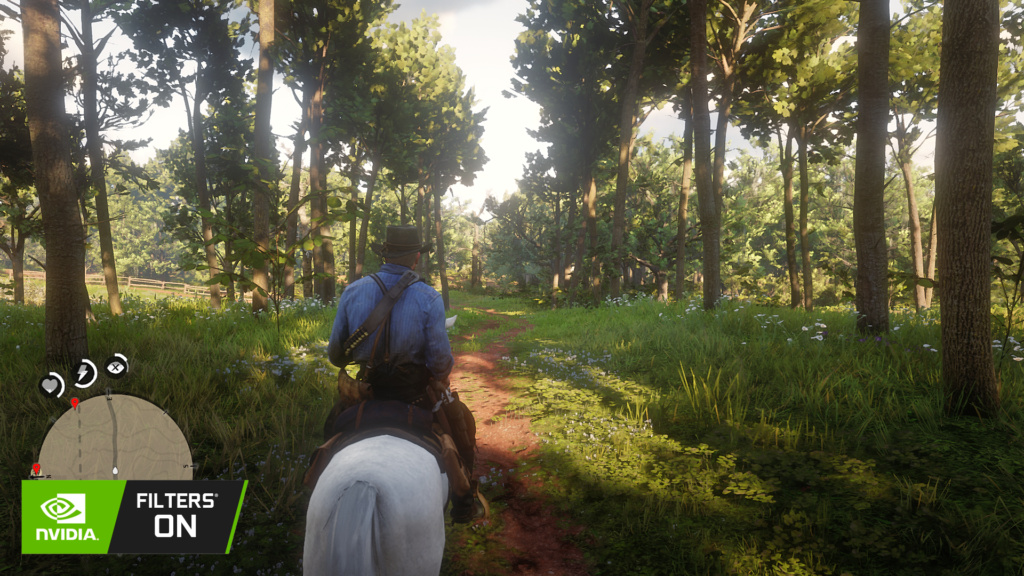
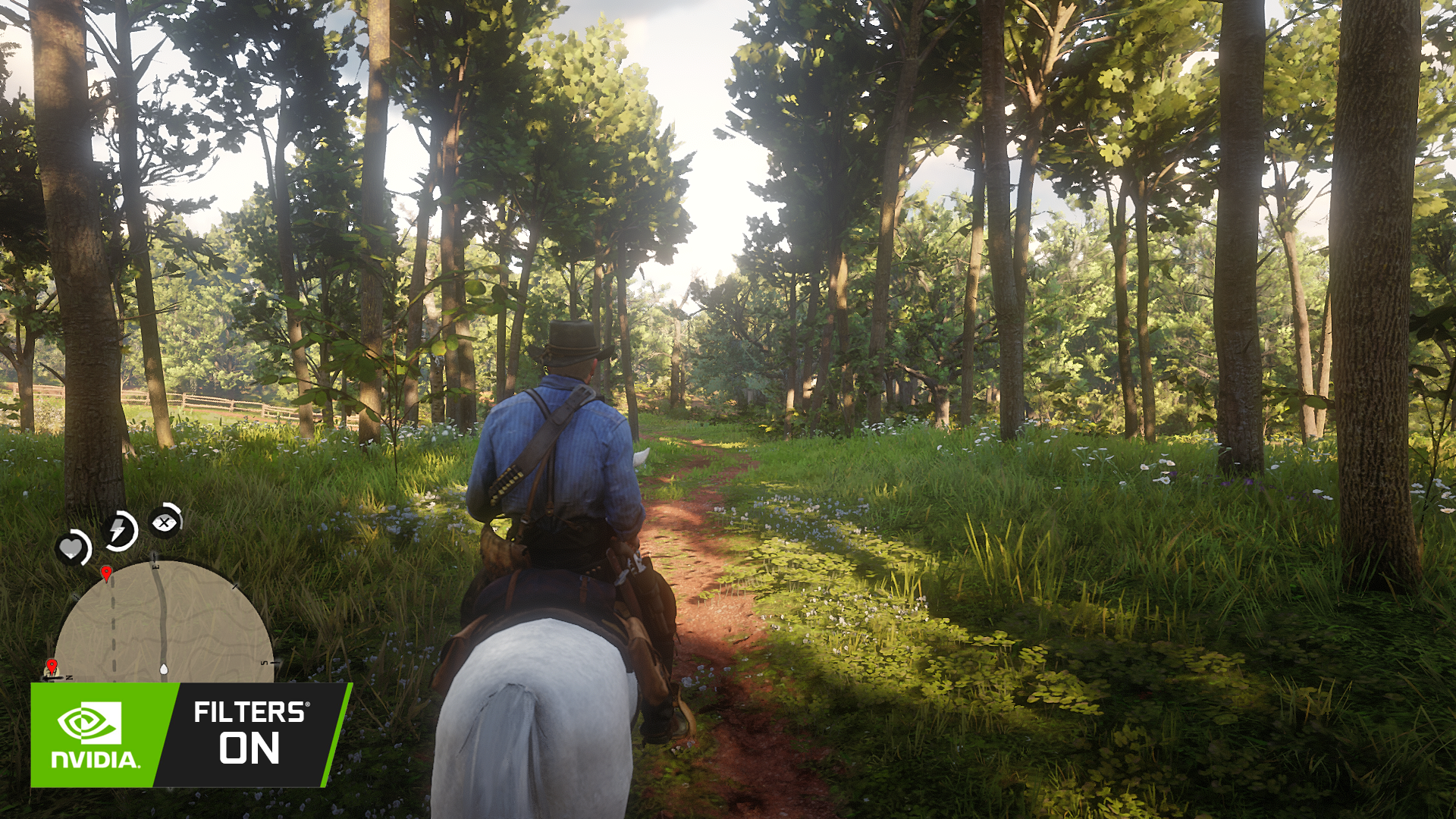
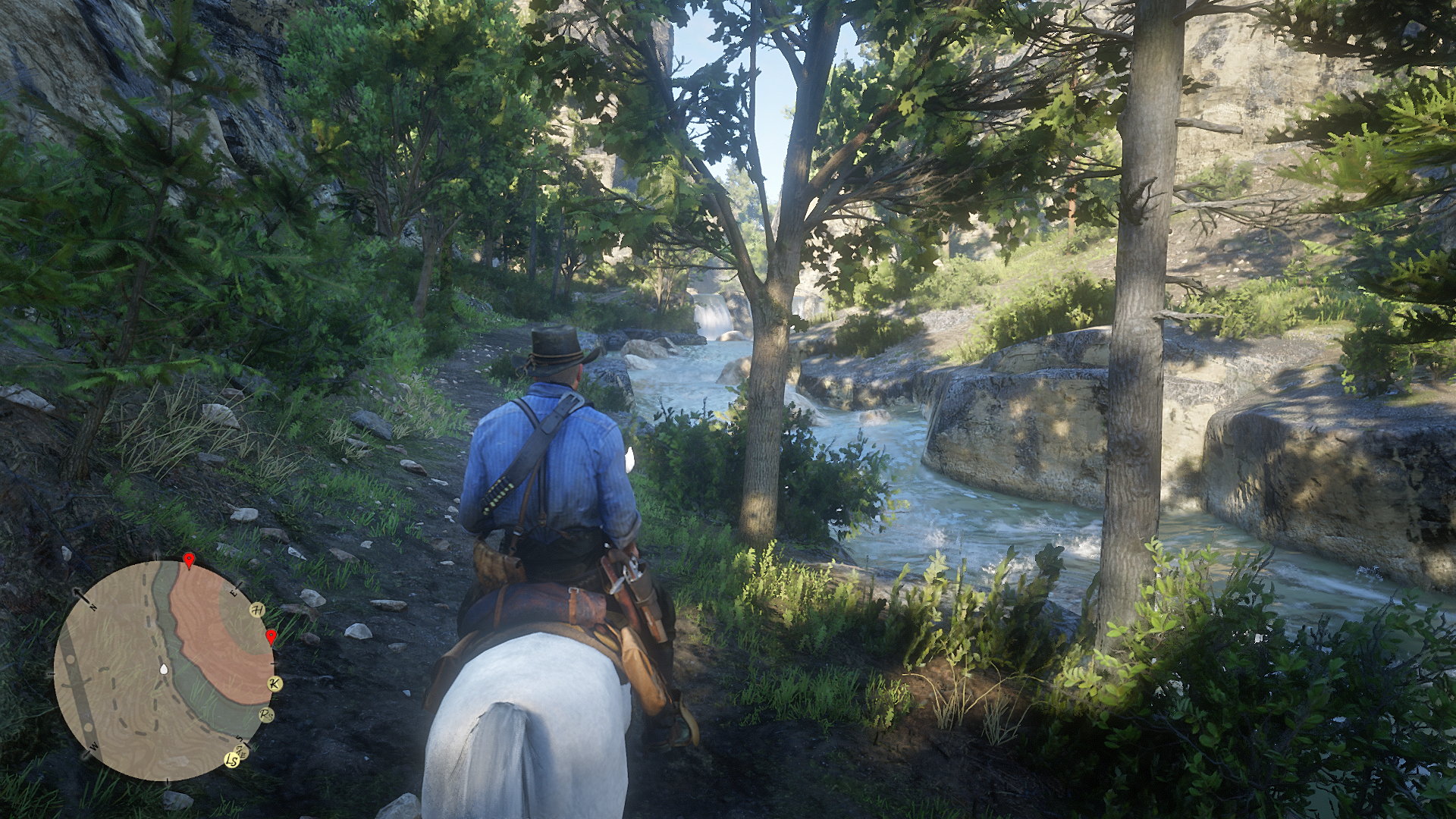
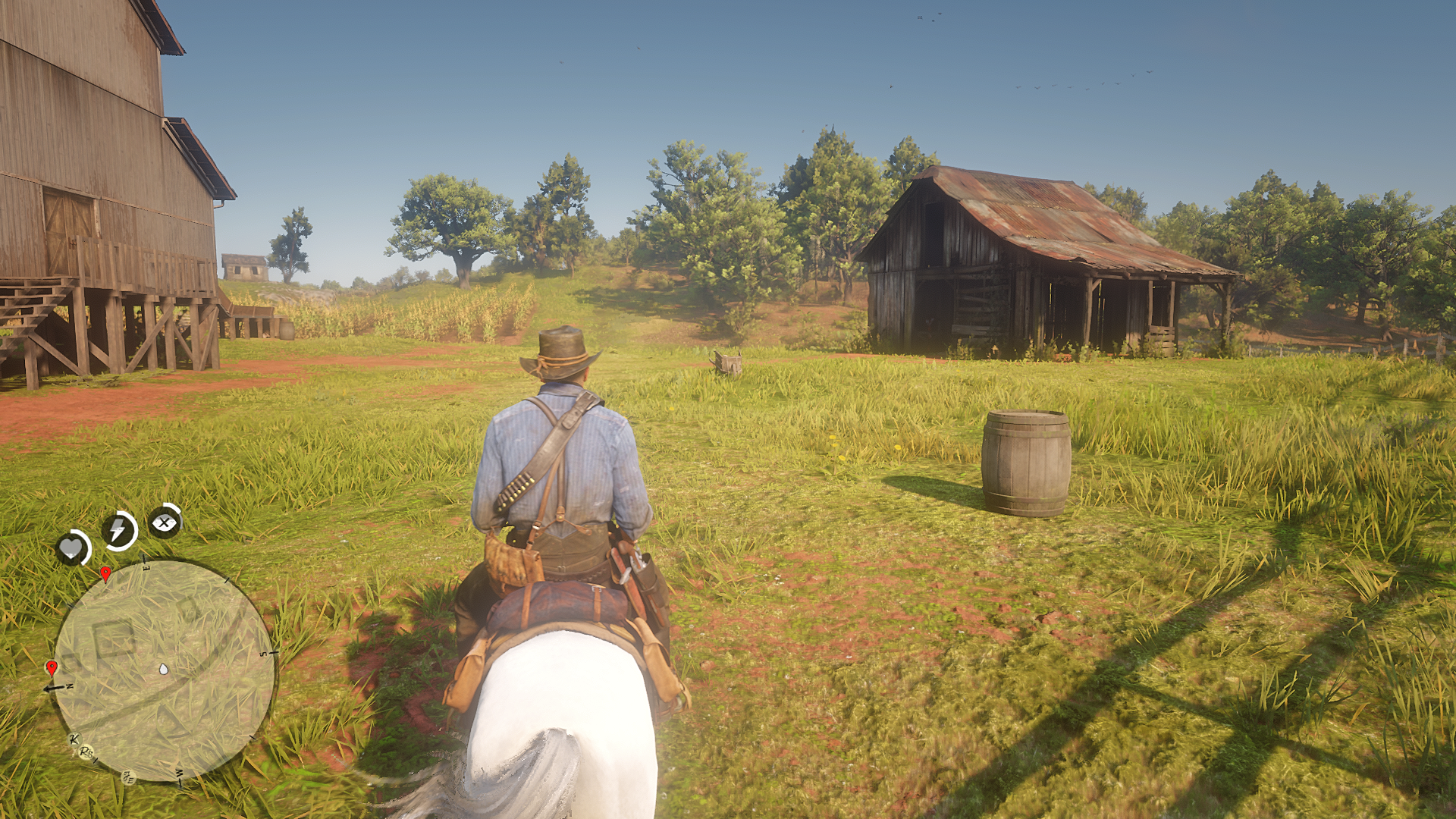
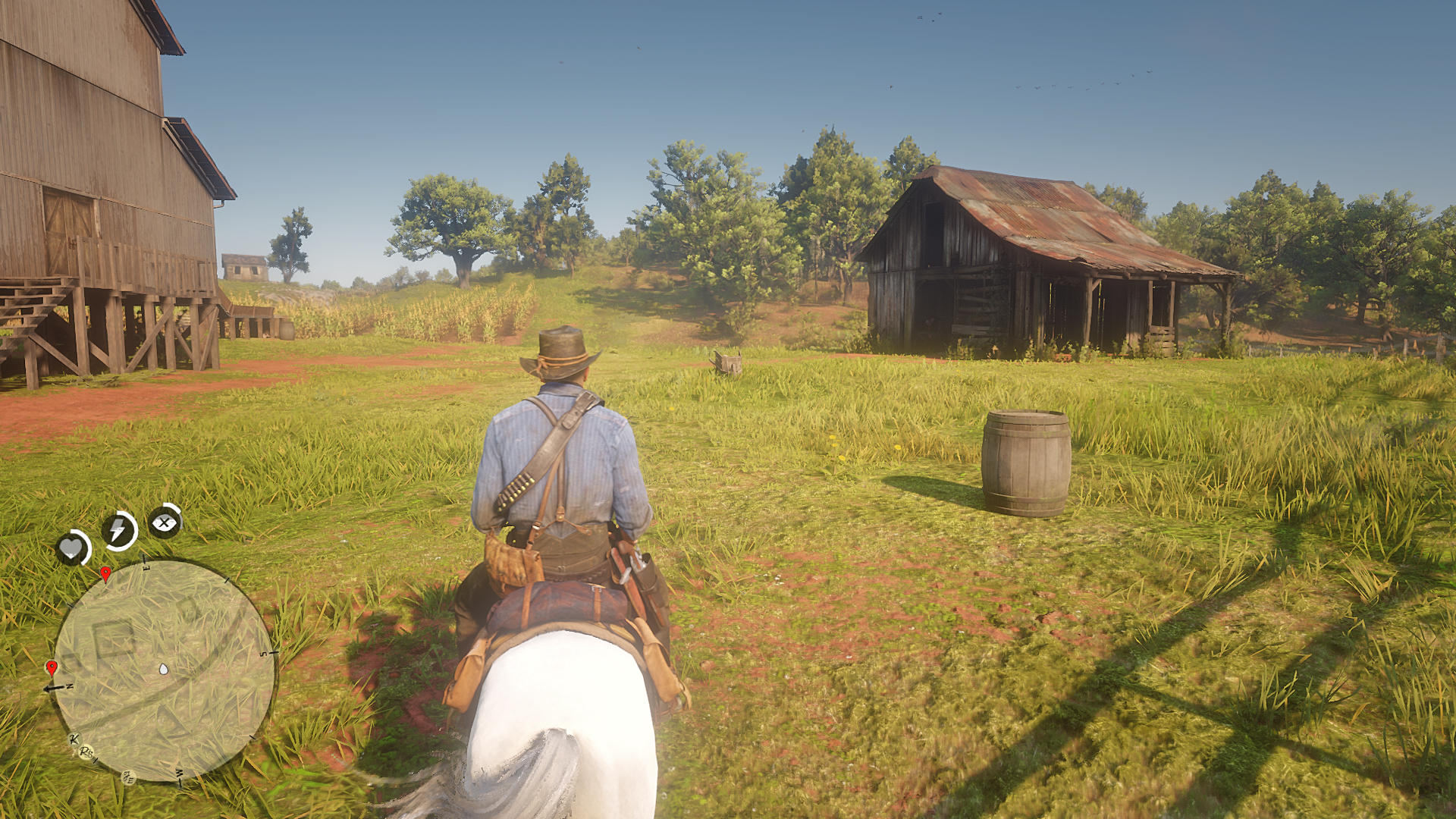
This preset for Nvidia Filters Only, it’s NOT for ReShade.exe !!!!
Sorry in screenshot not Good, My Nvidia Graphics Low End,
so the texture look ugly !
Let’s 2 the point…
Requirement:
– ANY NVIDIA GPU (With Support Ansel/Nvidia Filters of course)
– Geforce Experience Installed on your system
– Driver Version Latest (Optional)
How to Install:
1. Download this preset & extract to whatever you want.
2. You will find this file “Red Dead Redemption 2.ini” MOVE this file to
>> “C:\Program Files\NVIDIA Corporation\Ansel\Custom”
NOTES:
if you can’t find “Ansel\Custom” Folders inside “C:\Program Files\NVIDIA Corporation\” CREATE IT MANUALY !!!!
Inside “C:\Program Files\NVIDIA Corporation\” RIGHT CLICK MOUSE > New > Folder. GIVE IT NAME “Ansel”
Inside “C:\Program Files\NVIDIA Corporation\Ansel” RIGHT CLICK MOUSE > New > Folder. GIVE IT NAME “Custom”
3. After you put this preset to custom folder, you can open your game and
Load it by open NVIDIA Filters, “Alt + F3” and ADD My filters “Red Dead Redemption 2.ini”
DISCLAIMER:
if you update NVIDIA Drivers this folder will gone forever “C:\Program Files\NVIDIA Corporation\Ansel\Custom”
make sure you make a backup “Ansel\Custom” if you have a lot custom preset for NVIDIA FILTERS !!!
Credits:
Indra Sundanese
Downloads
| Name | Format | Size |
|---|---|---|
| RDR2-HDR-Clarity-1-0.rar | RAR | 1.66 KB |
To start download click the filename. To open archive files use one of these programs: WinRAR, 7-Zip, WinZip. Some mod archives may need to be extracted before the mods will work.