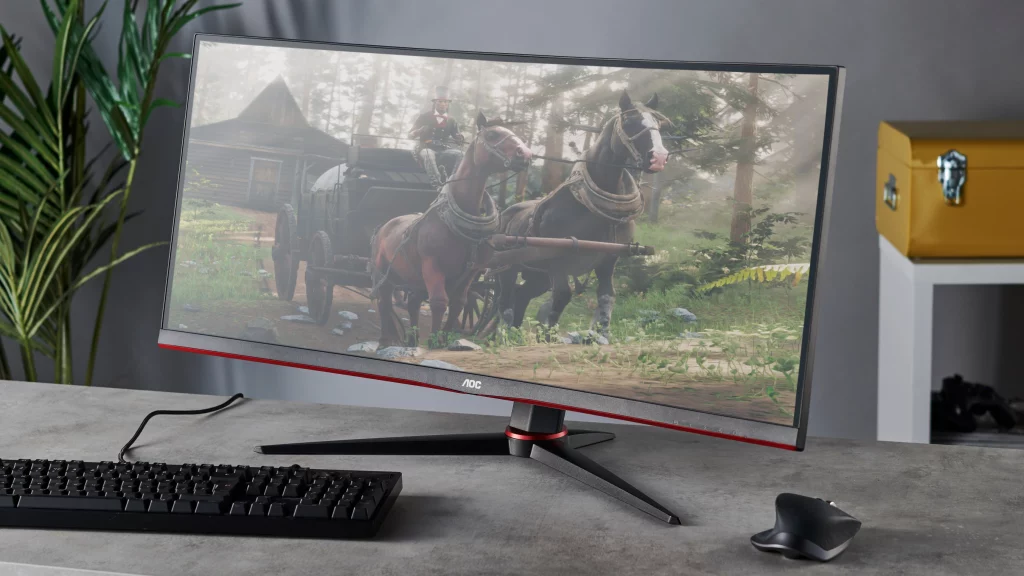
The best – little to no ghosting, smearing, plus DOF for AOC CU34G2X monitor when playing RDR2.
MANDATORY: AMD FSR 2.00, Max Sharpening + TAA: High, Max Sharpening
MANDATORY: AMD FSR 2.00, Max Sharpening + TAA: High, Max Sharpening
MANDATORY: AMD FSR 2.00, Max Sharpening + TAA: High, Max Sharpening
MANDATORY: AMD FSR 2.00, Max Sharpening + TAA: High, Max Sharpening
# RDR2_AOC_CU34G2X_RESHADE by Oliv.r – Created 29.11.2022
# Performance Loss %: 2-3% // Compatible with Reshade 5.5.1
The best – little to no ghosting, smearing, plus DOF for AOC CU34G2X monitor when playing RDR2.
* This settings are for the most popular configuration for said monitor.
* Color Temp – please set this to Normal for our monitors are bugged and this is the closest color settings we can get.
* Follow everything else in the subreddit instructions.
INSTRUCTIONS:
Copy the following files to your RDR2 Folder:
reshade-shaders Folder
AOC_CU34G2X_ReShade .ini file
Credits:
OLIVR
Downloads
| Name | Format | Size |
|---|---|---|
| AOC_CU34G2X_ReShade-v1.0.1.rar | RAR | 48.03 MB |
To start download click the filename. To open archive files use one of these programs: WinRAR, 7-Zip, WinZip. Some mod archives may need to be extracted before the mods will work.