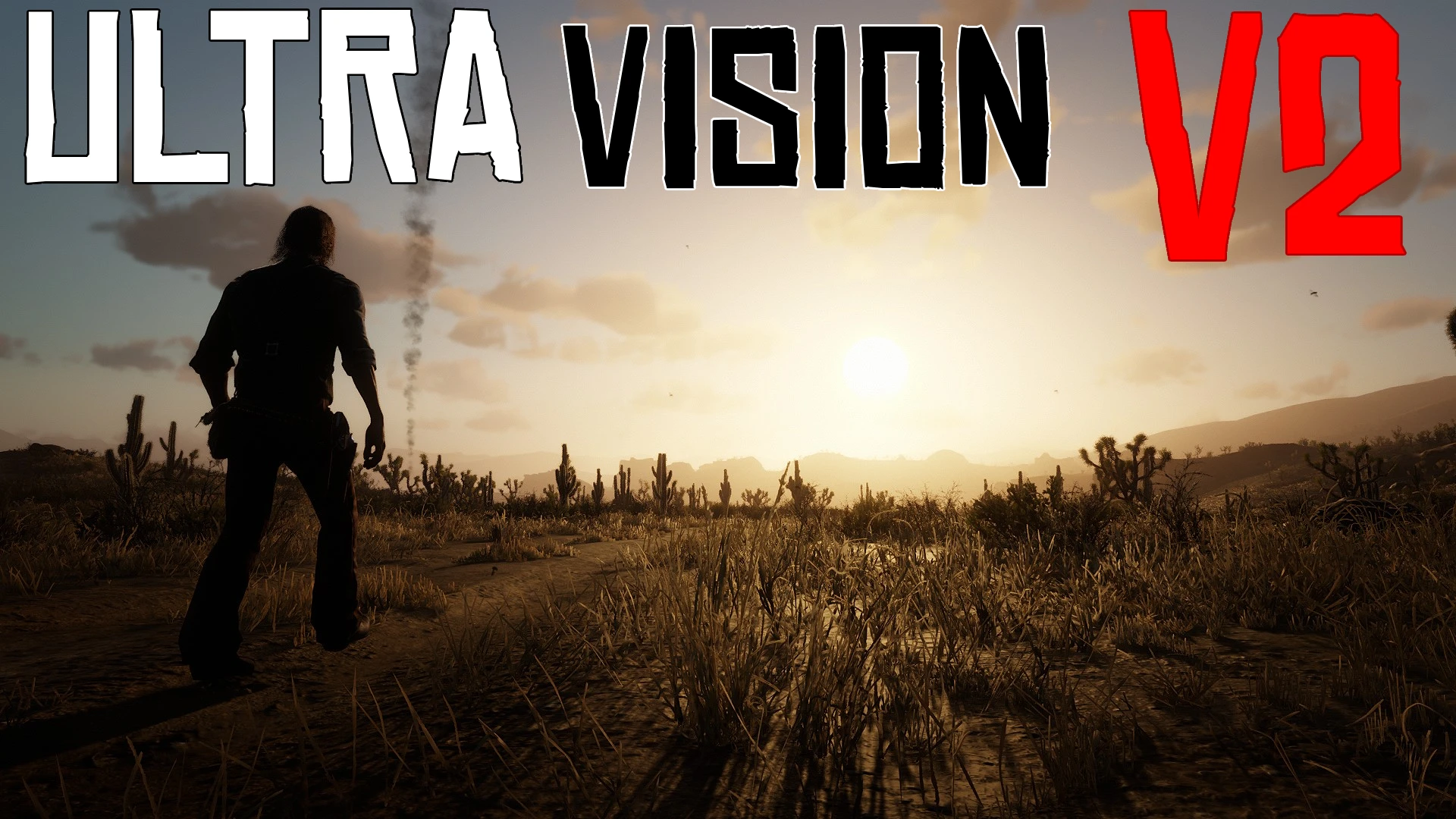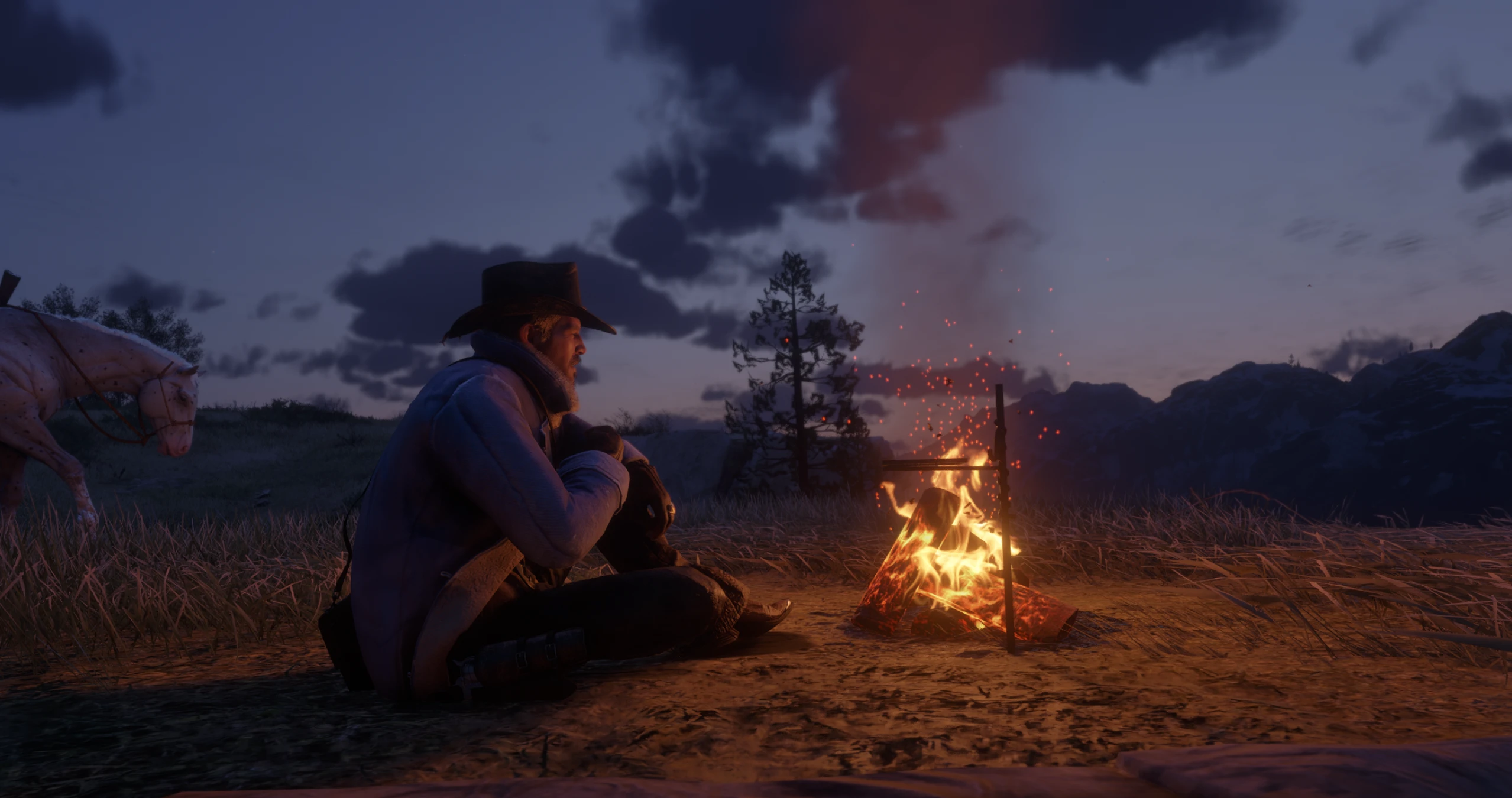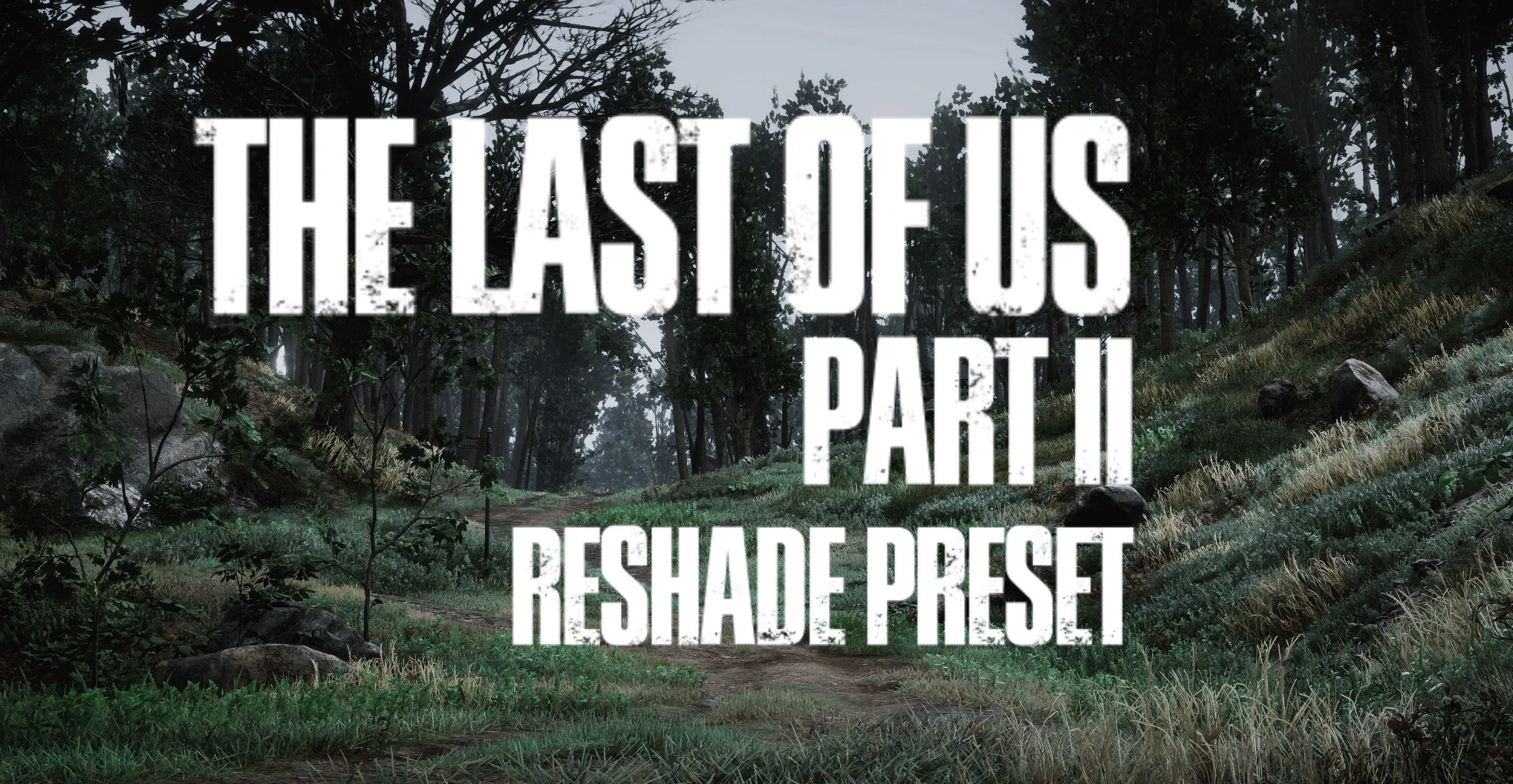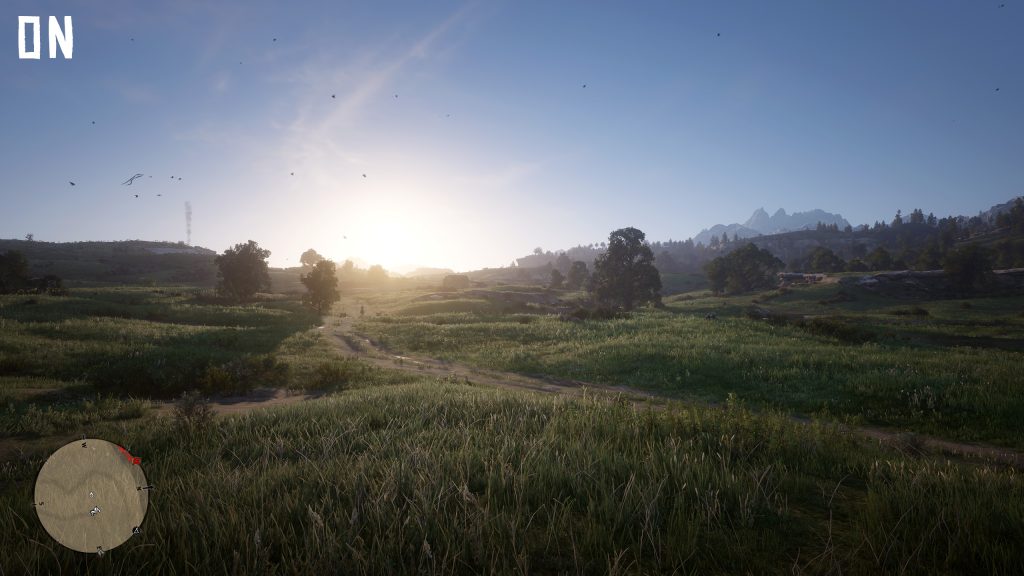
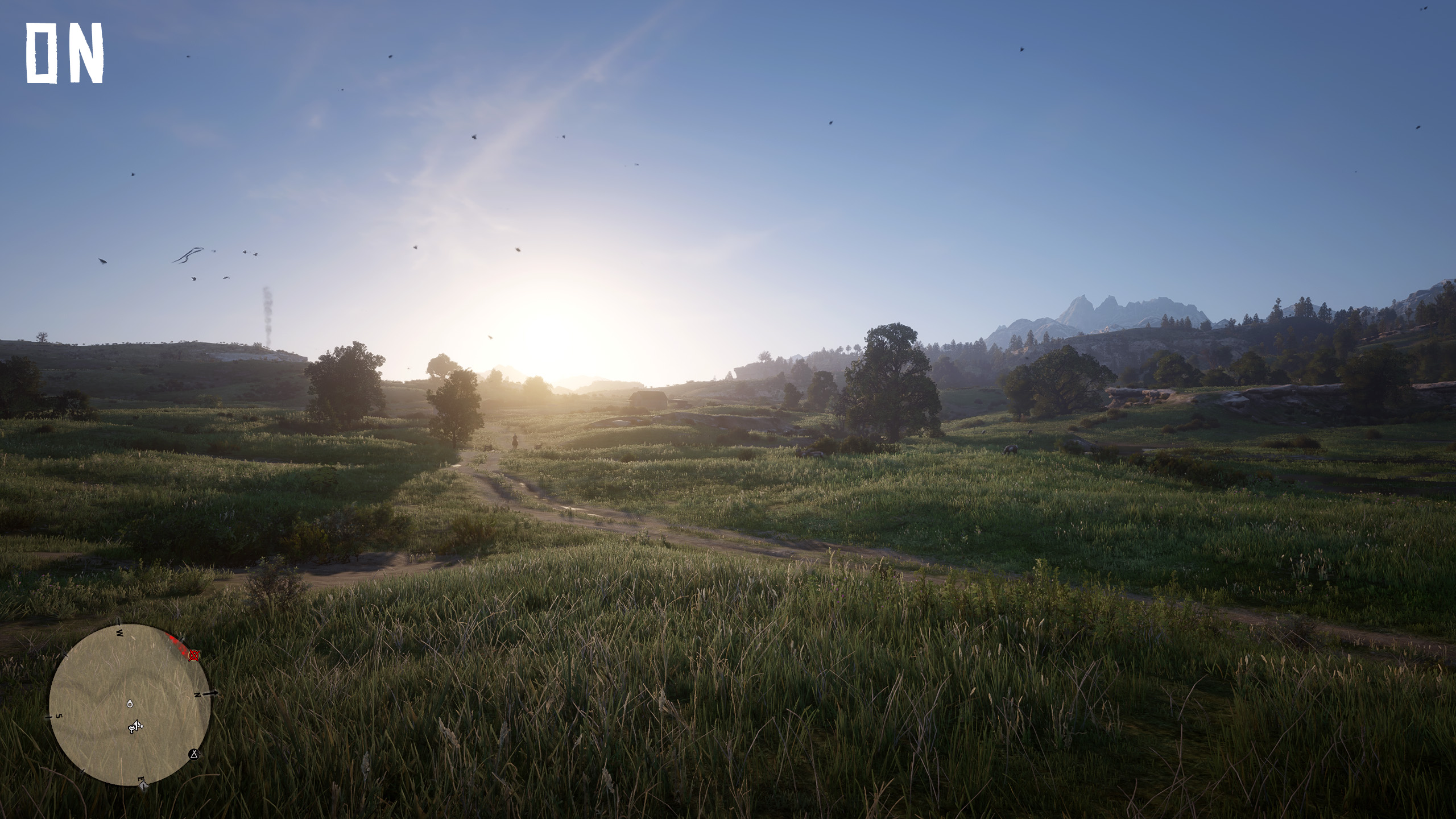
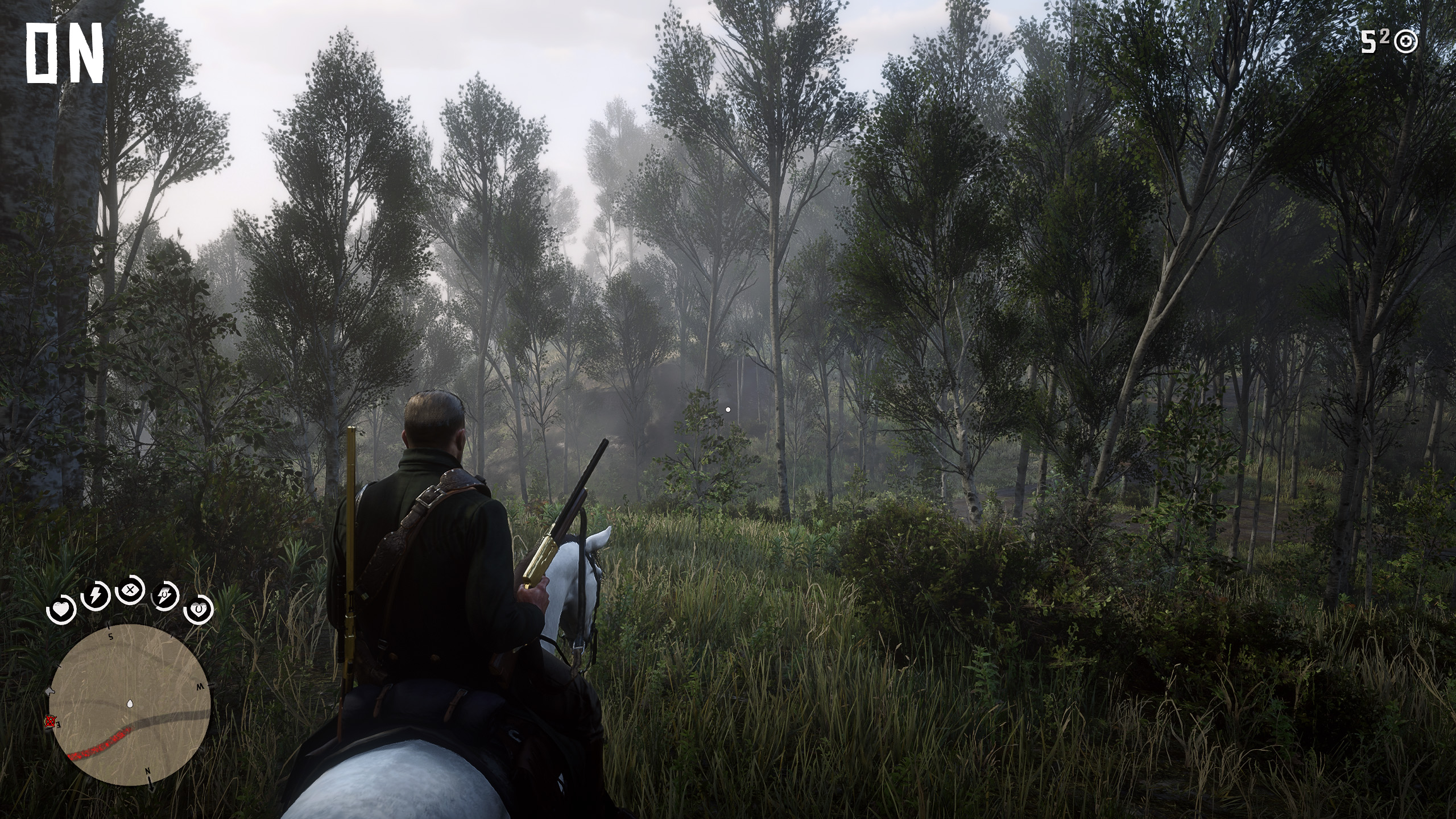
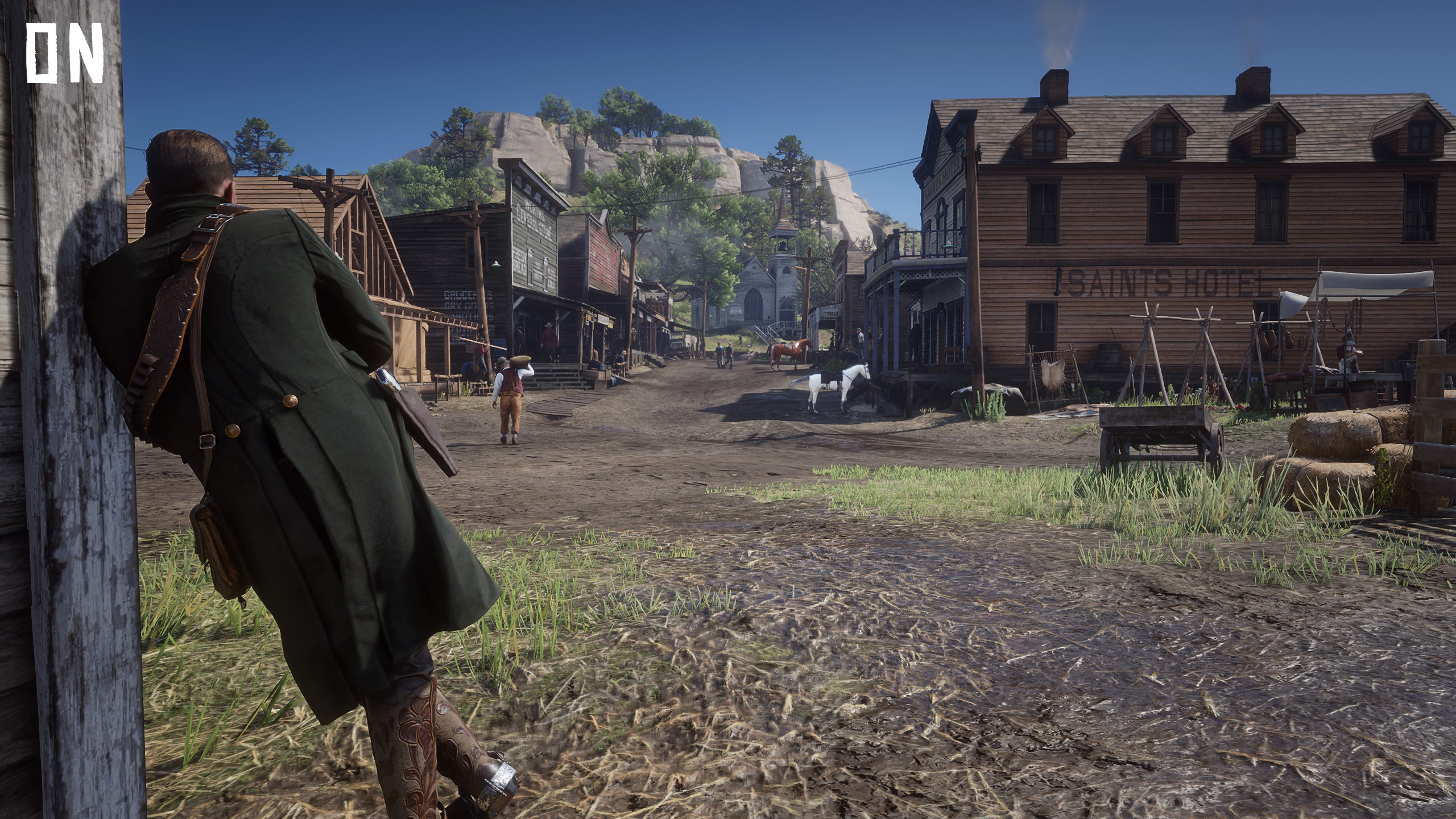
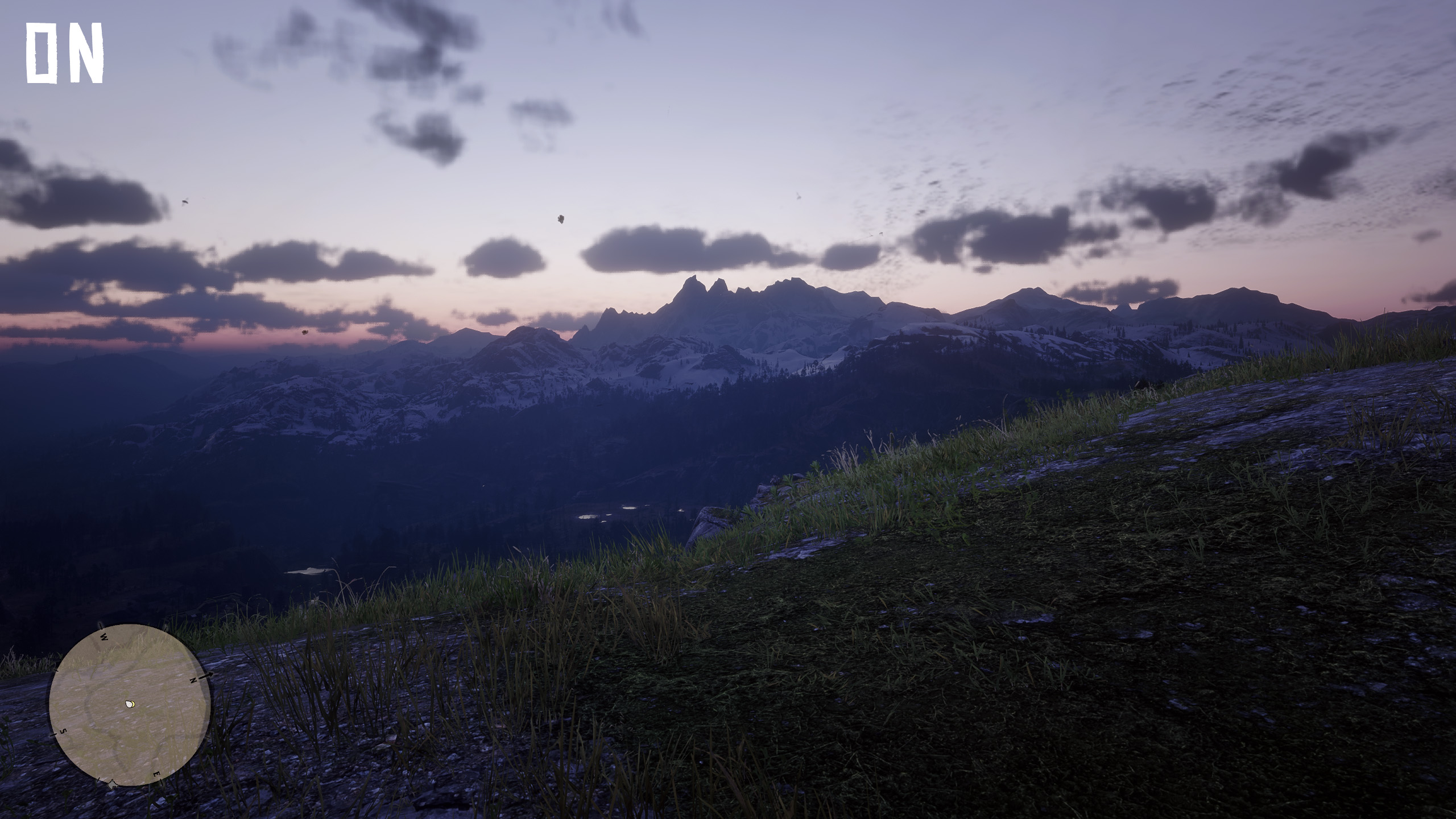
My library of presets that improves image quality – my personal preference!
NOTE!
Reshade 4.9.1 required
PRESETS:
-Red Dead Redemption 2
-Far Cry 5
-Kingdom Come Deliverance
-Battlefield 1
-Battlefield 4
-Dishonored 2
-Fallout 4
-Far Cry 4
-Metro 2033
-Project Cars 2
-Skyrim
-Escape from Tarkov
All of the presets vary & are individually tuned for a specific game. However you can try them on different games too and see if you like it.
PERFORMANCE:
Impact with RDR2 preset = 0% (on my machine)
Over presets might have some impact.
INSTALLATION:
If you have reshade installed, then all you have to do is to copy 3DArtist`s_MASTERPIECE (RDR2).ini to your presets folder.
1) Download and install Reshade from reshade.me
2) Copy/paste all the files to yours game`s folder.
3) Adjust path`s in “ReShade.ini” to match your filepaths.
4) Ingame menu press “Scroll Lock” and select/add “3DArtist`s_MASTERPIECE (RDR2).ini”
5) Press once again Scroll Lock to close the overlay.
6) Press “Pause Break” to enable/disable effect, see the difference.
FINE TUNING (Scroll Lock):
-Saturation & Color correction can be edited in “Tonemap”
Credits:
3DArtist
Downloads
| Name | Format | Size |
|---|---|---|
| 3DArtists-MASTERPIECE-Library.rar | RAR | 201.48 KB |
To start download click the filename. To open archive files use one of these programs: WinRAR, 7-Zip, WinZip. Some mod archives may need to be extracted before the mods will work.