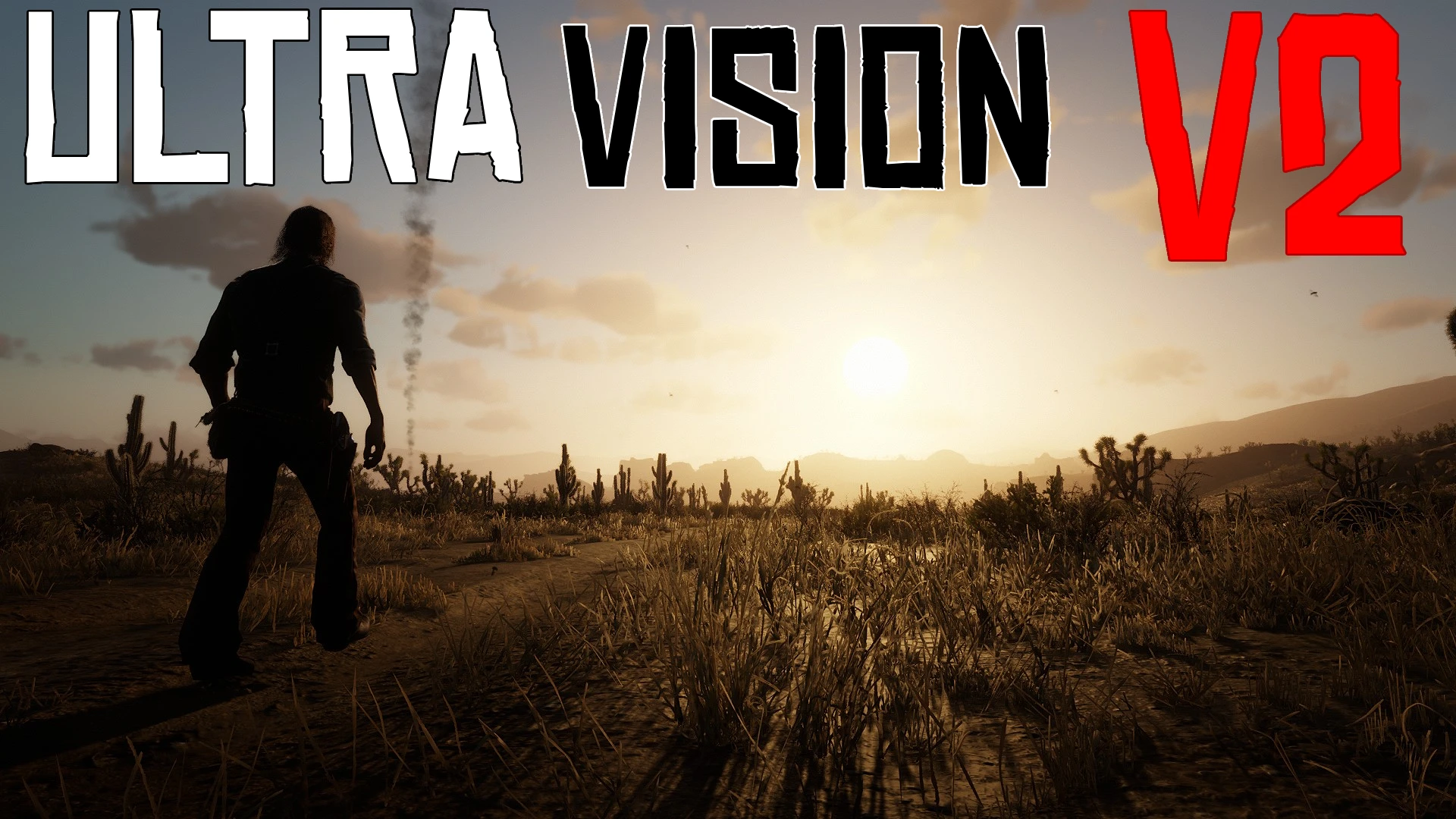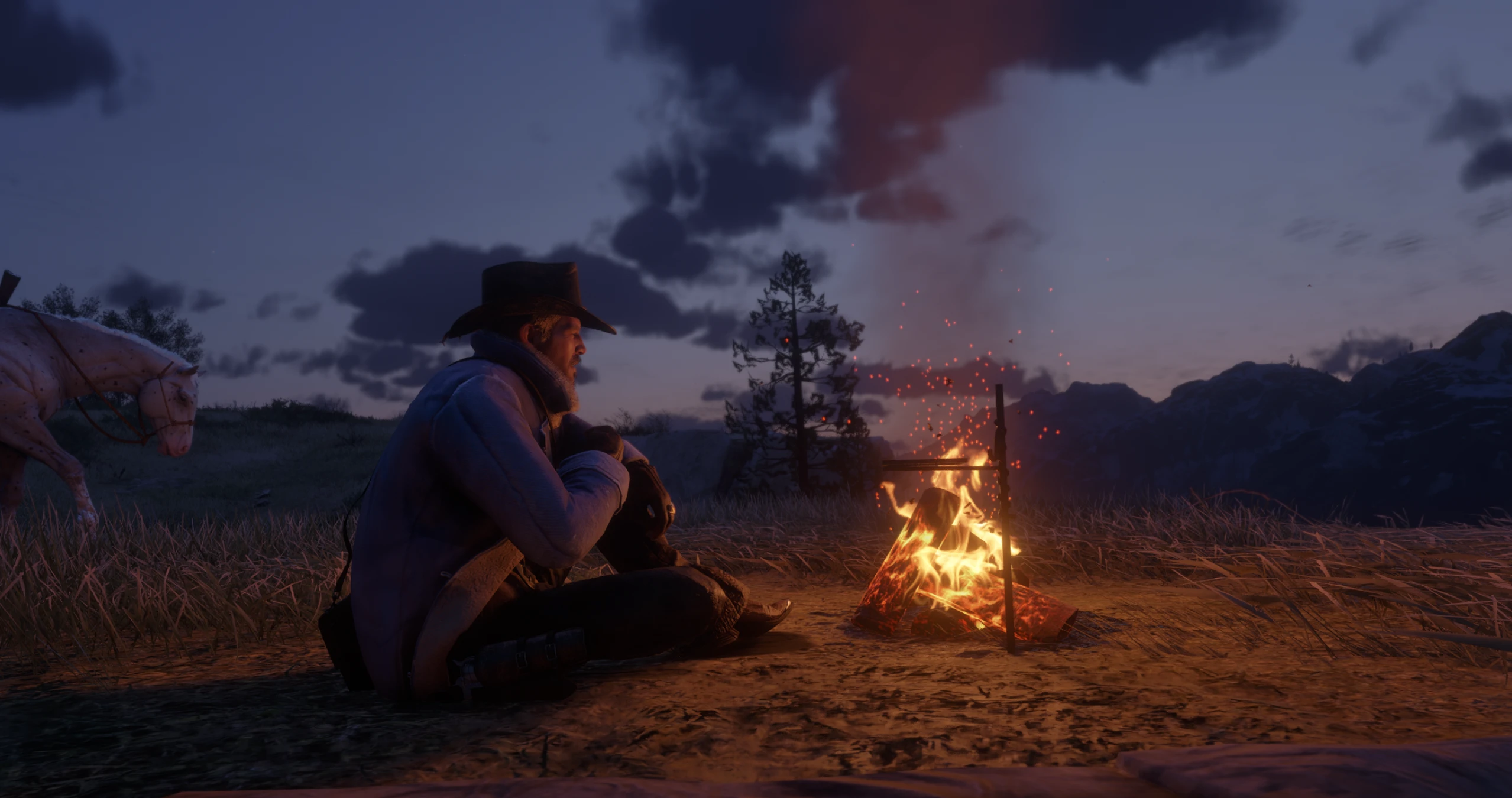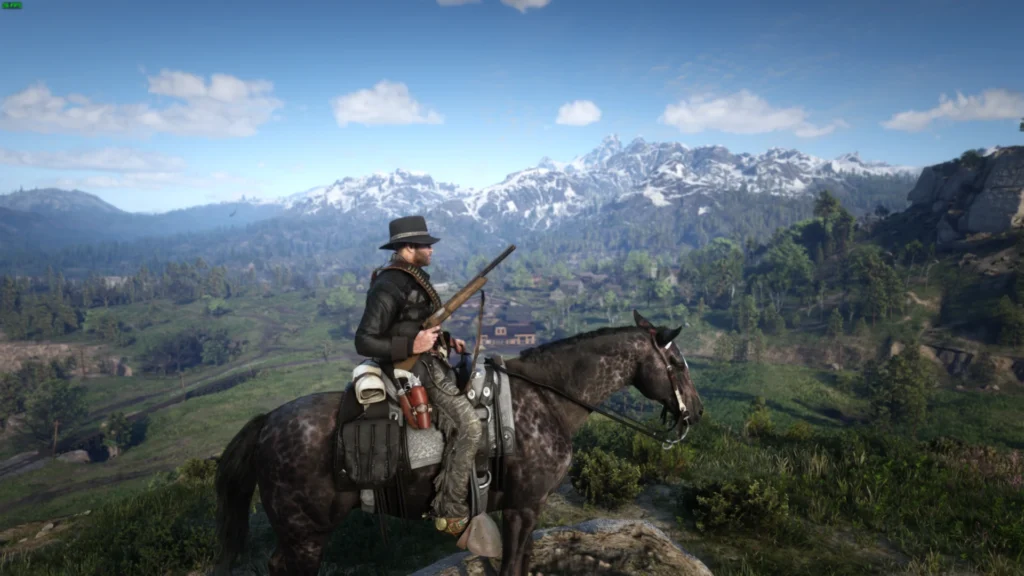
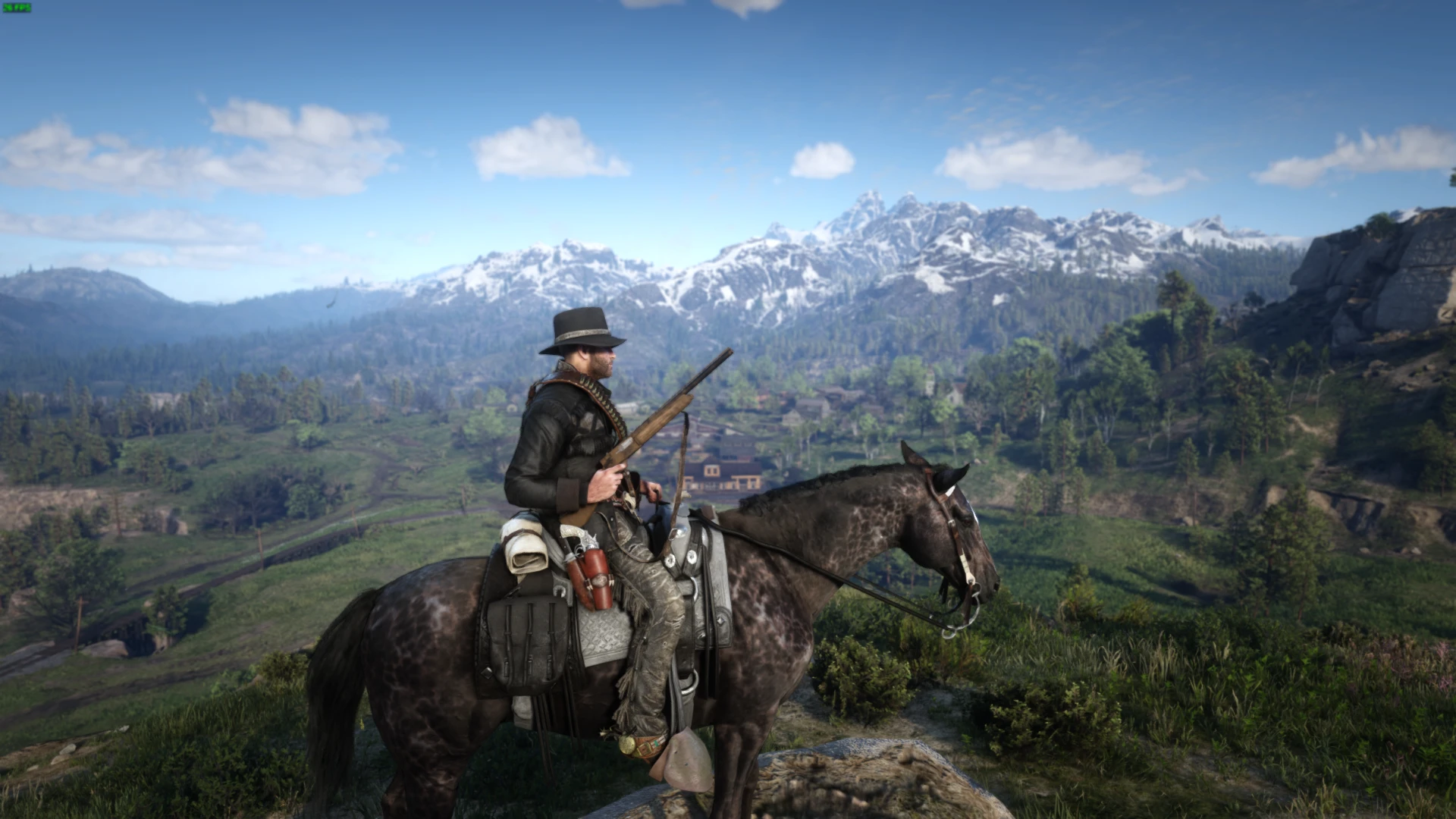
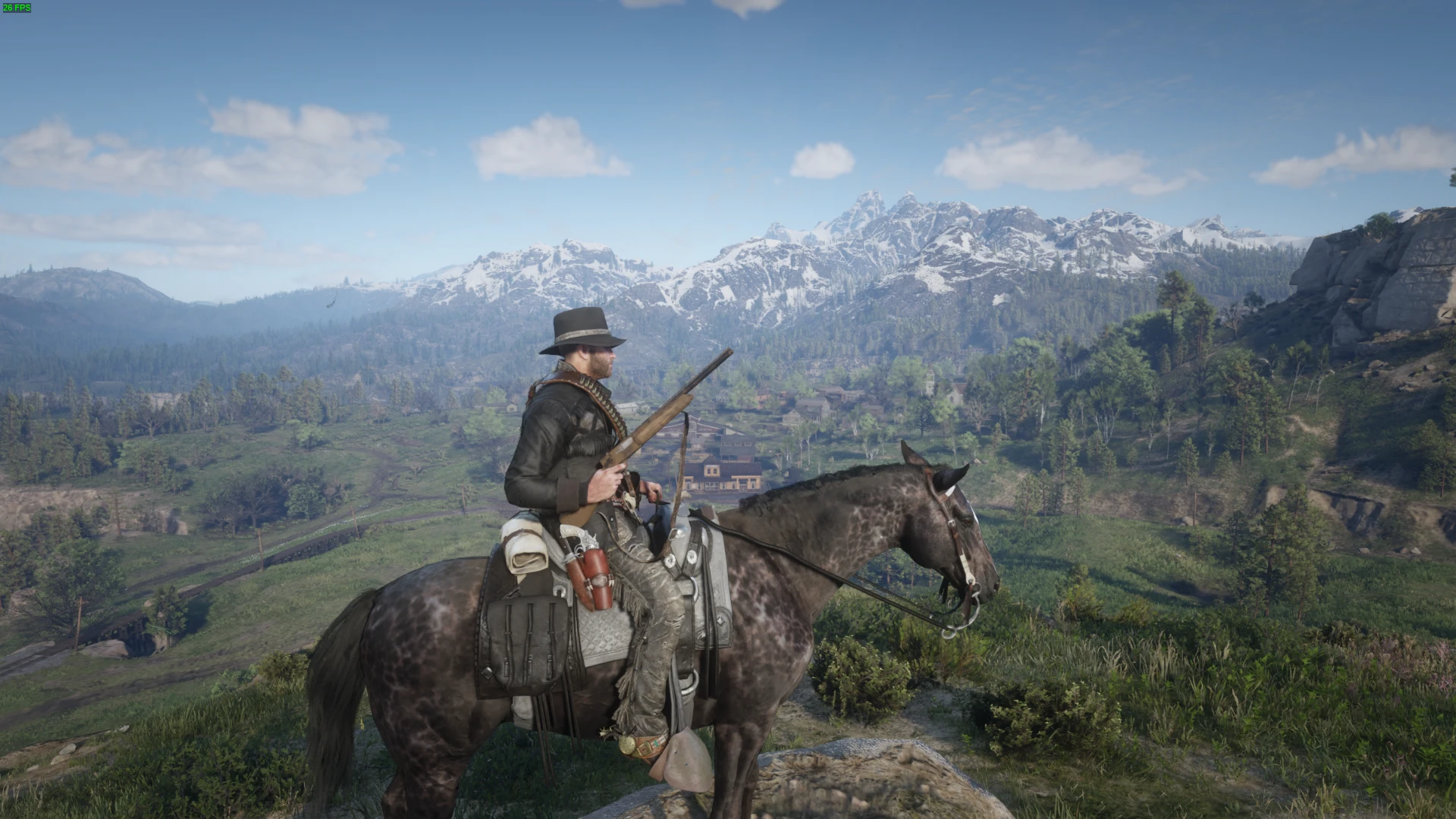
“21st Century” – simple ReShade preset for Red Dead Redemption 2 on PC.
Installation: Simply put the .ini file in your RDR2 file directory, then enable in-game with ReShade.
Features:
MXBAO ambient occlusion for more life-like shadows and shading where surfaces meet at an angle
HDR for more vibrant colors
FXAA anti-aliasing for smoother images and less aliasing (jagged edges)
Light depth-of-field for a more cinematic feel
Credits:
Pngln
Downloads
| Name | Format | Size |
|---|---|---|
| 21st-Century-ReShade-RDR2-v13-Jul-2023.zip | ZIP | 5.73 MB |
To start download click the filename. To open archive files use one of these programs: WinRAR, 7-Zip, WinZip. Some mod archives may need to be extracted before the mods will work.