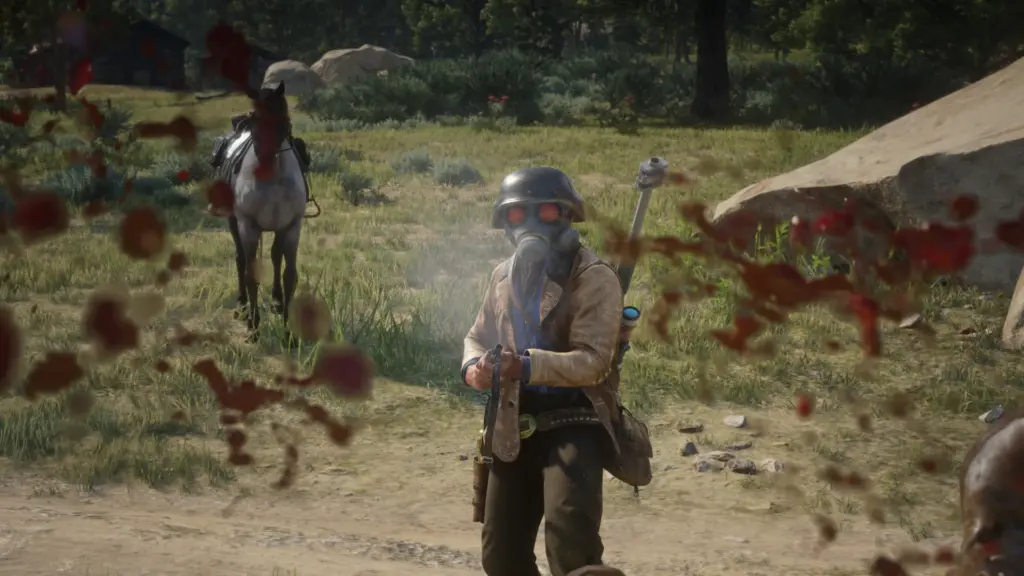
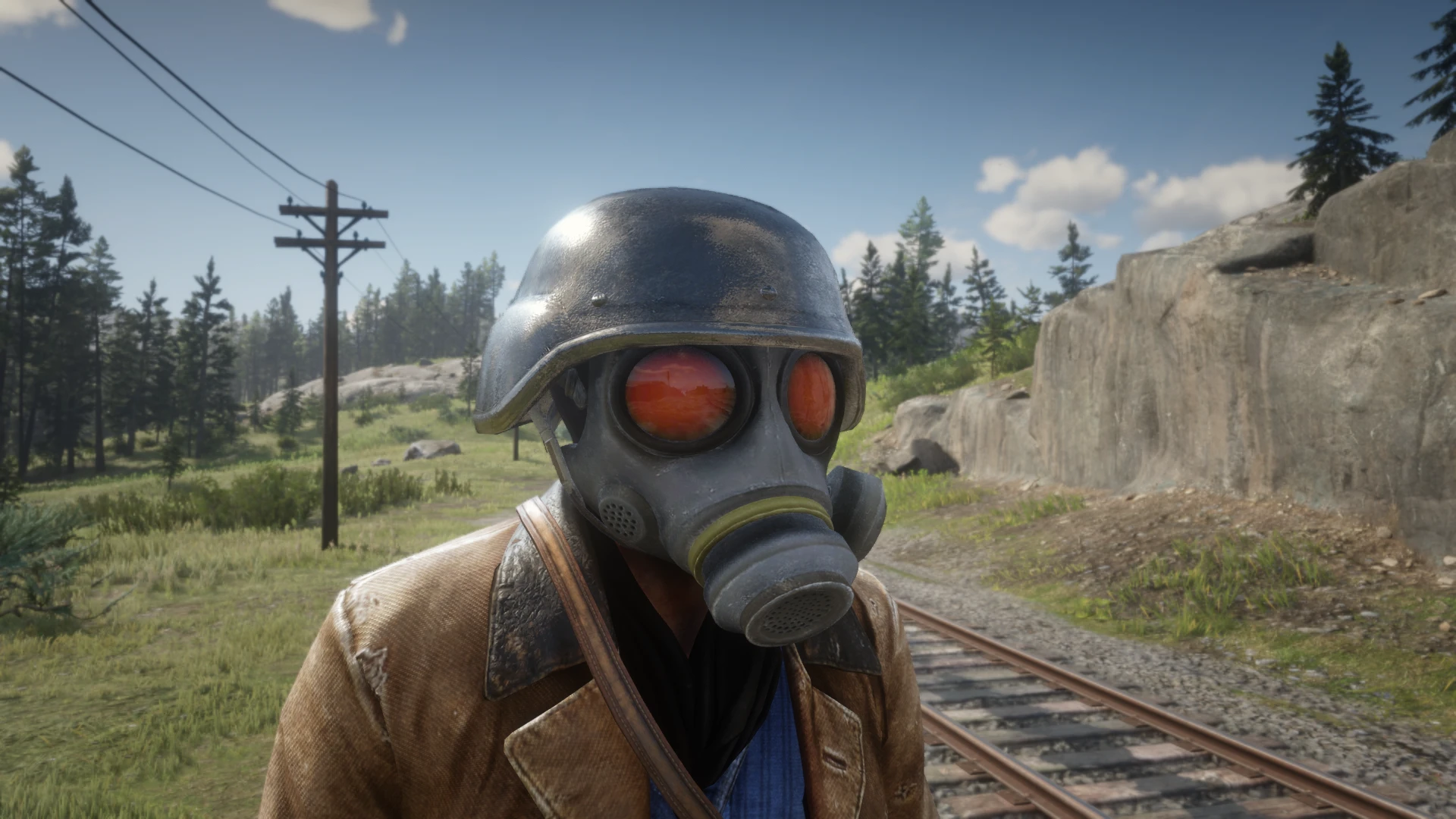
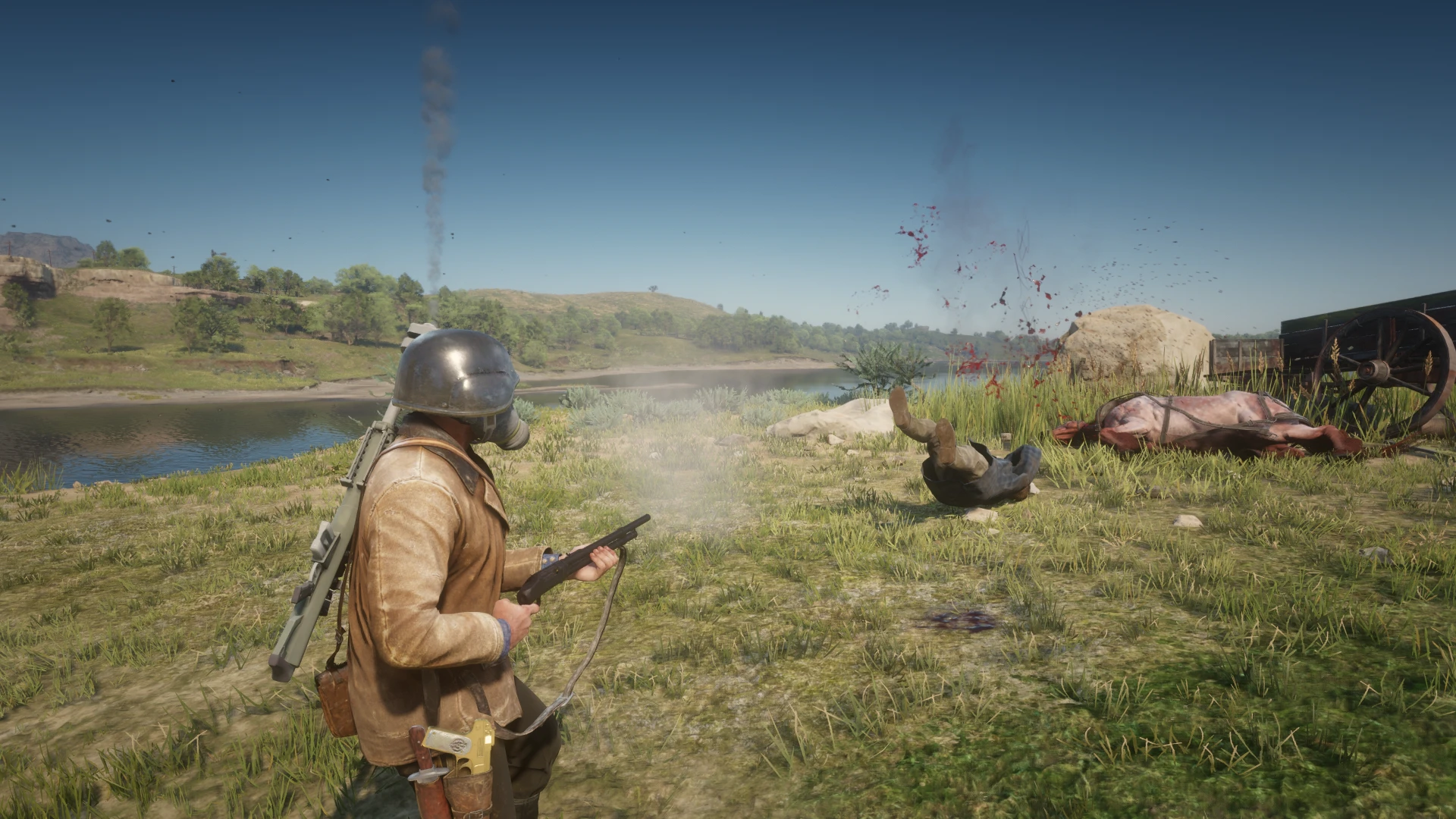
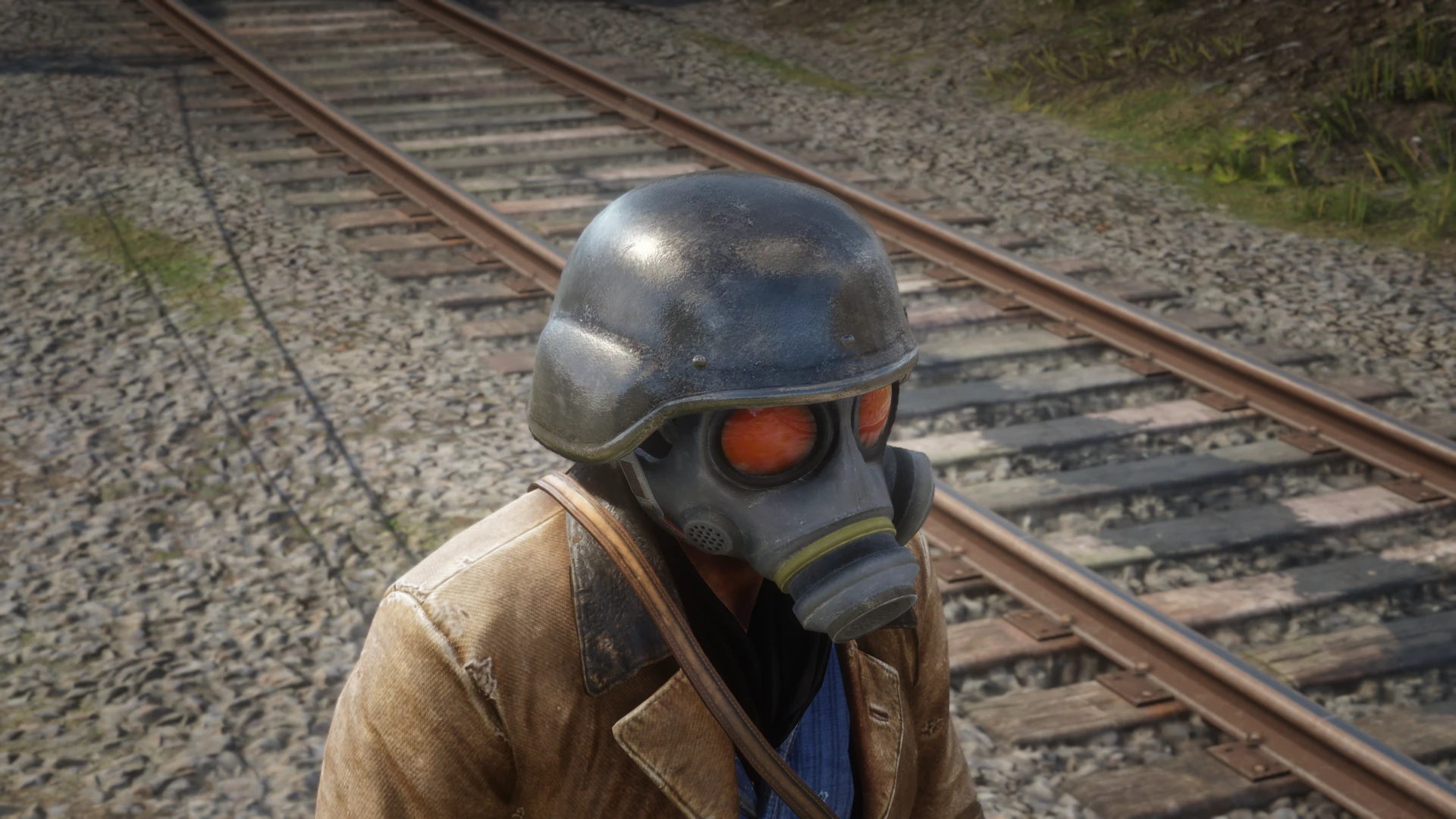
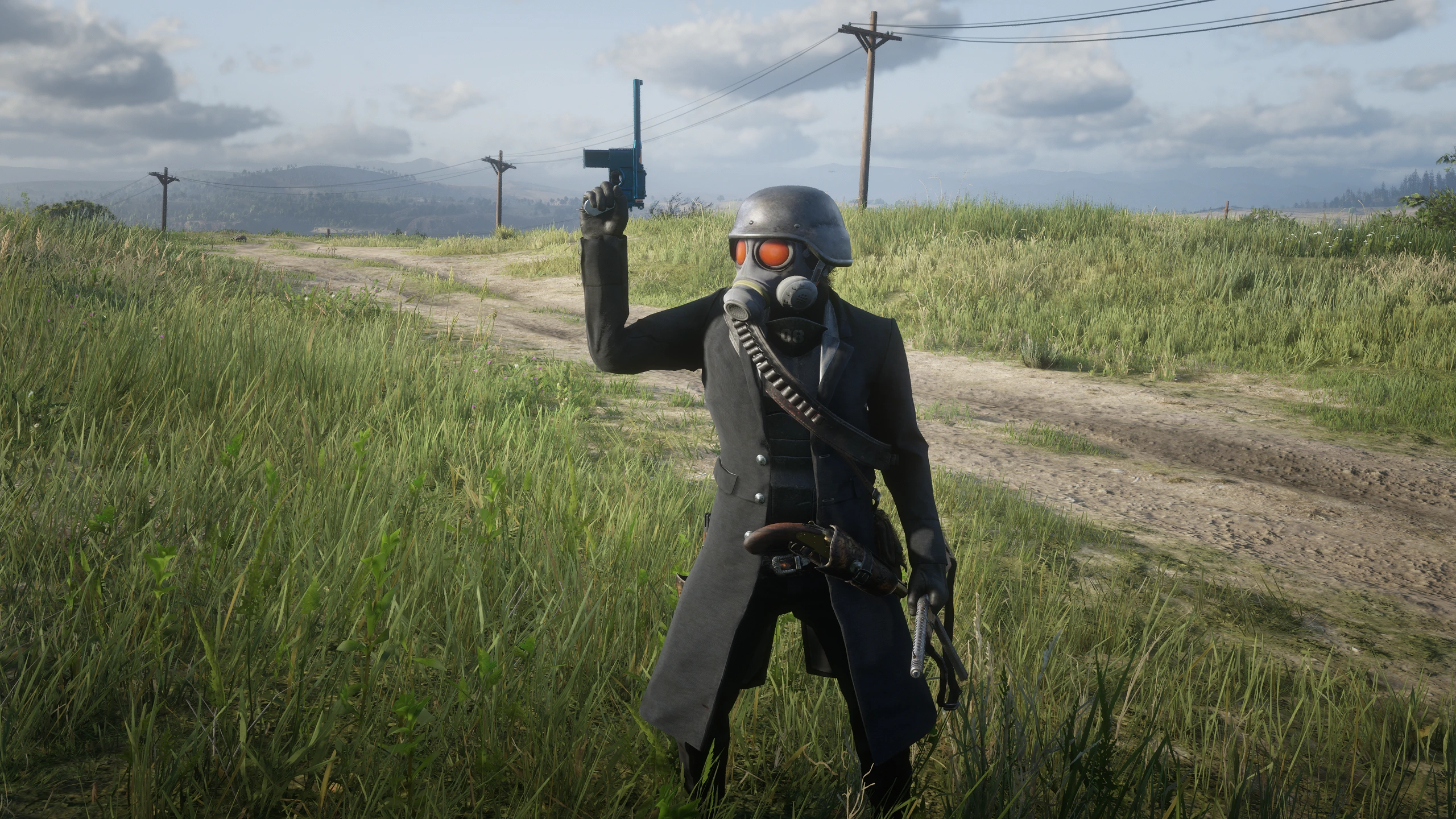
Swaps viking helmet
The mod and the model were both made without the help of artificial intelligence.
Installation:
1 – Create a folder called “stream” in your lml if there isn’t one
2 – Extract the mod contents to the “stream” folder of your lml
3 – Launch the game in Single Player mode
4 – It is recommended that facial hair be removed, for example hair can be removed with a trainer such as RAMPAGE
5 – Equip viking helmet
Additional notes:
1 – Do not use DX12 mode, only Vulkan
Dar version:
It is required that you have already installed the main version of the mod. Installation: Extract the contents of the .zip to: “RDR2>lml>YourModFolder>CapcomHelmet”, always check the options that indicate overwrite.
Credits:
VituV2 (Me) – Model porting to Red Dead Redemption 2 (PC)
FluffyQuack – RETOOL
NSACloud – RE Mesh Editor
NotBakou – Information about the usage of ped_standard_ma texture
Dexyfex – Creator of Codex
SollumzRDR team – Creators of SollumzRDR
Downloads
| Name | Format | Size |
|---|---|---|
| Hunk-mask-1-3.7z | 7Z | 30.57 MB |
| Hunk-mask-1-0.zip | ZIP | 18.97 MB |
| Hunk-mask-1-1.zip | ZIP | 18.97 MB |
| Hunk-Less-dark-Version-1-2-variant.zip | ZIP | 26.72 MB |
| Hunk-mask-1-2.zip | ZIP | 24.54 MB |
To start download click the filename. To open archive files use one of these programs: WinRAR, 7-Zip, WinZip. Some mod archives may need to be extracted before the mods will work.