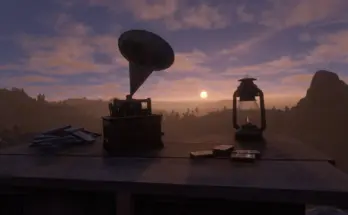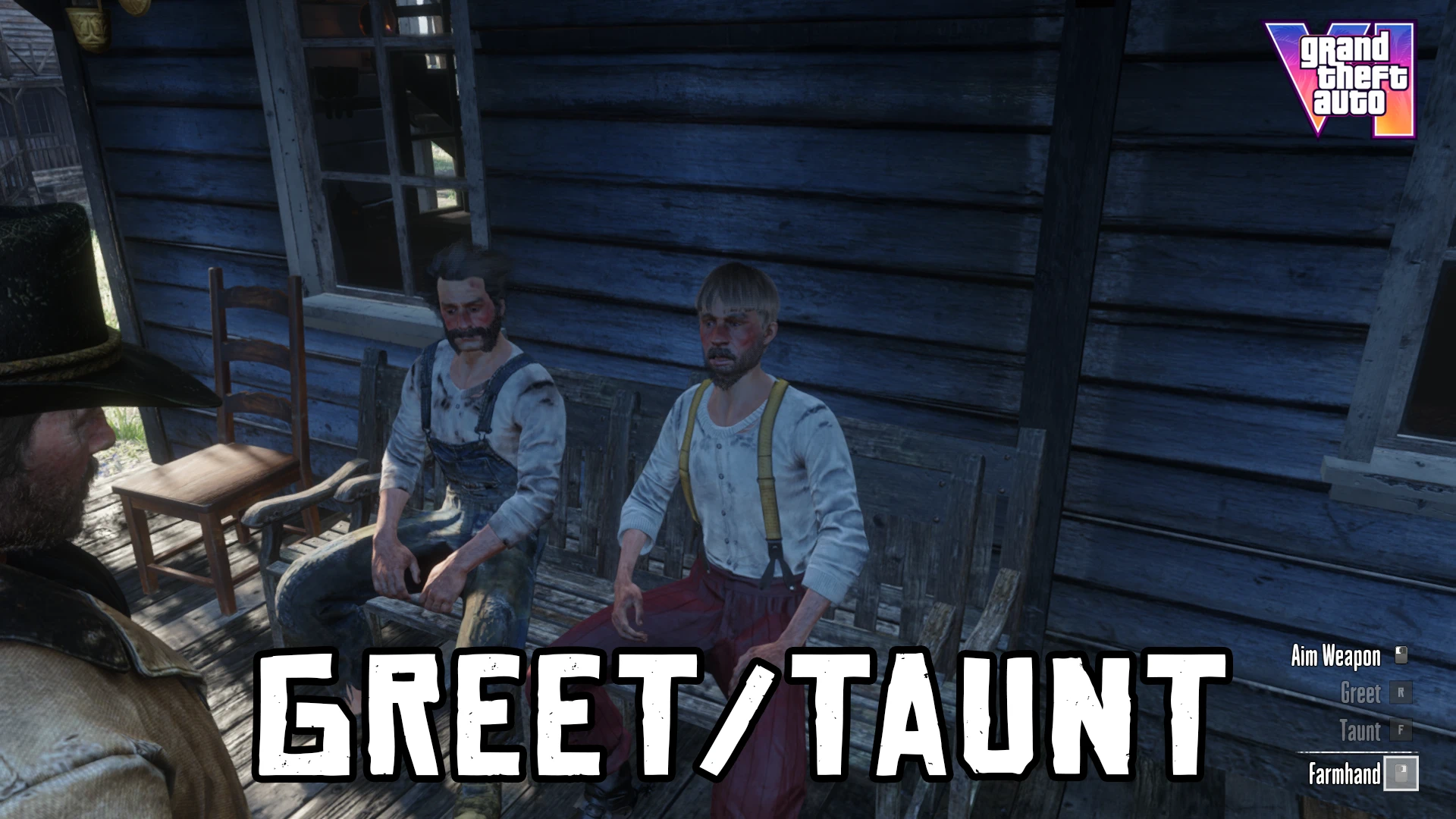
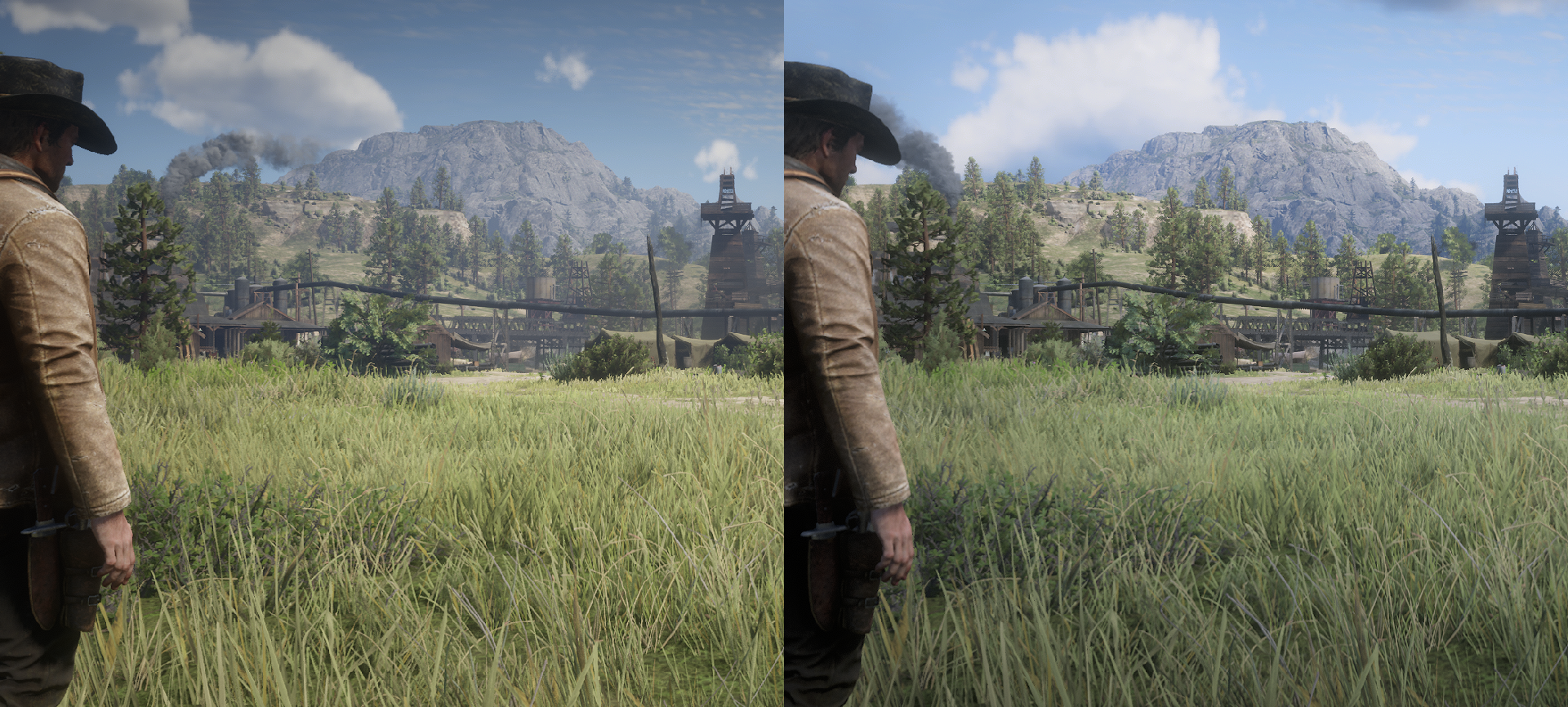
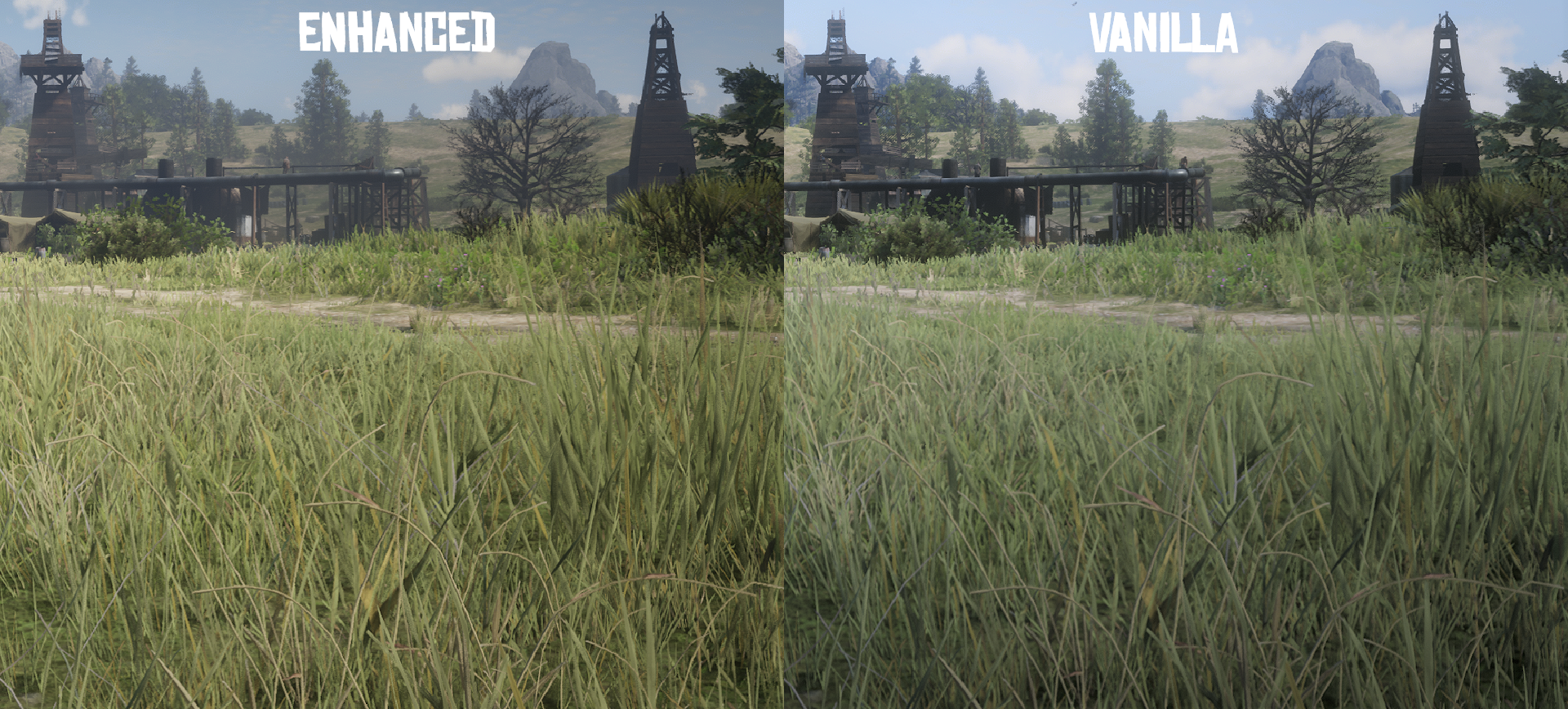
Tweaks the game’s temporal anti-aliasing to reduce blur in motion while preserving quality.
There are three options available:
TAA Enhanced
If you prefer a sharp image. Blur is eliminated, but shimmering may be noticeable on trees and grass.
TAA Enhanced Plus
If you prefer a more pleasant image. Blur is mostly gone and shimmering is kept to a minimum.
TAA Enhanced Plus 30 FPS
Same as TAA Enhanced Plus, but if you’re playing the game at a locked 30 FPS.
To achieve the mod’s desired effect set in-game TAA to High. I also recommend setting the in-game sharpening to 25/80 bars and using a driver-level sharpening filter such as Nvidia’s NIS or AMD’s RIS. *(optional) If your PC is powerful enough enable 2x MSAA for the best possible image quality.
Installation
Install using Lenny’s Mod Loader.
Asi Loader
Credits:
MrGuibs
Downloads
| Name | Format | Size |
|---|---|---|
| TAA-Enhanced-Plus-30-FPS-1-0.zip | ZIP | 21.05 KB |
| TAA-Enhanced-Plus-1-7.zip | ZIP | 21.02 KB |
| TAA-Enhanced-1-7.zip | ZIP | 20.99 KB |
To start download click the filename. To open archive files use one of these programs: WinRAR, 7-Zip, WinZip. Some mod archives may need to be extracted before the mods will work.