Visual Overhaul Mod for Red Dead Redemption 2 that enhances the game’s atmosphere through improved lighting, realistic color grading and much more.
This mod was available on my Discord server for nearly a year, receiving monthly updates, and only now it has gotten to a version I’m happy with, so I’ve decided to share it publicly.
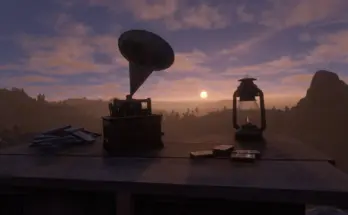
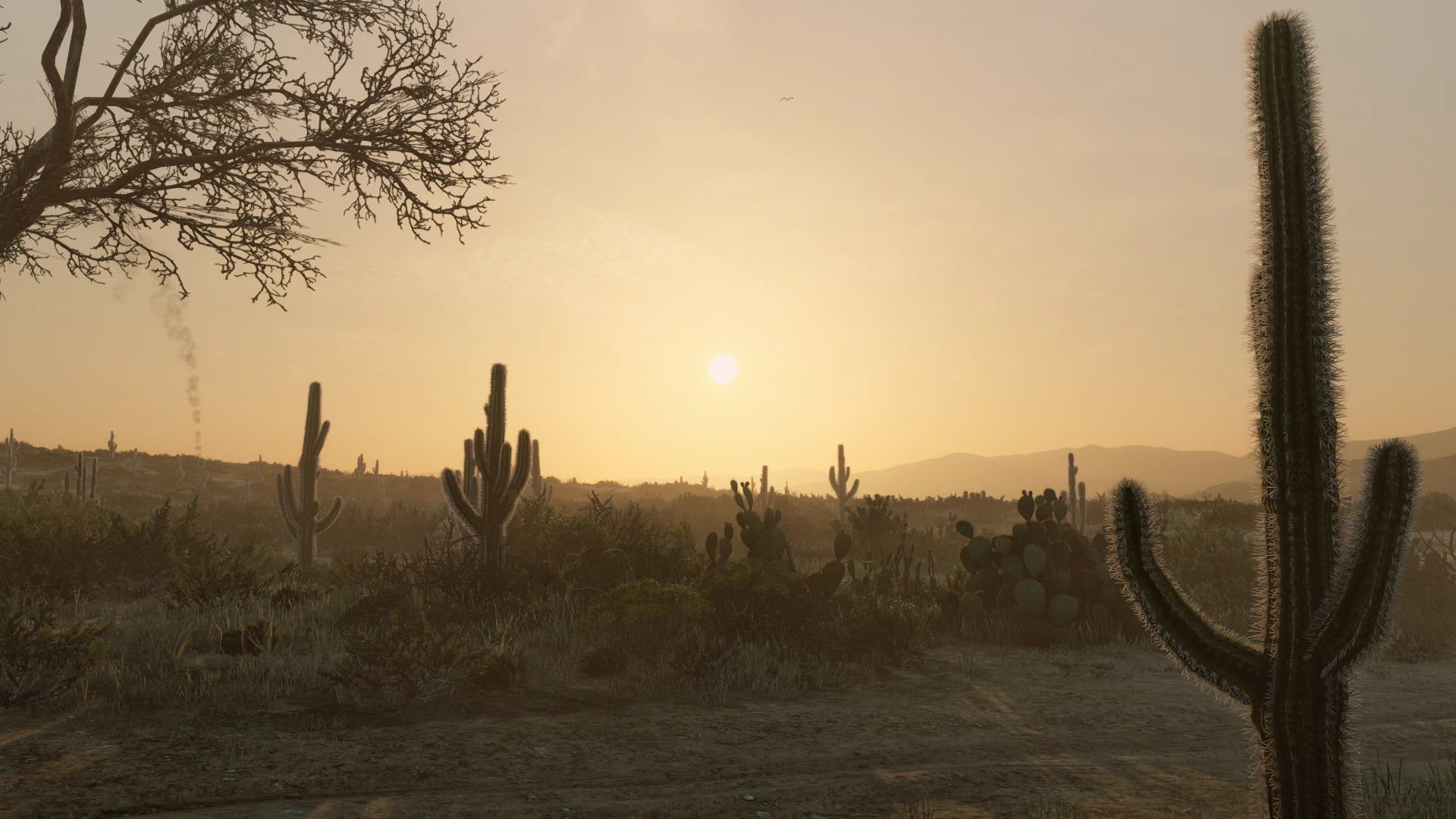
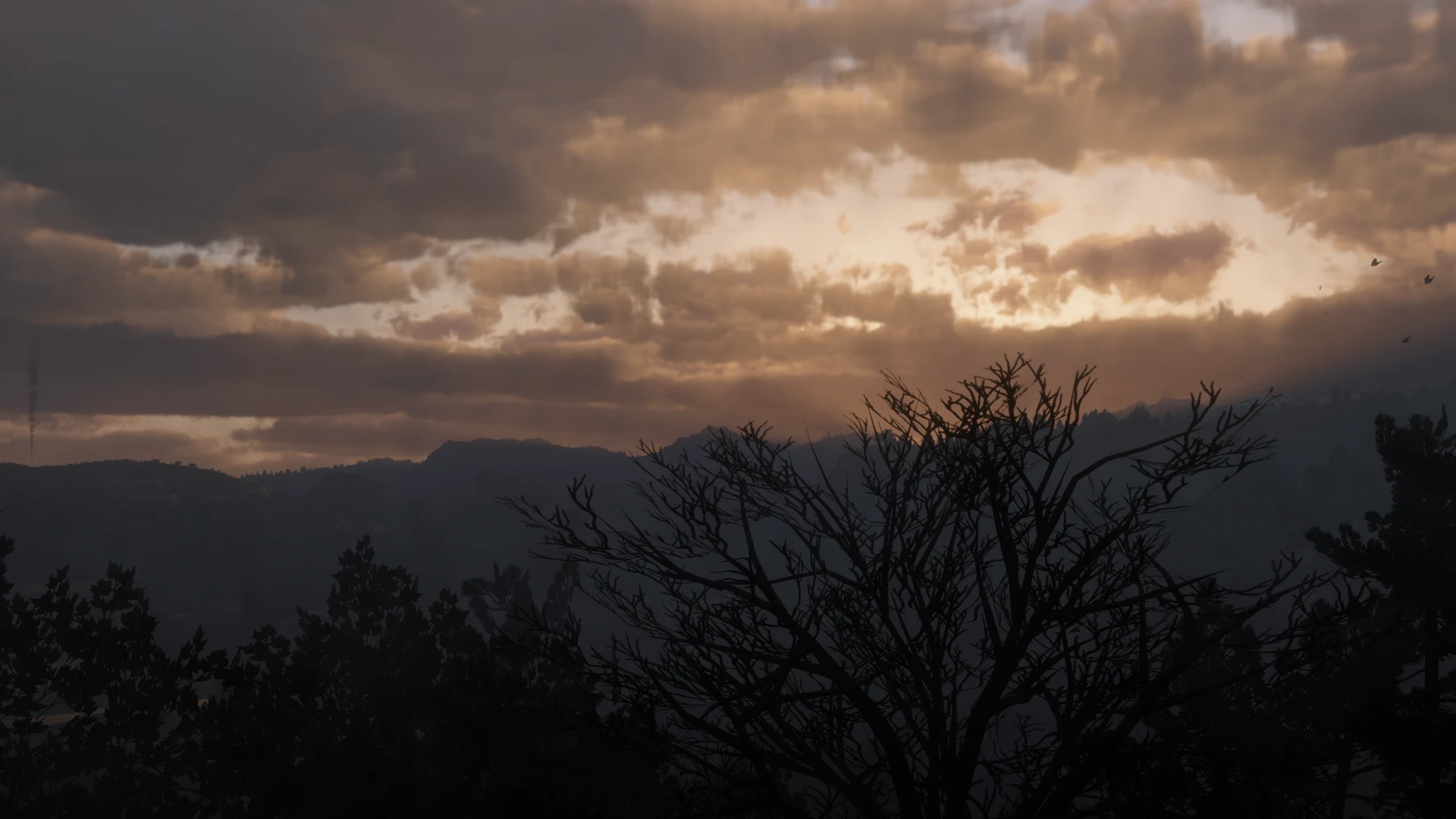
Lighting has been rebalanced to give the game a more natural look, sunsets and sunrises have richer tones without being overly saturated.
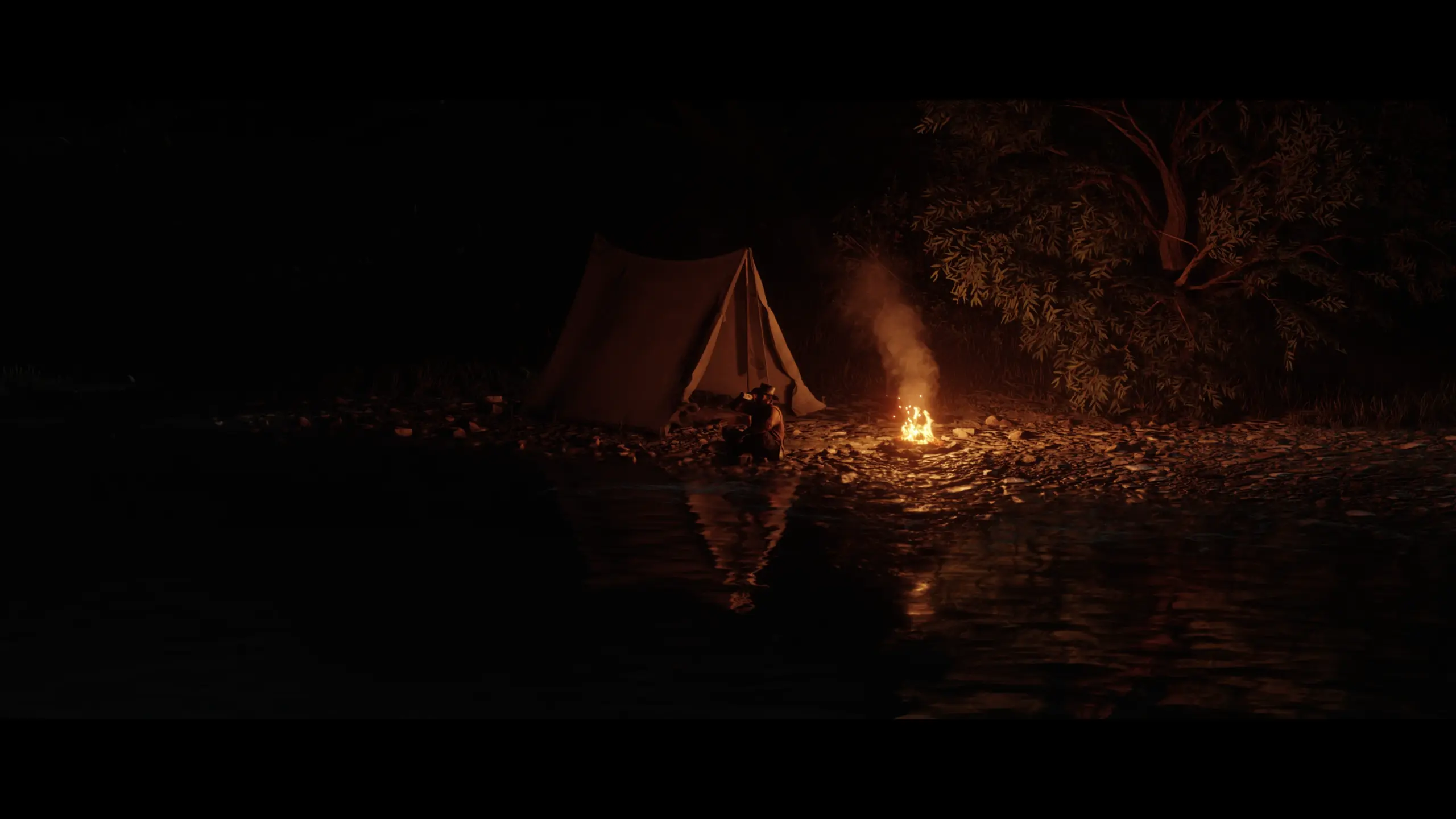
Nights are properly dark now, in the base game, nights are surprisingly bright, you can often see the landscape almost as clearly as during the day, which can take away from the atmosphere—especially in a game so focused on immersion.
The main goal is to bring a cleaner, more realistic look to the world without straying too far from Rockstar’s original style.
The mod is designed to be optimized, ensuring that you can enjoy the new visuals without significant performance drops.
Completely Reworked Clouds for All Weathers
Improved Overall Lighting Across all Weathers
Adjusted Sun/Moon Disk Size to Match Their Real Life Sizes
Increased Fog Resolution From 512p to 2K (No FPS Loss)
Each Weather Cycle Now Lasts About 6x Longer
Slower Weather Transitions
Minimized Color Correction (Not Fully Removed)
Heavily Decreased Bloom Effect
Removed Vignette Effect
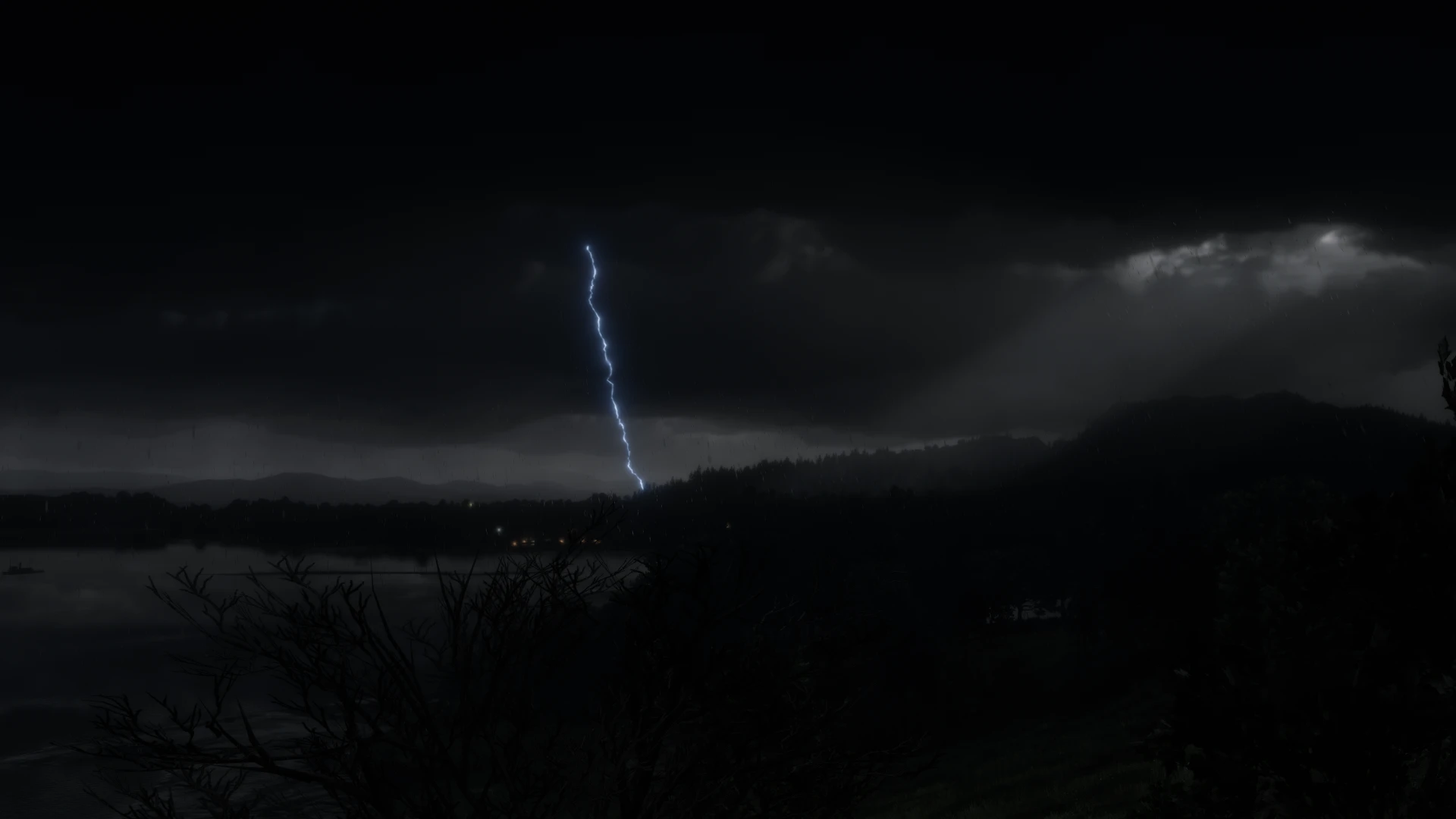
Improved Rain, Thunderstorm, Sleet, Snow Particles
Improved Light Bouncing Effect for all Weathers
Improved Wind Gusts and Speeds
Improved Snow Glints
Improved Water Foam/Reflections
Added New Weather (Hail)
Nights Now Actually Feel Like Night
Mostly Fixed Vanilla Rain Sound Issue (Rain sound would play before the Particles appeared on screen)
Fixed Some Broken Vanilla LODs
Merged No Glow for Pickups
Merged Graphical Issues Fixes
Merged Rain Particles Fix
Many others Tweaks & Improvements
Those who play with DLSS must download DLSS Tweaks and enable the AutoExposure option; otherwise the game will constantly suffer from this Visual Glitch
(If you don’t use DLSS, you can ignore this)
Installation:
Simply drag and drop the “Renewal – Visual Overhaul” folder into your lml folder.
Notes & Tips
Set your ingame brightness to Default (50%) for the best image fidelity.
This mod does not rely on any reshade preset in order to match the same picture quality you see on the screenshots, so avoid using any if you wish to have your game looking exactly like in the photos!
If you are using HDR, it’s highly recommended that you turn it off when using this mod.
If you ever come across any irregularities during your playthrough, please let me know; I’ll try my best to address the issue.
If you’re playing through the story mode, I’d strongly recommend using the Vanilla Nights version; otherwise cutscenes that take place at night will become extremely dark when using the Main version.
Credits:
WhyStopNow
Downloads
| Name | Format | Size |
|---|---|---|
| Renewal-Vanilla-Nights-1-1.zip | ZIP | 471.23 KB |
| Renewal-Visual-Overhaul-1-1.zip | ZIP | 471.21 KB |
| Renewal-Vanilla-Nights-1-5.zip | ZIP | 472.50 KB |
| Renewal-Visual-Overhaul-1-5.zip | ZIP | 472.48 KB |
| Renewal-Vanilla-Nights-2-0.zip | ZIP | 498.64 KB |
| Renewal-Visual-Overhaul-2-0.zip | ZIP | 498.63 KB |
To start download click the filename. To open archive files use one of these programs: WinRAR, 7-Zip, WinZip. Some mod archives may need to be extracted before the mods will work.