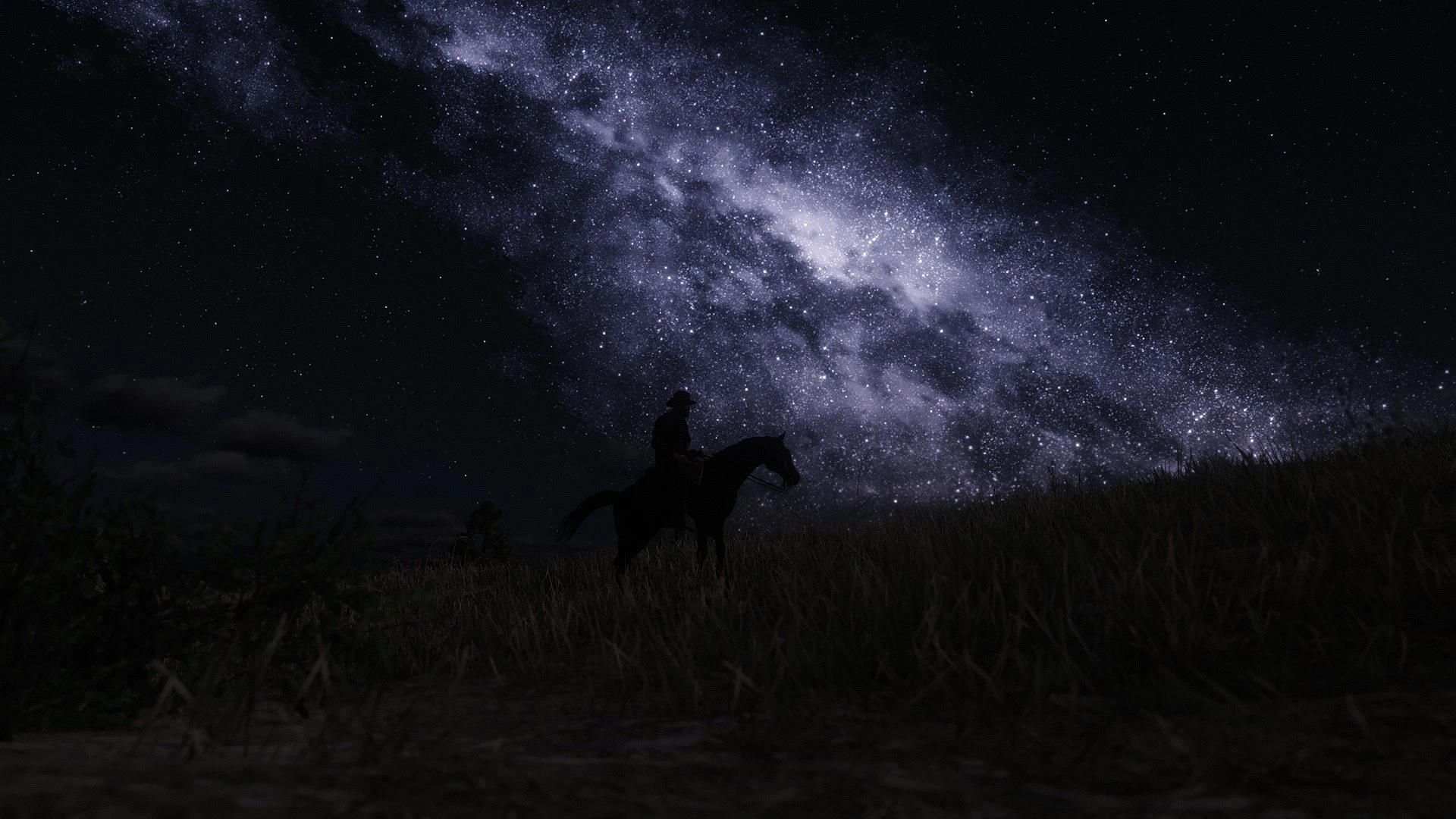
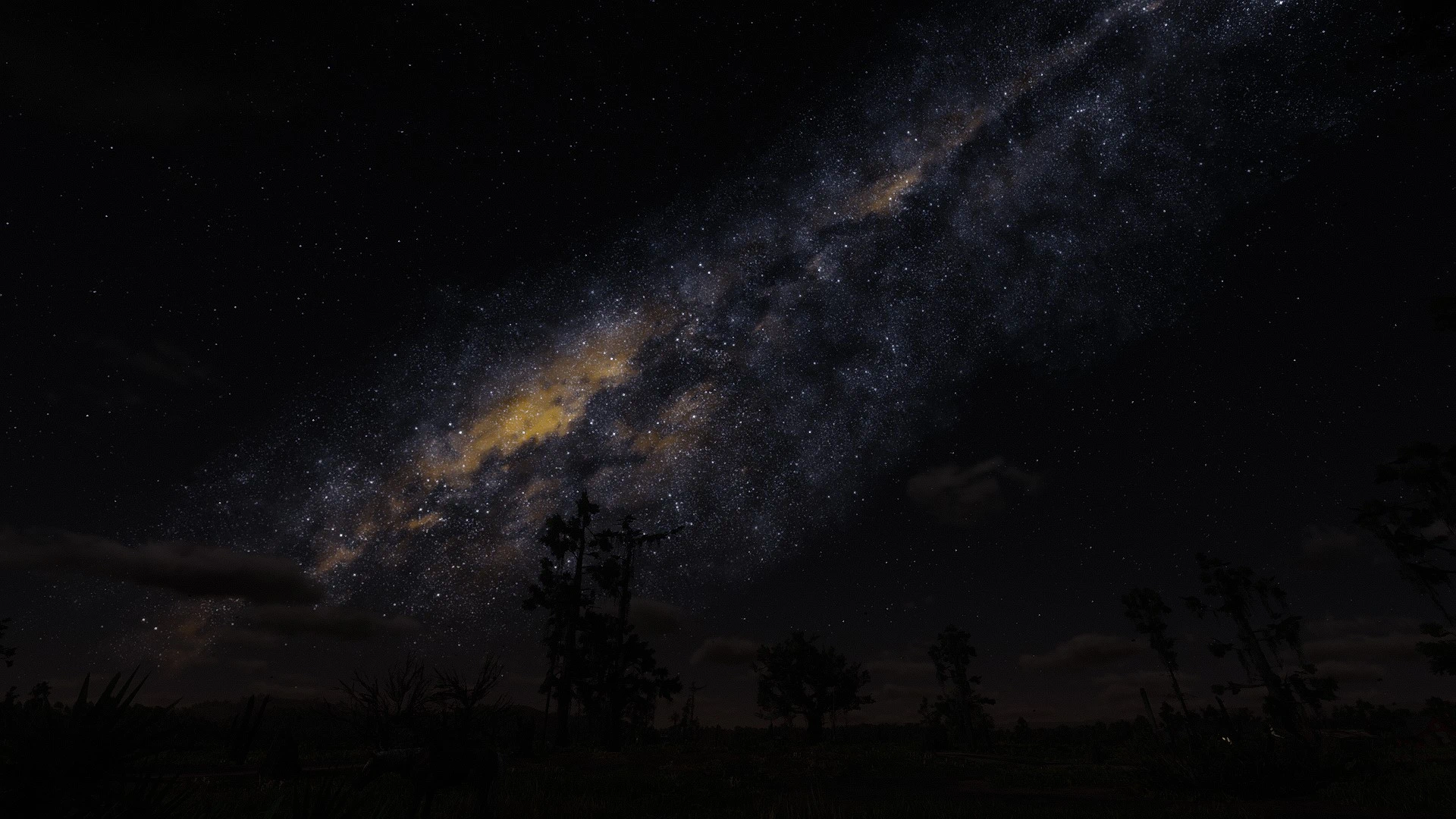
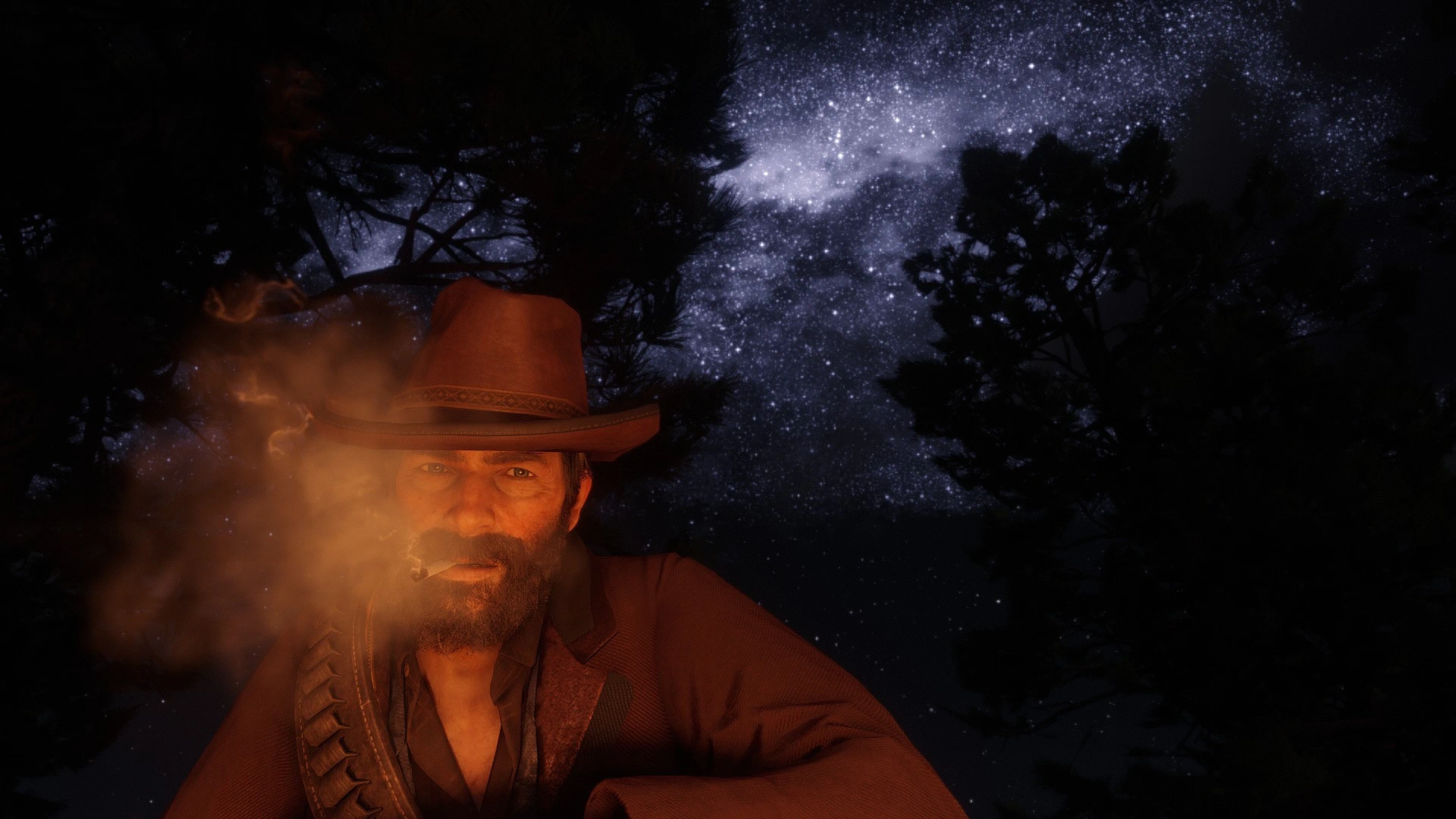
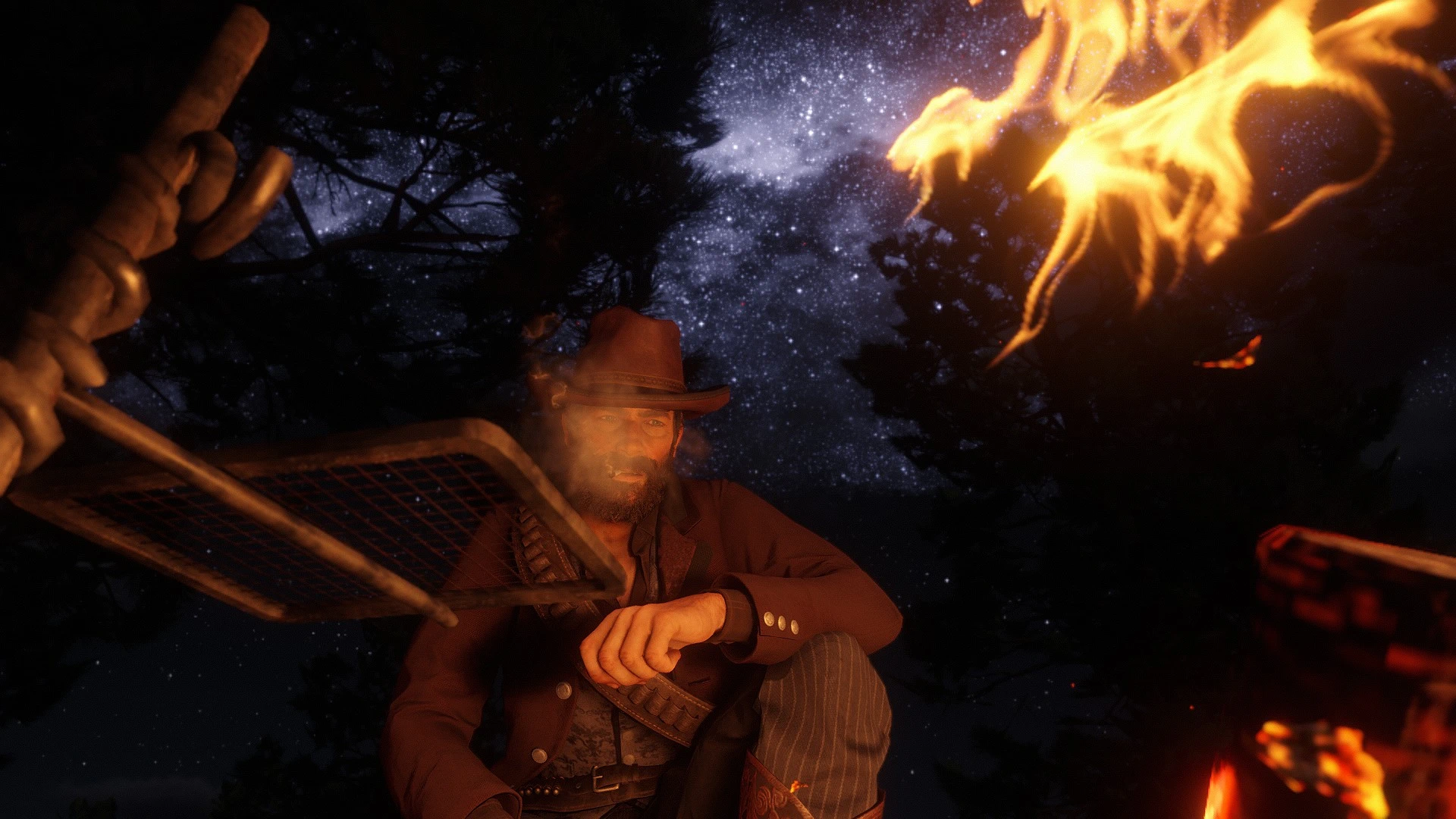
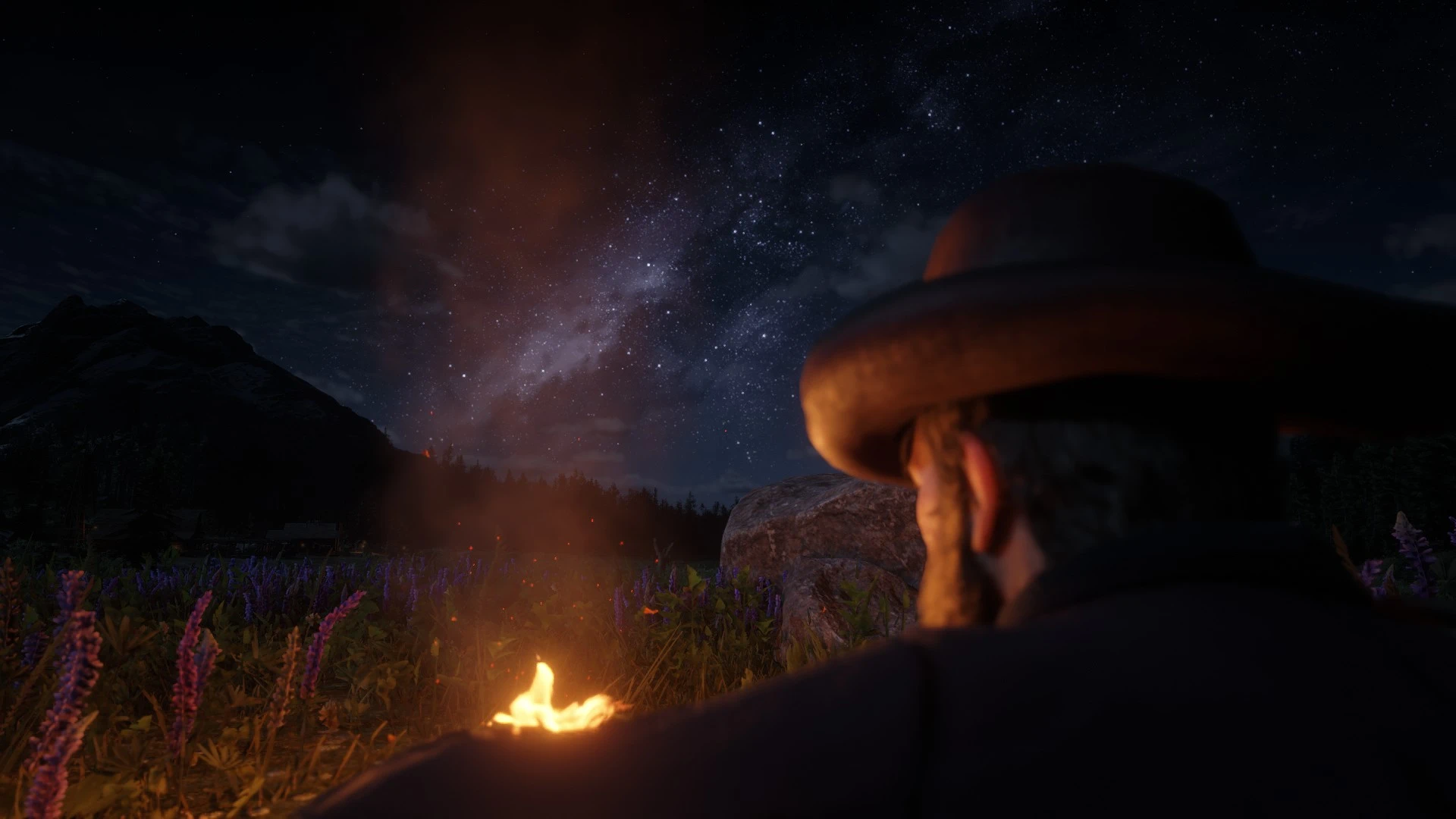
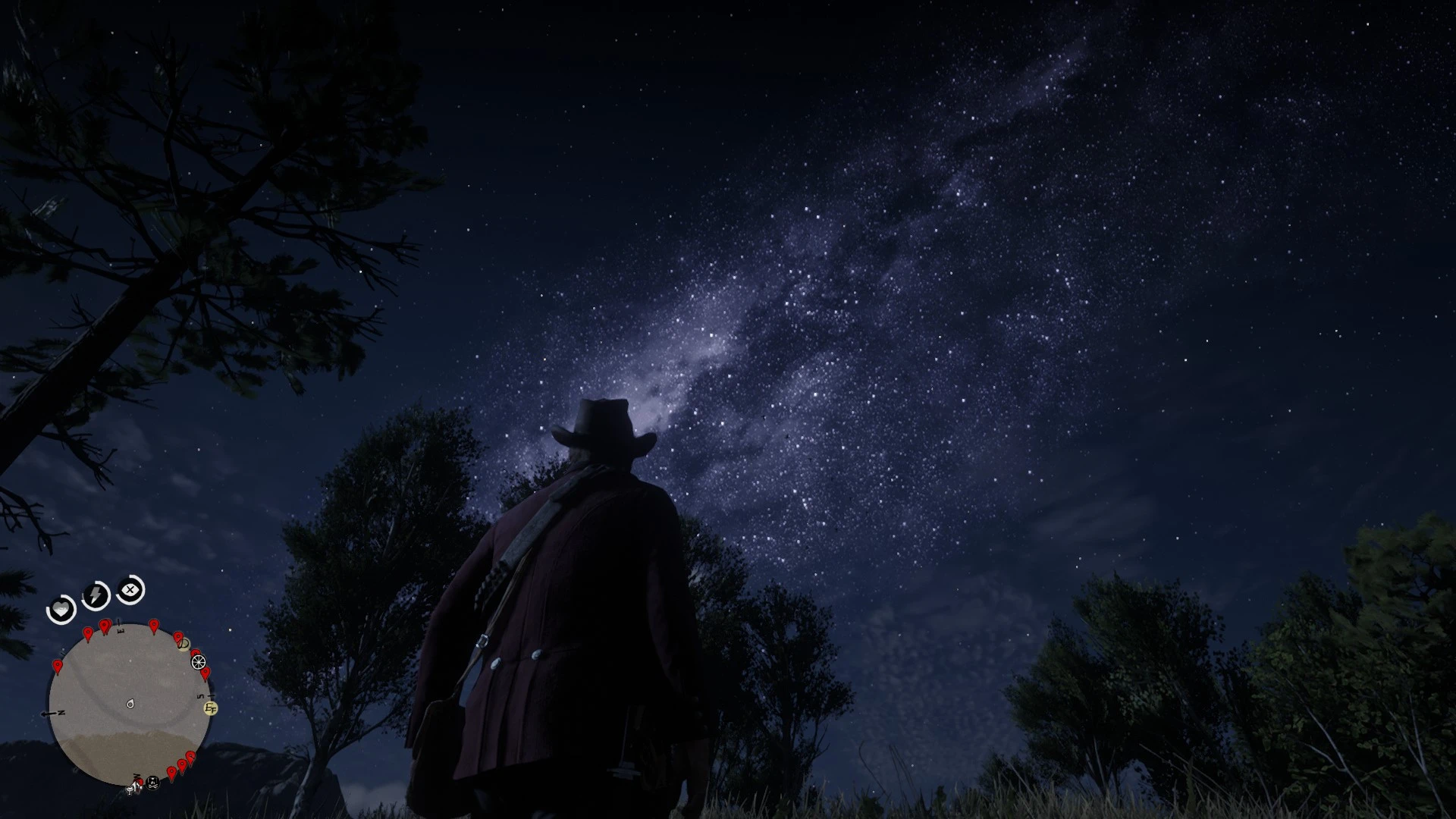
A custom Milky Way and night sky enhancement for Red Dead Redemption 2. 🌌✨
Frontier Galaxy is a custom night sky modification created to give the Milky Way and stars of Red Dead Redemption 2 a more striking, detailed and cinematic appearance.
The goal was not to completely change the game’s atmosphere, but to enhance one of its most beautiful natural elements: the night sky.
The Milky Way has been adjusted to appear more pronounced and detailed, with increased galaxy intensity, denser star formations, custom coloration and carefully tuned positioning.
The result is a richer night sky that makes travelling through the wilderness at night feel more atmospheric, especially in areas away from towns and artificial lights.
I wanted the galaxy to stand out without making the entire sky look unnaturally bright or overloaded with stars. The settings were therefore adjusted to create a balance between visibility, intensity and the natural darkness of the RDR2 night sky.
✨ Features
- Custom Milky Way appearance
- Increased galaxy detail and visibility
- Enhanced star density
- Custom star coloration
- Adjusted galaxy intensity
- Custom galaxy positioning and rotation
- Improved star distribution
- Adjusted star blinking
- More pronounced dense and sparse star formations
- Designed to preserve the dark atmosphere of the original night sky
- Lightweight visual modification
🛠️ Compatibility
One of the main goals of Frontier Galaxy was to make it as simple and flexible as possible with other visual modifications. To make installation easy for everyone, the mod comes with two options:
- Ready-to-use option (Default): If you don’t use any other mod that alters visualsettings.dat, simply install the provided original game file containing the pre-configured galaxy and star settings directly into your LML folder.
- Manual edit option: If you already use another visual mod that modifies visualsettings.dat, you don’t have to replace your entire file or lose your lighting, weather, and color tweaks. Simply edit the visualsettings.dat of the mod you are using, find the #Config for night sky stars section, and copy and paste the parameters provided by Frontier Galaxy over it.
Frontier Galaxy should work fine alongside other visual mods that use visualsettings.dat. Just overwrite the parameters responsible for the galaxy and stars — starting from #Config for night sky stars down to stars.constellationStarPower.
⚙️ Installation
How you install depends on your current setup:
- If you already use another visual mod: Simply edit your existing visualsettings.dat and replace the specified lines.
- If you are not using any other visual mod: Simply install the provided original visualsettings.dat file directly into your LML folder. Make sure to place Frontier Galaxy at the bottom of your load order and enable overwriting.
The mod is designed to modify only the relevant night sky parameters rather than replacing the entire visualsettings.dat
Always make a backup of your original files before installing any modification.
⚠️NOTE
I highly recommend pairing Frontier Galaxy with a visual lighting or weather mod to make the atmosphere even more stunning. For reference, the screenshots were taken using Natural Light Reworked (NLR)
If you are playing on a completely vanilla game without any graphic mods, the sky and overall atmospheric lighting might look slightly different from the preview images, but Frontier Galaxy will still significantly enhance your night sky!
Do not use with galaxy texture upscale mods!!
💜Final
I made Frontier Galaxy because I wanted a night sky that felt a little more alive, dramatic and memorable while still fitting the atmosphere of RDR2. I hope you enjoy it as much as I enjoyed creating it. Enjoy the view, and keep looking up.
Credits:
PanamPalmer02
Downloads
| Name | Format | Size | Description |
|---|---|---|---|
| Frontier-Galaxy-Compatibility-Manual.zip | ZIP | 1.13 KB | Recommended for players using visual mods that modify visualsettings.dat. This package contains only the necessary parameters for the #Config for night sky stars section. Simply open your existing mod\'s visualsettings.dat and replace that specific section |
| Frontier-Galaxy-Vanilla-No-Visual-Mods.zip | ZIP | 22.71 KB | Recommended for players using an unmodded game or no visual mods. Includes the complete original RDR2 visualsettings.dat file, pre-configured with the custom galaxy and star settings. Simply install directly via LML. |
| FrontierGalaxy-Vanilla-No-Visual-Mod-Default.zip | ZIP | 22.71 KB | Same as the main file, but retains the vanilla colors for players who prefer the original look. |
| Frontier-Galaxy-Compatibility-Manual-Default.zip | ZIP | 1.13 KB | Same as the main file, but retains the vanilla colors for players who prefer the original look. |
To start download click the filename. To open archive files use one of these programs: WinRAR, 7-Zip, WinZip. Some mod archives may need to be extracted before the mods will work.