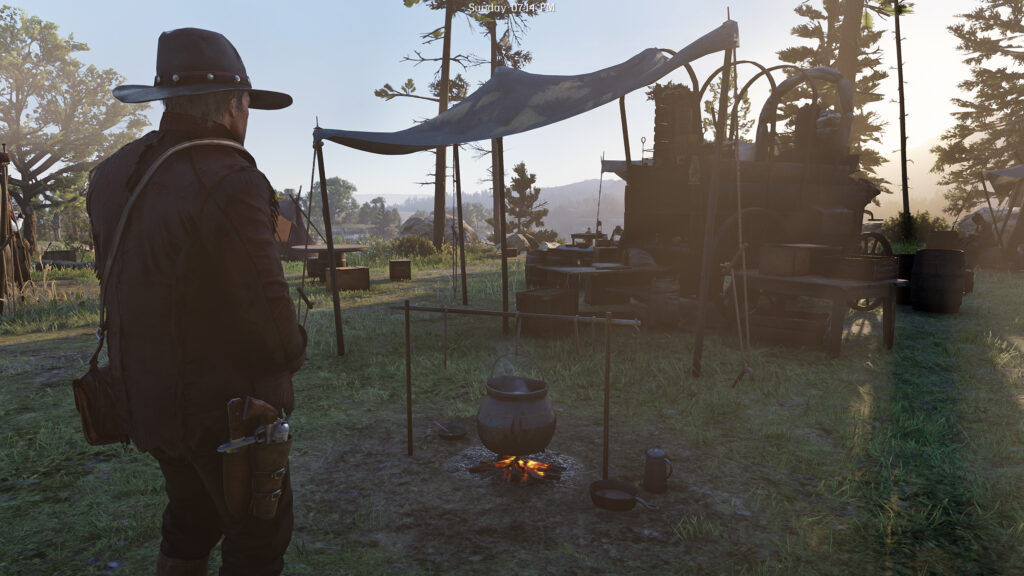
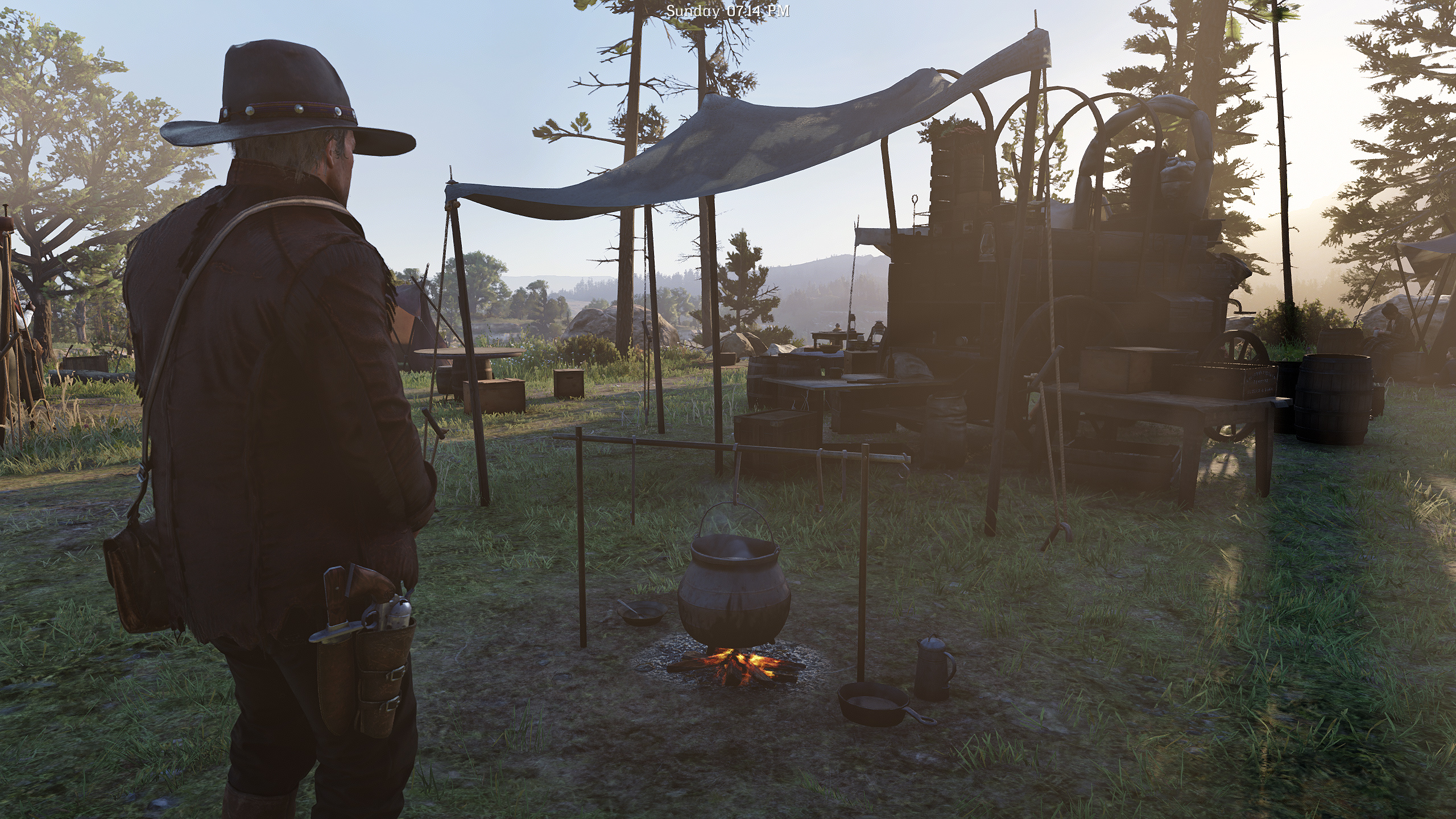
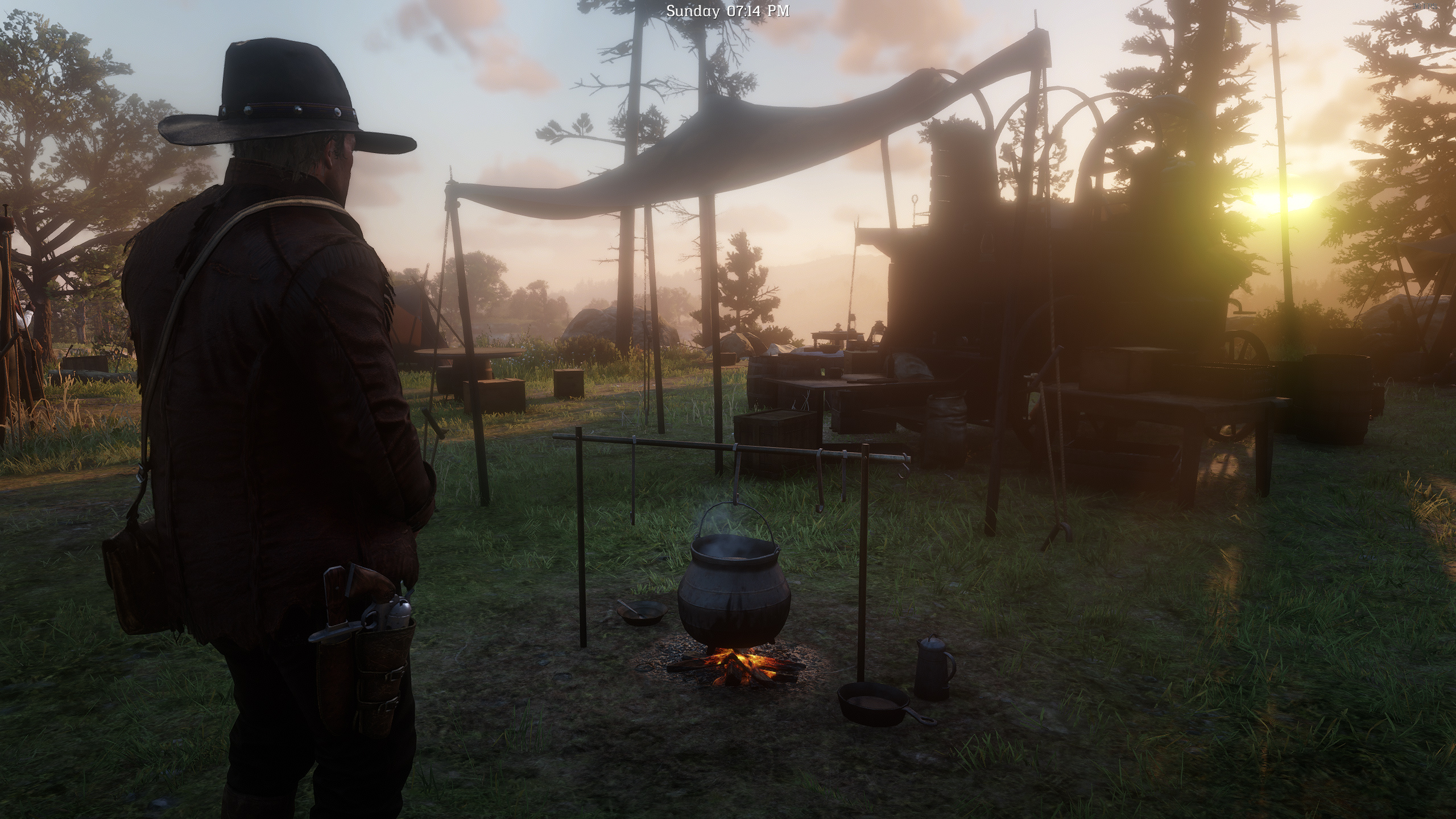
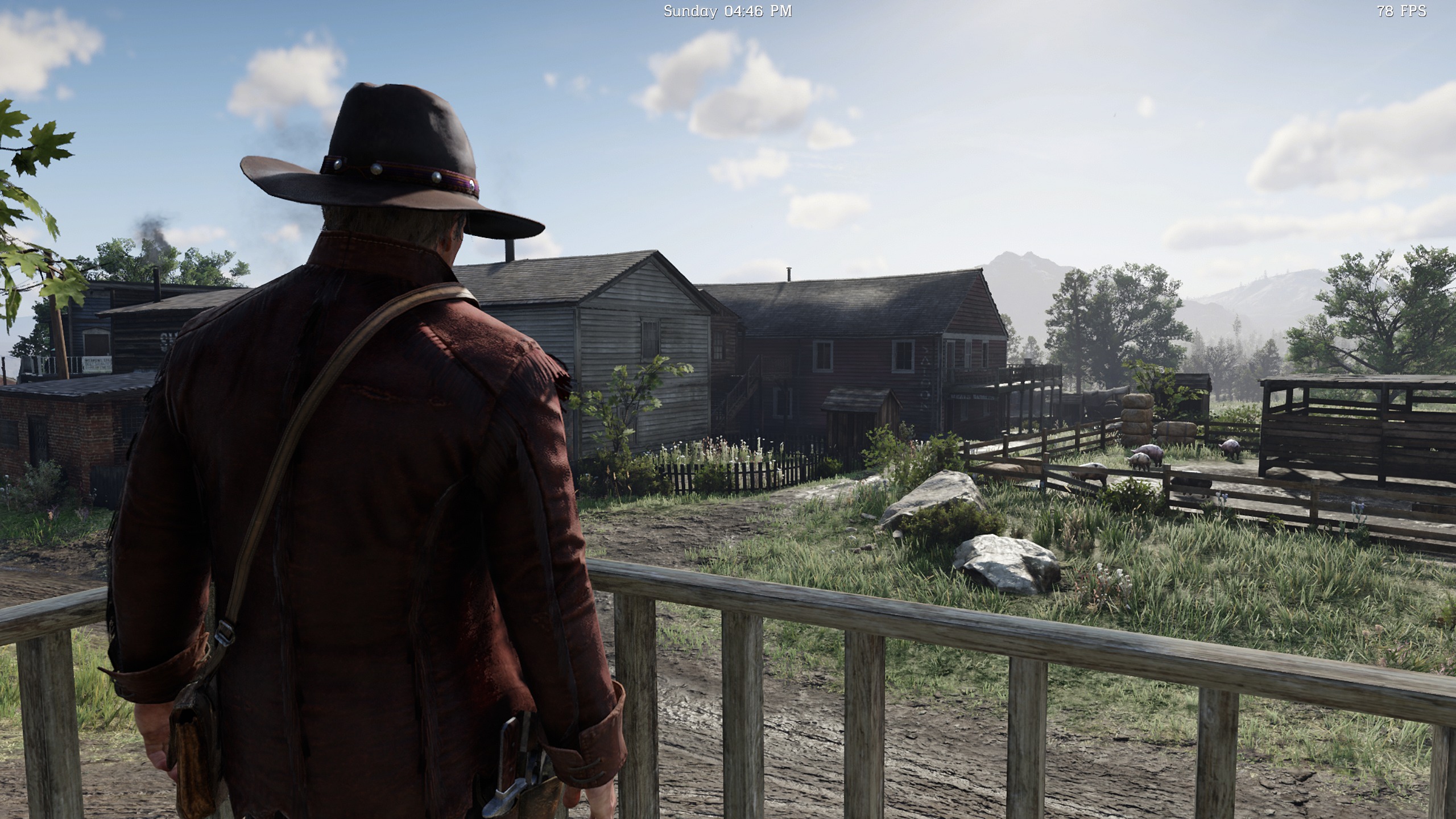
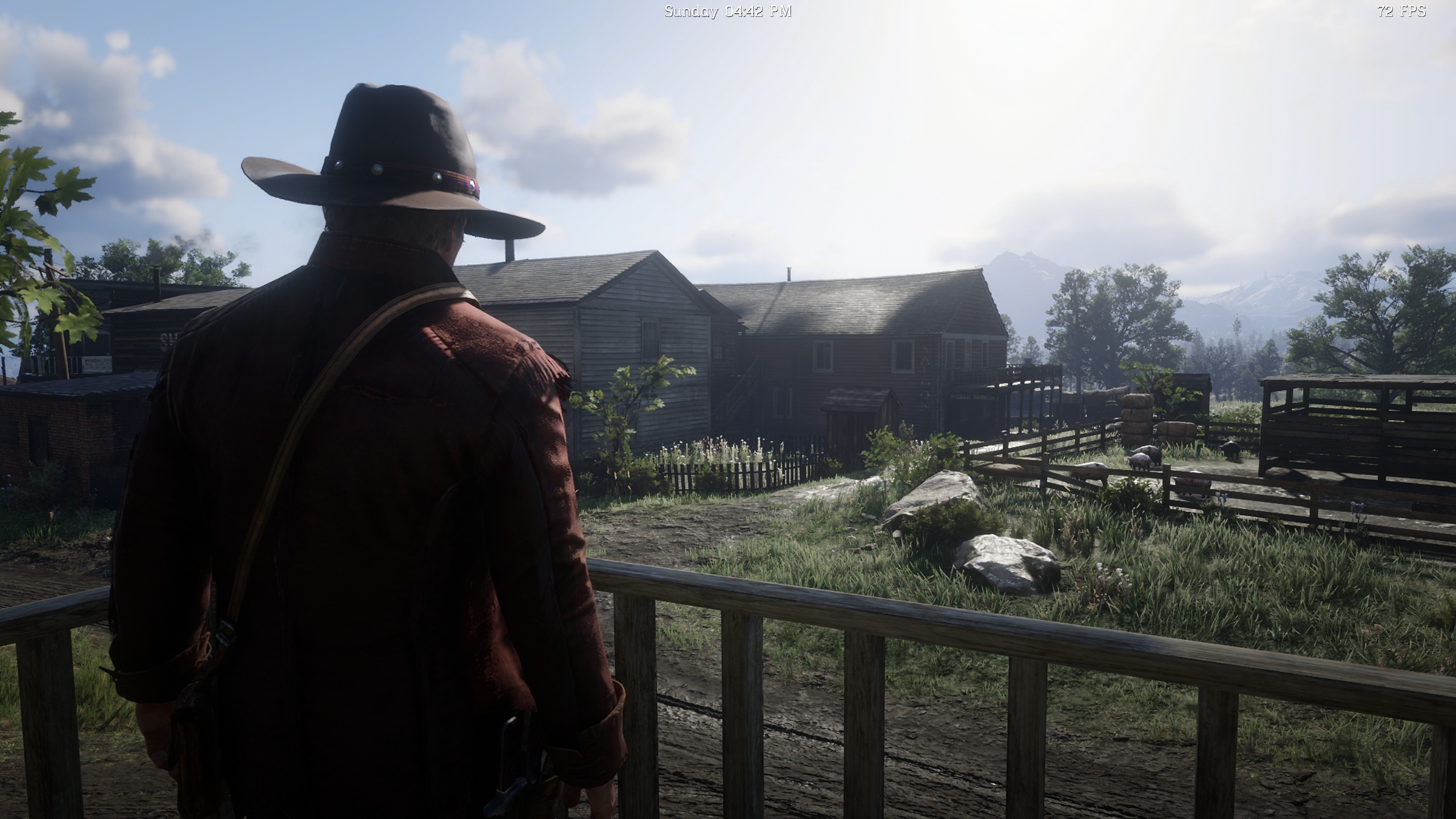
Completely removes Bloom and Vignette post-process effects.
Modified files:
All files in update_1.rpf/common/data/timecycle/ are modified.
Total 1050 lines edited, starting with:
<postfx_bloom_fog_mod_intensity>
<postfx_intensity_bloom>
<postfx_vignette_intensity>
(All these values are set to 0.)
Installation:
– Install Lenny’s Mod Loader RDR. (Current latest version is Beta 10.1)
– Copy disable_bloom_and_vignette folder to Red Dead Redemption 2\lml
– Run the game. (Mod will enable automatically.)
Uninstallation:
– Remove disable_bloom_and_vignette folder from Red Dead Redemption 2\lml
– Or: Use ModManager.UI.exe app from Lenny’s Mod Loader for enable/disable mod.
Original, unedited files from “timecycle”.
Credits:
AlterMann
Downloads
| Name | Format | Size |
|---|---|---|
| Original-Files.rar | RAR | 614.60 KB |
| Disable-Bloom-and-Vignette.rar | RAR | 614.25 KB |
To start download click the filename. To open archive files use one of these programs: WinRAR, 7-Zip, WinZip. Some mod archives may need to be extracted before the mods will work.