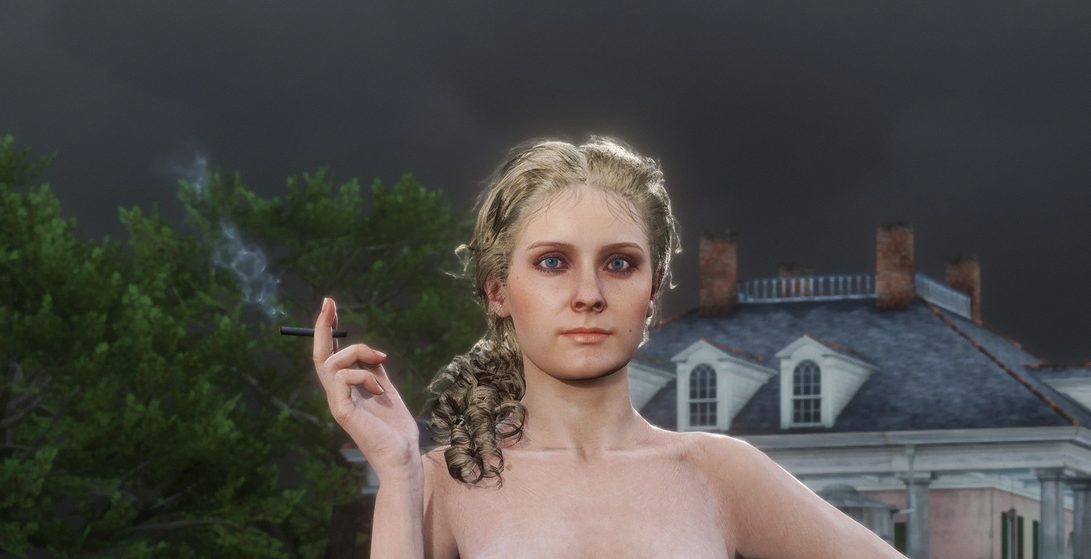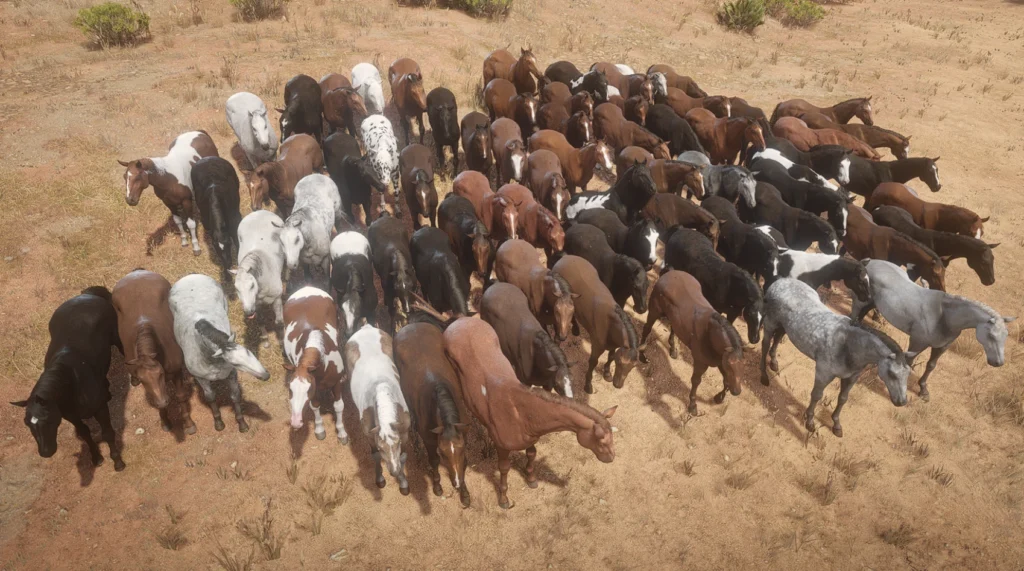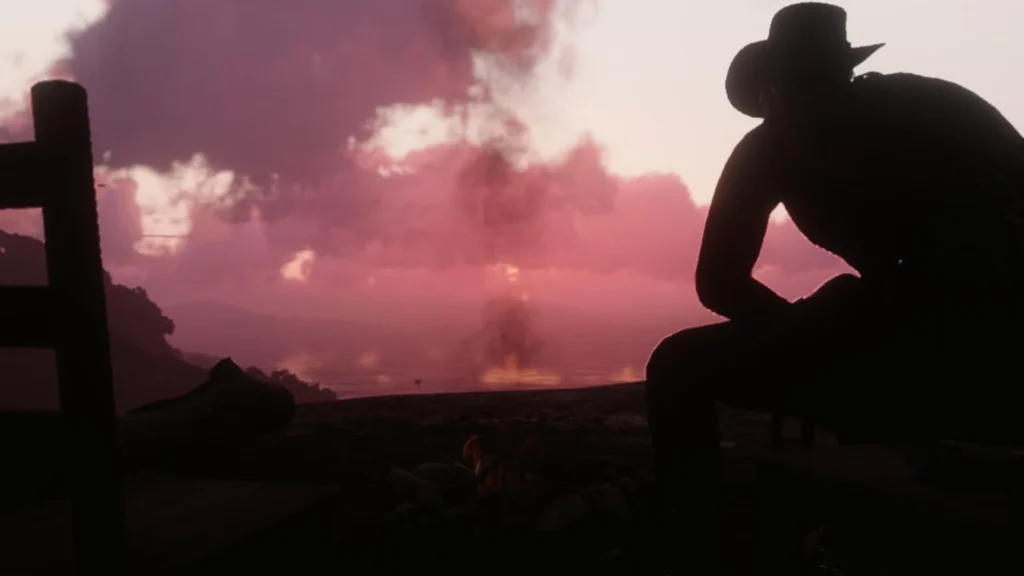
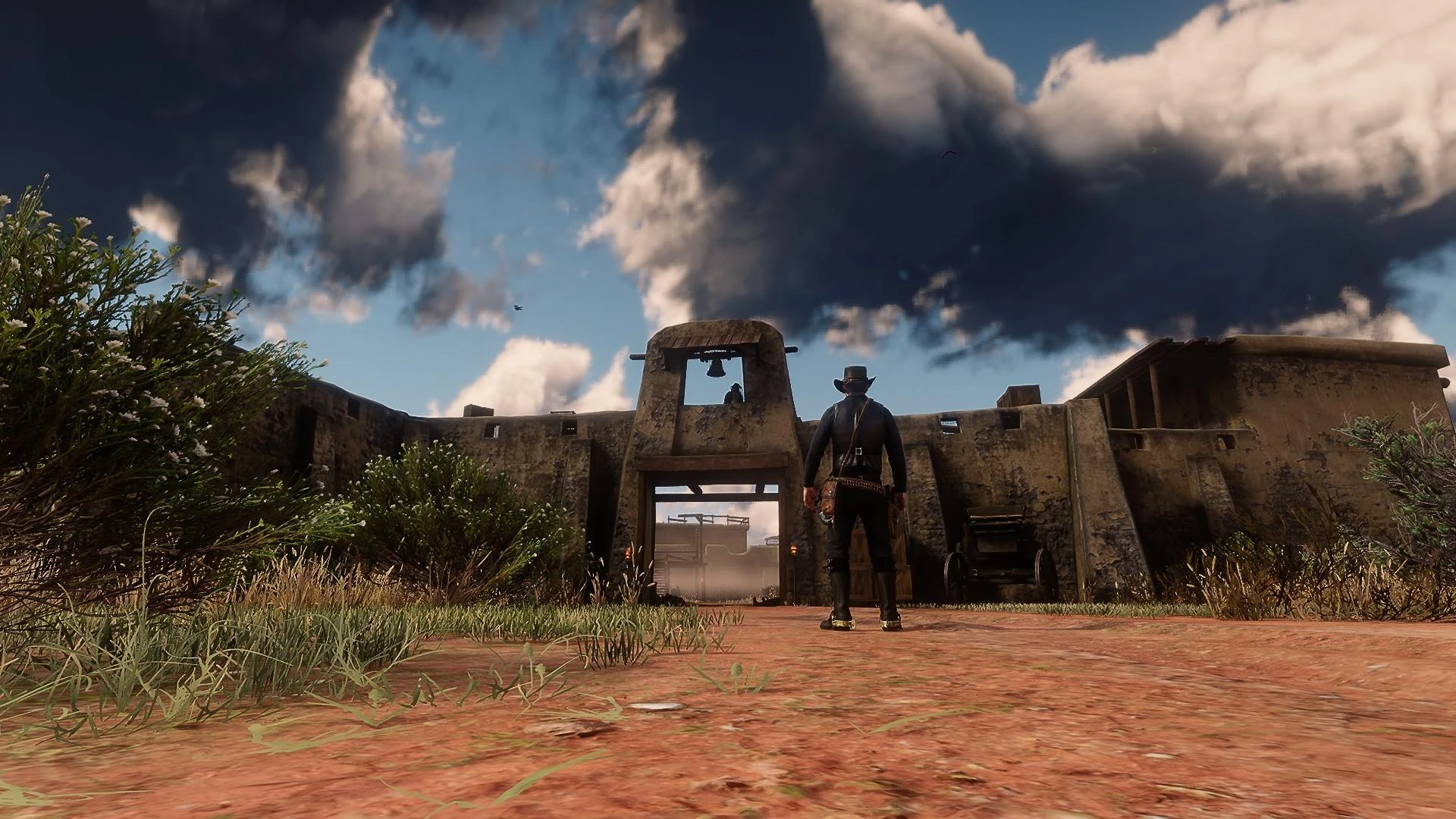
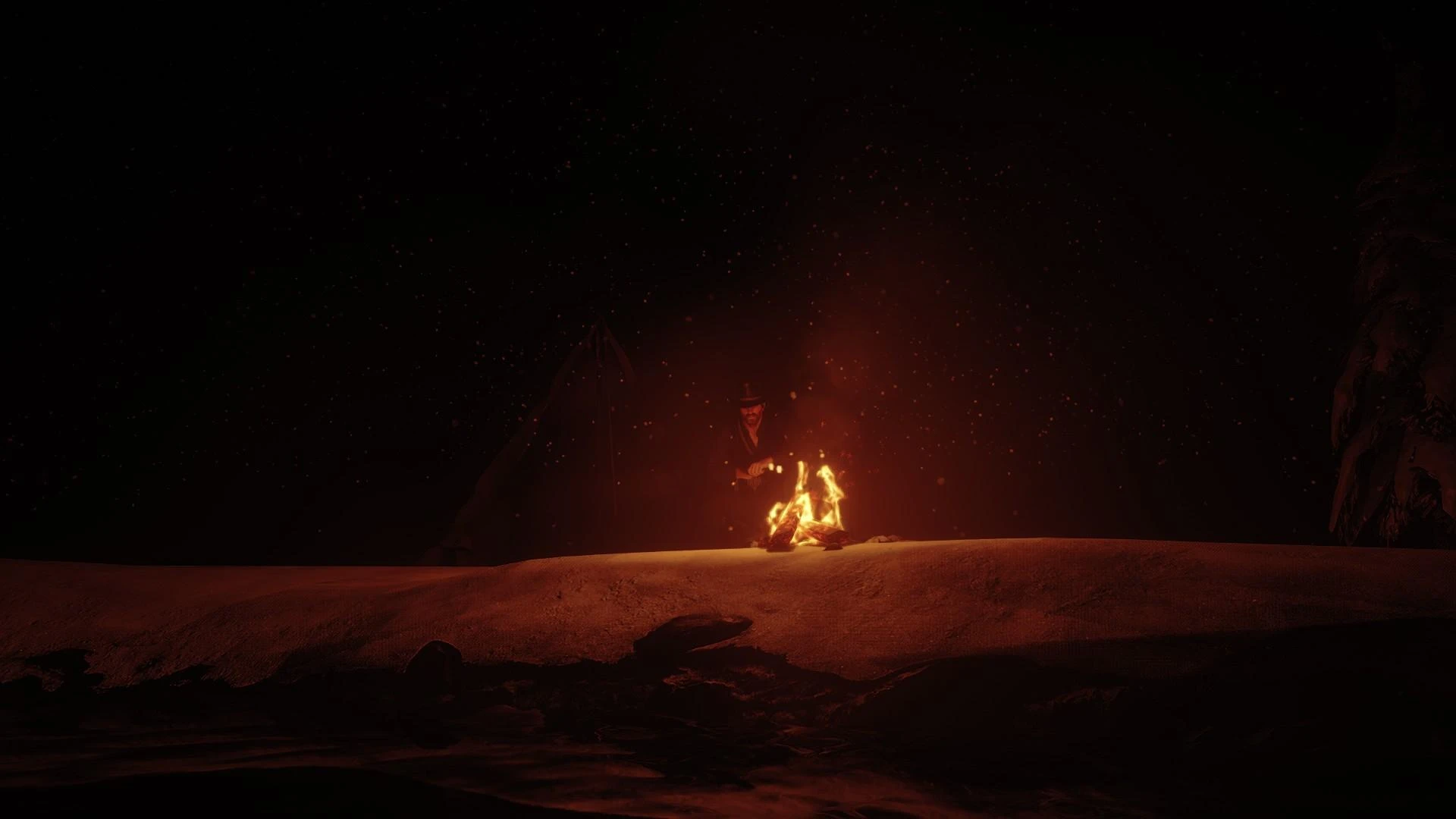
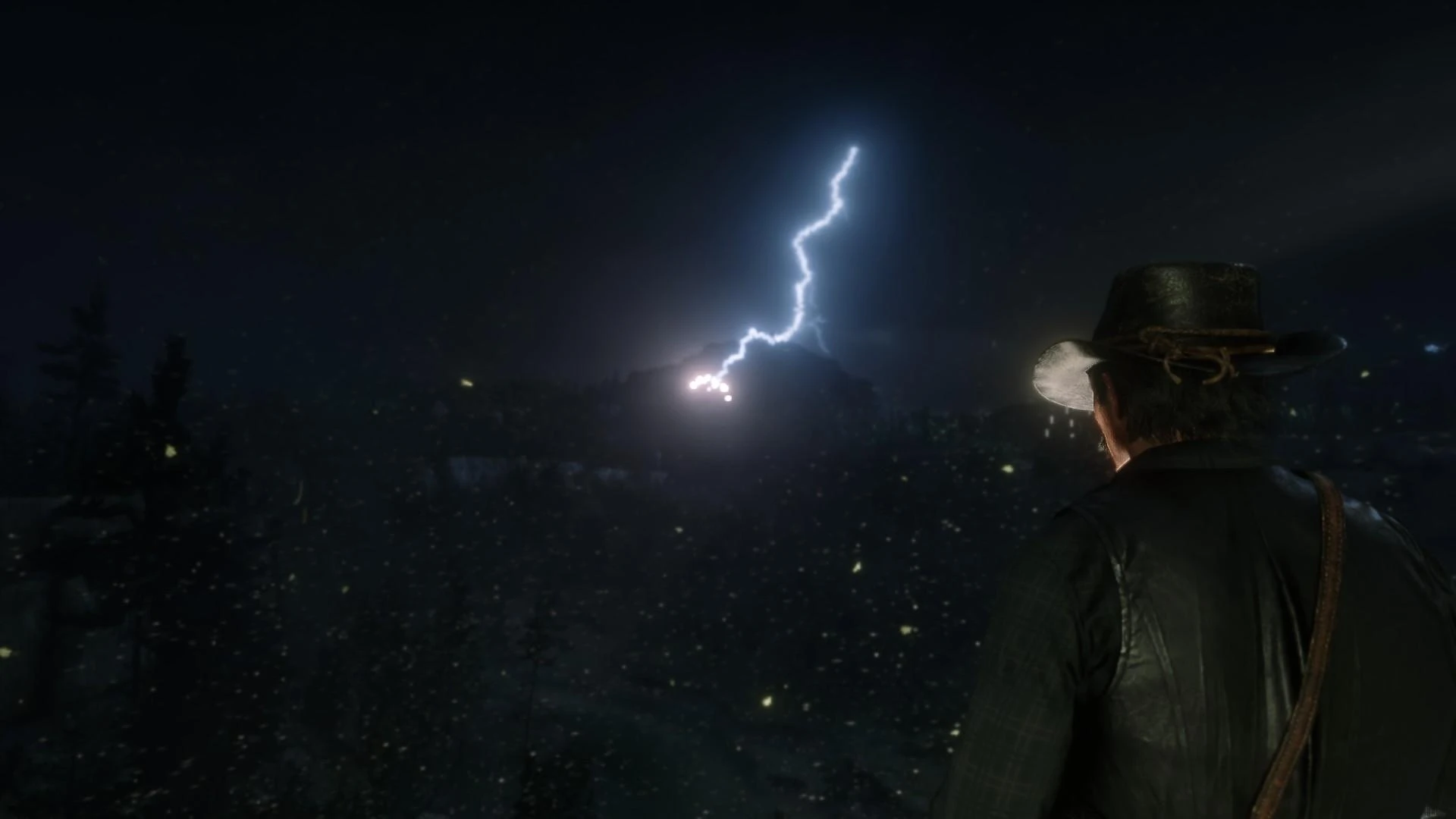
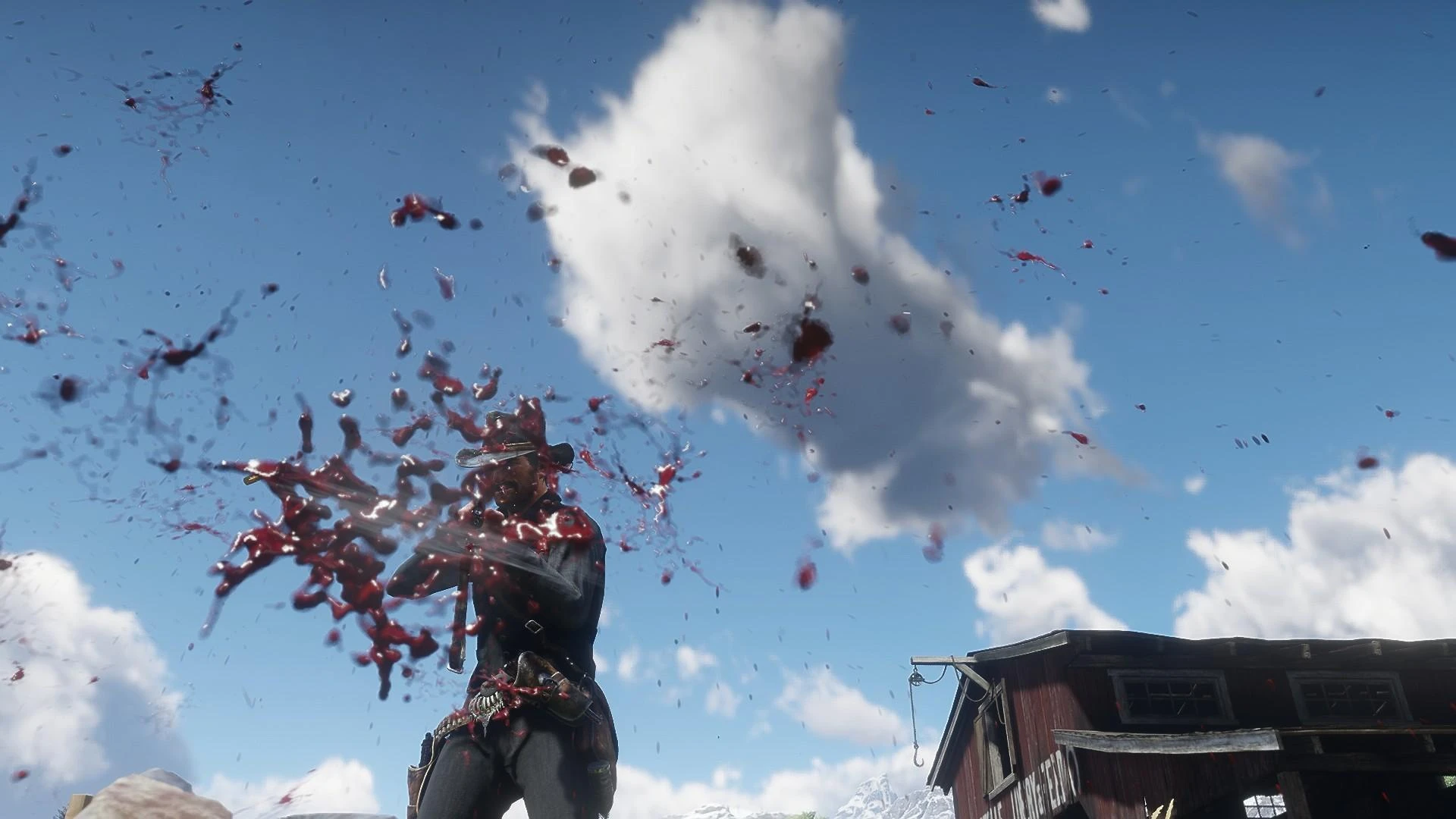
RDR2 visual mod that includes darker nights:
Enhances graphics, improves lighting, adds realistic effects, and intensifies nighttime ambiance for a more immersive experience.
Day-Night Balance:
Achieves a harmonious balance between daytime and nighttime lighting.
Sunrises and sunsets are more vibrant, while nights feel appropriately darker.
Local Illumination:
Improved lighting for all light sources, including lanterns, campfires, and street lamps.
Shadows cast by these sources are more realistic and dynamic.
Weather Realism:
Particle Overhaul:
Meticulously adjusted snow, hail, rain, and sleet particles.
Snowflakes sparkle realistically, raindrops create ripples, and hailstones bounce off surfaces.
Atmospheric Variety:
New weather patterns introduce haze, moderate winds, heavy rain, and windy conditions.
Each weather type affects visibility, lighting, and overall mood.
Water and Foam:
Ocean Dynamics:
Adjusted foam density and decay rates for ocean waves.
Stormy seas now churn with more intensity, creating a sense of realism.
River Rapids:
Rapid streams and rivers exhibit varying foam patterns, depending on their speed and turbulence.
Visualsettings.dat Tweaks:
Anti-Aliasing:
TAA (Temporal Anti-Aliasing) settings fine-tuned for optimal sharpness without artifacts.
Light Emission:
Light sources emit more natural glows, enhancing ambiance.
Water Reflections:
Water surfaces now mirror their surroundings more accurately.
Immersive Transitions:
Gradual Weather Changes:
Weather transitions occur more slowly, allowing players to appreciate the shift from sunny to stormy or vice versa.
Regional Variation:
Different map regions experience unique weather conditions.
Coastal areas may have misty mornings, while mountain peaks are often shrouded in clouds.
Cloud Dynamics:
Cloud Types:
Varied cloud formations, from fluffy cumulus to ominous cumulonimbus, add depth to the sky.
Particle Gravity:
Adjusted particle behavior for rain, snow, and other weather effects.
Installation Guide
Lenny’s Mod Loader:
Ensure you have Lenny’s Mod Loader installed.
Drag and drop your mod files into the Lenny’s Mod Loader folder.
These enhancements collectively create a more immersive and visually captivating experience
Credits:
Ibr974
Downloads
| Name | Format | Size |
|---|---|---|
| Realistic-Graphics-Overhaul-update-1-0-0-1.rar | RAR | 654.75 KB |
To start download click the filename. To open archive files use one of these programs: WinRAR, 7-Zip, WinZip. Some mod archives may need to be extracted before the mods will work.