Make days/nights & weathers longer with custom timescale!
REQUIRES: RAGE Plugin Hook
Overview
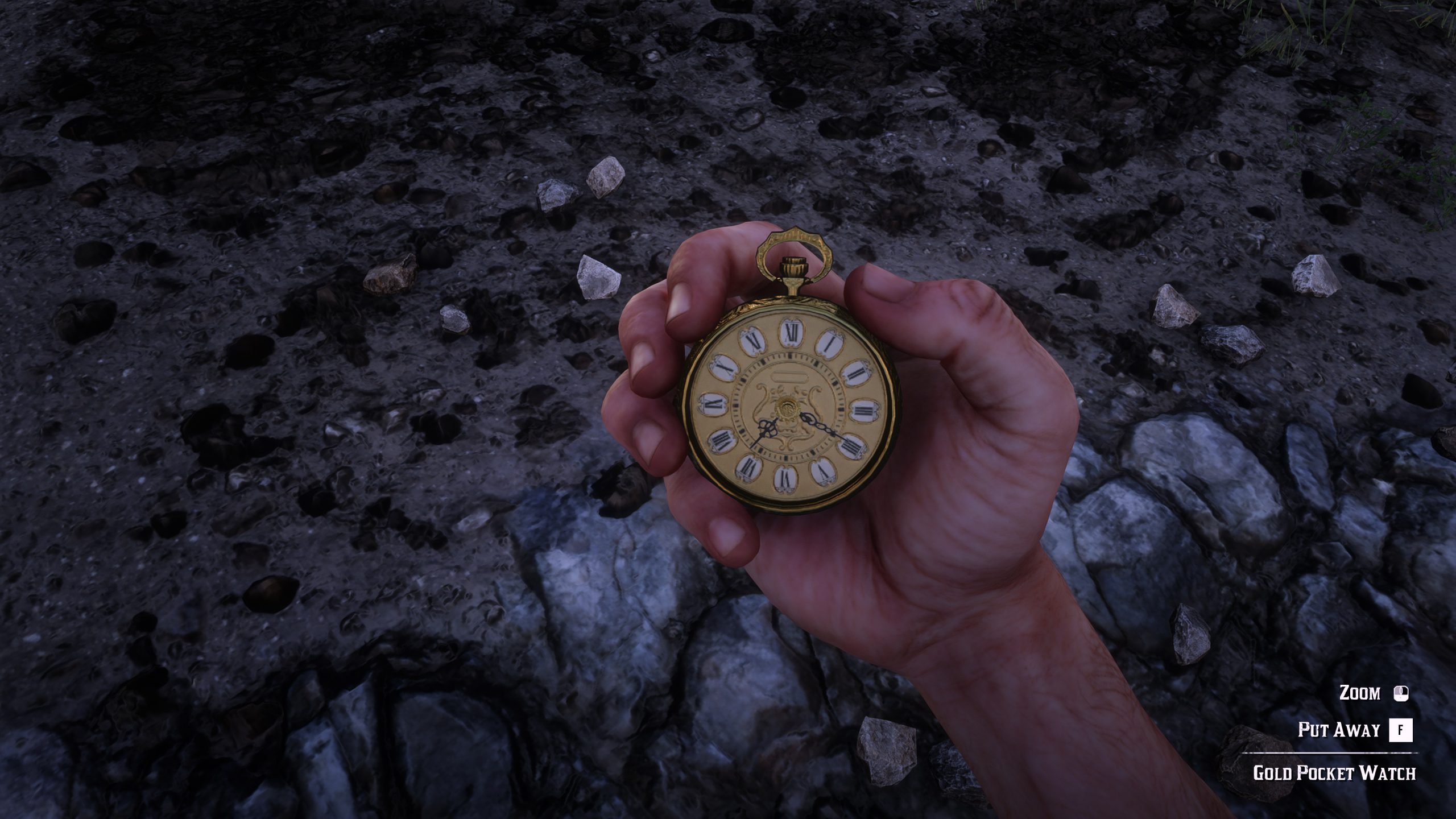
RAGE Hook Plugin for adjusting the timescale of the in game clock to make the days/weathers last longer.
Installation
– Copy Rage Hook Plugin files to your main RDR2 folder
– Start RAGEPluginHook.exe and it will create a folder called C#Plugins in the main RDR2 folder, or create it yourself
– Copy DLT_Time_Scale.dll & DLT_Time_Scale.ini into C#Plugins folder
– Open the RAGE console in game and type LoadPlugin DLT_Time_Scale.dll or enable it to load on start up. 🙂
Info
Change the SecondsPerMinute in the .INI file to your liking. The value is real life seconds for every minute in-game (Note: If you’re using the weather version it will also affect how long a weather type lasts).
Lowest value you can set is 1.
Credits:
Daylight
Downloads
| Name | Format | Size |
|---|---|---|
| DLT_Time_ScaleV0.42_weatherbeta.rar | RAR | 6.29 KB |
| DLT_Time_ScaleV0.3.rar | RAR | 3.20 KB |
To start download click the filename. To open archive files use one of these programs: WinRAR, 7-Zip, WinZip. Some mod archives may need to be extracted before the mods will work.