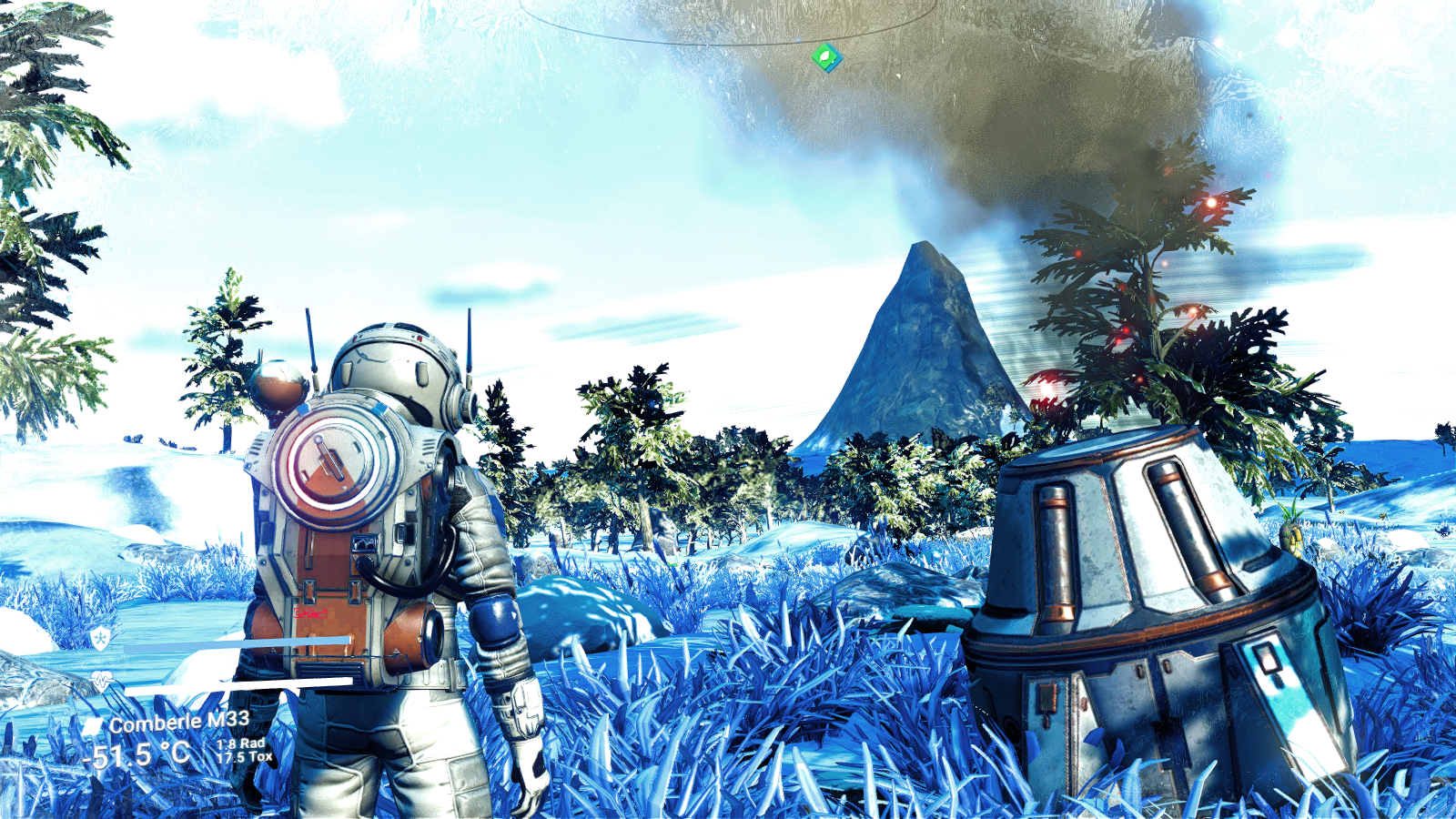
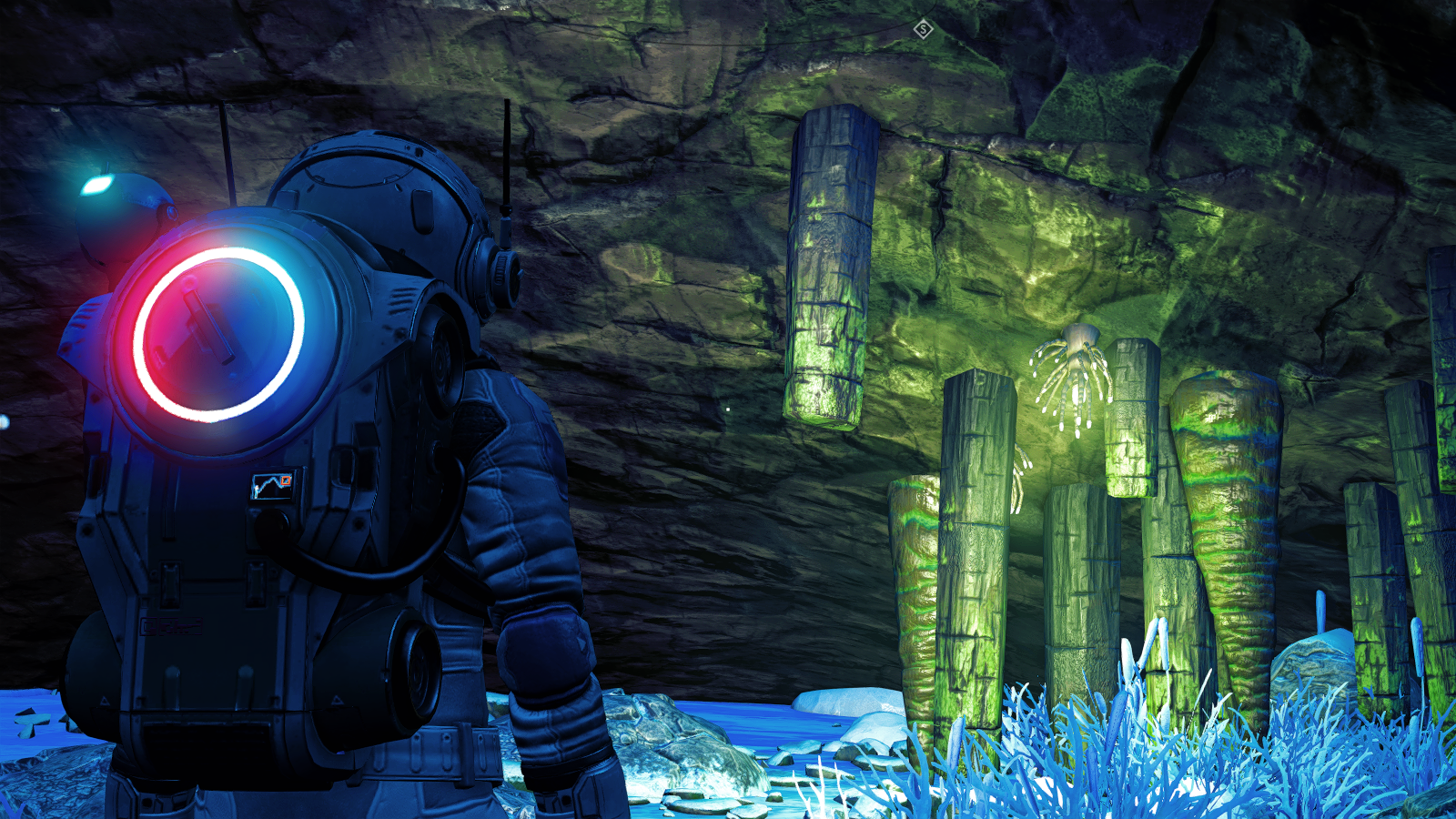
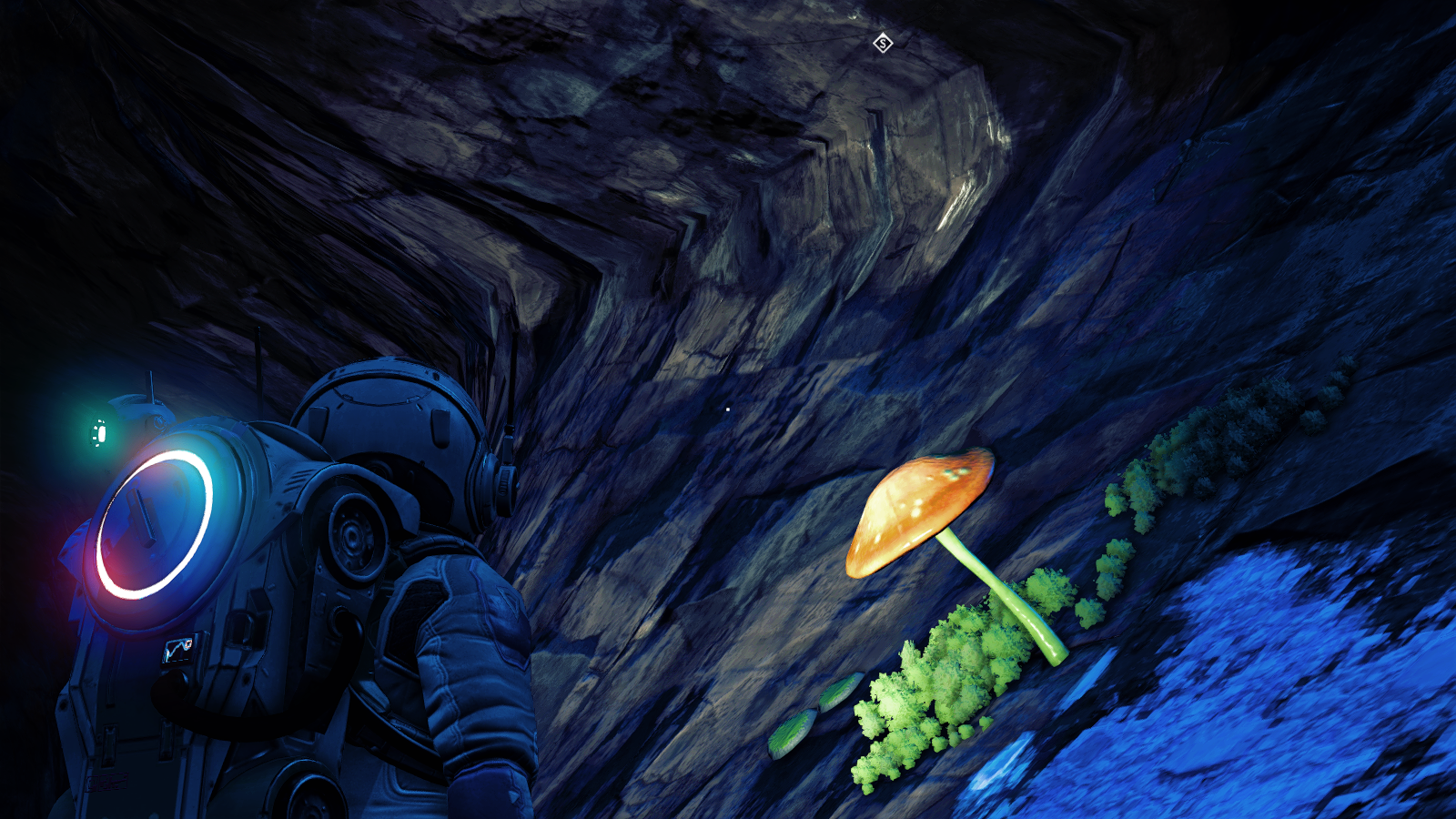
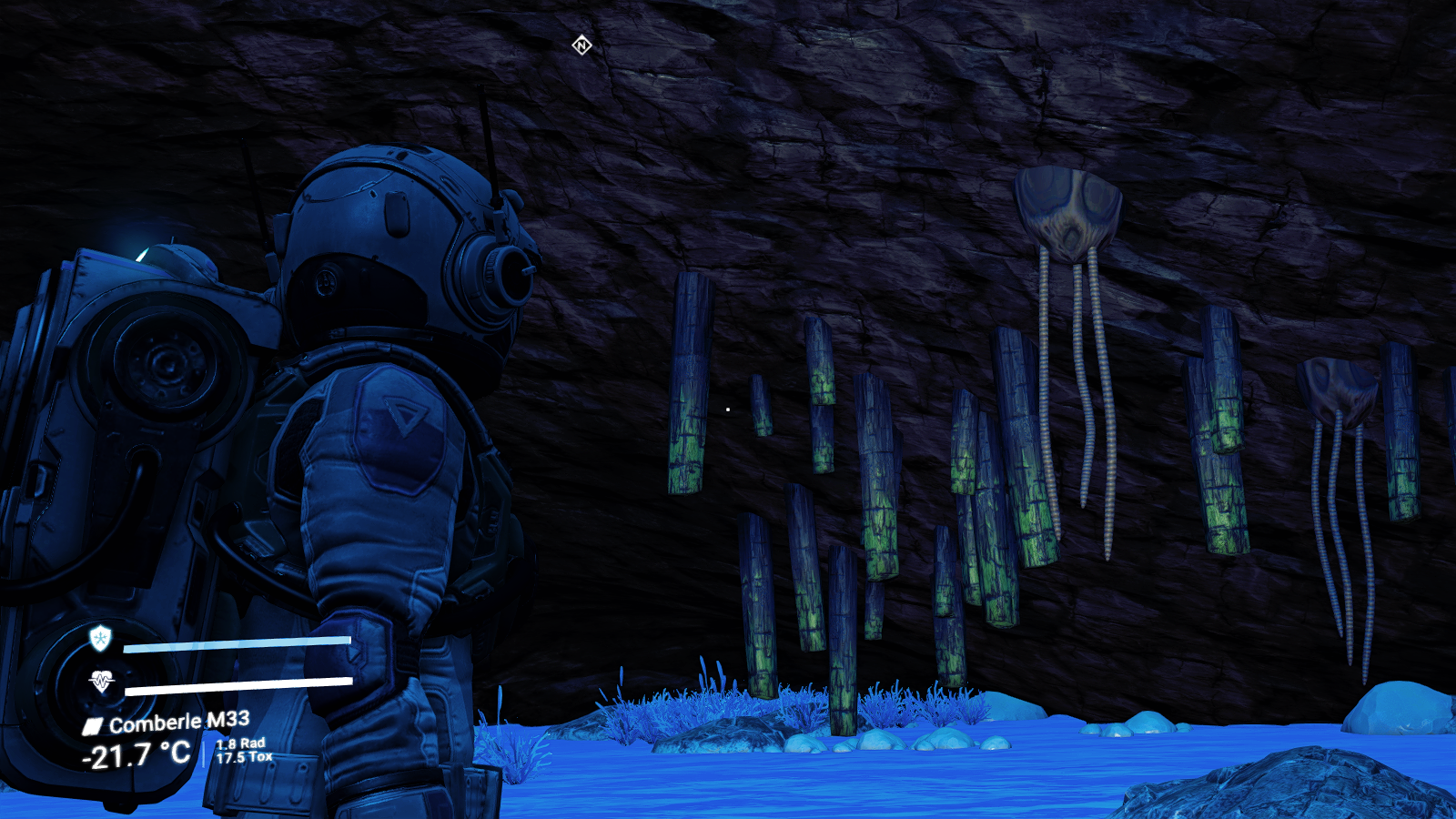
Installation and configuration:
Install last Reshade.
Unzip preset to the game executable folder. Overwrite everything.
ANTIALIAS MUST BE DISABLED IN GAME OPTIONS.
qUINT_mxao needs access to depth buffer.
Start the game (YOU MUST BE IN-GAME AND NOT IN THE MENU) and hit the HOME key for the Reshade overlay to show up.
Enable the DisplayDepth shader.
Now, if you can see the left half of the screen in weird colors and the right side in greyscale then it already works, turn off DisplayDepth and enjoy.
If you see a complete black screen, click on Add-ons at the top of the Reshade window and you will see all the depth buffers, you must click on each one of them until you can see the left half in weird colors and the right half on greyscale or black. If you can see the half-half color-grey then go back to Home and turn off the DisplayDepth shader. Done.
Now, if what you see is a black right side, go to the Home section, disable the Performance Mode, click on “Edit global processors definition”, change the value of RESHADE_DEPTH_IS_REVERSED from 0 to 1, and click on “Edit global processors definition” again.
That should do the trick, enable the Performance Mode again and disable the DisplayDepth shader. Done.
Credits:
dragoncosmico
Downloads
| Name | Format | Size |
|---|---|---|
| Reshade-preset.zip | ZIP | 24.04 MB |
To start download click the filename. To open archive files use one of these programs: WinRAR, 7-Zip, WinZip. Some mod archives may need to be extracted before the mods will work.