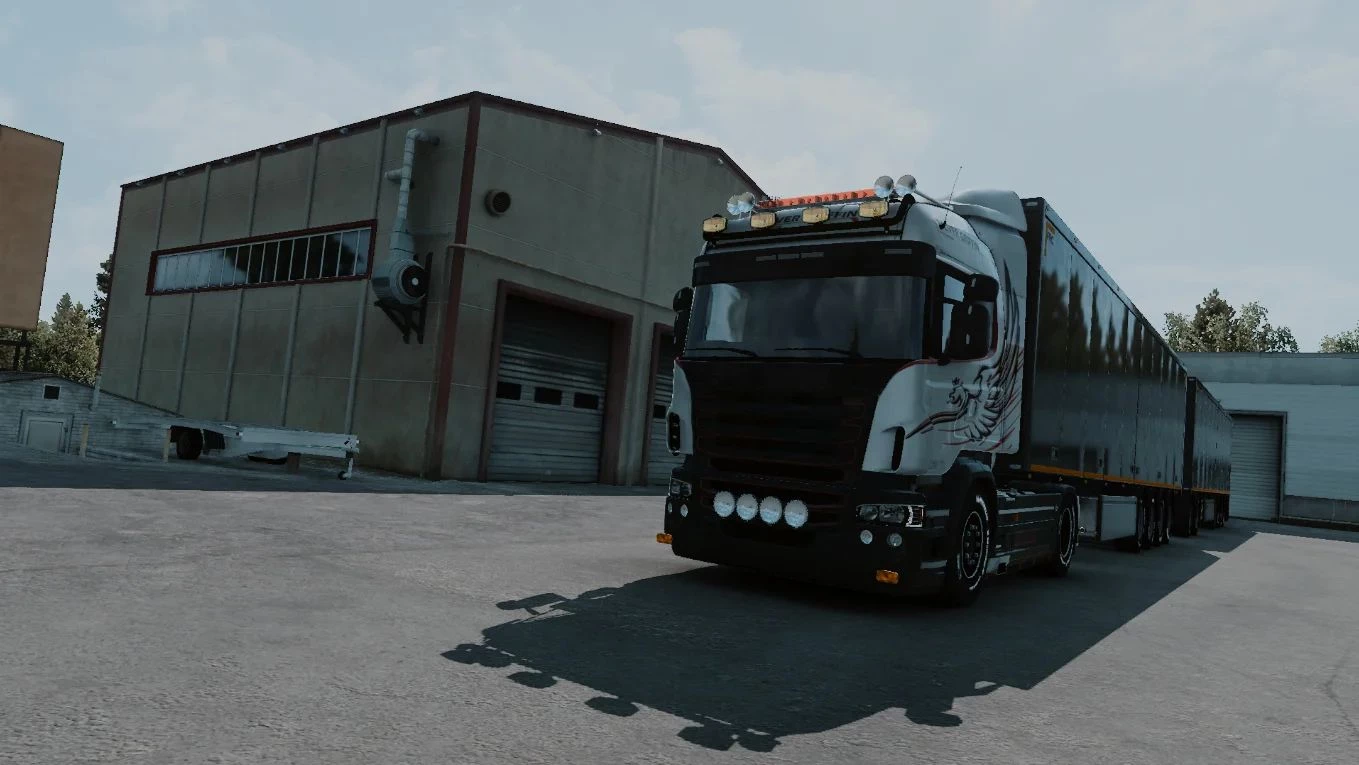
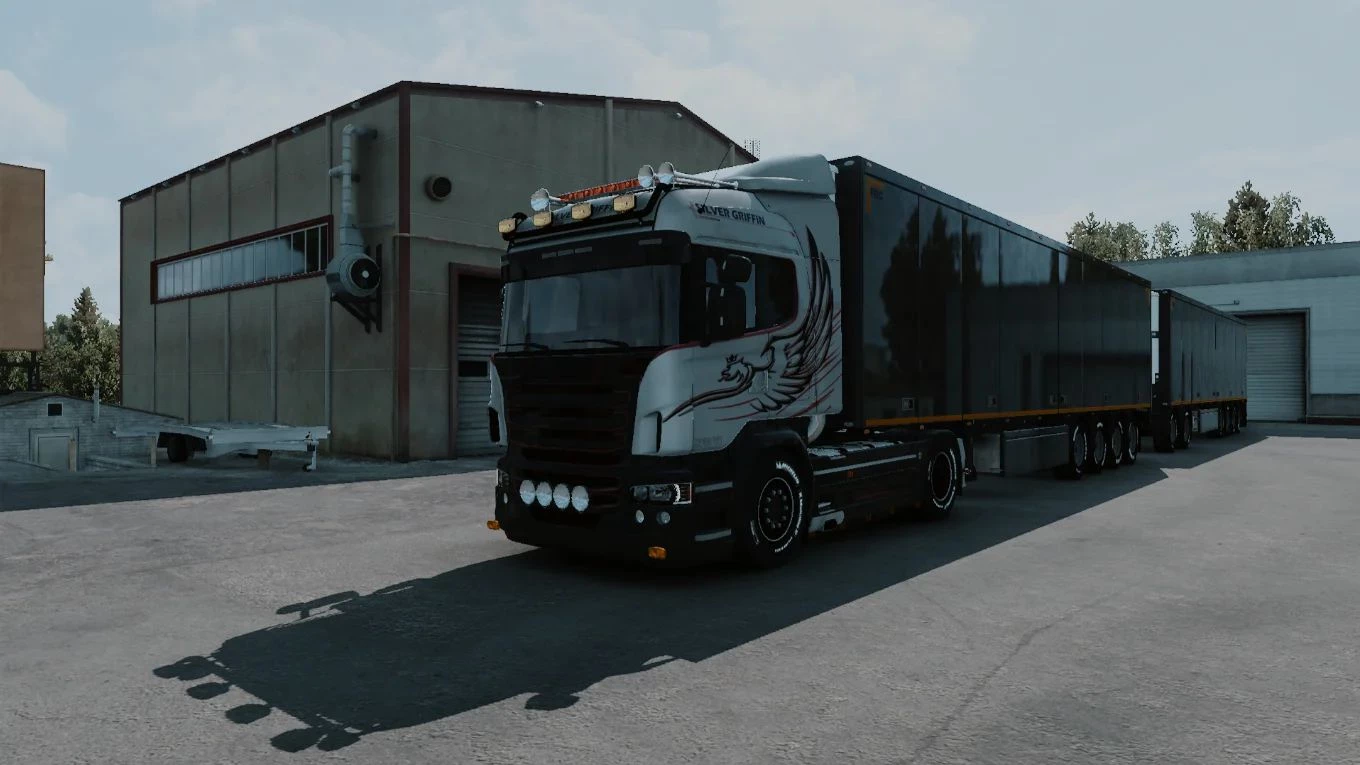
Zero Asset Bloat & Maximum FPS: Because it’s a pure ReShade preset, it won’t cause mod conflicts with your map expansions or truck mods.
Plus, the shaders are highly optimized so you get next-gen visuals with almost zero impact on your performance.
Requirements: ReShade
1. Extract the downloaded .zip file.
2. Open ReShade.exe, click Browse, and navigate to your Euro Truck Simulator 2 folder to select eurotrucks2.exe. Then, click Next.
3. Choose DirectX 10/11/12 and click Next.
4. Click Browse, select ocsmods_ets2_cinematic.ini from the extracted folder, and click Next.
5. Wait for the installation to finish.
Credits:
OCS Mods
Downloads
| Name | Format | Size |
|---|---|---|
| octsmods_ets2_cinematic.zip | ZIP | 29.85 MB |
To start download click the filename. To open archive files use one of these programs: WinRAR, 7-Zip, WinZip. Some mod archives may need to be extracted before the mods will work.